

Your Browsing History
- Free 30-day Returns
$28.89
Ships from China.


Meet Your Seller

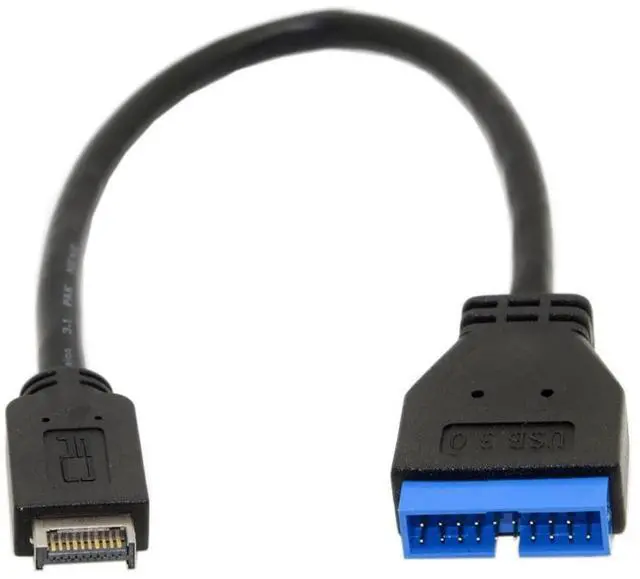
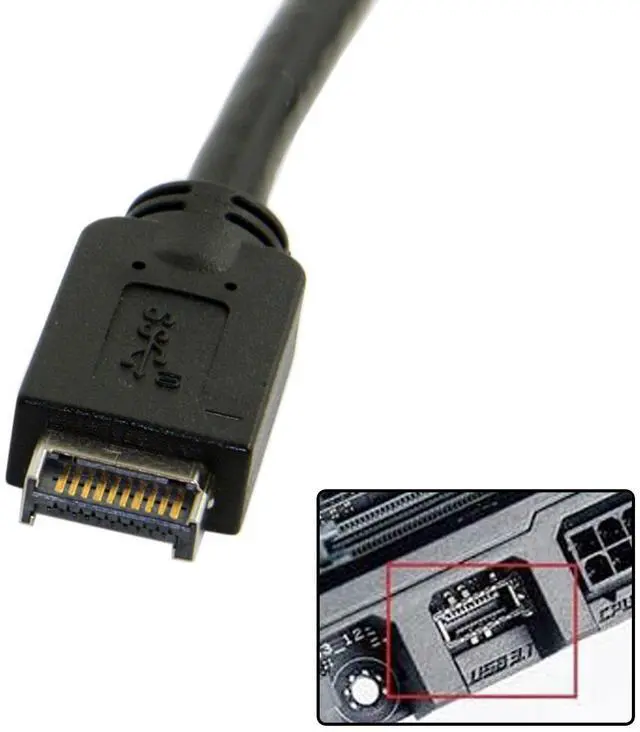
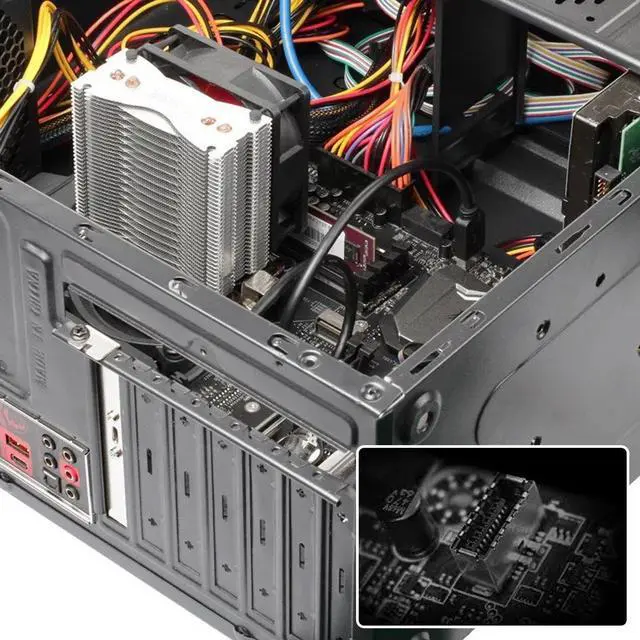
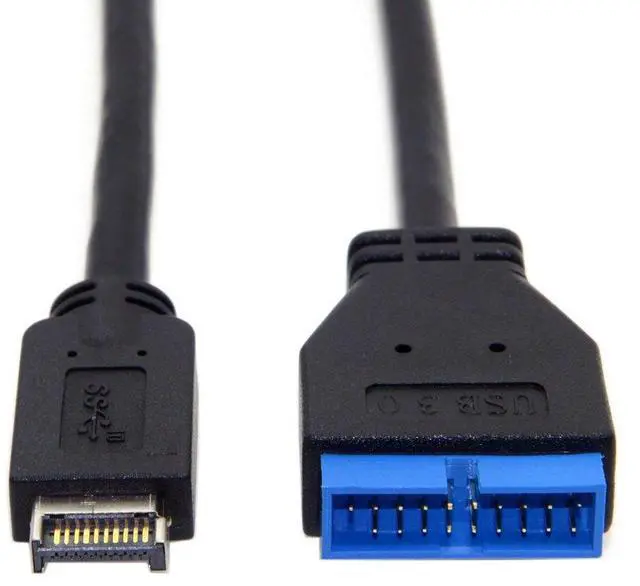
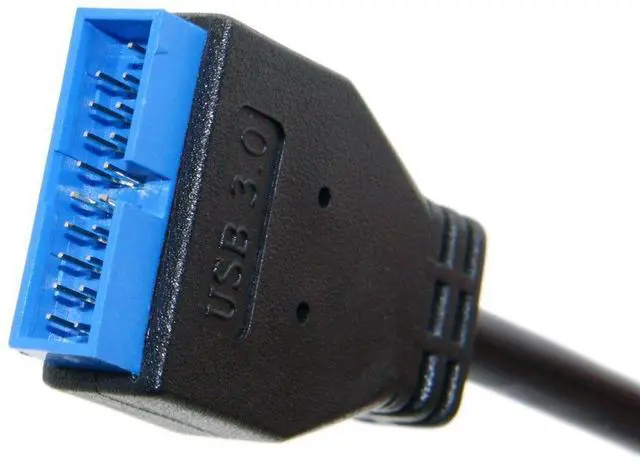
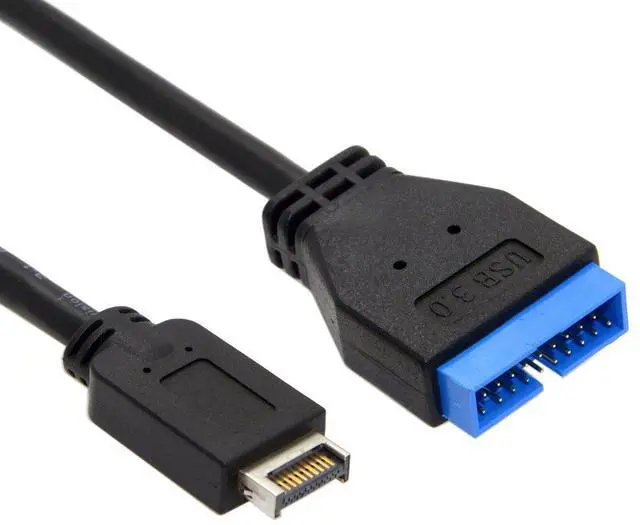
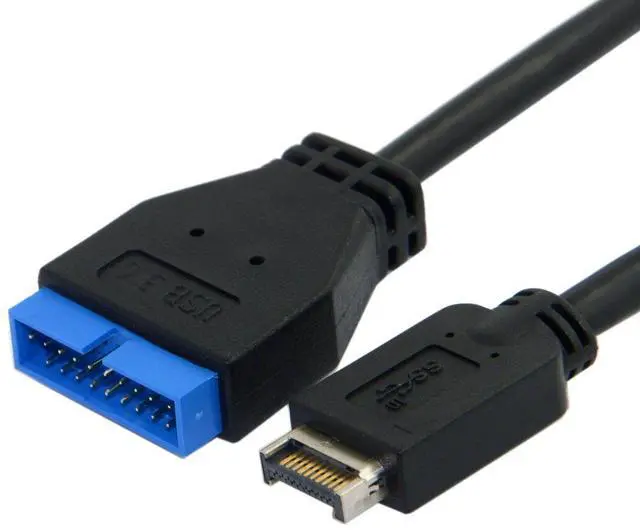


USB 3.0 19/20Pin to USB 3.1 Type-E Front Panel Header Motherboard Extension Cable Adapter 20cm
Limited time offer, ends 08/09 By EnYZME
- 1) Due to interface limitations, the Type-E interface is usually designed for single-channel output, which means it can only provide the output capability of a USB 3.0 interface. Therefore, it is not possible to directly convert two independent USB 3.0 interfaces through a Type-E interface.
- 2) The Type-E port supports 10Gbps USB Data from SSD/HDD. Doesn't support any audio,video and docking output, Not work for any PD power, DP alt mode.(The transmission speed depends on the motherboard Type-E port speed, the adapter does not change the speed)
- 3) When using a 19-pin to Type-C data cable, the Type-C interface can support USB3.0 or USB2.0 on the front, and only USB2.0 on the reverse.
- 4) When using a 19-pin to 2 Type-A port data cable, one A port only has USB3.0 function, and the other A port only has USB2.0 function.
- 5) When using a 19-pin to a single Type-A port data cable, it may only have USB2.0 function (no USB3.0),or it may only have USB3.0 function (no USB2.0), because each cable
+
+
Overview
Specs
Reviews

Any questions? Our AI mode will help you find out quickly.
Try me now
1) Due to interface limitations, the Type-E interface is usually designed for single-channel output, which means it can only provide the output capability of a USB 3.0 interface. Therefore, it is not possible to directly convert two independent USB 3.0 interfaces through a Type-E interface.
2) The Type-E port supports 10Gbps USB Data from SSD/HDD. Doesn't support any audio, video and docking output, Not work for any PD power, DP alt mode. (The transmission speed depends on the motherboard Type-E port speed, the adapter does not change the speed)
3) When using a 19-pin to Type-C data cable, the Type-C interface can support USB 3.0 or USB 2.0 on the front, and only USB 2.0 on the reverse.
4) When using a 19-pin to 2 Type-A port data cable, one A port only has USB 3.0 function, and the other A port only has USB 2.0 function.
5) When using a 19-pin to a single Type-A port data cable, it may only have USB 2.0 function (no USB 3.0 ), or it may only have USB 3.0 function (no USB 2.0 ), because each cable has different definitions, so the final USB function is different;
2) The Type-E port supports 10Gbps USB Data from SSD/HDD. Doesn't support any audio, video and docking output, Not work for any PD power, DP alt mode. (The transmission speed depends on the motherboard Type-E port speed, the adapter does not change the speed)
3) When using a 19-pin to Type-C data cable, the Type-C interface can support USB 3.0 or USB 2.0 on the front, and only USB 2.0 on the reverse.
4) When using a 19-pin to 2 Type-A port data cable, one A port only has USB 3.0 function, and the other A port only has USB 2.0 function.
5) When using a 19-pin to a single Type-A port data cable, it may only have USB 2.0 function (no USB 3.0 ), or it may only have USB 3.0 function (no USB 2.0 ), because each cable has different definitions, so the final USB function is different;
Warranty & Returns
Warranty, Returns, And Additional Information
Warranty
- Please contact the Seller directly for warranty information. Warranty information may also be found on the Manufacturer's website.
- CONTACT
Return Policies
- Return for refund within: 30 days
- Return for replacement within: 30 days
- This item is covered by EnYZME Return Policy
Manufacturer Contact Info
- For a directory of all our manufacturers, please click below.
- Manufacturers Directory
LOADING...