Out of stock
  • $55.99
  • Free 30-day Returns
Most customers receive within 5-9 days.
Price alert
Sold by GGnix

Shipped by GGnix

Shop it at NeweggBusiness.

Meet Your Seller

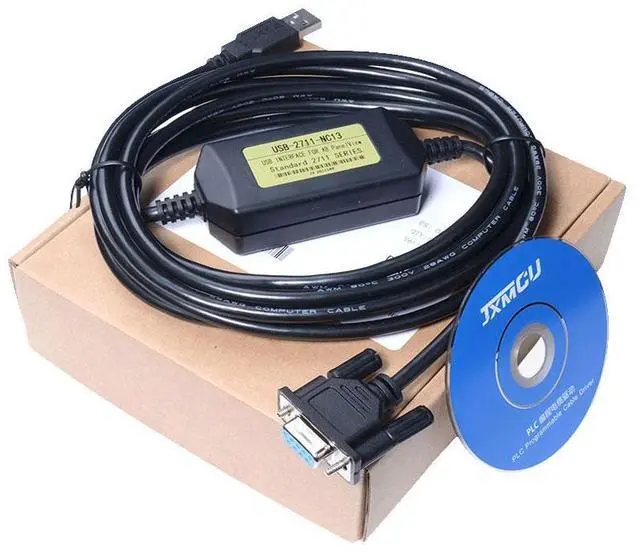
USB-2711-NC13 PLC Programming Cable for Allen Bradley A-B PanelView HMI

  • This is a direct replacement cable for Allen Bradley Programming Cable USB 2711-NC13 2711-NC14 2706-NC13, necessary for communication/programming from the USB port on the PC to your PanelView, PanelView Plus, or VersaView CE
  • The USB-2711-NC13/2711-NC14 cable is a programming cable used to connect an Allen Bradley PanelView touch screen display to a personal computer (PC) for communication and programming purposes. This cable can be used with Panelview devices that have a USB port and are equipped with a touch screen display. It is important to make sure that you are using the correct cable for your specific device, as different models may require different cables.
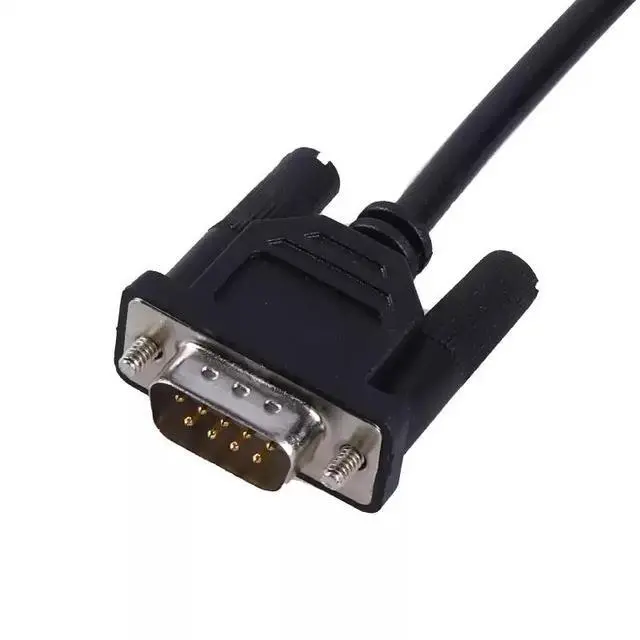
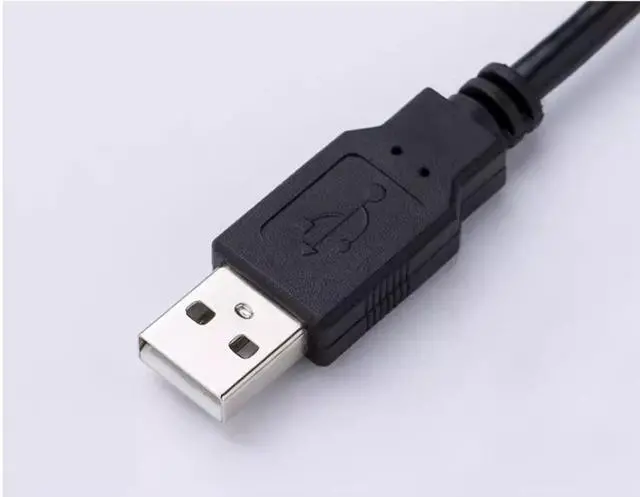
  • To use the USB-2711-NC13/2711-NC14 programming cable, you will need to connect one end of the cable to the USB port on your PC and the other end to the port on your Panelview device. Once the cable is connected, you should be able to communicate with and program your Panelview device using the appropriate software on your PC. Please note that you may need to install drivers for the cable on your PC in order for it to work properly.
+
+
Overview
Specs
Reviews
avatar

Any questions? Our AI beta will help you find out quickly.

This is a direct replacement cable for Allen Bradley Programming Cable USB 2711-NC13 2711-NC14 2706-NC13, necessary for communication/programming from the USB port on the PC to your PanelView, PanelView Plus, or VersaView CE

The USB-2711-NC13/2711-NC14 cable is a programming cable used to connect an Allen Bradley PanelView touch screen display to a personal computer (PC) for communication and programming purposes. This cable can be used with Panelview devices that have a USB port and are equipped with a touch screen display. It is important to make sure that you are using the correct cable for your specific device, as different models may require different cables.

To use the USB-2711-NC13/2711-NC14 programming cable, you will need to connect one end of the cable to the USB port on your PC and the other end to the port on your Panelview device. Once the cable is connected, you should be able to communicate with and program your Panelview device using the appropriate software on your PC. Please note that you may need to install drivers for the cable on your PC in order for it to work properly.


Warranty & Returns

Warranty, Returns, And Additional Information

Warranty

  • Please contact the Seller directly for warranty information. Warranty information may also be found on the Manufacturer's website.
  • CONTACT

Return Policies

  • Return for refund within: 30 days
  • Return for replacement within: 30 days
  • This item is covered by GGnix Return Policy

Manufacturer Contact Info

LOADING...