

Your Browsing History

Meet Your Seller

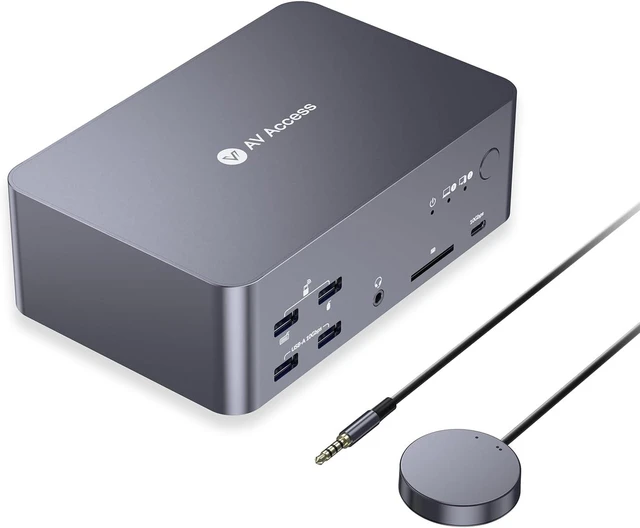



AV Access KVM Switch 3 Monitors 2 Computers KVM Docking 8K@60Hz
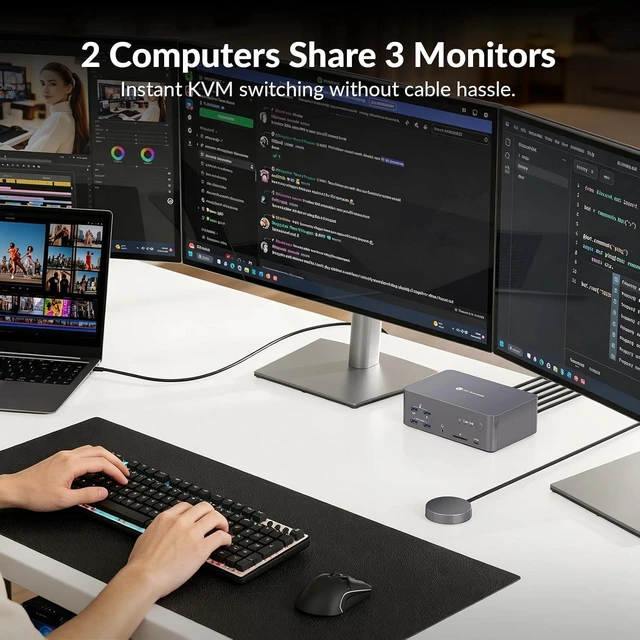
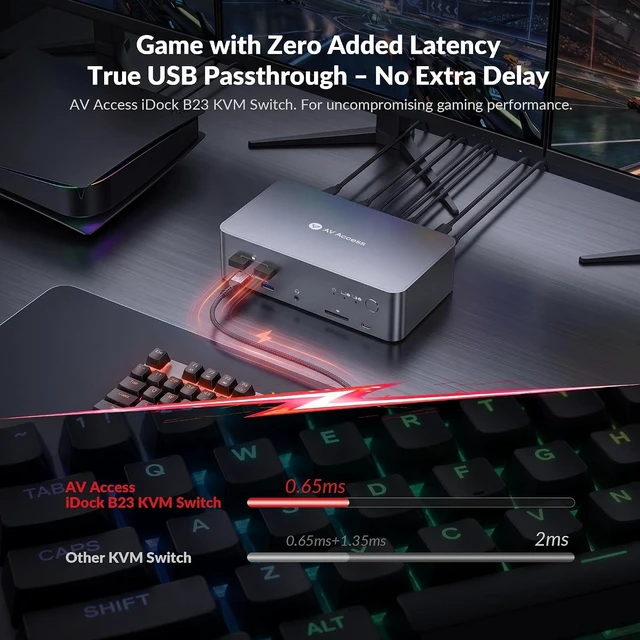
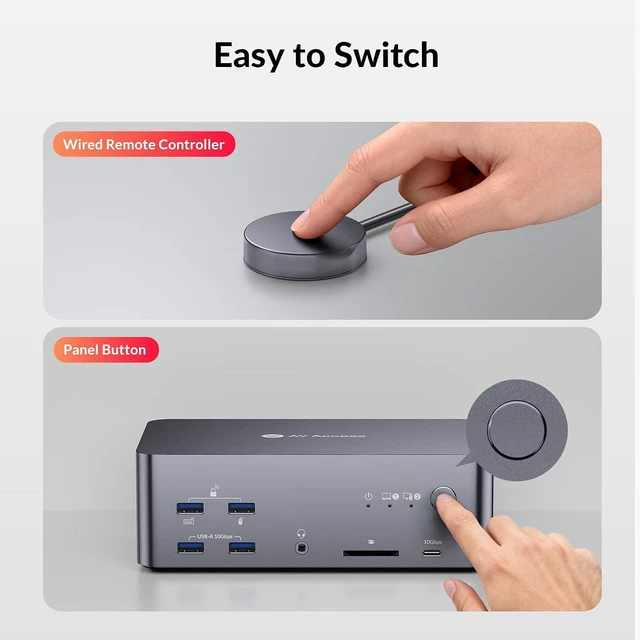
- One Triple-Monitor Setup for Laptop & DesktopBring one USB C laptop and one desktop PC into a single triple-monitor setup with this KVM docking station. Share up to three displays, a keyboard, mouse, USB peripherals, network, and audio between both computers, then switch them together using the top-mounted button or included wired remoteno repeated display or peripheral swapping between systems.
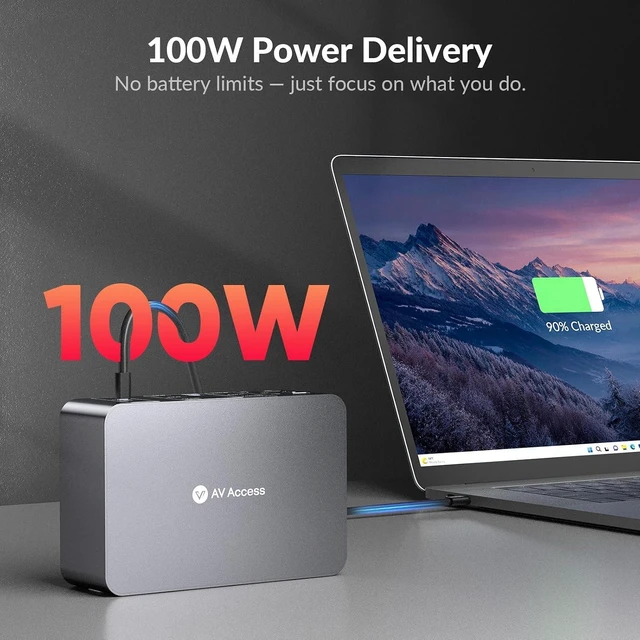
- One USB C Cable for Video, Data & Up to 100W ChargingRun your laptop setup through one full-featured USB C connection for display output, data transfer, and up to 100W Power Delivery. Keep working across your monitors and shared peripherals while the laptop continues receiving power, without connecting a separate charging cable directly to it. Fewer laptop-side connections mean less cable clutter and a cleaner desk.
- 8K@60Hz & 4K@165Hz for Detailed Work and Smooth GamingGet high resolution when detail matters and high refresh rates when smoother motion matters. The desktop PC supports
+
+
Overview
Reviews

Any questions? Our AI mode will help you find out quickly.
Try me now
1FreeSync & G-SYNC2Auto Wake-up Your PC310Gbps USB3.24Connection Diagram5USB Passthrough1100W Fast Charging2Check Before Purchasing3Full Aluminum Design12 Ways Switch2Always-On Ethernet3For Gaming & Work
Can this KVM dock connect one laptop and one desktop computer?
Yes. The iDock B23 supports aUSB-C laptop and a desktop PC. The laptop connects through USB-C, while the desktop connects through HDMI, DisplayPort, and USB host connections.
Can it run three monitors from one laptop?
Yes. Compatible Windows laptops supporting USB-C DP Alt Mode, MST, and DSC can output up to: 4K@60Hz + 4K@60Hz + 4K@30Hz
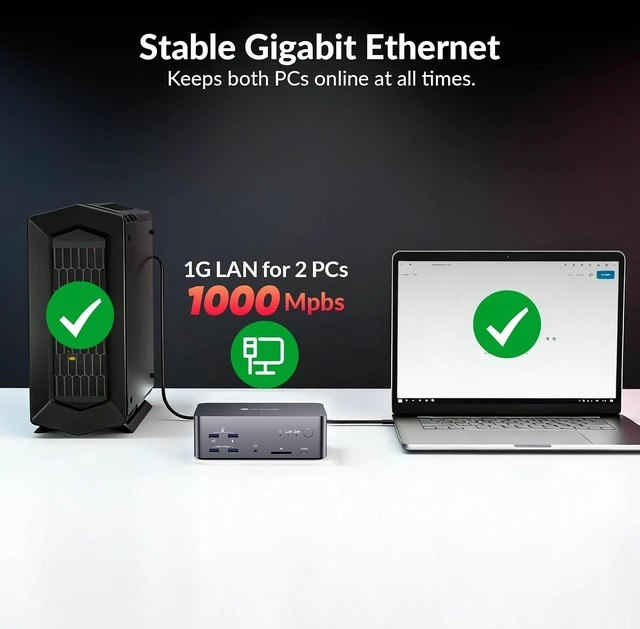
Does the Ethernet port work for both computers?
Yes. The built-in Gigabit Ethernet port supports network connectivity for both connected systems.
Does it require drivers?
No drivers are required for normal KVM operation. Simply connect your devices and switch between computers.
What cables are recommended?
For best performance: HDMI 2.1 certified cables for 8K/high refresh HDMI, DP 2.0/DP 1.4 certified cables for DisplayPort outputs, Short high-quality cables are recommended for maximum bandwidth.
AV Access KVM Docking 4K@60Hz 1080P@240Hz Video (Laptop) 4K@60Hz 1080P@240Hz 8K@60Hz 5K@120Hz Video (Desktop) 4K@60Hz 1080P@240Hz Triple monitor Multiple Outputs Dual monitor × EDID Emulation 100w Power Delivery 100w 1G Ethernet connection 2.5G 4K@60Hz 1080P@240Hz Video (Laptop) 4K@60Hz 1080P@240Hz 8K@60Hz 5K@120Hz Video (Desktop) 4K@60Hz 1080P@240Hz Triple monitor Multiple Outputs Dual monitor × EDID Emulation 100w Power Delivery 65W 1G Ethernet connection 1G 4K@60Hz 1080P@240Hz Video (Laptop) 4K@60Hz 1080P@240Hz 8K@60Hz 5K@120Hz Video (Desktop) - Triple monitor Multiple Outputs Dual monitor × EDID Emulation 100w Power Delivery 65W 1G Ethernet connection 1G 4K@60Hz 1080P@240Hz Video (Laptop) 4K@60Hz 1080P@240Hz 8K@60Hz 5K@120Hz Video (Desktop) - Triple monitor Multiple Outputs Dual monitor × EDID Emulation 100w Power Delivery 100w Need 2 Adapters 1G Ethernet connection 1G Can this KVM dock connect one laptop and one desktop computer?
Can it run three monitors from one laptop?
Does the Ethernet port work for both computers?
Does it require drivers?
What cables are recommended?
Can this KVM dock connect one laptop and one desktop computer?
Yes. The iDock B23 supports aUSB-C laptop and a desktop PC. The laptop connects through USB-C, while the desktop connects through HDMI, DisplayPort, and USB host connections.
Can it run three monitors from one laptop?
Yes. Compatible Windows laptops supporting USB-C DP Alt Mode, MST, and DSC can output up to: 4K@60Hz + 4K@60Hz + 4K@30Hz
Does the Ethernet port work for both computers?
Yes. The built-in Gigabit Ethernet port supports network connectivity for both connected systems.
Does it require drivers?
No drivers are required for normal KVM operation. Simply connect your devices and switch between computers.
What cables are recommended?
For best performance: HDMI 2.1 certified cables for 8K/high refresh HDMI, DP 2.0/DP 1.4 certified cables for DisplayPort outputs, Short high-quality cables are recommended for maximum bandwidth.
AV Access KVM Docking 4K@60Hz 1080P@240Hz Video (Laptop) 4K@60Hz 1080P@240Hz 8K@60Hz 5K@120Hz Video (Desktop) 4K@60Hz 1080P@240Hz Triple monitor Multiple Outputs Dual monitor × EDID Emulation 100w Power Delivery 100w 1G Ethernet connection 2.5G 4K@60Hz 1080P@240Hz Video (Laptop) 4K@60Hz 1080P@240Hz 8K@60Hz 5K@120Hz Video (Desktop) 4K@60Hz 1080P@240Hz Triple monitor Multiple Outputs Dual monitor × EDID Emulation 100w Power Delivery 65W 1G Ethernet connection 1G 4K@60Hz 1080P@240Hz Video (Laptop) 4K@60Hz 1080P@240Hz 8K@60Hz 5K@120Hz Video (Desktop) - Triple monitor Multiple Outputs Dual monitor × EDID Emulation 100w Power Delivery 65W 1G Ethernet connection 1G 4K@60Hz 1080P@240Hz Video (Laptop) 4K@60Hz 1080P@240Hz 8K@60Hz 5K@120Hz Video (Desktop) - Triple monitor Multiple Outputs Dual monitor × EDID Emulation 100w Power Delivery 100w Need 2 Adapters 1G Ethernet connection 1G Can this KVM dock connect one laptop and one desktop computer?
Can it run three monitors from one laptop?
Does the Ethernet port work for both computers?
Does it require drivers?
What cables are recommended?
Warranty & Returns
Warranty, Returns, And Additional Information
Warranty
- Please contact the Seller directly for warranty information. Warranty information may also be found on the Manufacturer's website.
- CONTACT
Return Policies
- Return for refund within: 30 days
- Return for replacement within: 30 days
- This item is covered by FluffyNest Return Policy
Manufacturer Contact Info
- For a directory of all our manufacturers, please click below.
- Manufacturers Directory
LOADING...