

Your Browsing History


Meet Your Seller

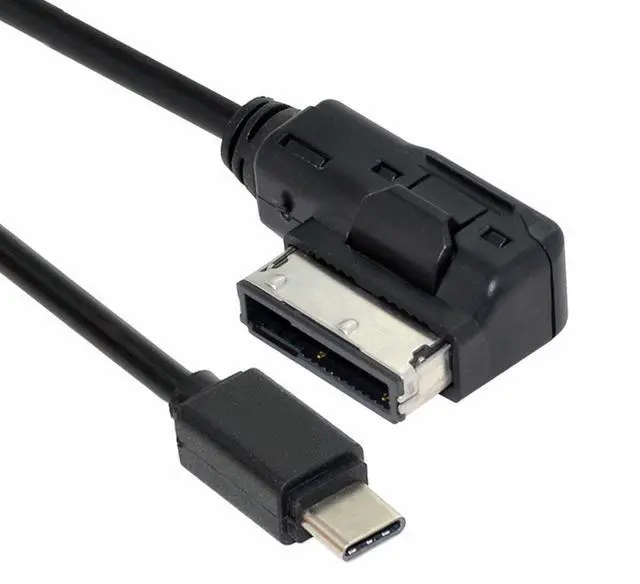
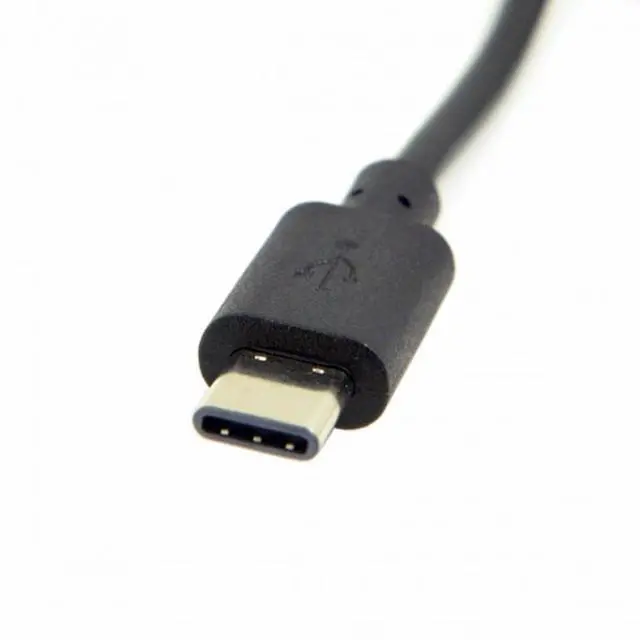
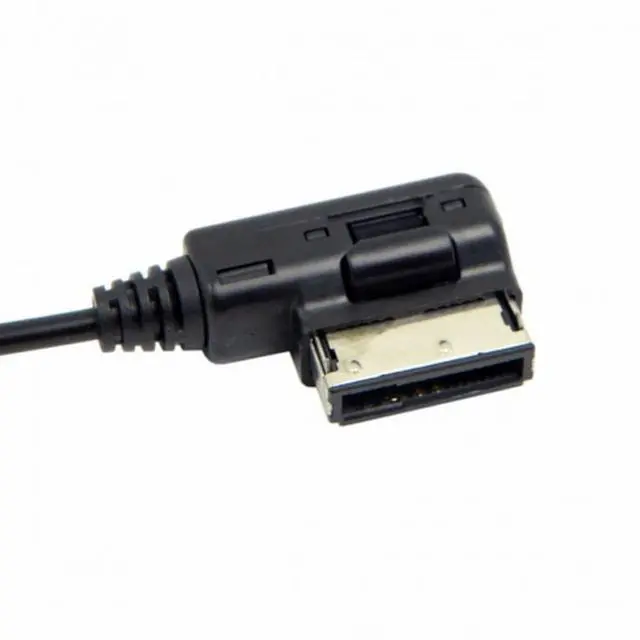
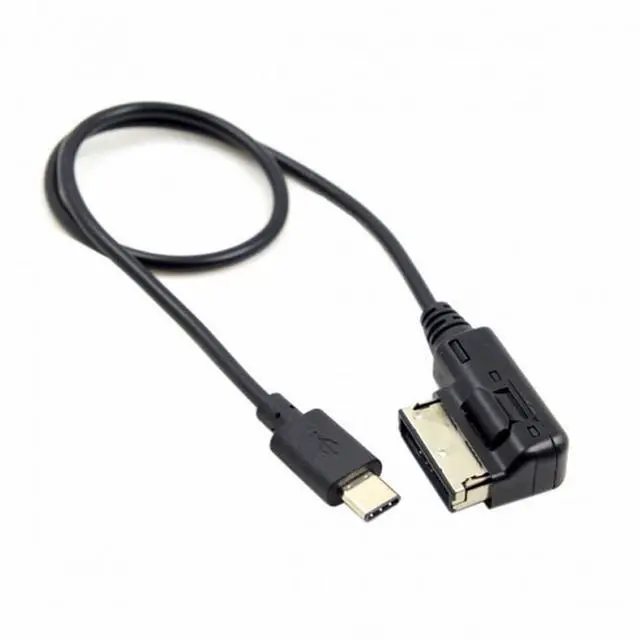
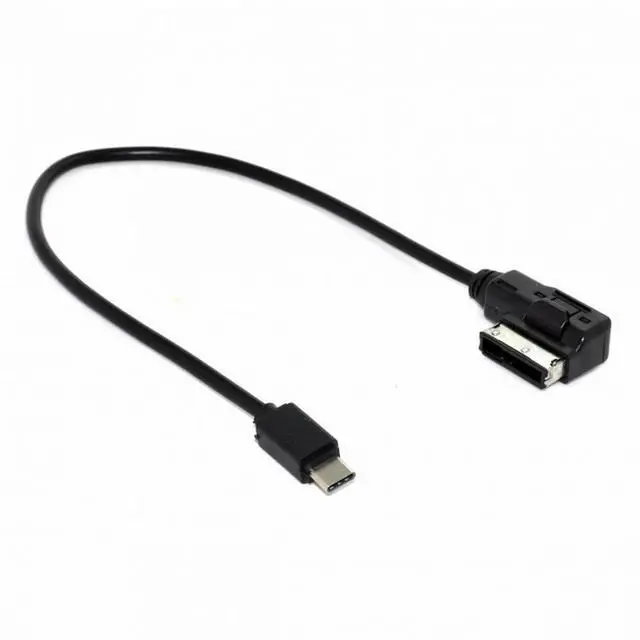
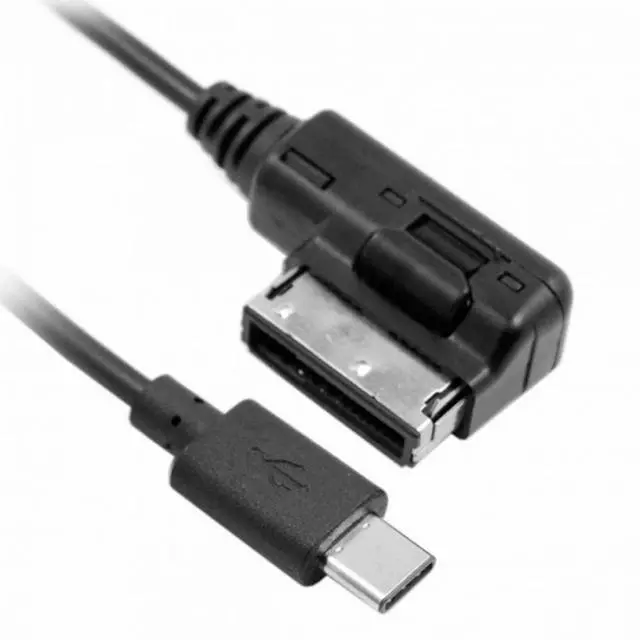


Media In AMI MDI USB-C USB 3.1 Type-C Charge Adapter Cable For Car VW AUDI 2014 A4 A6 Q5 Q7
- Media In AMI MDI USB-C USB 3.1 Type-C Charge Adapter Cable For Car VW AUDI 2014 A4 A6 Q5 Q7
- Lossless Sound Quality - This AMI Aux Cord for Phone adopts the upgraded original audio chips to ensures stable and no loss transmission of audio signal, provide flawlessly music transmission and HIFI sound quality.Enjoy your music with this Phone MMI cord.
- Plug and Play - After connection is done,turn on car stereo, switch to MEDIA mode manually on car stereo.Then Switch the source to Aux mode (External audio input)
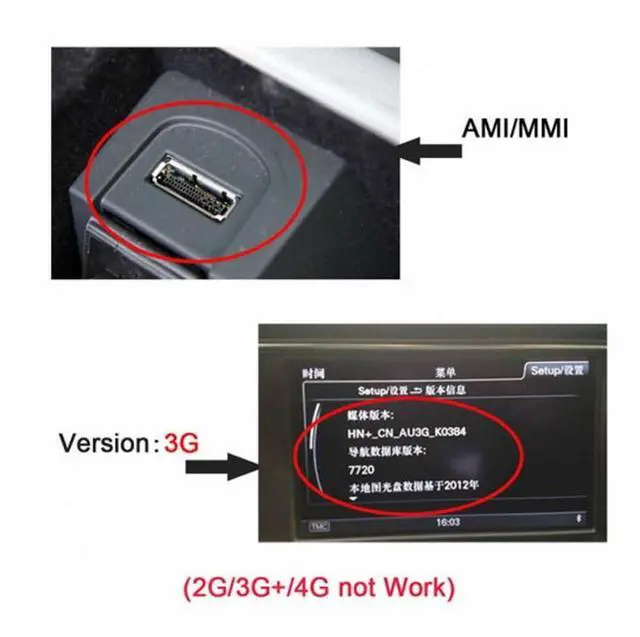
- Suitable for Audi MMI 3G only,MMI 2G and Others Audi navigation systems transit audio only, couldn at charge the phone.How to distinguish MMI version ? The easiest way is to check the software version that is loaded in the system.To do this, enter the car menu by pressing the CAR button, then press SETUP or MENU, then select the "Version" submenu and read the value from the line marked with the letters "BNav" or "HNav"
- This cable transmits audio signals only, no content is displayed on the Multi-Media Interface (MMI) screen,phone call is not supported. Please check your Audi MMI version before purchasing.
+
+
Overview
Specs
Reviews

Any questions? Our AI mode will help you find out quickly.
Try me now
Media In AMI MDI USB-C USB 3.1 Type-C Charge Adapter Cable For Car VW AUDI 2014 A4 A6 Q5 Q7
Lossless Sound Quality - This AMI Aux Cord for Phone adopts the upgraded original audio chips to ensures stable and no loss transmission of audio signal, provide flawlessly music transmission and HIFI sound quality.Enjoy your music with this Phone MMI cord.
Plug and Play - After connection is done,turn on car stereo, switch to MEDIA mode manually on car stereo.Then Switch the source to Aux mode (External audio input)
Suitable for Audi MMI 3G only,MMI 2G and Others Audi navigation systems transit audio only, couldn at charge the phone.How to distinguish MMI version ? The easiest way is to check the software version that is loaded in the system.To do this, enter the car menu by pressing the CAR button, then press SETUP or MENU, then select the "Version" submenu and read the value from the line marked with the letters "BNav" or "HNav"
This cable transmits audio signals only, no content is displayed on the Multi-Media Interface (MMI) screen,phone call is not supported. Please check your Audi MMI version before purchasing.
Warranty & Returns
Warranty, Returns, And Additional Information
Warranty
- Please contact the Seller directly for warranty information. Warranty information may also be found on the Manufacturer's website.
- CONTACT
Return Policies
- Return for refund within: 30 days
- Return for replacement within: 30 days
- This item is covered by NGFF Adapter PCI-E Accessories Return Policy
Manufacturer Contact Info
- For a directory of all our manufacturers, please click below.
- Manufacturers Directory
LOADING...