• $13.66
  • Free 30-day Returns
  • Ships from China.
    Price alert
    Shop it at NeweggBusiness.

    AJMRTC 150cm USB-C PD Trigger Cable, USB 3.1 Type-C Male 20V PD Input to DC 12V 5.5x2.1mm Output Plug, PD Emulator Power Cord for LED Strip, Router, CCTV Camera, 12V Low Voltage Equipment

    Limited time offer, ends 11/29 By ‌ConnectFlow USA

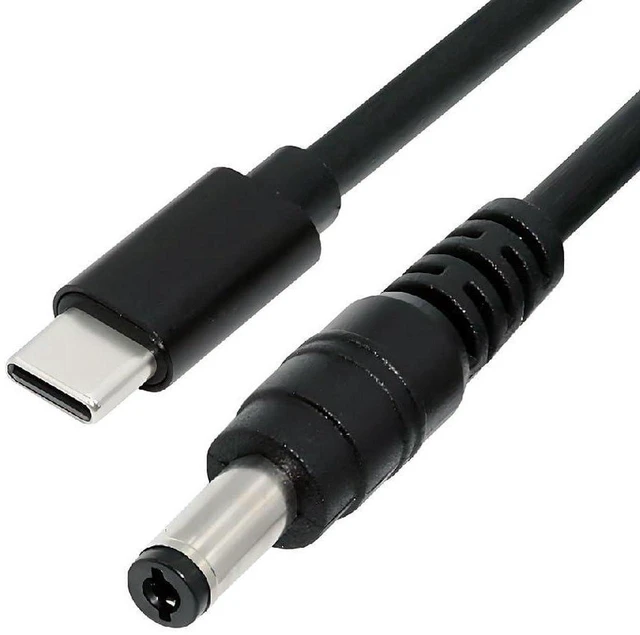
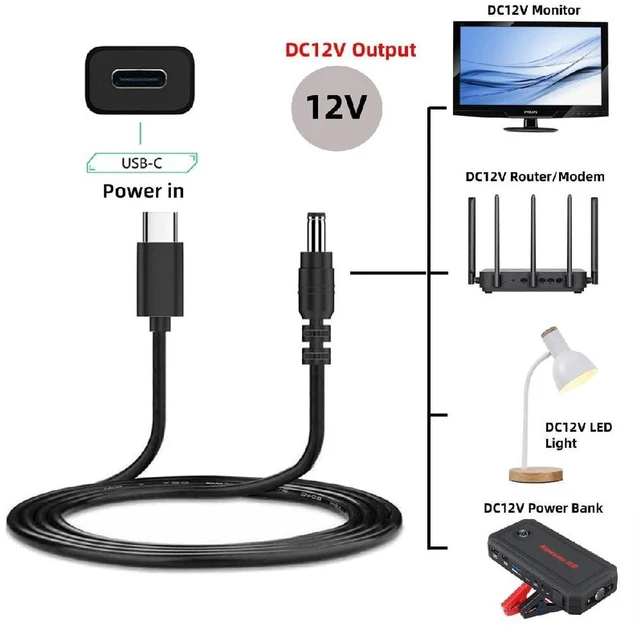
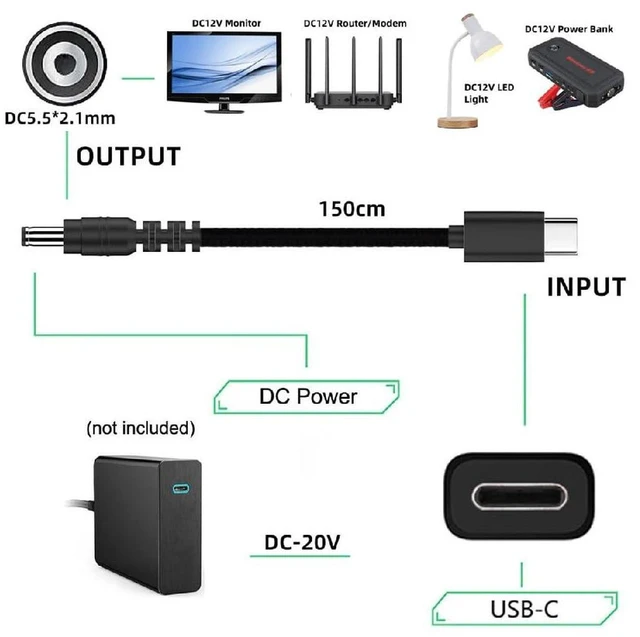
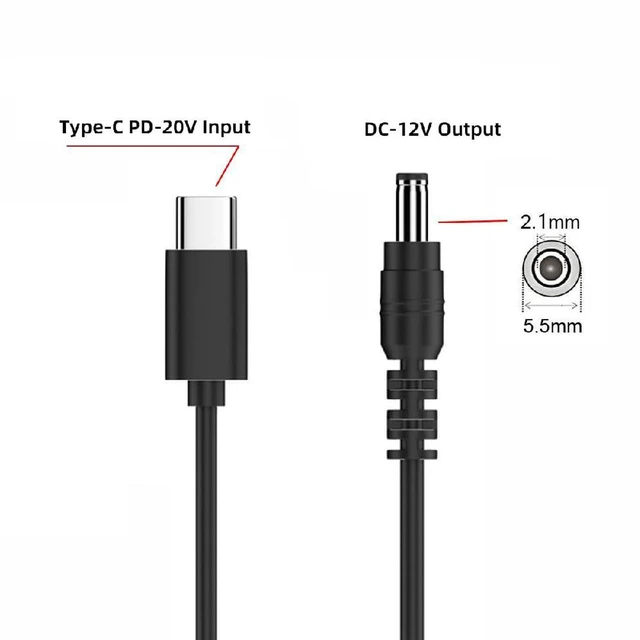
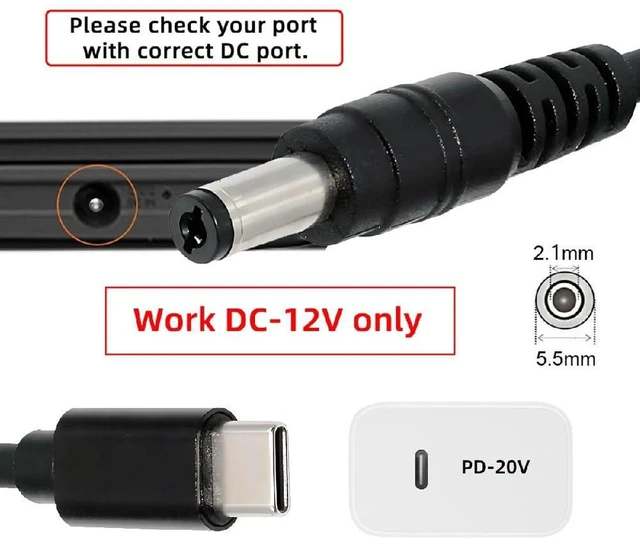
    • 1. PD emulator trigger design, takes 20V USB-C PD input and converts to stable DC 12V output via 5.5x2.1mm DC plug.
    • 2. 150cm long cable provides flexible placement, convenient for stationary device installation at a distance.
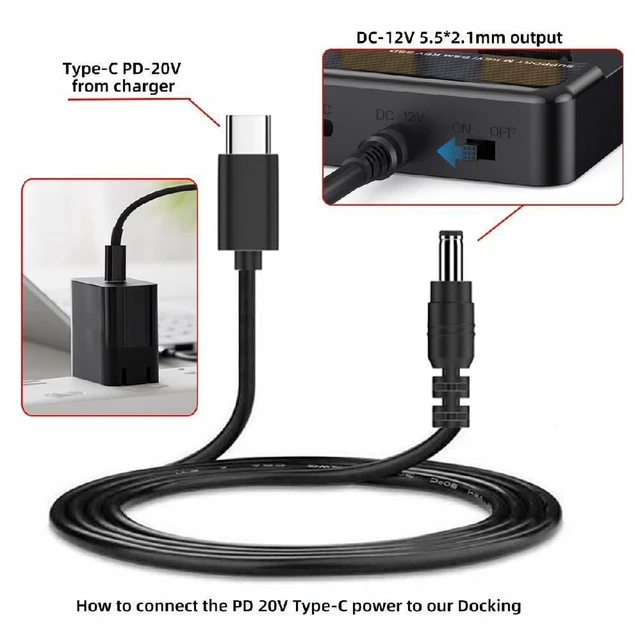
    • 3. Works with USB-C PD power adapters to power 12V devices without dedicated DC power supply.
    • 4. Built-in protection circuit guards against over-current, over-voltage and short circuit for safe operation.
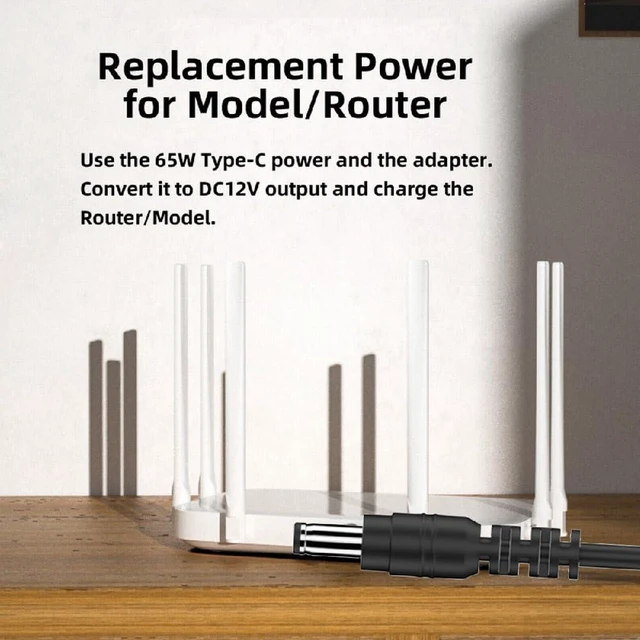
    • 5. Wide compatibility for LED strips, routers, CCTV cameras and other devices with 5.5x2.1mm DC 12V jack.
    +
    +
    Overview
    Specs
    Reviews

    Any questions? Ask CelesteSM will help you find out quickly.

    AJMRTC USB-C PD trigger cable acts as a PD emulator, drawing 20V power from USB-C PD power sources and outputting steady DC 12V through 5.5x2.1mm DC barrel connector. The 150-centimeter length offers extra reach for your setup. Integrated safety protection prevents damage from short circuit, overvoltage and overcurrent. This cord lets you use USB-C PD chargers to power 12V gadgets such as LED strips, routers and surveillance cameras. Simple plug and play, no extra drivers needed.


    Specifications
    1. Brand: AJMRTC
    2. Cable Length: 150cm
    3. Input: USB 3.1 Type-C Male (PD 20V trigger)
    4. Output: DC 12V, 5.5x2.1mm Barrel Plug
    5. Type: PD Emulator Trigger Cable
    6. Protection: Over-current, Over-voltage, Short Circuit Protection
    7. Function: Convert USB-C PD power to DC12V power supply
    8. Compatible Devices: LED Strip, Router, CCTV Camera, 12V devices with 5.5x2.1mm DC port


    Warranty & Returns

    Warranty, Returns, And Additional Information

    Warranty

    • Please contact the Seller directly for warranty information. Warranty information may also be found on the Manufacturer's website.
    • CONTACT

    Return Policies

    Manufacturer Contact Info

    LOADING...