Your Browsing History
Meet Your Seller
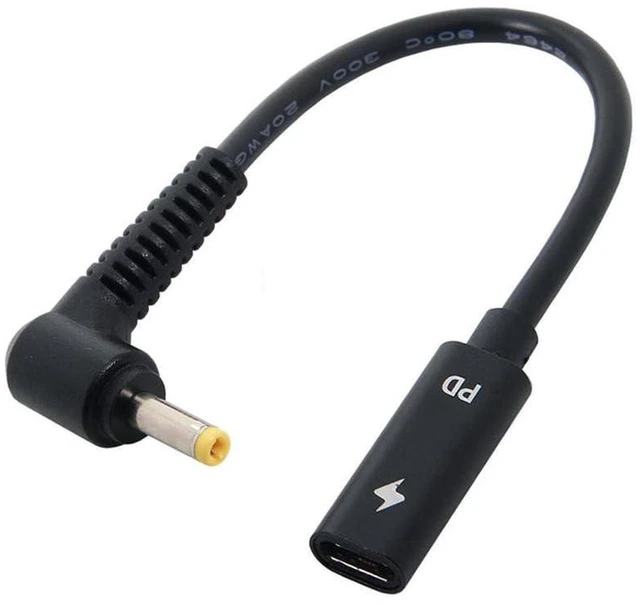
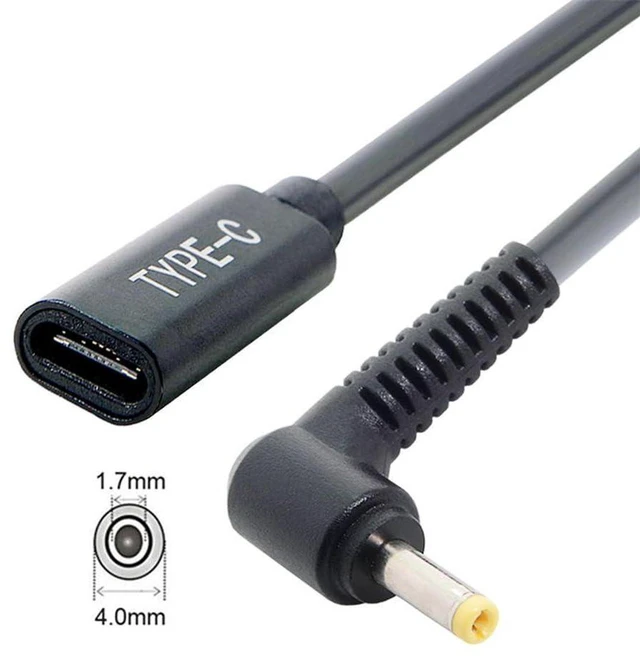
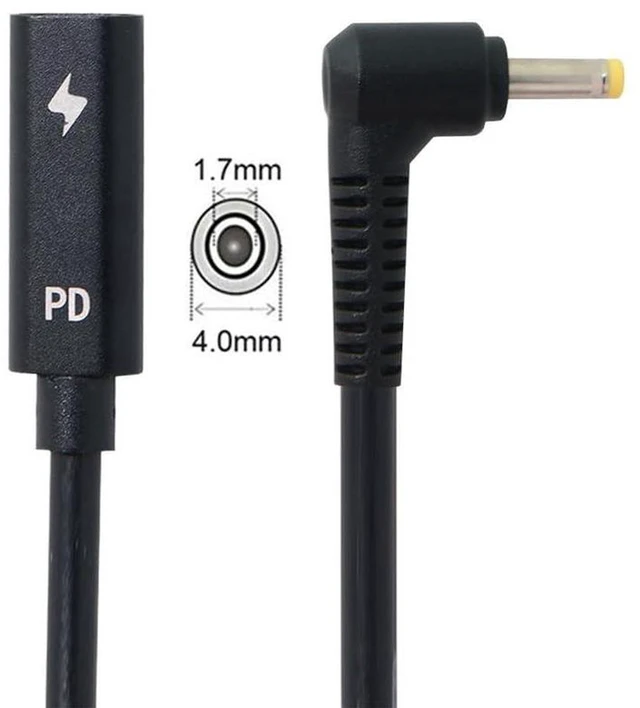
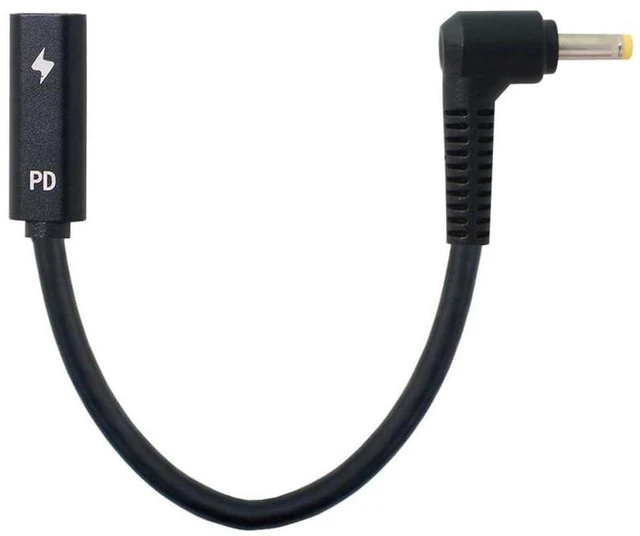
AJMRTC USB-C Female to DC 4.0*1.7mm PD Power Charging Cable, Type-C Female Input to DC 4.0x1.7mm Output Cord, 18-20V PD Trigger Cable for Laptop Power Supply, Convert USB-C PD Charger to DC Power
Limited time offer, ends 11/29 By ConnectFlow USA
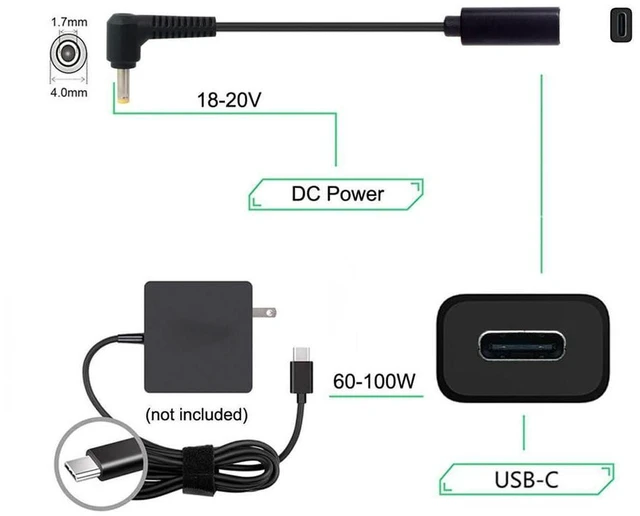
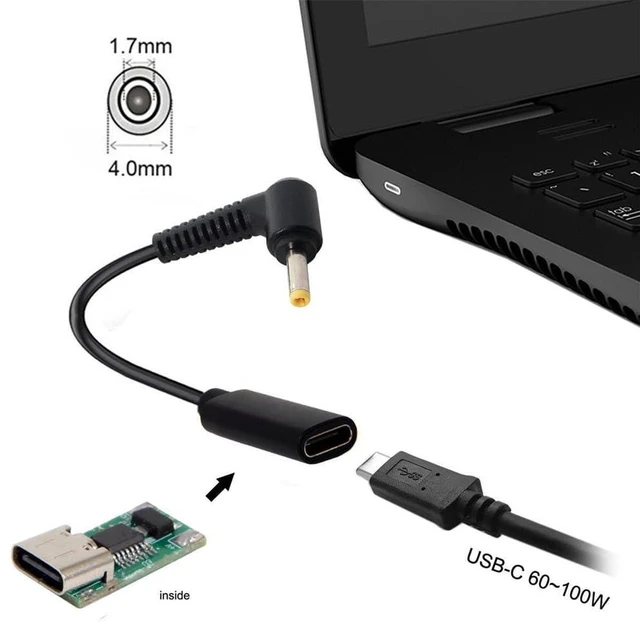
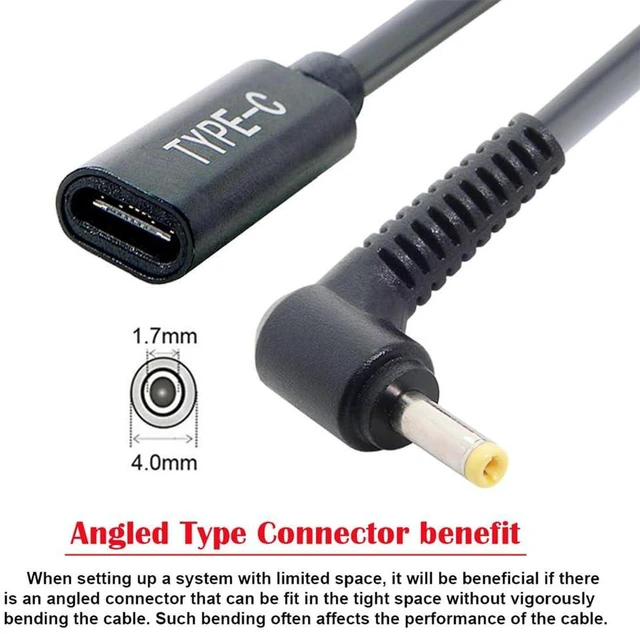
- 1. USB-C female input to DC 4.0*1.7mm output, converts USB-C PD charger into DC power source for compatible laptops
- 2. PD trigger function, auto negotiates 18V-20V output voltage to match laptop power requirement
- 3. Reliable power delivery, stable continuous power supply for laptops with 4.0x1.7mm DC power jack
- 4. Compact cable design, lightweight and portable, easy to replace original bulky laptop power adapter
- 5. Simple plug-and-play operation, no extra driver needed for office, travel and home power supply
+
+
Overview
Specs
Reviews
Any questions? Ask CelesteSM will help you find out quickly.
Try me now
AJMRTC USB-C female to DC 4.0*1.7mm PD power cable is designed to turn your USB-C PD charger into a DC power supply. It automatically triggers 18V to 20V PD voltage output for laptops equipped with 4.0x1.7mm DC power jack. This cord provides steady power output without complicated setup. Small and easy to carry, great replacement for the original laptop power brick when travelling or working remotely. Only supports power transmission, no data transfer function.
- Brand: AJMRTC
- Connector: USB-C Female Input to DC 4.0*1.7mm Male Output
- Function: PD Voltage Trigger, Power Supply Only
- Output Voltage: 18V - 20V
- Application: Laptops with 4.0*1.7mm DC power jack
- Feature: Plug & Play, Portable
- Note: Power only, no data transmission
Warranty & Returns
Warranty, Returns, And Additional Information
Warranty
- Please contact the Seller directly for warranty information. Warranty information may also be found on the Manufacturer's website.
- CONTACT
Return Policies
- Return for refund within: 30 days
- Return for replacement within: non-replaceable
- This item is covered by ConnectFlow USA Return Policy
Manufacturer Contact Info
- For a directory of all our manufacturers, please click below.
- Manufacturers Directory
LOADING...