• $20.62
  • Free 30-day Returns
  • Ships from China.
    Price alert
    Shop it at NeweggBusiness.

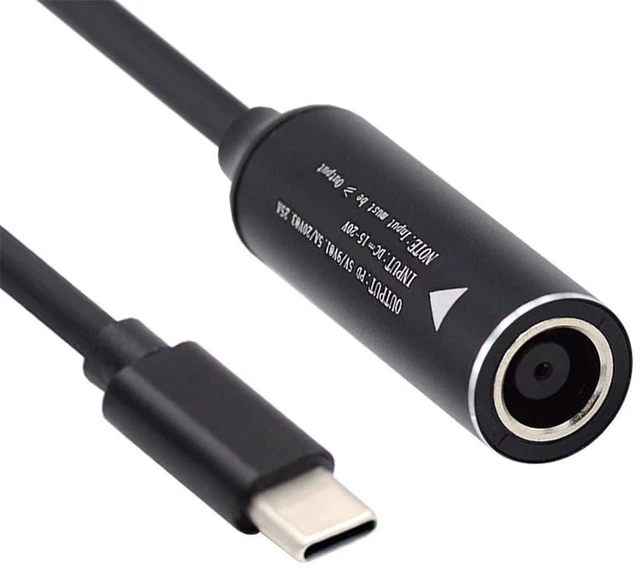
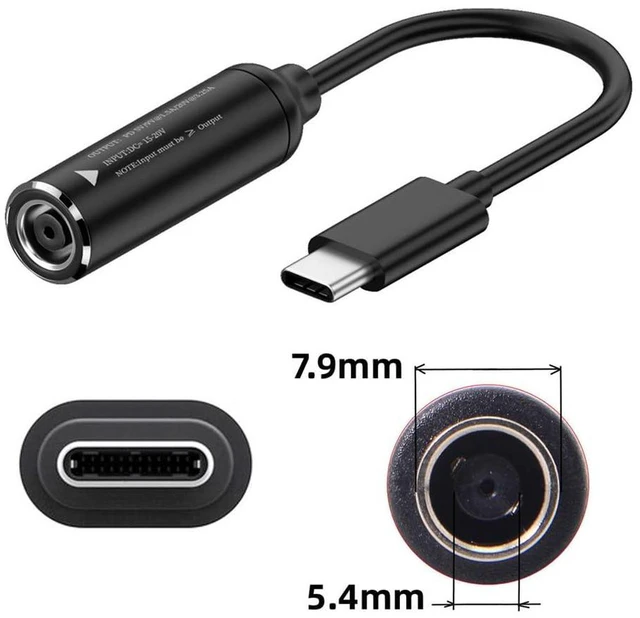
    AJMRTC 7.9x5.0mm DC Jack Input to USB-C Type-C Power Charging Cable, DC 7.9*5.0mm Male to Type-C PD Power Plug Cord, Supports PD 9V 15V 20V 65W for Laptop, Smartphone, Power Adapter Power Supply

    Limited time offer, ends 11/29 By ‌ConnectFlow USA

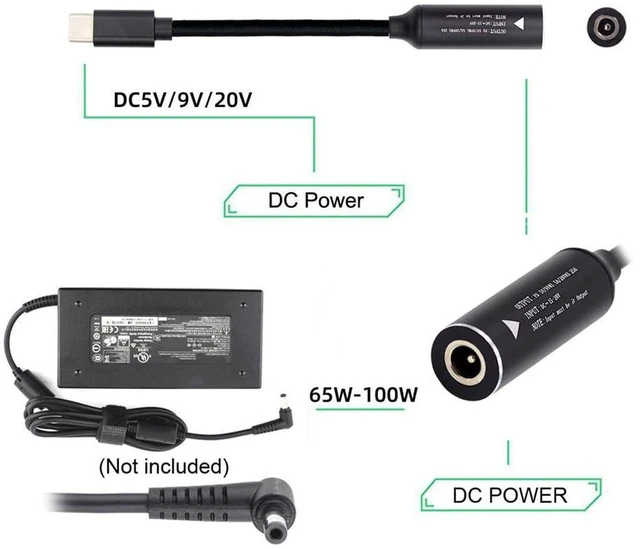
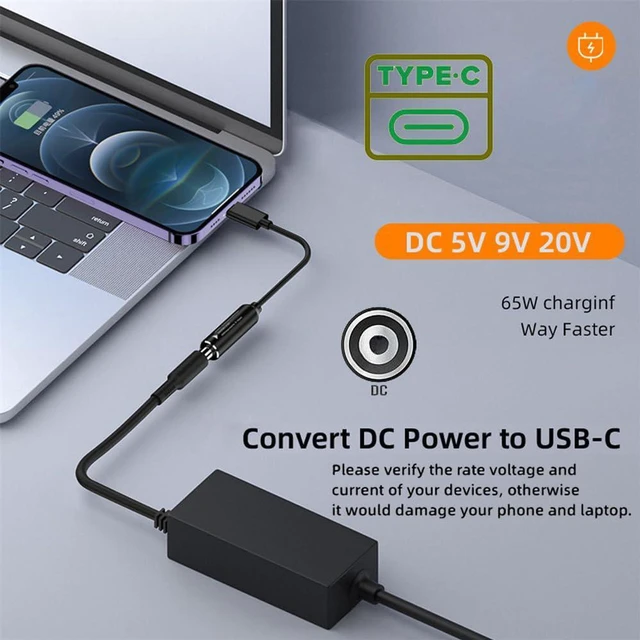
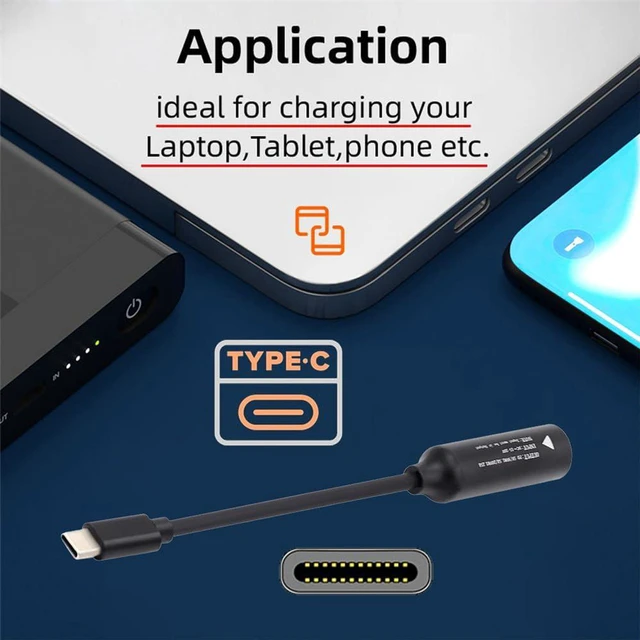
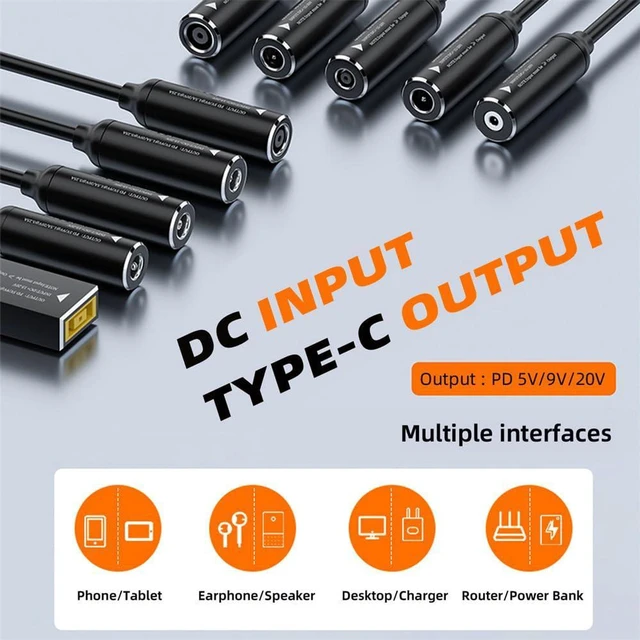
    • 1. Convert 7.9x5.0mm DC power input to USB-C PD power output, works with DC power supplies to charge Type-C devices
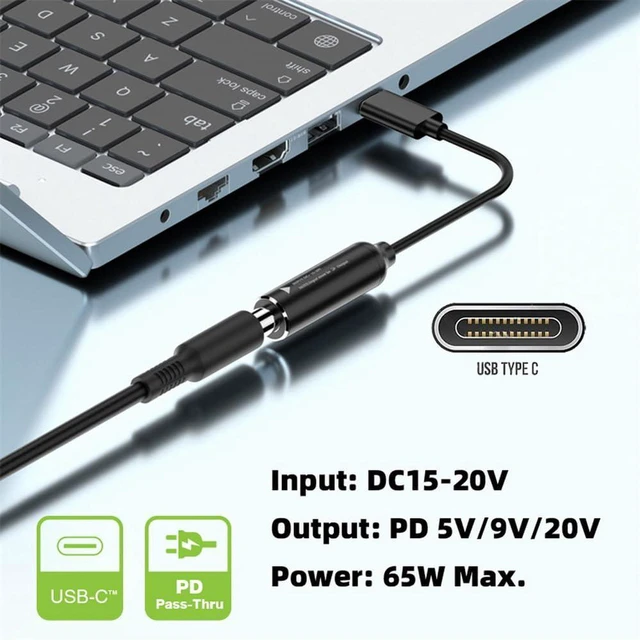
    • 2. Support PD voltage profiles: 9V,15V,20V, max 65W power output, compatible with many Type-C laptops and phones
    • 3. Built-in PD trigger chip, automatically negotiate required voltage with your Type-C powered devices
    • 4. Durable cable with solid molded connectors, strain relief design to resist frequent bending and plugging
    • 5. Simple plug-and-play design, widely used for laptop charging, mobile power supply and lab DC power source
    +
    +
    Overview
    Specs
    Reviews

    Any questions? Ask CelesteSM will help you find out quickly.

    AJMRTC 7.9x5.0mm DC jack to USB-C PD charging cable is designed to turn your 7.9*5.0mm DC power adapter into a Type-C PD power source. It integrates a PD trigger module to negotiate 9V,15V or 20V output up to 65W for your PD-enabled Type-C laptops and smartphones. Robust molded connectors and reinforced strain relief protect the cable from bending damage. Just connect your DC power supply and plug into Type-C devices for charging. Ideal for home, lab and backup power scenarios.


    Specifications
    1. Brand: AJMRTC
    2. Input Connector: 7.9×5.0mm DC Male Jack
    3. Output Connector: USB-C Type-C Male
    4. Max Power: 65W
    5. PD Trigger Voltage: 9V,15V,20V
    6. Function: DC to Type-C PD charging
    7. Compatible: PD Type-C Laptop, Smartphone, DC Power Supply
    8. Operation: Plug & Play
    9. Note: Requires external DC power source to supply enough power


    Warranty & Returns

    Warranty, Returns, And Additional Information

    Warranty

    • Please contact the Seller directly for warranty information. Warranty information may also be found on the Manufacturer's website.
    • CONTACT

    Return Policies

    Manufacturer Contact Info

    LOADING...