Your Browsing History
Meet Your Seller
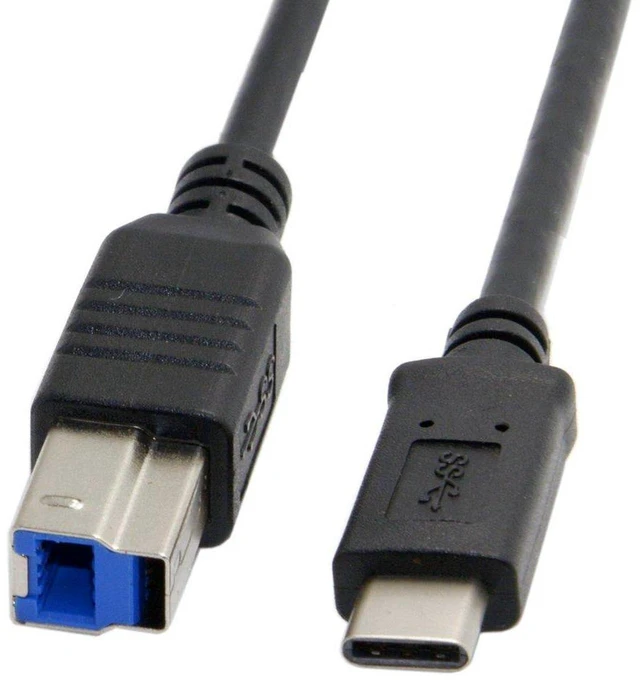
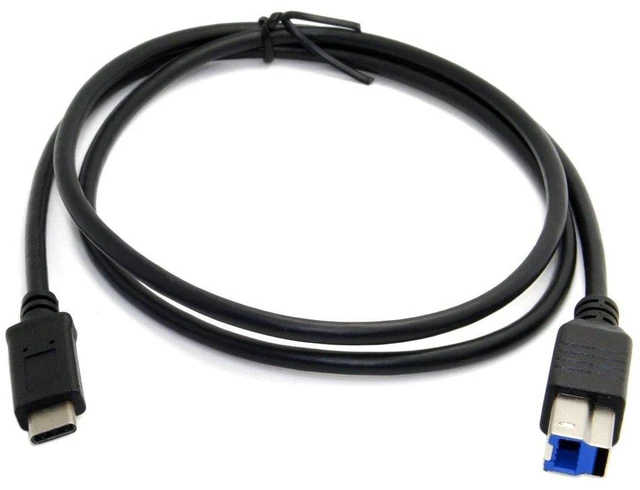
AJMRTC USB C Host OTG to USB 3.0 Type B Data Extension Cable, 5Gbps High Speed Transfer Cord, 1.0M USB-C OTG Cable for External SSD, Hard Disk, Printer, Scanner and USB-B Peripherals
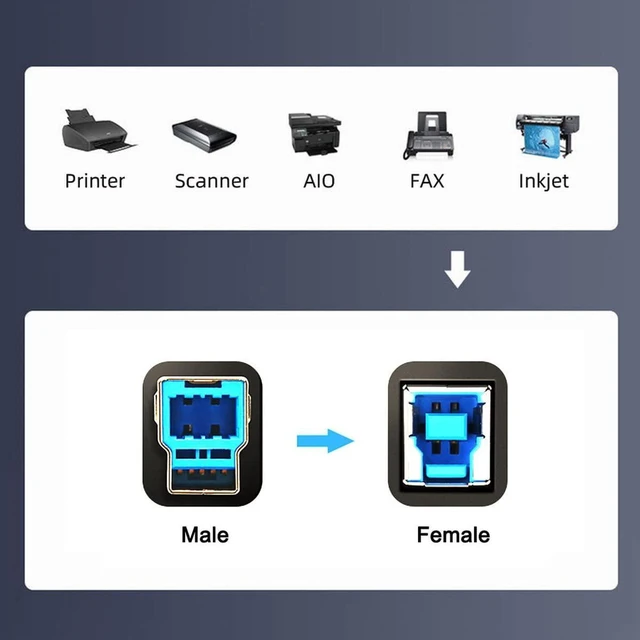
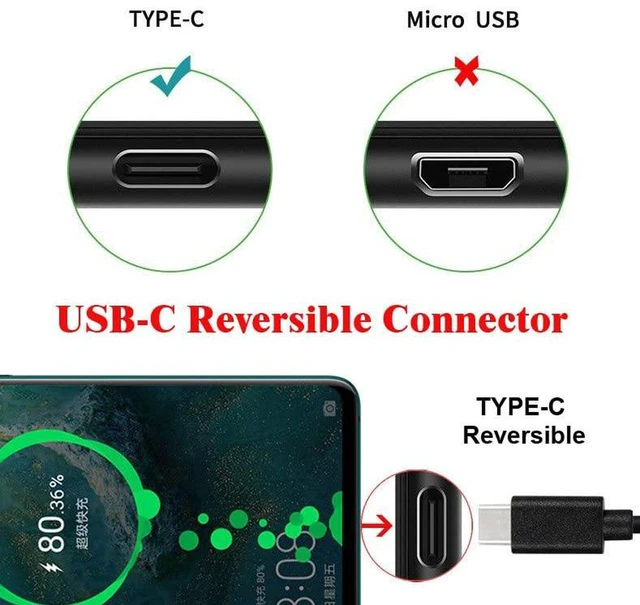
- - USB-C host OTG to USB3.0 Type B cable, enables Type-C devices to connect USB-B peripherals directly
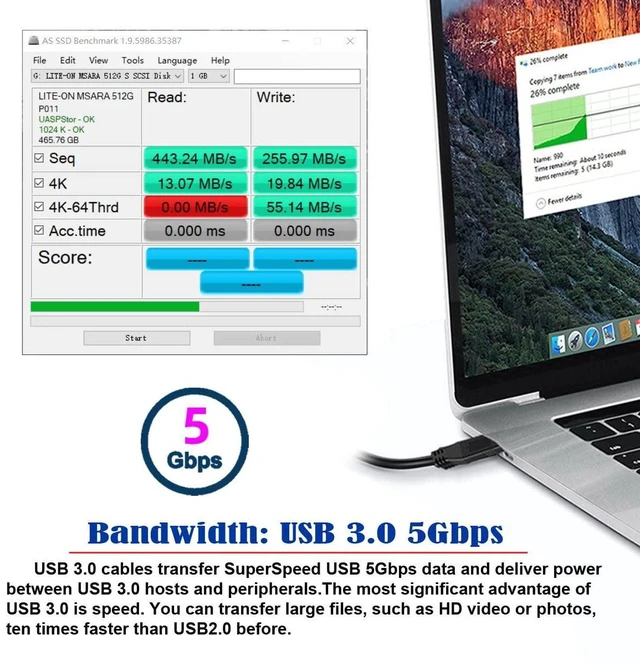
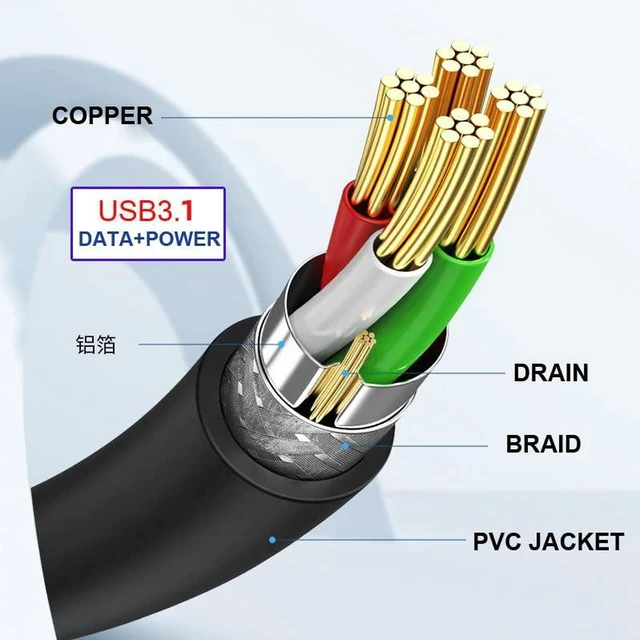
- - Supports up to 5Gbps high-speed data transfer, ideal for fast file backup with external SSD and hard drives
- - 1.0M cable length offers flexible placement for external storage, printers and scanners
- - Built OTG function, plug and play without extra driver for laptops, tablets and USB-C devices
- - Sturdy cable construction, stable signal transmission for reliable long-time data reading and writing
+
+
Overview
Specs
Reviews
Any questions? Ask CelesteSM will help you find out quickly.
Try me now
AJMRTC USB-C OTG to USB 3.0 Type B extension cable allows your USB-C devices to connect peripherals with USB 3.0 Type-B ports. It reaches transfer speeds up to 5Gbps, great for external SSD, hard disk, printer and scanner. The 1.0-meter cable provides convenient routing space. Plug and play, no driver installation required. It is perfect for data backup, file migration and connecting USB-B storage and office equipment for USB-C laptops and tablets.
- Brand: AJMRTC
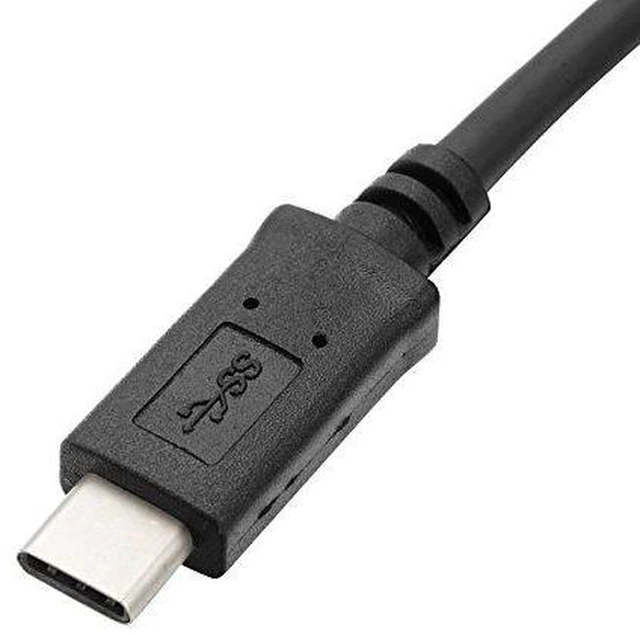
- Connector: USB-C Male (OTG Host) to USB3.0 Type B Male
- Transfer Speed: Up to 5Gbps
- Cable Length: 1.0M
- Feature: OTG Host Function
- Compatible Devices: External SSD, Hard Drive, Printer, Scanner
- Supported System: Windows, Mac OS, Linux, Android
- Installation: Plug & Play, Driver-free
Warranty & Returns
Warranty, Returns, And Additional Information
Warranty
- Please contact the Seller directly for warranty information. Warranty information may also be found on the Manufacturer's website.
- CONTACT
Return Policies
- Return for refund within: 30 days
- Return for replacement within: non-replaceable
- This item is covered by ConnectFlow USA Return Policy
Manufacturer Contact Info
- For a directory of all our manufacturers, please click below.
- Manufacturers Directory
LOADING...