Your Browsing History
Meet Your Seller
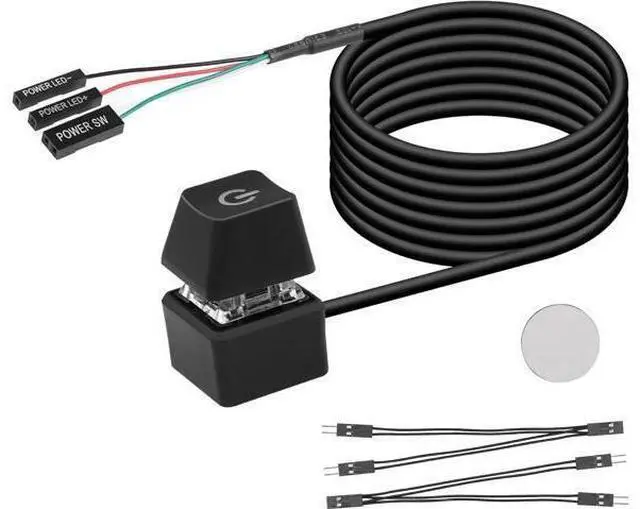
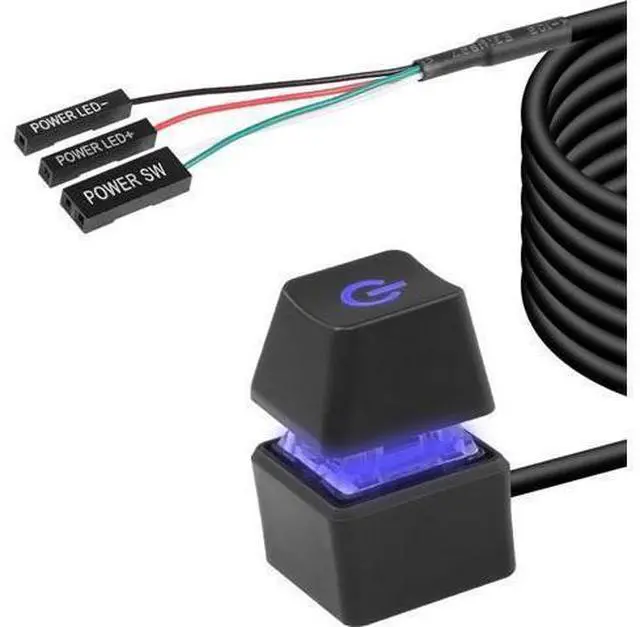
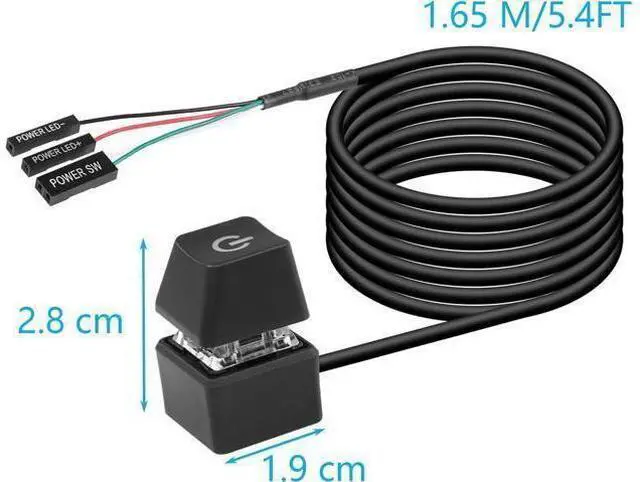
Desktop Switch Desktop Computer Power Switch External Remote Start Computer Motherboard Power Switch Button Extension Cord with LED Light
Limited time offer, ends 07/15 By NaisTechnology
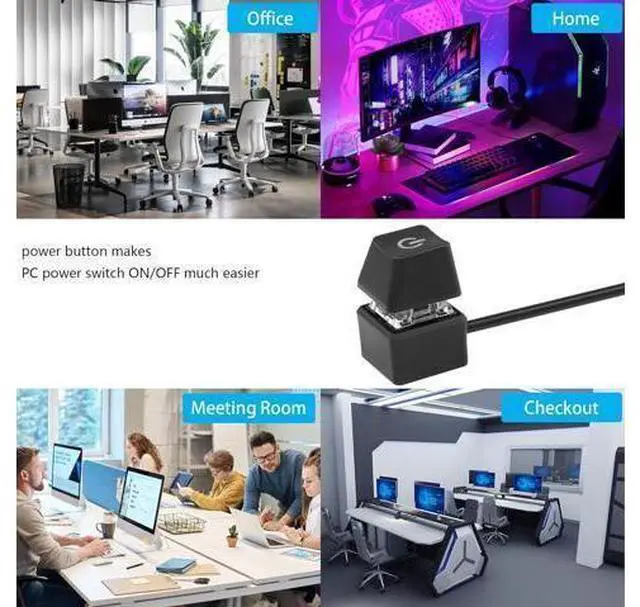
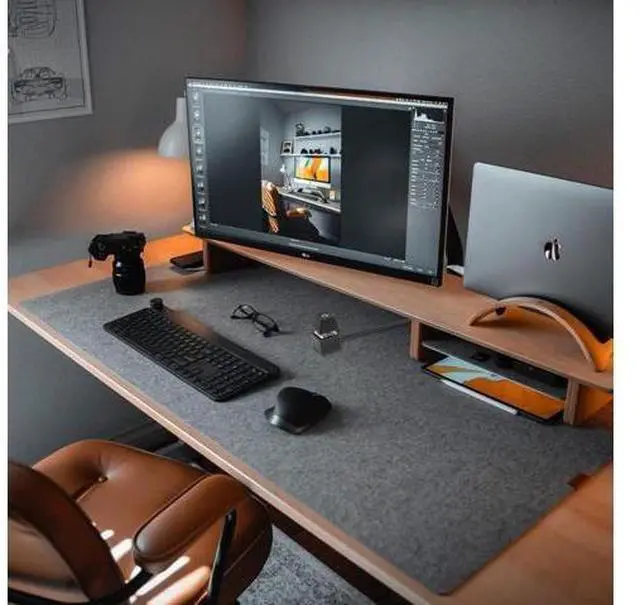
- Desktop External Switch: Use a power switch with a long cable to add or extend the power button to where you find it more convenient.
- Choose one of the remote computer power switch and the host switch: if you want to use the original computer power button and the external power button at the same time. You only need to plug in the two one-point and two-point splitters we presented to you, you can keep the original switch key function, and you can use the external power key to start the power.
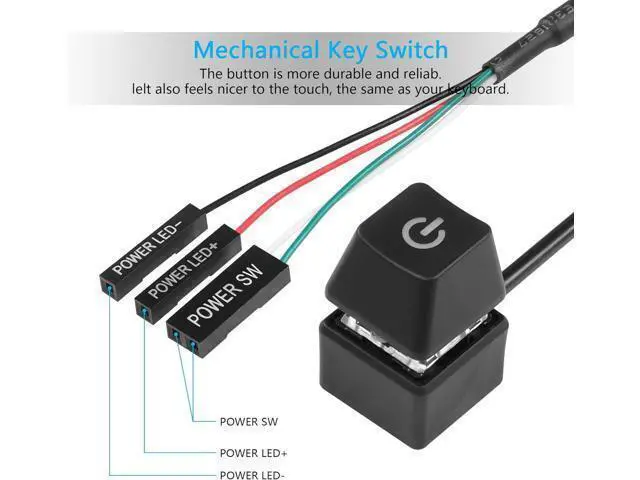
- Easy to Install: Just connect the POWER LED+, POWER LED-, POWER SW connectors to the motherboard, then stick the adhesive board to the correct position or use magnets.
- Design: Blue LED lighting effect, mechanical button feel, give you a different switching experience.

+
+
Overview
Specs
Reviews
Any questions? Our AI beta will help you find out quickly.
Try me now
Desktop External Switch: Use a power switch with a long cable to add or extend the power button to where you find it more convenient.. Choose one of the remote computer power switch and the host switch: if you want to use the original computer power button and the external power button at the same time. You only need to plug in the two one-point and two-point splitters we presented to you, you can keep the original switch key function, and you can use the external power key to start the power..
Easy to Install: Just connect the POWER LED+, POWER LED-, POWER SW connectors to the motherboard, then stick the adhesive board to the correct position or use magnets..
Design: Blue LED lighting effect, mechanical button feel, give you a different switching experience.
Easy to Install: Just connect the POWER LED+, POWER LED-, POWER SW connectors to the motherboard, then stick the adhesive board to the correct position or use magnets..
Design: Blue LED lighting effect, mechanical button feel, give you a different switching experience.
Warranty & Returns
Warranty, Returns, And Additional Information
Warranty
- Please contact the Seller directly for warranty information. Warranty information may also be found on the Manufacturer's website.
- CONTACT
Return Policies
- Return for refund within: 30 days
- Return for replacement within: 30 days
- This item is covered by NaisTechnology Return Policy
Manufacturer Contact Info
- For a directory of all our manufacturers, please click below.
- Manufacturers Directory
LOADING...