

Your Browsing History

Meet Your Seller

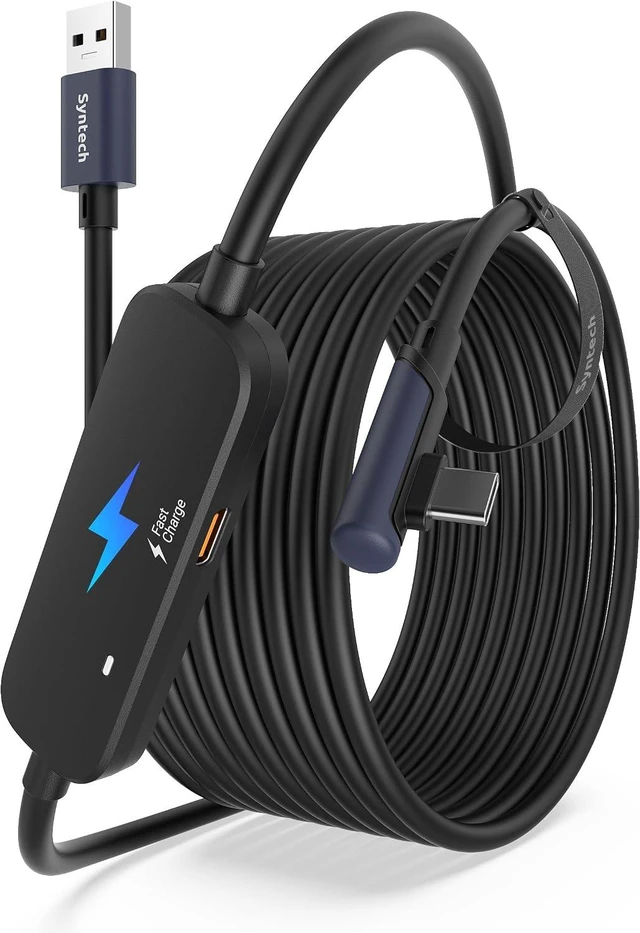


Syntech Link Cable with Charging 16FT Compatible with Oculus/Meta Quest 3S/3 Accessories, Quest2/Pro, Pico4, VR Cable Without USB 3.0 A to C Adapter for SteamVR, Charge & Link Simultaneously, Black
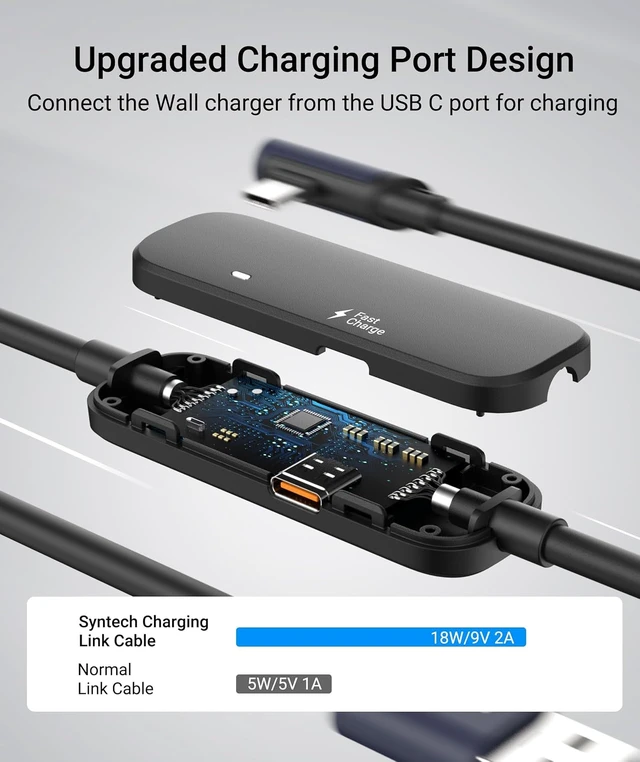
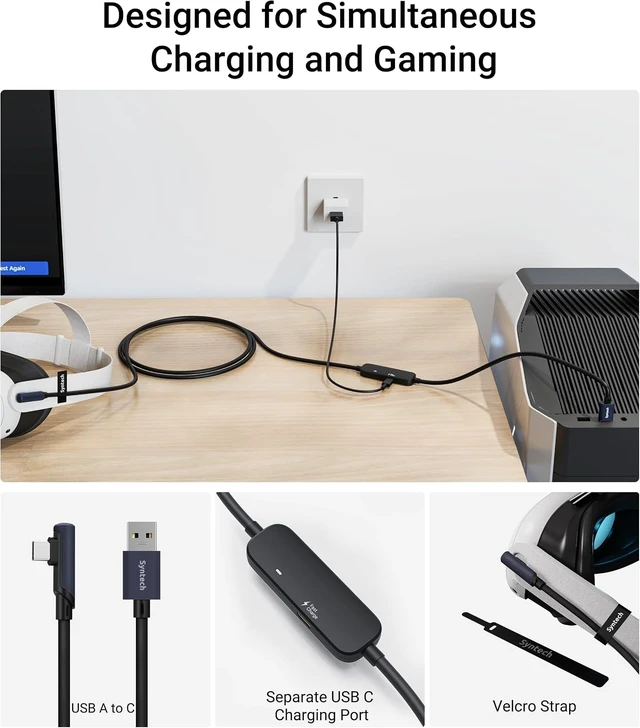
- 18W Separate Charging Port: The Syntech link cable with charging incorporates a separate 18W charging port, updated with a new internal charging board compatible with Meta Quest 3S/3/2. This enhancement enables simultaneous charging and gameplay through a wired connection to your computer. Note: For better charging performance, we recommend using an official or higher power charger.
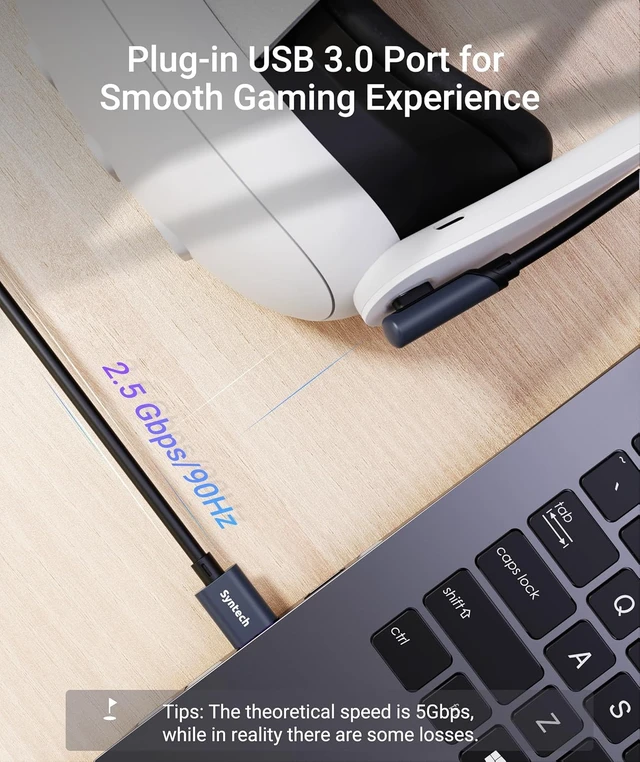
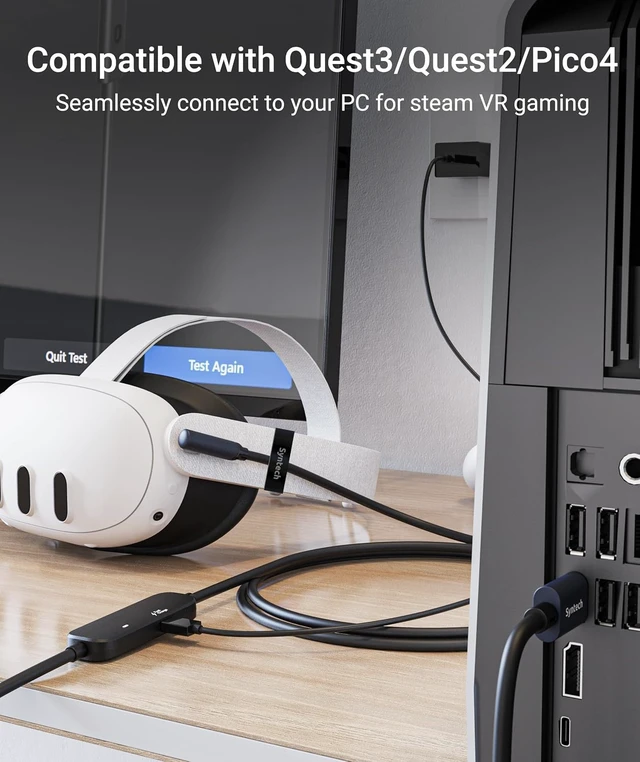
- Excellent Link Configuration: Designed for seamless VR experiences, the Syntech VR link cable supports up to USB 3.0 data transmission, providing a stable wired link when connected to your computer's USB 3.0 port. The 16 ft VR cable length, coupled with a velcro strap, paired with the included velcro strap, allows for worry-free movement in the VR world without worrying about disconnecting at the slightest tug.
- Note: To ensure a stable and high-performance wired link, please update your VR headset system and computer link software to the latest version, and restart them. The outdated version may cause co
+
+
Overview
Specs
Reviews

Any questions? Our AI mode will help you find out quickly.
Try me now
The included Velcro helps the link cable stay firmly attached to the Quest3/2, providing a more stable wired Link for your gameplay. In addition, this also makes the cable easier to roll up and store.
When the computer hooks up, the little LED light comes on, and it's way less annoying than those blindingly bright ones.
1Must-Read Before Use2Troubleshooting 13Troubleshooting 24Compatibility Guide Why doesn't it charge my Quest3/2 or a reduction in battery
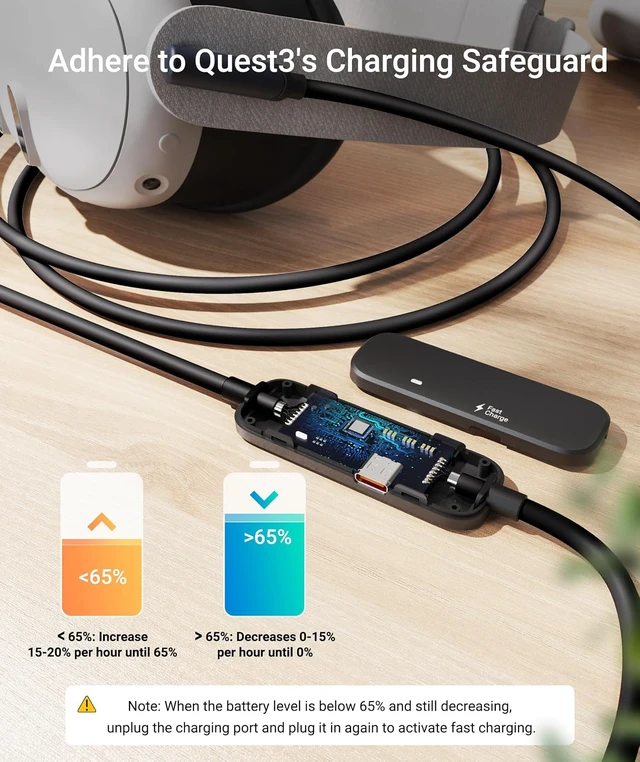
1. Please use the official 18W wall charger with a USB C to C cable to connect the separate charging port. 2. Quest3 may have automatically activated charging protection (at 65% battery level or above) 3. Please try to reconnect the charging port.
When does Quest3 limit its own charging power?
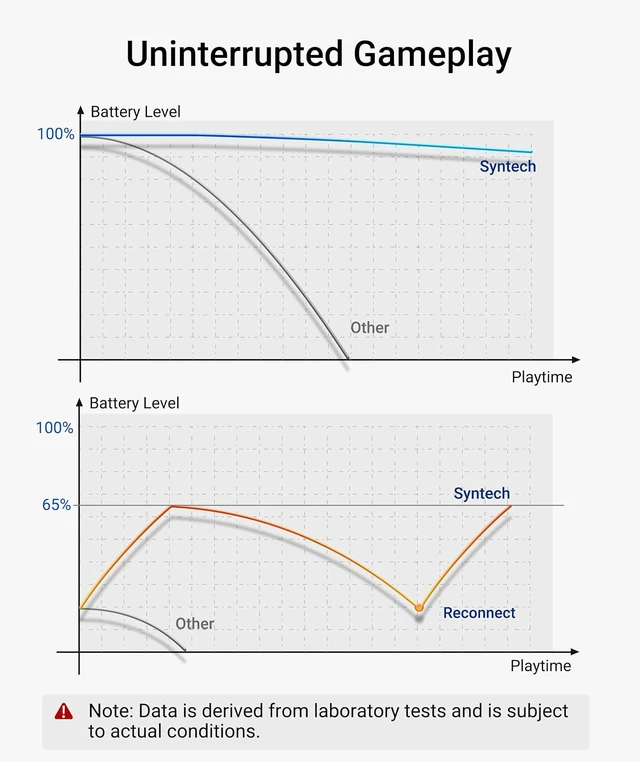
1. For security reasons, Quest3 may trigger a sustained charging power limit when the battery is above 65%. 2. Charging power may be restricted after the VR headset goes into sleep. Our link cable can resolve both of these issues by reconnect it.
Why is there a reminder "Liquid or debris has been detected in the charging port"?
This warning is related to the high-power charger you are using, please re-insert or replace the charger. To protect the battery life, we recommend using the official original adapter or an adapter that does not exceed 18W for charging.
What to do if wired link fails?
1. Check if the graphics card meets wired link requirements. 2. Ensure the cable is plugged into all available USB 3.0/3.1 ports. 3. Update the Link software and Quest 3/2 version's to the latest version and reboot. 4. Confirm Air Link is turned off.
What sets this link cable apart from ordinary ones?
This link cable features an additional USB C charging port, ensuring ample power supply to Quest3/2 during gameplay. Ordinary and official link cables offer limited output power, leading to a continuous drop in battery power during gameplay.
USB 3.0 Link Cable Velcro Strap Smart LED indicator lights Why doesn't it charge my Quest3/2 or a reduction in battery
When does Quest3 limit its own charging power?
Why is there a reminder "Liquid or debris has been detected in the charging port"?
What to do if wired link fails?
What sets this link cable apart from ordinary ones?
Warranty & Returns
Warranty, Returns, And Additional Information
Warranty
- Please contact the Seller directly for warranty information. Warranty information may also be found on the Manufacturer's website.
- CONTACT
Return Policies
- Return for refund within: 30 days
- Return for replacement within: 30 days
- This item is covered by PartsPro Store Return Policy
Manufacturer Contact Info
- For a directory of all our manufacturers, please click below.
- Manufacturers Directory
LOADING...