

Your Browsing History
- Free 30-day Returns
$152.99
Ships from China.

Meet Your Seller




VHS TO Digital Converter, USB Video Capture Card, Video Capture Device, RCA TO USB Converter,Convert VHS VCR Hi8 Mini DV to Digital/DVD,For Tape Player Camcorder Camera PC TV,Windows Mac OS Compatible
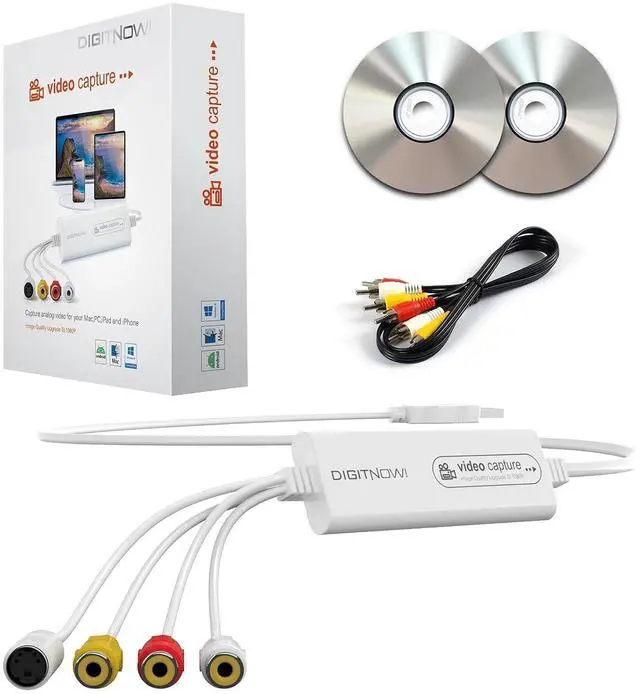
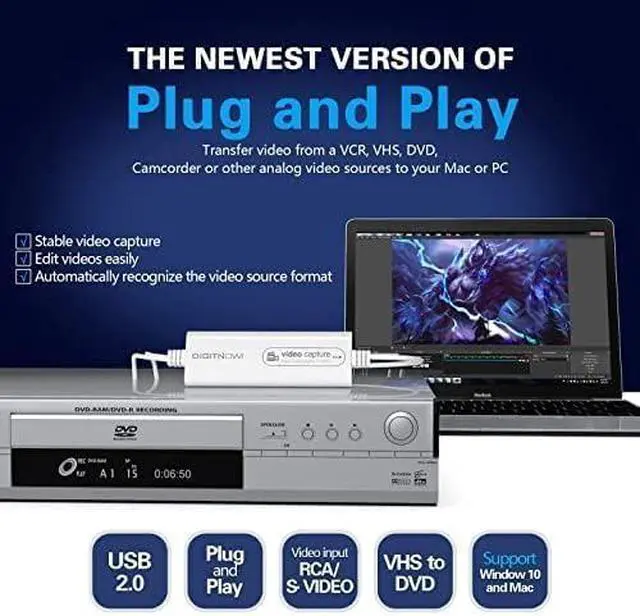
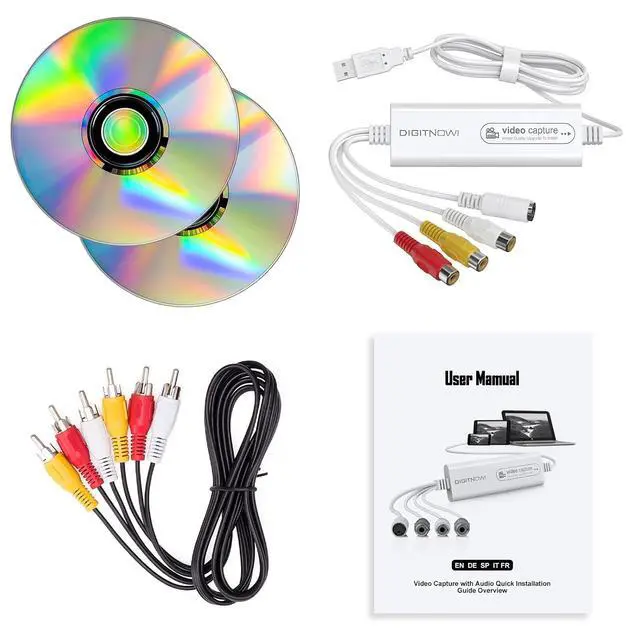
- Analog to digital converter: Digitize VHS, VCR, Hi8, mini DV, camcorder or other analogue video source for your MAC or PC. Preserve your good old memories for ever.; Automatically detect NTSC, PAL and PAL/60 video; captures video in MP4 or other digital formats, good for video editing in video editing software.; Capture software: driveless setup; easy to use; we recommend OBS or PotPlayer for Windows, or QuickTime Player for Mac, perfect for video recording, live broadcasts. User-friendly with Step-by-Step instructions.; Video resolution: 1920*1080 (MJPEG) or 720*576 (YUV); easy to convert your old home videos and also modern videos. (capture resolution depends on your video source.); Comes with USB Video Capture Device*1, RCA cable*1, black CD*2, User Manual*1.
+
+
Overview
Specs
Reviews

Any questions? Our AI mode will help you find out quickly.
Try me now
Product description VHS/VCR/Hi8/DVD TO Digital Converter Plug and Play, Easy to Set up
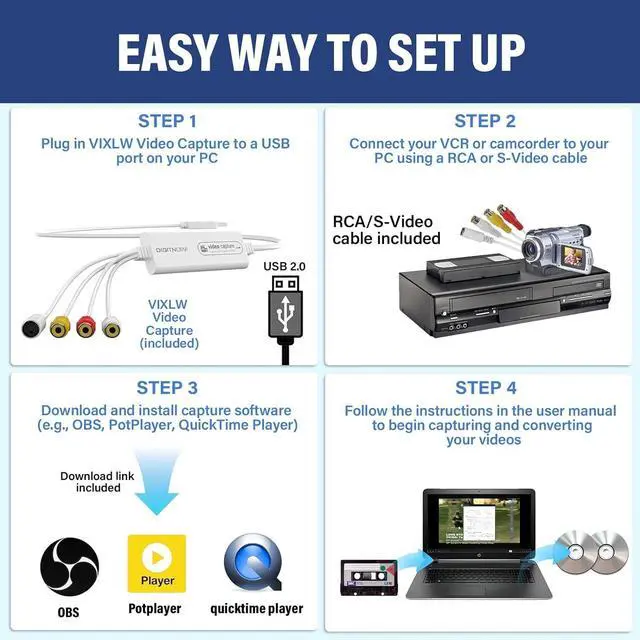
Step 1: Plug in Video Capture to a USB port on your MCA or PC. Your computer will install it automatically
Step 2: Download and install OBS, Potplayer or QuickTime Player software (download links are provided in the manual).
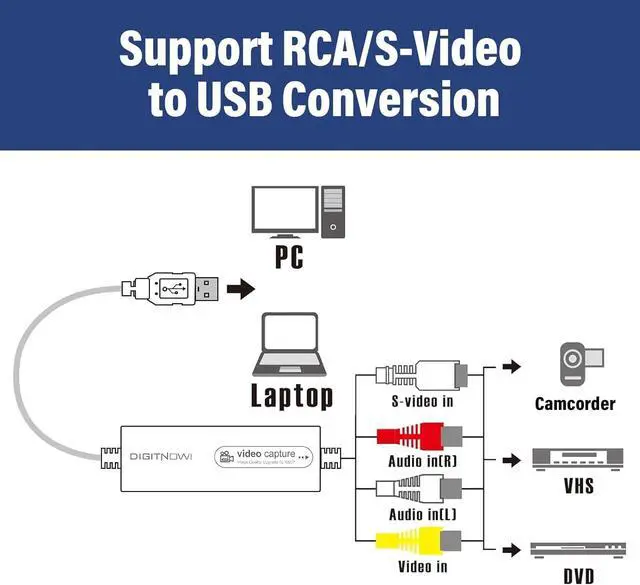
Step 3: Connect Video Capture to VHS player or analogue camcorder using the included RCA cable.
Step 4: Follow the instructions in the user manual to begin capturing/converting your videos.
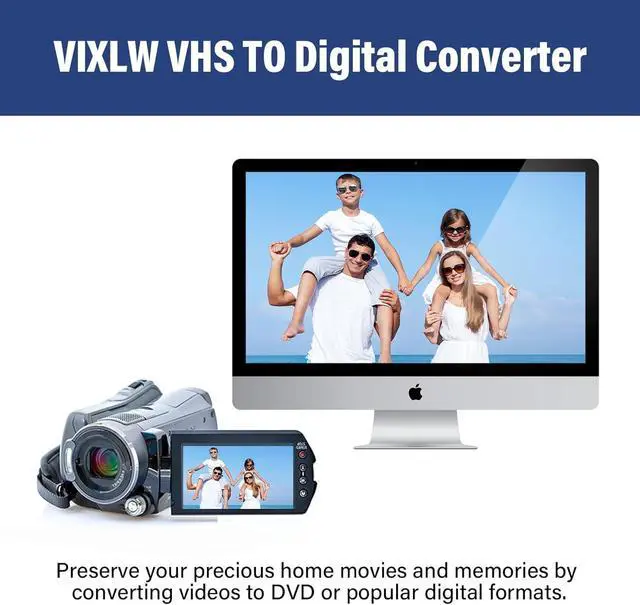
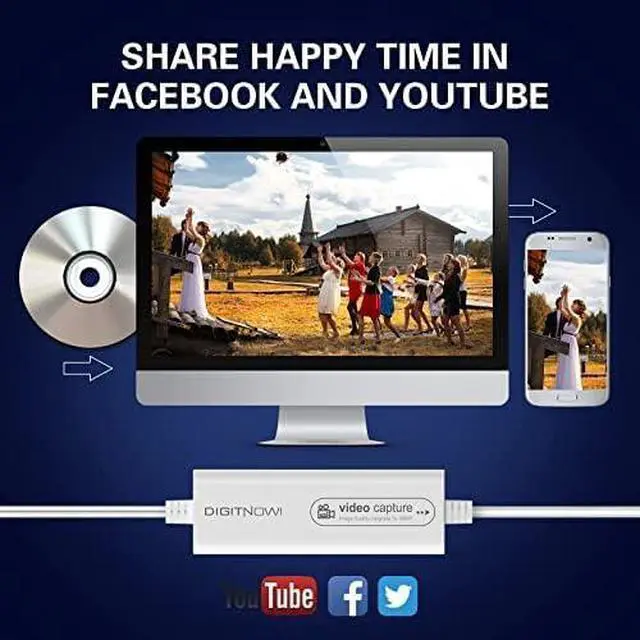
Video resolution: 1920*1080, 1280*720, 800*600, 720*480, 720*586, 640*480, 480*320, 320*240 You can share with your friends and family on Facebook, YouTube, Twitter and other social media. VHS TO Digital Converter gives you a way to transfer your old videos for playback on your computer. Save your good memories and don't worry your video tapes deteriorating or losing any more. Why choose Video Capture? How can I get audio? About the driver? About capture software? The product is not compatible with my computer, what should I do?
Step 1: Plug in Video Capture to a USB port on your MCA or PC. Your computer will install it automatically
Step 2: Download and install OBS, Potplayer or QuickTime Player software (download links are provided in the manual).
Step 3: Connect Video Capture to VHS player or analogue camcorder using the included RCA cable.
Step 4: Follow the instructions in the user manual to begin capturing/converting your videos.
Video resolution: 1920*1080, 1280*720, 800*600, 720*480, 720*586, 640*480, 480*320, 320*240 You can share with your friends and family on Facebook, YouTube, Twitter and other social media. VHS TO Digital Converter gives you a way to transfer your old videos for playback on your computer. Save your good memories and don't worry your video tapes deteriorating or losing any more. Why choose Video Capture? How can I get audio? About the driver? About capture software? The product is not compatible with my computer, what should I do?
Warranty & Returns
Warranty, Returns, And Additional Information
Warranty
- Please contact the Seller directly for warranty information. Warranty information may also be found on the Manufacturer's website.
- CONTACT
Return Policies
- Return for refund within: 30 days
- Return for replacement within: 30 days
- This item is covered by LUOYIMAN Return Policy
Manufacturer Contact Info
- For a directory of all our manufacturers, please click below.
- Manufacturers Directory
LOADING...