

Your Browsing History
- Free 30-day Returns
$29.99
Ships from China.

Meet Your Seller

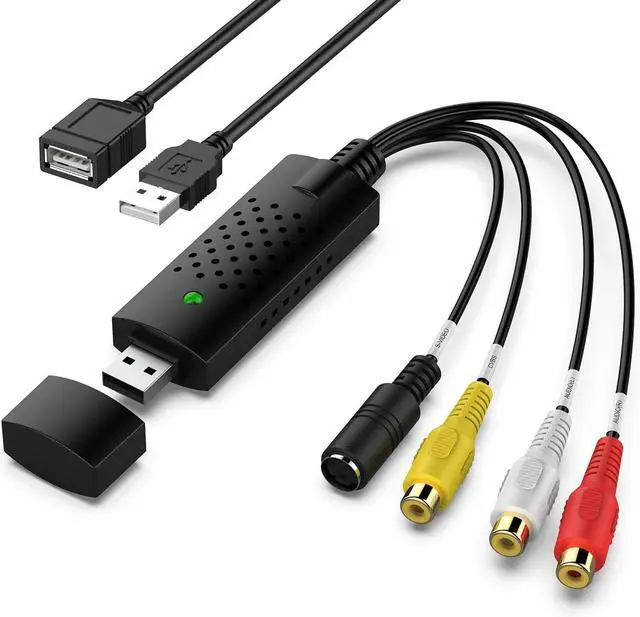
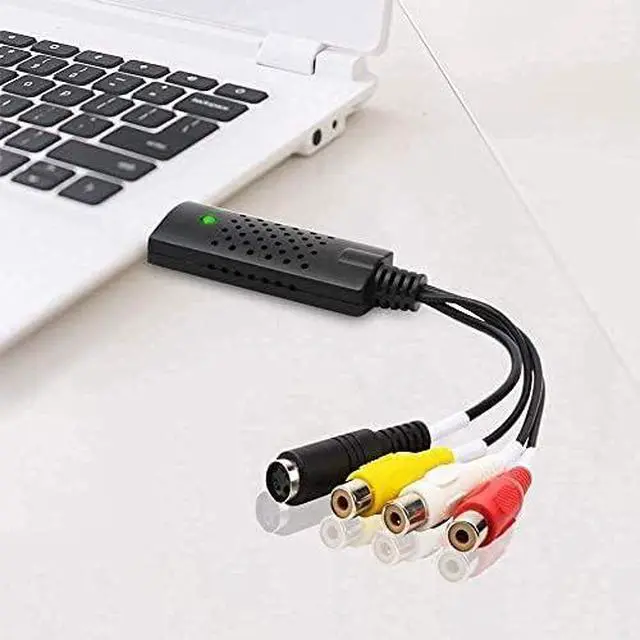
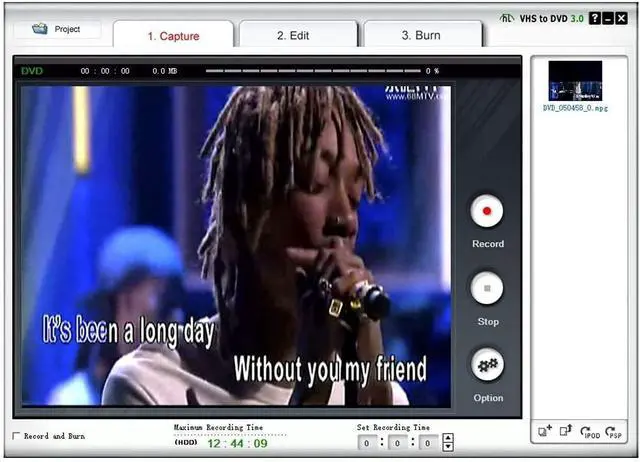
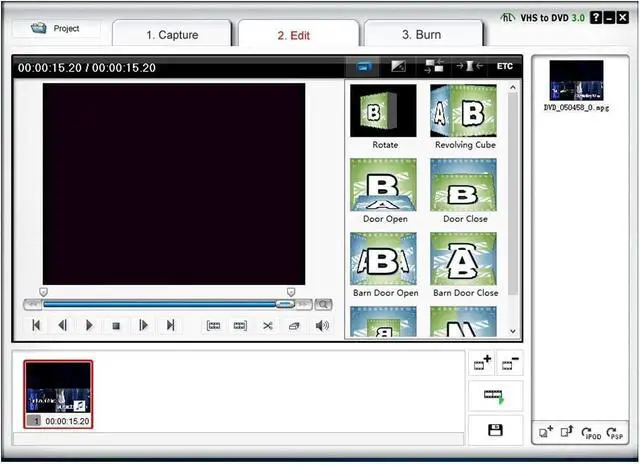


Video Capture Card, USB Video Capture Device,RCA to USB Audio Video Converter,VHS Mini DV VCR Hi8 DVD to Digital Converter for PC TV Tape Player Camcorder,Support PAL/NTSC,MAC Windows Vista Compatible
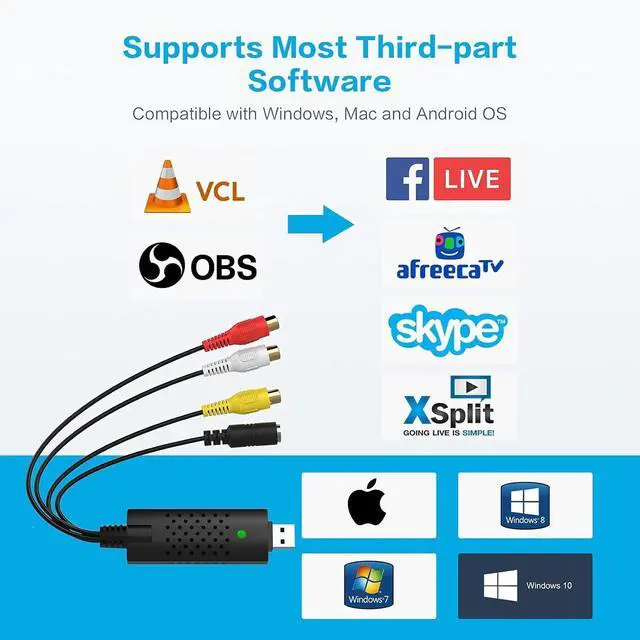
- AV TO USB Converter: Capture videos and audios from VHS, VCR, Hi8, DV tapes to a PC, with the help of our USB Video Converter. Save room while digitizing your favorite old memories; Quality Capture Card: Our USB Video Capture Card converting anolog RCA composite input into HD 720P USB output and capturing audio without any sound card. Advanced signal processing technology provides you with great precision, colors, resolutions, and details; Plug and Play: Automatically install the driver once you hook up this RCA to USB Converter to a PC. No external power is needed. User-friendly and easy to operate; Wide Compatibility: The Video Capture Card can work with video devices with RCA connector or S-Video connector, such as VHS, VCR, Hi8, camcorder, compatible with Windows and Mac OS. Support video formats like NTSC, PAL, and support brightness, contrast, hue, and saturation control; Note: The Video Converter is used with acquisition software. We recommend OBS Studio or PotPlayer for Windows, and QuickTime Player for Mac. They can be downloaded for free online. Please operate according to the steps in User Manual or contact us if you have any questions
+
+
Overview
Specs
Reviews

Any questions? Our AI mode will help you find out quickly.
Try me now
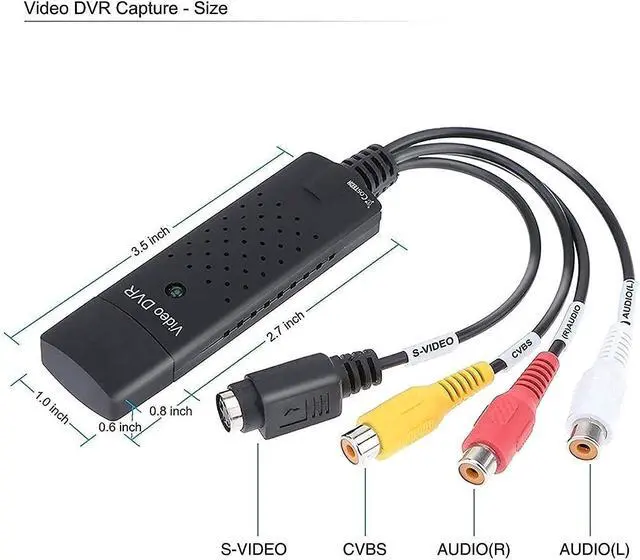
Product description Package includes USB Video Converter*1 USB Extension Cable*1 User Manual*1 Specification: PC
Hardware Interface: USB 2.0
Operating System: Windows XP, Vista, 7, 8, 10, Mac OS 10.15 Supported
TV Standards: NTSC, PAL,
Video format Video Input: One RCA composite, One
S-Video Audio Input: Stereo audio (RCA ) mm
Output Resolution: 720p@25HZ
Conversion Type: RCA to USB, S-Video to
USB Notes: Please unplug and replug converter into the USB port if device cann't be recognized! How to Reach your Goal with AV TO USB Converter?
Step 1: Hook up the converter to your computer, and the driver will be shown automatically installed on the screen.
Step 2: Connect the coverter to your video sources with RCA or S-Video cable.
Step 3: Open OBS Studio or Potplayer or QuickTime Player and run it.
(Note: No CD is included. Our USB Video Converter needs to work with OBS or Potplayer or QuickTime Player software. The software can be downloaded for online. The download link is included in user manual. )
Step 4: Capture your video.
Key Features: Capture audio without the sound card
Hardware Interface: USB 2.0
Operating System: Windows XP, Vista, 7, 8, 10, Mac OS 10.15 Supported
TV Standards: NTSC, PAL,
Video format Video Input: One RCA composite, One
S-Video Audio Input: Stereo audio (RCA ) mm
Output Resolution: 720p@25HZ
Conversion Type: RCA to USB, S-Video to
USB Notes: Please unplug and replug converter into the USB port if device cann't be recognized! How to Reach your Goal with AV TO USB Converter?
Step 1: Hook up the converter to your computer, and the driver will be shown automatically installed on the screen.
Step 2: Connect the coverter to your video sources with RCA or S-Video cable.
Step 3: Open OBS Studio or Potplayer or QuickTime Player and run it.
(Note: No CD is included. Our USB Video Converter needs to work with OBS or Potplayer or QuickTime Player software. The software can be downloaded for online. The download link is included in user manual. )
Step 4: Capture your video.
Key Features: Capture audio without the sound card
Warranty & Returns
Warranty, Returns, And Additional Information
Warranty
- Please contact the Seller directly for warranty information. Warranty information may also be found on the Manufacturer's website.
- CONTACT
Return Policies
- Return for refund within: 30 days
- Return for replacement within: 30 days
- This item is covered by LUOYIMAN Return Policy
Manufacturer Contact Info
- For a directory of all our manufacturers, please click below.
- Manufacturers Directory
LOADING...