Your Browsing History
Meet Your Seller
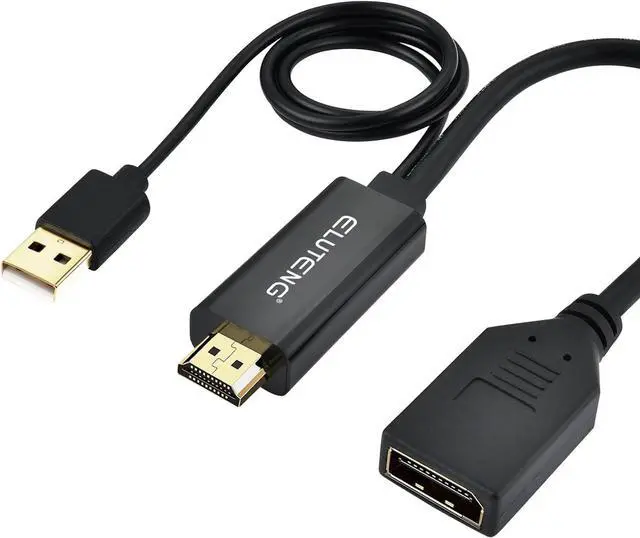
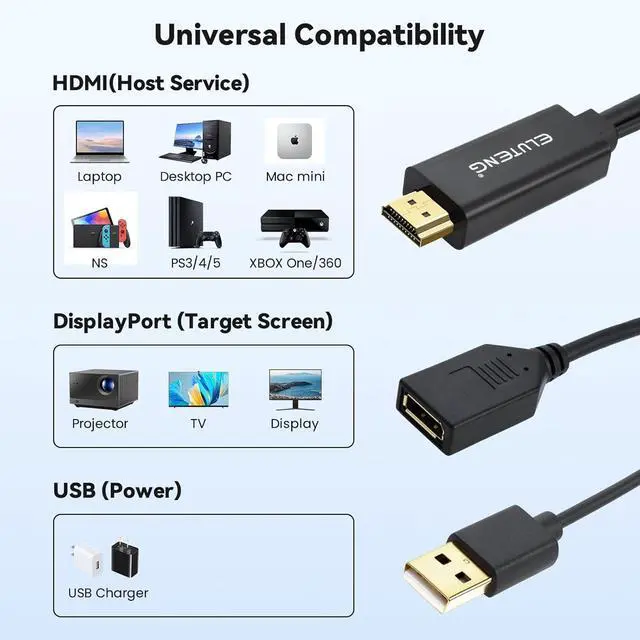
ELUTENG HDMI to DisplayPort Adapter with USB Power - 4K@60Hz HDMI to DP Cable for Computer, Monitor, PS4, Xbox
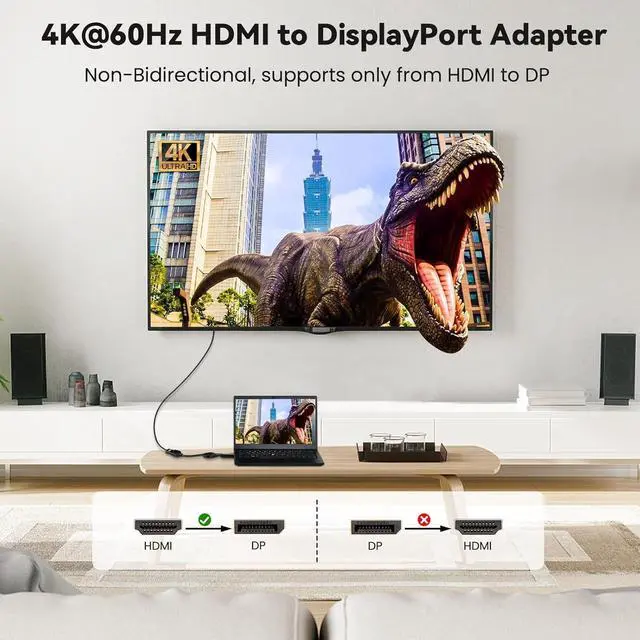
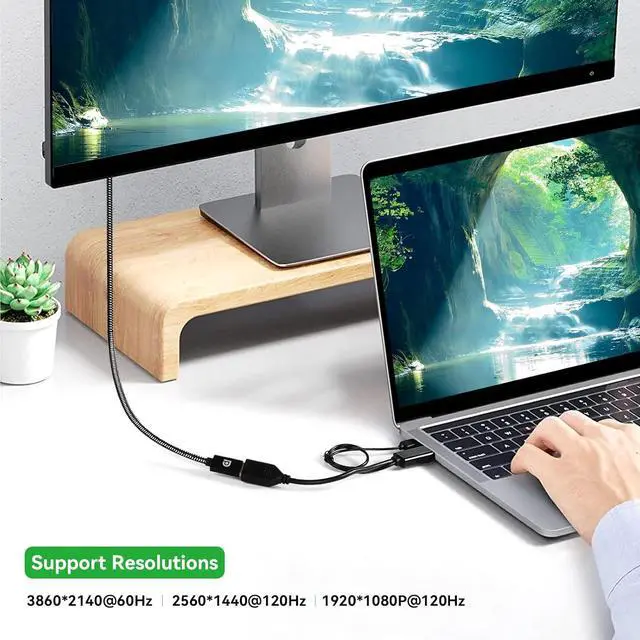
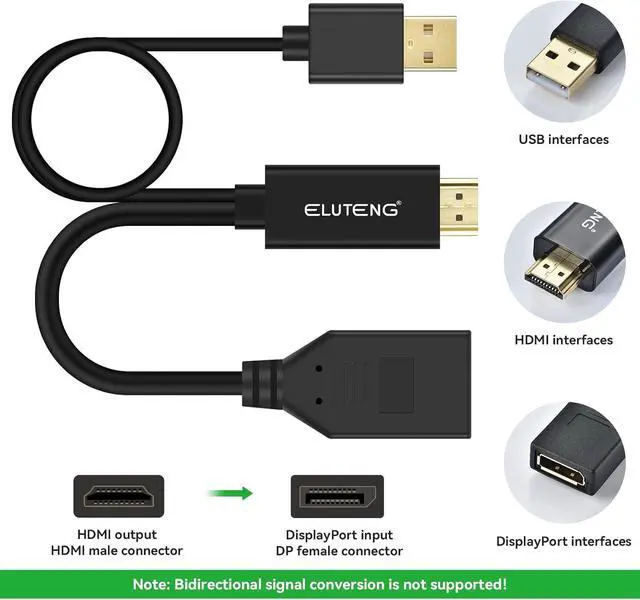
- 4K High Resolution and NoteThis HDMI to usb adapter supports resolutions up to 4K (3860x2140) @ 60Hz, and also supports 1920x1080 @120Hz and 2560x1440 @120Hz. Please note: This HDMI to DP conversion cable is not bi-directional. It only transmits HDMI signal output (source device) to DisplayPort (monitor). It is not possible to transfer from a DisplayPort device to an HDMI monitor. If you have both devices, make sure to select HDMI output + DP input.
- Excellent DurabilityDisplayport female to HDMI male adapter is better paired with corrosion-resistant gold-plated connectors, aluminum slate, pure copper conductors and foil and braided shielding for improved cable performance and error-free data transmission. It ensures usage experience, durability, maximum conductivity and excellent signal transmission.
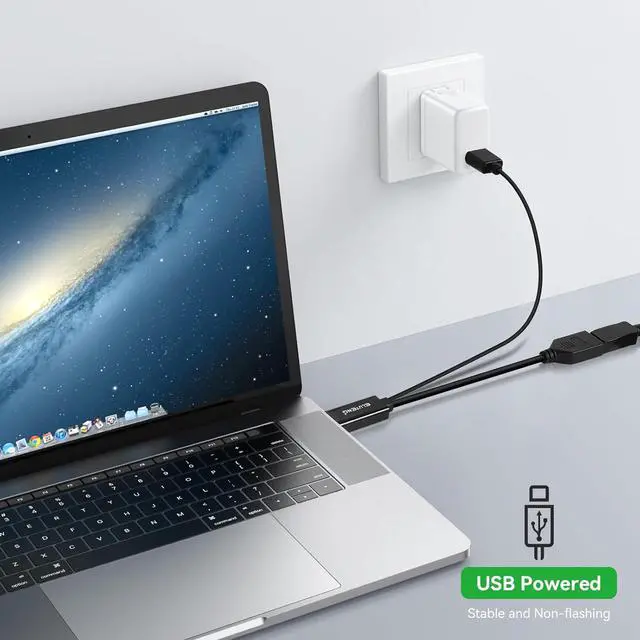
- With USB Charging Connection Without power, the USB cable in this display port to HDMI adapter can be connected to a USB wall charger to supply power for transferring video from H
+
+
Overview
Specs
Reviews
Any questions? Our AI beta will help you find out quickly.
Try me now
USB power connector
Connect the USB power connector to a USB port on your computer.
USB wall chargers are also supported.
Connect a USB power adapter before connecting this adapte.
Plug and Play
Plug and play without the hassle of setup.
Portable and lightweight size makes it ideal for travel, business trips, and working at home.
Conversion from HDMI source to DP monitor
Incompatible bidirectional signal conversion.
Connecting HDMI to your computer.
Connecting a DisplayPort cable to a monitor.
Connect the USB power connector to a USB port on your computer.
USB wall chargers are also supported.
Connect a USB power adapter before connecting this adapte.
Plug and Play
Plug and play without the hassle of setup.
Portable and lightweight size makes it ideal for travel, business trips, and working at home.
Conversion from HDMI source to DP monitor
Incompatible bidirectional signal conversion.
Connecting HDMI to your computer.
Connecting a DisplayPort cable to a monitor.
Warranty & Returns
Warranty, Returns, And Additional Information
Warranty
- Please contact the Seller directly for warranty information. Warranty information may also be found on the Manufacturer's website.
- CONTACT
Return Policies
- Return for refund within: 30 days
- Return for replacement within: 30 days
- This item is covered by PrimeVolt’Shop Return Policy
Manufacturer Contact Info
- For a directory of all our manufacturers, please click below.
- Manufacturers Directory
LOADING...