

Your Browsing History

Meet Your Seller

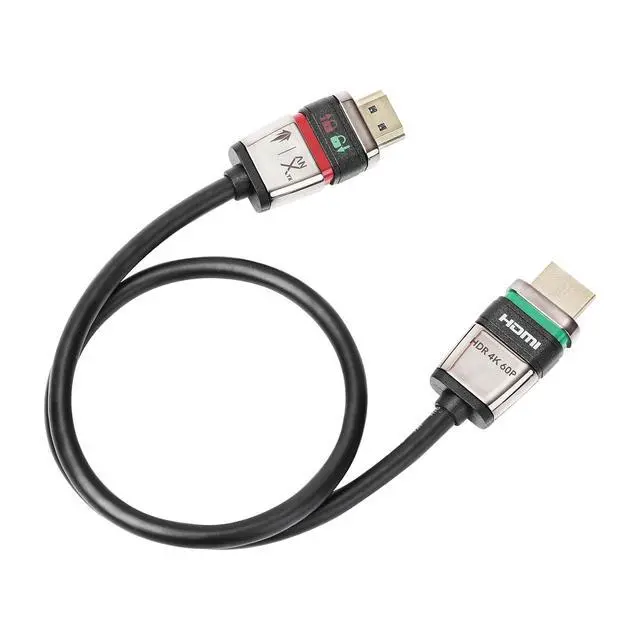
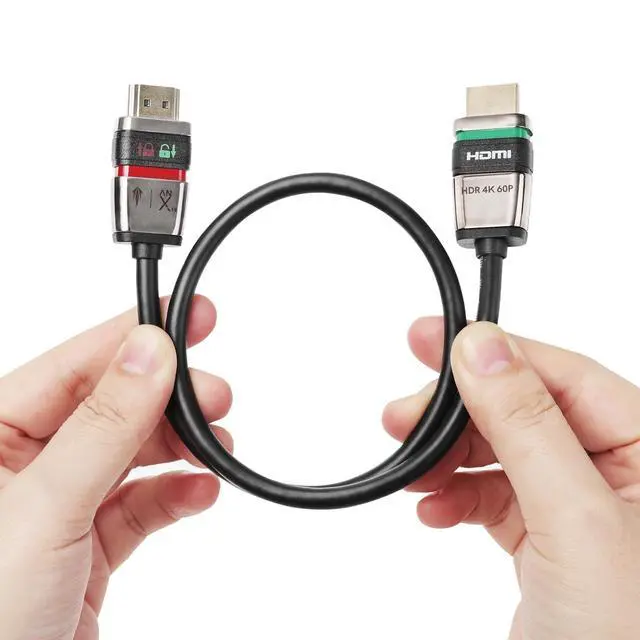
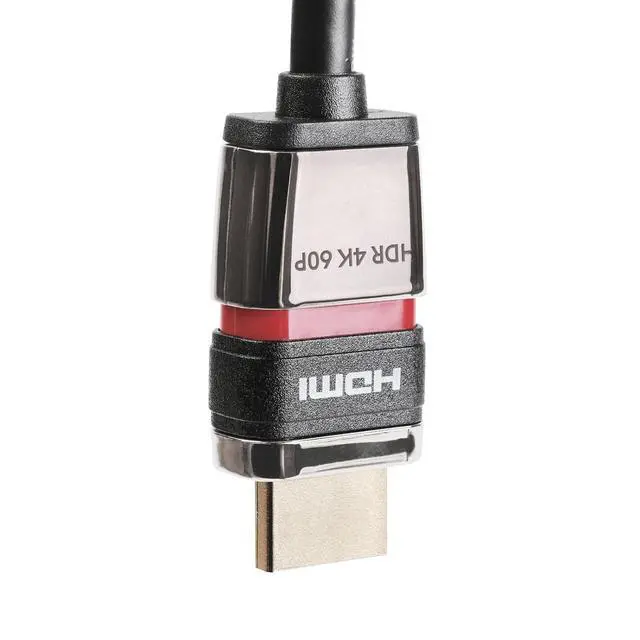


Locking HDMI 2.0 Cable - 4K@60Hz 18Gbps HDR for High-Speed Video Transfer with Ultra Lock System (2M)
- 4K True HD: Upgraded HDMI 2.0 technology supports 4K/60Hz high resolution, 18Gbps high-speed bandwidth transmission, and HDR display. The picture is clear and smooth, with true colours and every detail vividly displayed, as if you were in an IMAX cinema.
- Immersive sound and picture synchronization: The audio return channel (eARC) and quick media switching (QMS) ensure synchronized audio and video transmission, delivering an immersive viewing experience.
- Balanced brightness and rich details: Dynamic HDR technology adjusts colour and brightness information in real time according to the scene. Bright areas are vivid, dark areas are clear, and objects are reproduced more accurately.
- 3D visual effects that feel like you're right there: Supports 3D stereoscopic imaging technology; expanded colour depth and colour gamut range for smooth and natural colour transitions, vivid image reproduction, and an immersive viewing experience.
- Built-in slide switch: Built-in switch, stable connection,
+
+
Overview
Specs
Reviews

Any questions? Our AI beta will help you find out quickly.
Try me now
Experience uninterrupted viewing with our innovative Self-Locking HDMI 2.0 Cable.
Designed with advanced locking technology, this premium cable ensures your connections remain secure even in high-traffic environments. Never worry about accidental disconnections again! Our self-locking HDMI cable provides peace of mind for all your critical display connections.
Easy Locking Instructions
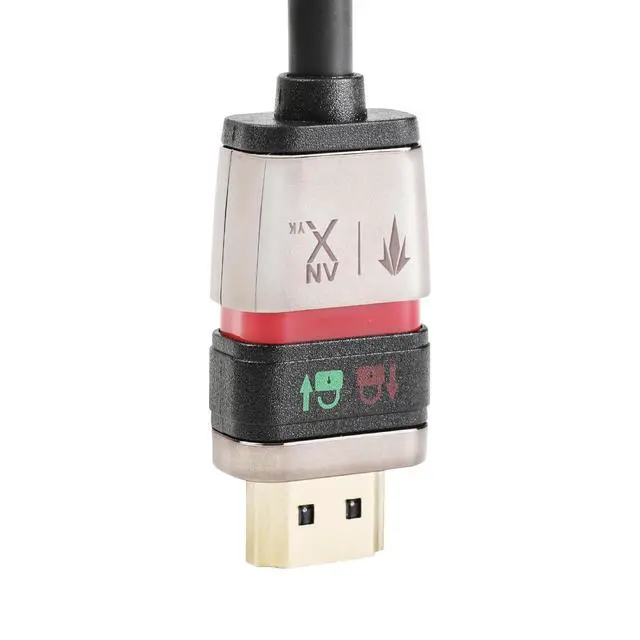
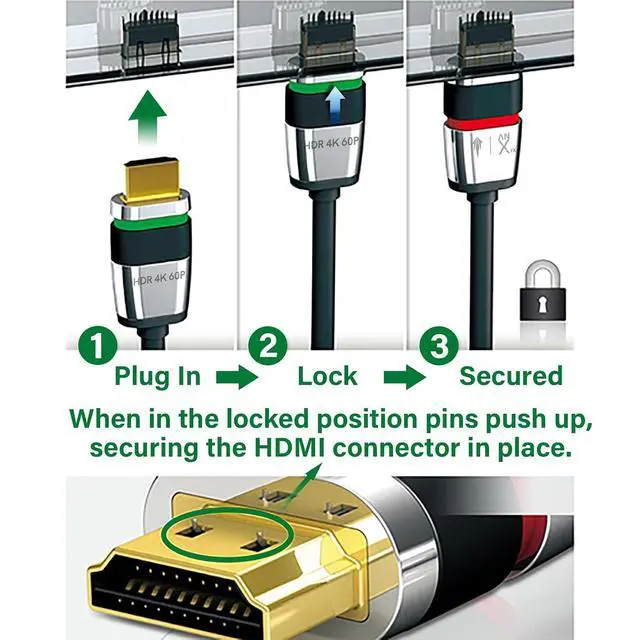
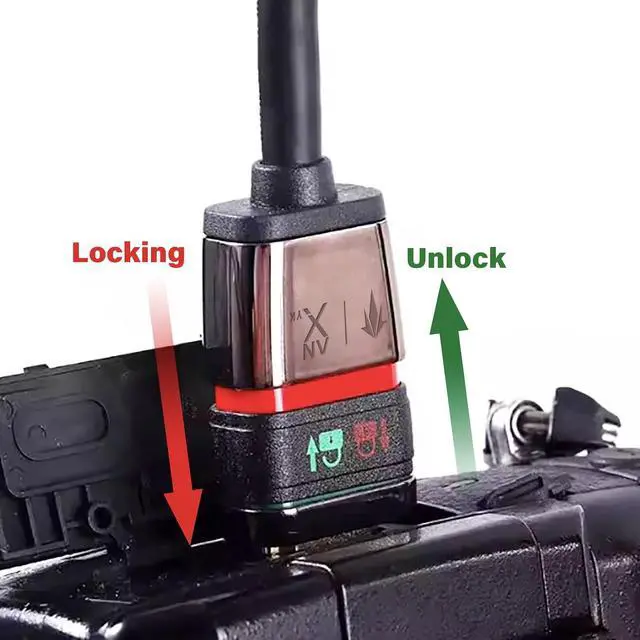
1. Check Unlocked Position: Ensure the HDMI cable is in the unlocked position, indicated by the green body and green padlock symbol
2. Connect Cable: Plug the HDMI cable into your device's HDMI port, ensuring it is fully inserted
3. Secure Connection: Slide the 360° switch forward to lock the connector inside the socket - the body will change to red, indicating locked status
4. Verify Lock: The HDMI plug is now securely locked in place, preventing accidental disconnection
Warranty & Returns
Warranty, Returns, And Additional Information
Warranty
- Please contact the Seller directly for warranty information. Warranty information may also be found on the Manufacturer's website.
- CONTACT
Return Policies
- Return for refund within: 30 days
- Return for replacement within: 30 days
- This item is covered by PrimeVolt’Shop Return Policy
Manufacturer Contact Info
- For a directory of all our manufacturers, please click below.
- Manufacturers Directory
LOADING...