Take a tax holiday. Take advantage of limited-time, tax-free savings on select products in certain states. Learn More>
  • $106.99
  • Free 30-day Returns
  • Price alert
    Shop it at NeweggBusiness.

    Meet Your Seller

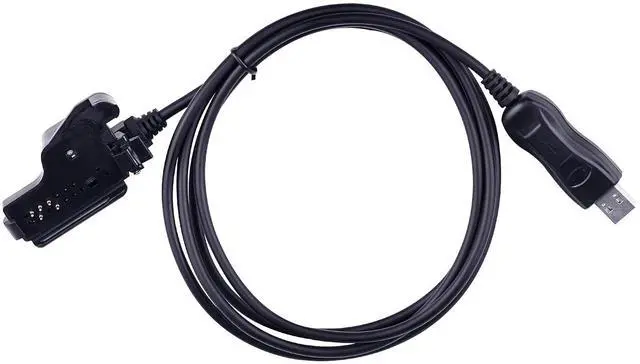
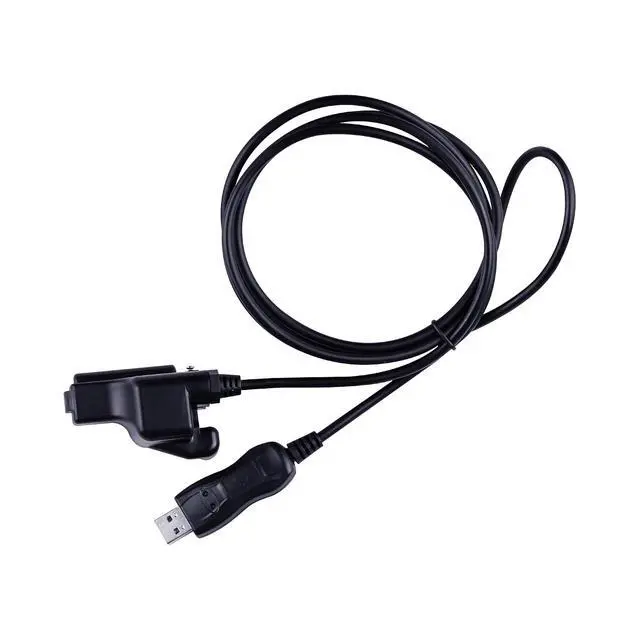
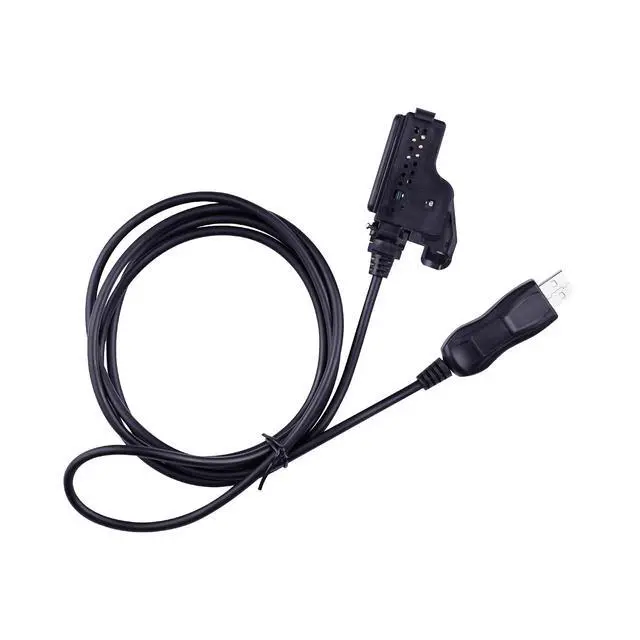
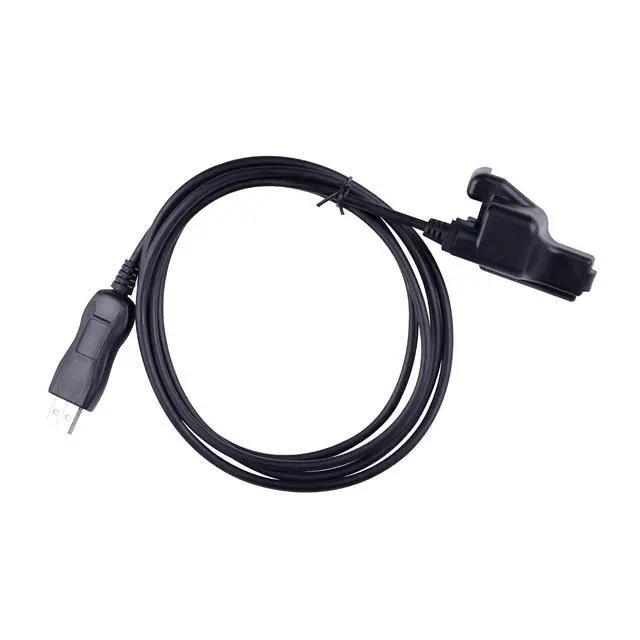
    RKN4105 Programming Cable (6FT) Compatible with Motorola XTS Series Portable Models, Fits for XTS5000 XTS2500 XTS1500 Radios

    • Compatible With: RKN4105 programming cable (6ft) compatible with motorola xts series portable models, fits for XTS5000 XTS2500 XTS1500 radios
    • System Compatibility: Programming cable compatible with windows xp, windows 7,windows 10 and windows 11 operating systems
    • Package Includes: 1Pc 6ft programming cable
    • Quality: The ftdi usb programming cable is made of high-quality materials, with stable signal transmission, tight interface connections, and long service life
    • Easy Installation: The programming cable installation is simple. After connecting one end to the USB port of a PC or laptop and the other end to the radio, you can find the cable in the computers device manager and recognize the radio as a modem. Select "USB" as the communication port in CPS
    • Attention: Please confirm that the connector matches your wireless port before purchasing. If you have any questions, please consult us for assistance

    +
    +
    Overview
    Specs
    Reviews
    avatar

    Any questions? Our AI beta will help you find out quickly.

    Compatible With: RKN4105 programming cable (6ft) compatible with motorola xts series portable models, fits for XTS5000 XTS2500 XTS1500 radios
    System Compatibility: Programming cable compatible with windows xp, windows 7,windows 10 and windows 11 operating systems
    Package Includes: 1Pc 6ft programming cable
    Quality: The ftdi usb programming cable is made of high-quality materials, with stable signal transmission, tight interface connections, and long service life
    Easy Installation: The programming cable installation is simple. After connecting one end to the USB port of a PC or laptop and the other end to the radio, you can find the cable in the computers device manager and recognize the radio as a modem. Select "USB" as the communication port in CPS
    Attention: Please confirm that the connector matches your wireless port before purchasing. If you have any questions, please consult us for assistance

    Warranty & Returns

    Warranty, Returns, And Additional Information

    Warranty

    • Please contact the Seller directly for warranty information. Warranty information may also be found on the Manufacturer's website.
    • CONTACT

    Return Policies

    Manufacturer Contact Info

    LOADING...