Your Browsing History
Meet Your Seller
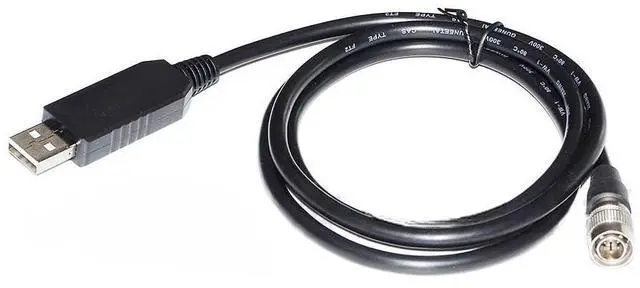
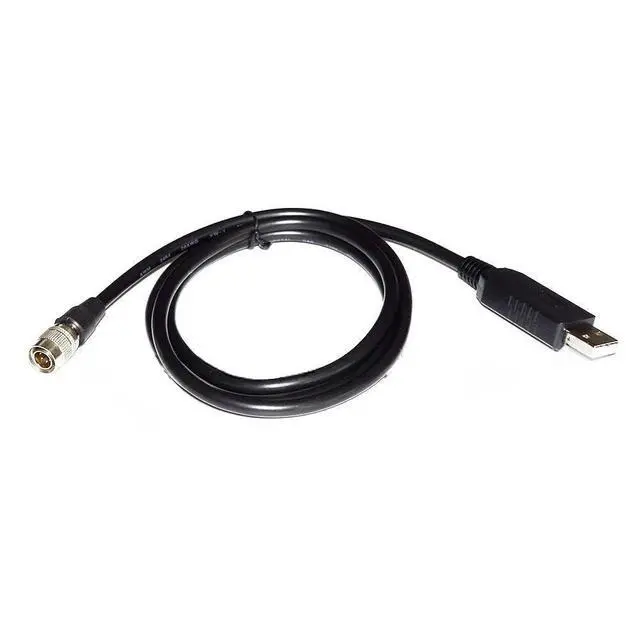
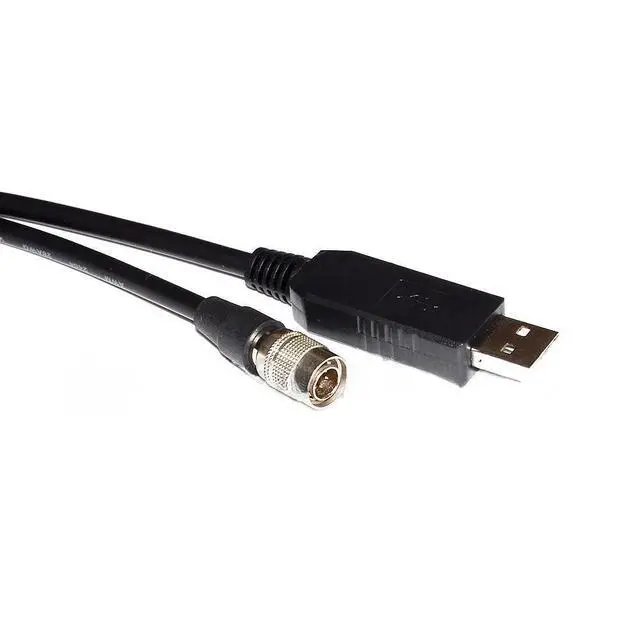
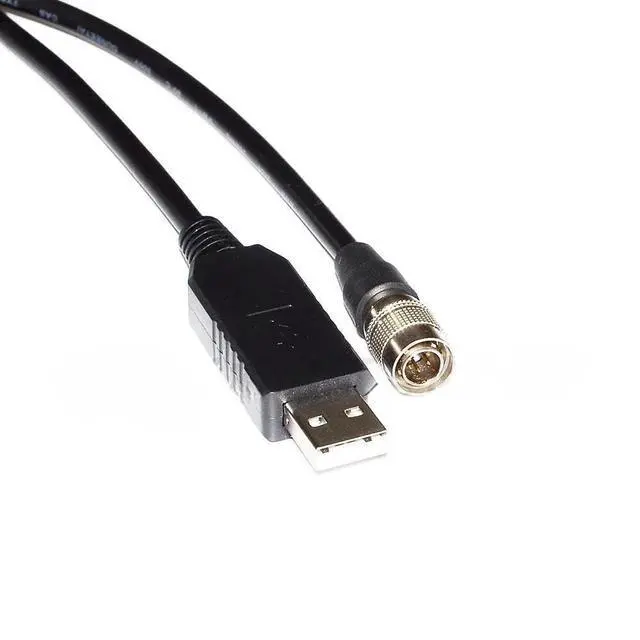
USB to 6-Pin Hirose Cable for Optotune ECC-1C Lens, 1.8m PC Configuration Cable
- Dedicated USB-to-6-Pin Hirose Interface for Optotune ECC-1C Lens Communication: This cable establishes a stable USB connection between your computer and Optotune ECC-1C lenses via the 6-pin Hirose port, enabling reliable lens configuration and focus control.
- Reliable Communication for Electrically Tunable Lens Focus Adjustment: Ensures accurate transmission of focal length commands, driver parameters, and lens status between the ECC-1C lens and PC control software for precision optical applications.
- Plug-and-Play Setup with Driver Support for Quick Integration: Features easy installation with driver support for common operating systems, allowing immediate connectivity to Optotune ECC-1C lenses without requiring additional adapters.
- Laboratory-Grade 1.8-Meter Cable for Optical System Environments: The 1.8-meter shielded cable is designed for optical benches and imaging setups, minimizing electrical interference to maintain signal integrity during lens control.
- Essential Tool for Op
+
+
Overview
Specs
Reviews
Any questions? Our AI beta will help you find out quickly.
Try me now
Package includes: 1pcs
Kindly reminder:
1. Before placing an order, please ensure the device model matches the product title. If unsure, contact us. While these serial cables carry identical signals, their pinout sequences differ across devices and are not universally compatible.
2. Upon use, immediately check your computer's Device Manager to verify if the port requires driver installation. A yellow exclamation mark indicates driver installation is needed.
Note:
Windows 10 and later systems include drivers that install automatically upon USB insertion. If automatic installation fails, contact us for a driver link.
Kindly reminder:
1. Before placing an order, please ensure the device model matches the product title. If unsure, contact us. While these serial cables carry identical signals, their pinout sequences differ across devices and are not universally compatible.
2. Upon use, immediately check your computer's Device Manager to verify if the port requires driver installation. A yellow exclamation mark indicates driver installation is needed.
Note:
Windows 10 and later systems include drivers that install automatically upon USB insertion. If automatic installation fails, contact us for a driver link.
Warranty & Returns
Warranty, Returns, And Additional Information
Warranty
- Please contact the Seller directly for warranty information. Warranty information may also be found on the Manufacturer's website.
- CONTACT
Return Policies
- Return for refund within: 30 days
- Return for replacement within: 30 days
- This item is covered by PrimeVolt’Shop Return Policy
Manufacturer Contact Info
- For a directory of all our manufacturers, please click below.
- Manufacturers Directory
LOADING...