

Your Browsing History

Meet Your Seller

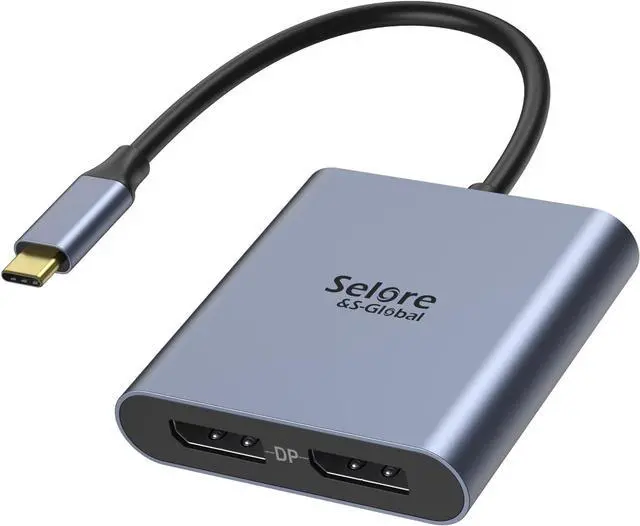
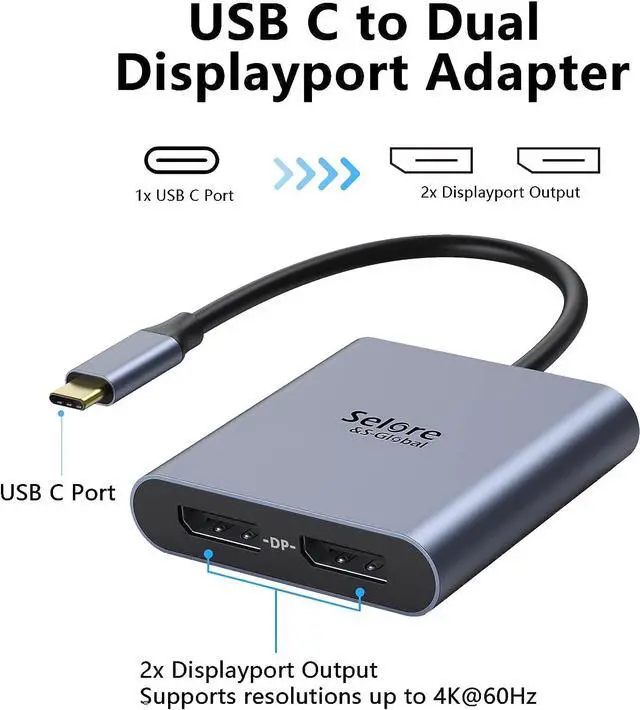


USB-C to Dual 4K DisplayPort Splitter Adapter Selore USB C Hub DisplayPort
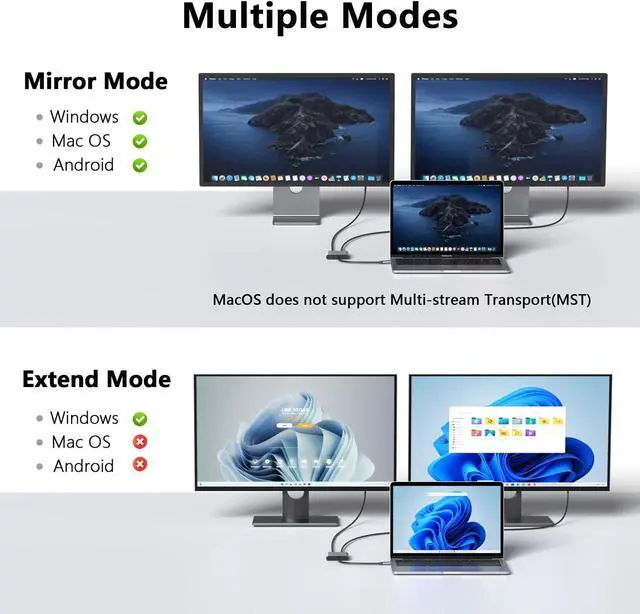
- USB-C to Dual DP Ports Adapter 2 in 1: DP ports only, NOT HDMI. Requires DP cables plus DP monitors plus DP Alt Mode laptop. If your monitor has HDMI only, this will NOT work. Mac: mirror mode only (no dual extended). Not compatible with KVM switches. HP users: update drivers/BIOS. Setup: Connect monitors FIRST, then adapter to laptop
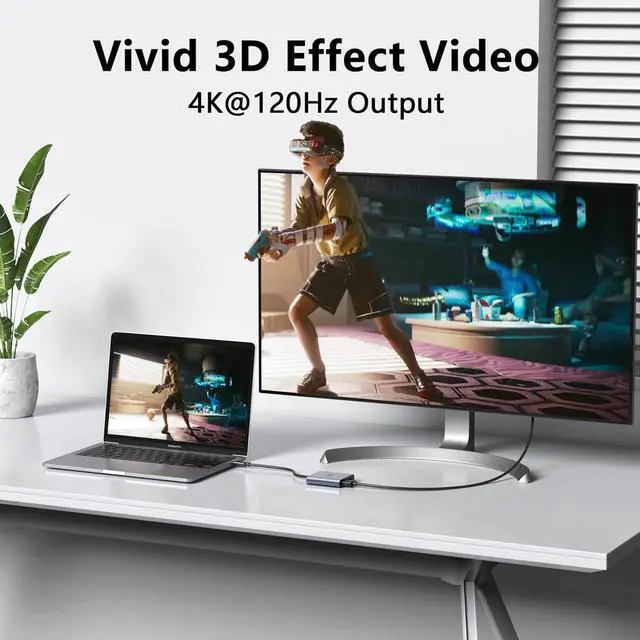
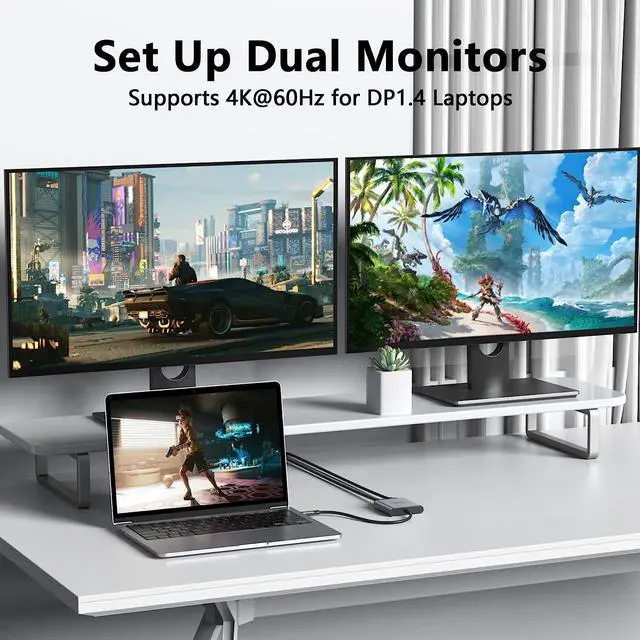
- 4K DisplayPort Output: Supports up to 4K at 120Hz (single monitor) or dual 4K at 60Hz via MST technology. Supports 1440p and 1080p at 60Hz. Requires certified DisplayPort 1.4 or higher cable. Your source device, monitor, AND cable must all support 4K for 4K output
- Plug and Play: No drivers required. Works natively on devices with DP Alt Mode over USB-C. Note: Connect monitors to DP ports FIRST, then connect adapter to laptop. Set adapter as default audio output in system settings
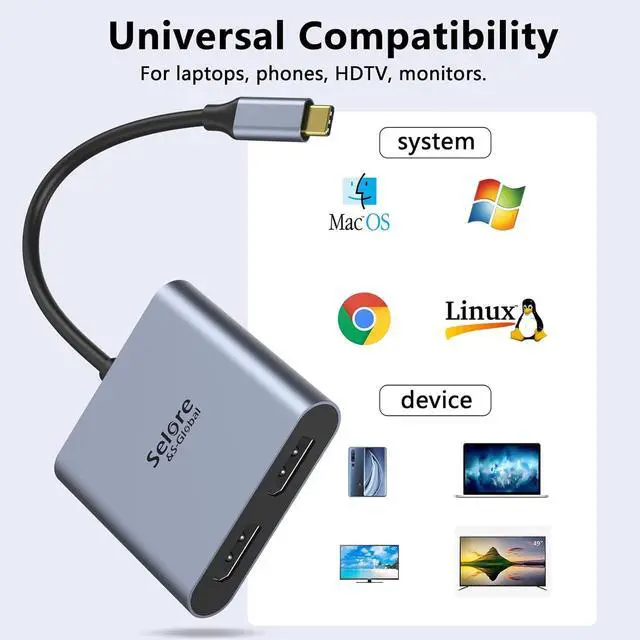
- Wide Compatibility: Works with Thunderbolt 3/4 and DP Alt Mode devices. Compatible examples: Dell XPS 13/15/17, HP Spectre x2/x360, Lenovo Yoga 720/910/920/930, Surface Pro 7
+
+
Overview
Specs
Reviews

Any questions? Our AI mode will help you find out quickly.
Try me now
USB C to dual DisplayPort adapter supports Dual Monitors 4K@60Hz when the source is DP1.4
This DisplayPort adapter resolution is up to 4K@120Hz, you play games on screen without any millisecond delay.
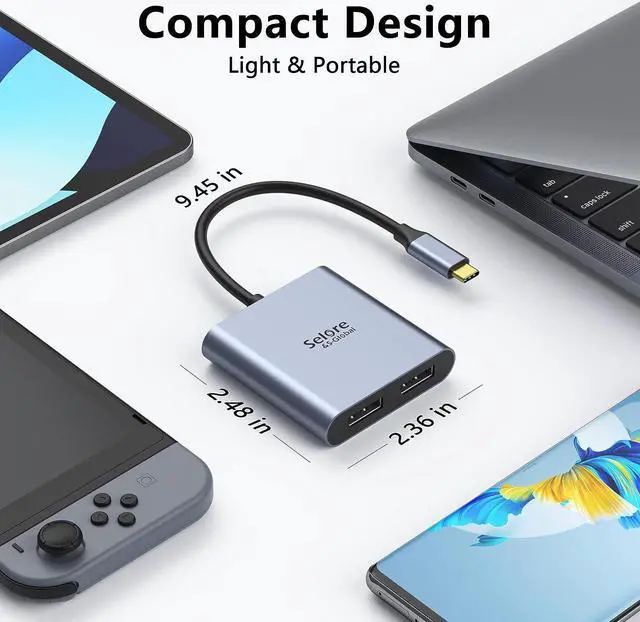
Dual 4K DisplayPort Adapter is easy to use and carry, perfect for office, school, home and travel.
The dual monitor DisplayPort adapter plugs into the device and can be used directly.
Does this adapter support two independent screens (Extended Mode) on Mac?
No. On macOS, this adapter only supports Mirror Mode (duplicate display). Extended Mode (separate desktops) is not supported due to macOS system limitations.
How to set up dual monitors on Windows?
1) Ensure your laptop's USB-C port supports DP Alt Mode. 2) Connect monitors to adapter, then plug into PC. 3) Go to Settings > System > Display and select Extend these displays.
One monitor has no signal. What to do?
Follow these steps: 1) Check connection order (MonitorsAdapterPC). 2) Try a different DP cable. 3) Go to Display Settings and click Detect. 4) Update your graphics driver.
How to check if my computer is compatible?
For Mac: It is compatible, but only mirrored mode is supported. If you are unsure, it is recommended that you carefully review the official specifications of your computer model or use a system information tool to confirm before purchasing.
Any important usage tips?
Yes: 1) Use certified DP 1.4 cable for 4K. 2) Always connect monitors first. 3) Mac: Mirror Mode only. 4) NO KVM switches connect adapter directly to laptop. 5) HP users: Update graphics driver & BIOS first.
Displayport Splitter Adapter Lightweight and Portable Plug and Play Does this adapter support two independent screens (Extended Mode) on Mac?
How to set up dual monitors on Windows?
One monitor has no signal. What to do?
How to check if my computer is compatible?
Any important usage tips?
This DisplayPort adapter resolution is up to 4K@120Hz, you play games on screen without any millisecond delay.
Dual 4K DisplayPort Adapter is easy to use and carry, perfect for office, school, home and travel.
The dual monitor DisplayPort adapter plugs into the device and can be used directly.
Does this adapter support two independent screens (Extended Mode) on Mac?
No. On macOS, this adapter only supports Mirror Mode (duplicate display). Extended Mode (separate desktops) is not supported due to macOS system limitations.
How to set up dual monitors on Windows?
1) Ensure your laptop's USB-C port supports DP Alt Mode. 2) Connect monitors to adapter, then plug into PC. 3) Go to Settings > System > Display and select Extend these displays.
One monitor has no signal. What to do?
Follow these steps: 1) Check connection order (MonitorsAdapterPC). 2) Try a different DP cable. 3) Go to Display Settings and click Detect. 4) Update your graphics driver.
How to check if my computer is compatible?
For Mac: It is compatible, but only mirrored mode is supported. If you are unsure, it is recommended that you carefully review the official specifications of your computer model or use a system information tool to confirm before purchasing.
Any important usage tips?
Yes: 1) Use certified DP 1.4 cable for 4K. 2) Always connect monitors first. 3) Mac: Mirror Mode only. 4) NO KVM switches connect adapter directly to laptop. 5) HP users: Update graphics driver & BIOS first.
Displayport Splitter Adapter Lightweight and Portable Plug and Play Does this adapter support two independent screens (Extended Mode) on Mac?
How to set up dual monitors on Windows?
One monitor has no signal. What to do?
How to check if my computer is compatible?
Any important usage tips?
Warranty & Returns
Warranty, Returns, And Additional Information
Warranty
- Please contact the Seller directly for warranty information. Warranty information may also be found on the Manufacturer's website.
- CONTACT
Return Policies
- Return for refund within: 30 days
- Return for replacement within: 30 days
- This item is covered by FluffyNest Return Policy
Manufacturer Contact Info
- For a directory of all our manufacturers, please click below.
- Manufacturers Directory
LOADING...