Your Browsing History
Meet Your Seller
4K HDMI Video Capture Card 1080p Board Game Capture Card USB 2.0 Recorder Box Device for Live Streaming Video Recording Loop Out
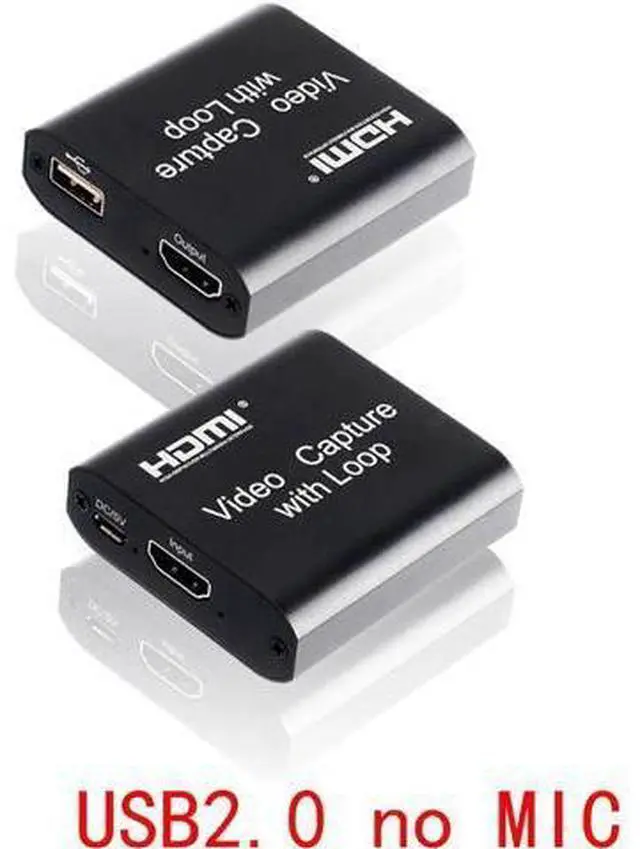
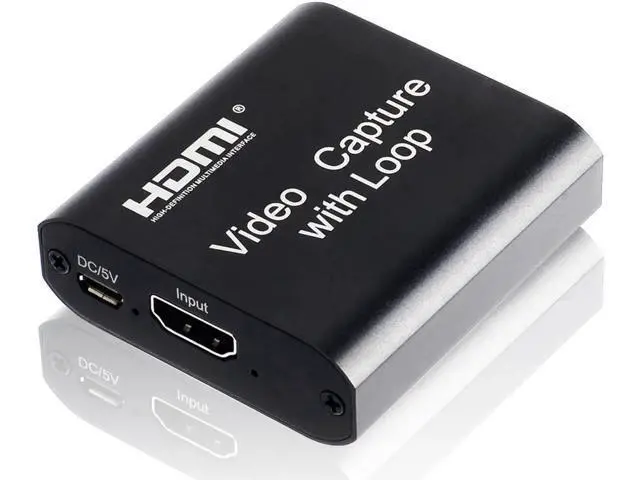
- No MIC version.; Support HDMI loop out.Support input max resolution 4K 30fps, the loop out resolution is same as input.; Support AWG26 HDMI standard cable: input up to 15 meters,(1080P and below resolution).; Support most acquisition software, such as VLC?OBS ?Amcap, etc.; Support Windows?Linux and MacOS.
+
+
Overview
Specs
Reviews
Any questions? Our AI beta will help you find out quickly.
Try me now
Feature: No
MIC version:
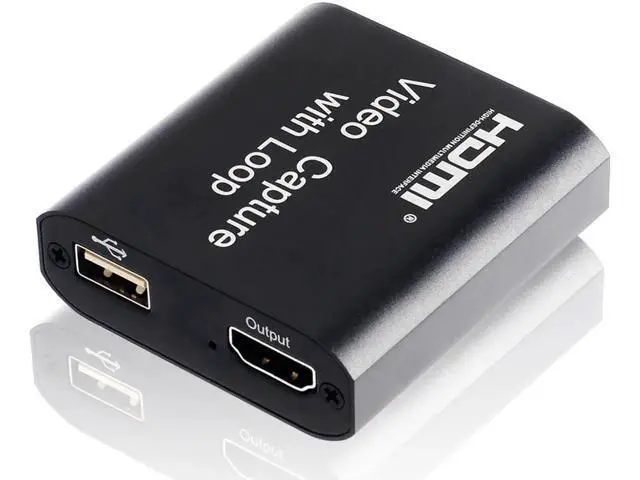
Description: The video capture can capture both HDMI video and HDMI audio, sending audio and video signals to computers and smart phones for preview and storage. Also can push to online live platfroms to live at the same time, Suitable for HD acquisition, teaching live streaming, game live streaming, Study video capture, Films capture etc.
1. Support HDMI loop out;
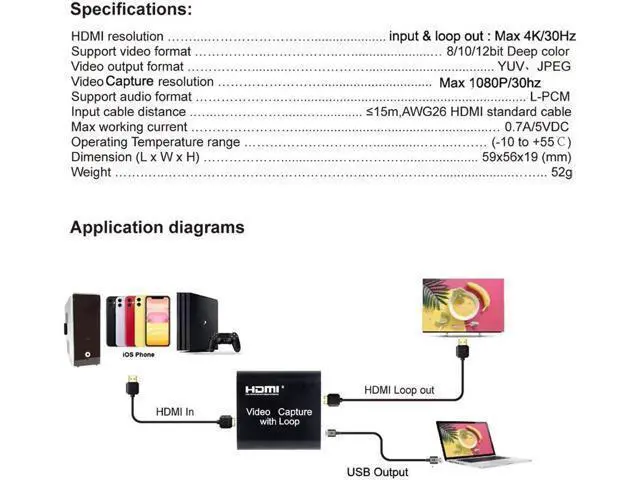
2. Support input max resolution 4K 30fps, the loop out resolution is same as input;
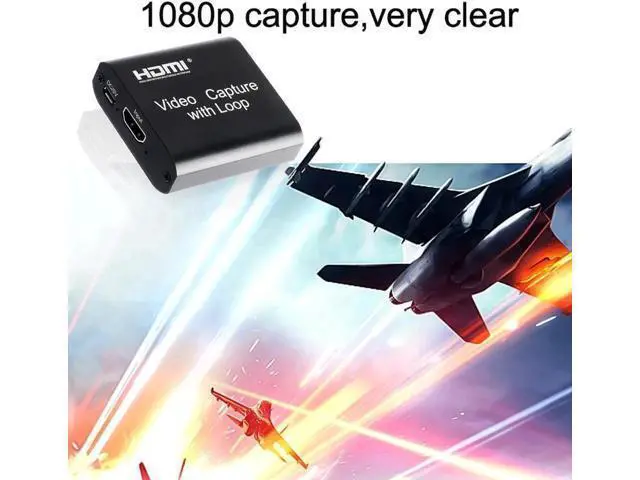
3. Support capture max resolution 1080P 30fps;
4. Support AWG26
HDMI standard cable: input up to 15 meters, (1080P and below resolution);
5. Support most acquisition software, such as VLC? OBS? Amcap, etc;
6. Support Windows? Linux and MacOS;
7. Conform to USB Video and UVC standard;
8. Conform to USB Audio UAC standard;
9. Compact and portable.
Connection and Operation:
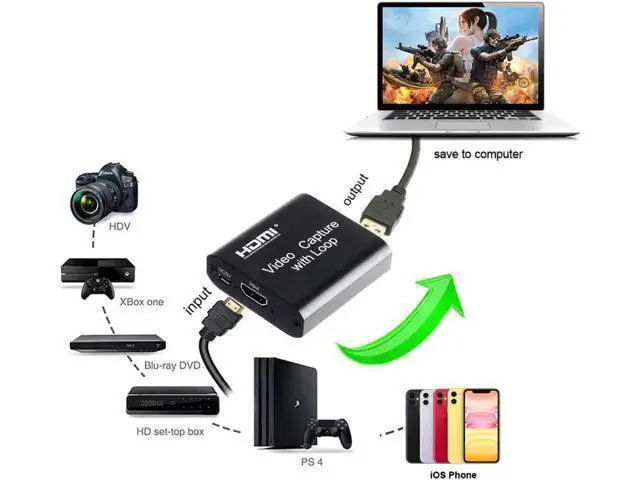
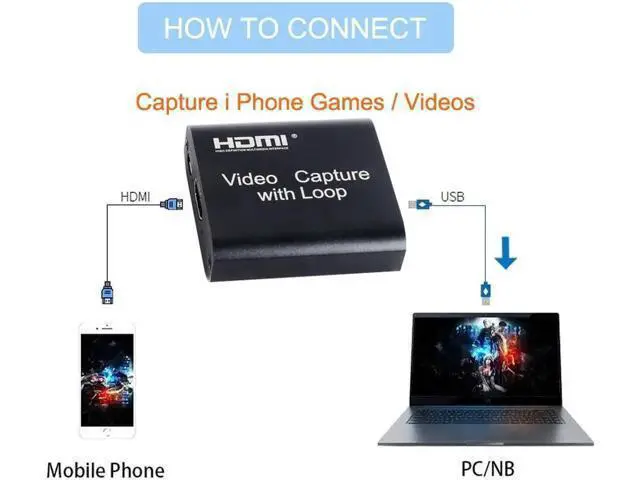
1. Connect the UHD signal source to the HDMI input of the video capture with one HDMI cable.
2. Connect the display device to the HDMI output of the video capture with one HDMI cable.
3. Connect PC USB port to the USB output of the video capture with one USB cable.
4. Operation steps for
USB video capture (OBS): Open the software? Choose sources of Video capture Device? Set the size of image? Choose Studio Mode (double window)? Choose Start Recording.
Note: Computer hardware configuration requirements
CPU: PC i5-3400 or above; NB i7-3537U 2.0GHZ or above
Graphics card: PC NVIDIA GT630 or above; NC NVIDIA GT735M or above
Run memory: 4G RAM. With MIC v

MIC version:
Description: The video capture can capture both HDMI video and HDMI audio, sending audio and video signals to computers and smart phones for preview and storage. Also can push to online live platfroms to live at the same time, Suitable for HD acquisition, teaching live streaming, game live streaming, Study video capture, Films capture etc.
1. Support HDMI loop out;
2. Support input max resolution 4K 30fps, the loop out resolution is same as input;
3. Support capture max resolution 1080P 30fps;
4. Support AWG26
HDMI standard cable: input up to 15 meters, (1080P and below resolution);
5. Support most acquisition software, such as VLC? OBS? Amcap, etc;
6. Support Windows? Linux and MacOS;
7. Conform to USB Video and UVC standard;
8. Conform to USB Audio UAC standard;
9. Compact and portable.
Connection and Operation:
1. Connect the UHD signal source to the HDMI input of the video capture with one HDMI cable.
2. Connect the display device to the HDMI output of the video capture with one HDMI cable.
3. Connect PC USB port to the USB output of the video capture with one USB cable.
4. Operation steps for
USB video capture (OBS): Open the software? Choose sources of Video capture Device? Set the size of image? Choose Studio Mode (double window)? Choose Start Recording.
Note: Computer hardware configuration requirements
CPU: PC i5-3400 or above; NB i7-3537U 2.0GHZ or above
Graphics card: PC NVIDIA GT630 or above; NC NVIDIA GT735M or above
Run memory: 4G RAM. With MIC v
Warranty & Returns
Warranty, Returns, And Additional Information
Warranty
- Please contact the Seller directly for warranty information. Warranty information may also be found on the Manufacturer's website.
- CONTACT
Return Policies
- Return for refund within: 30 days
- Return for replacement within: 30 days
- This item is covered by OUTDOORMAX GEAR Return Policy
Manufacturer Contact Info
- For a directory of all our manufacturers, please click below.
- Manufacturers Directory
LOADING...