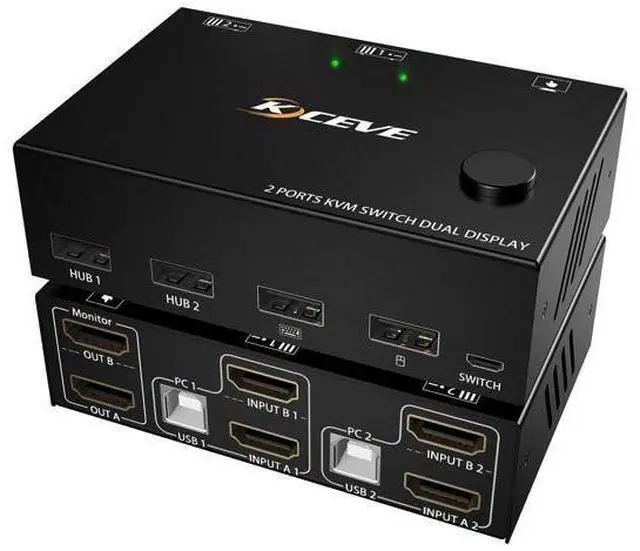
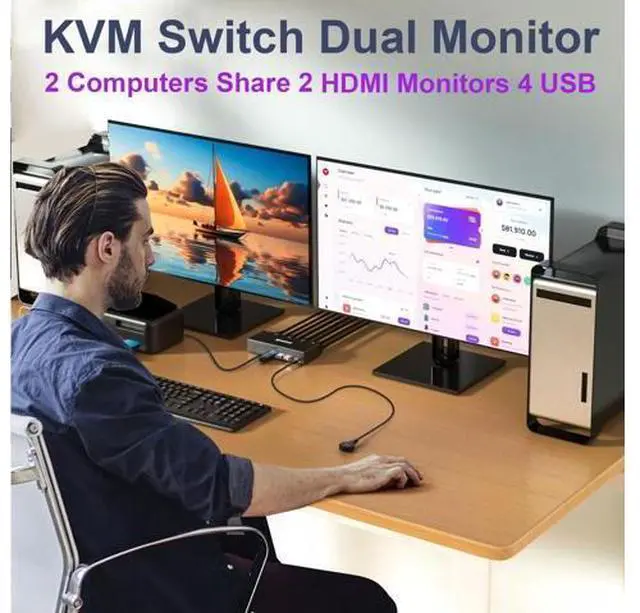
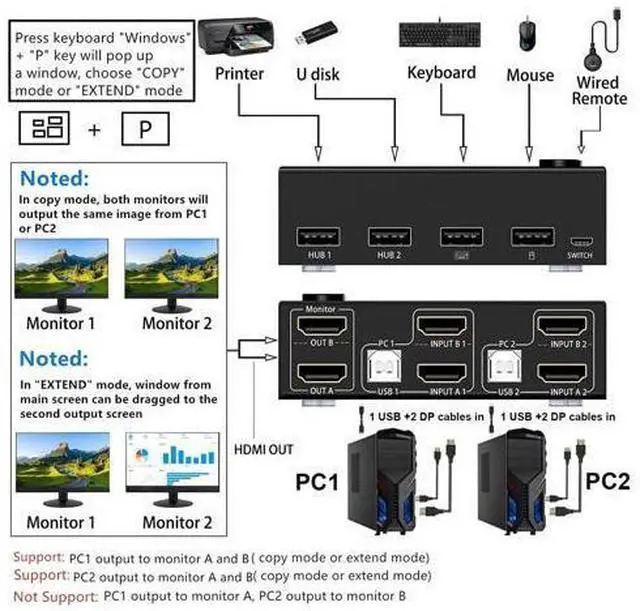
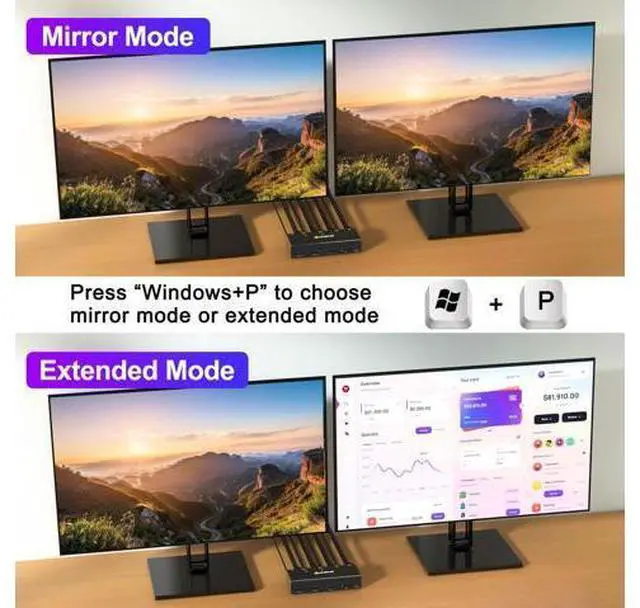
Dual Monitor KVM Switch 2 Computers Share 2 Monitor and 4 USB Devices 2 computers share one set of mouse, keyboard, printer, scanner, and display on 2 monitors Choose extended screen mode or mirror mode by pressing Windows+P 2
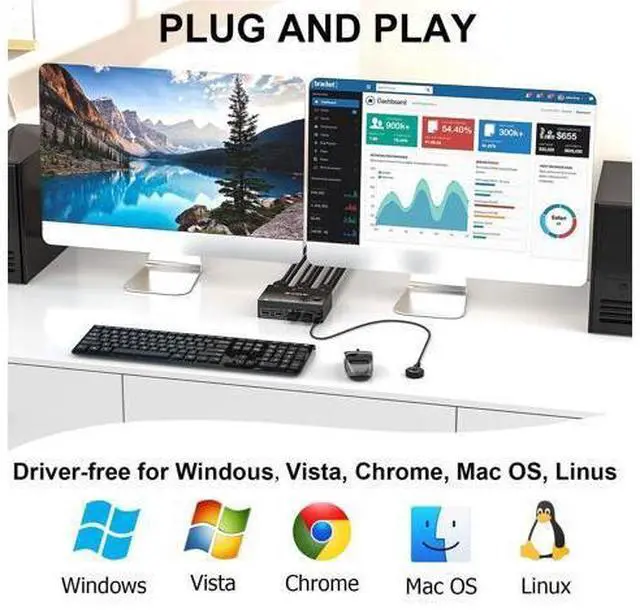
Switching methods: Switched by 1.5 m Wired Remote & Button Switch Plug and play. No driver software required LED light indicate which computer is active Great Compatibility Compatible with Windows11/10/8/7/XP/Vista/Chrome/Mac OS/Linux system Support most
HDMI interfaces input device: PC, laptop, TV Box, Apple TV, PS3, PS4, PS5, HDTV, monitor, projectors. Compliant with HDMI 1.4, HDCP 2.0, YUV:
4:4: 4 UHD Resolution Visual Enjoyment Support 4K@30Hz, 1920x1080P@120Hz or lower resolution
Please Note: Using 8K cables will solve the problem of flickering and black screen.
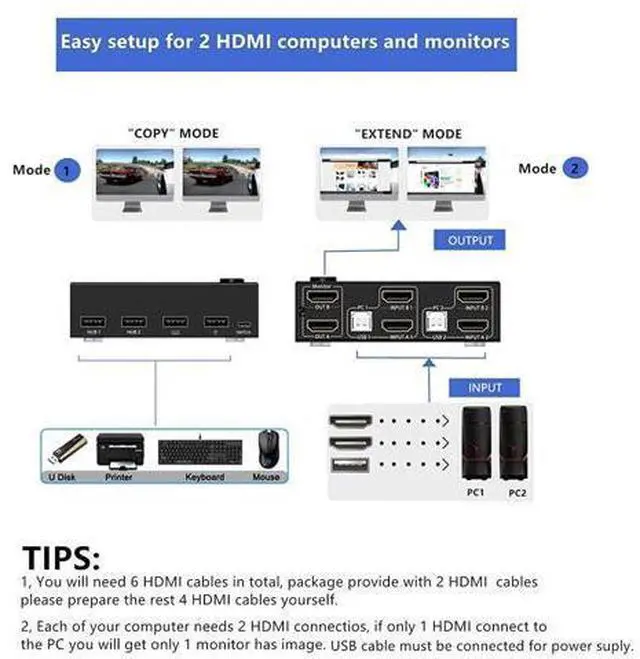
Connection Steps: Step
1. Connect 2*HDMI cables+1*USB cable between PC1 and KVM (USB 1, INPUT A1, INPUT B1) Step
2. Connect 2*HDMI cables+1*USB cable between PC2 and KVM (USB 2, INPUT A2, INPUT B2) Step
3. Connect 2*HDMI cables between the KVM (OUT A, OUT B) and the monitors. Step
4. Connect keyboard mouse to the KVM USB ports Step
5. Insert your USB devices into the USB port Step
6. Insert "Wired Remote" port to remotely switch between PC1 and
PC2 Specification:
Input: Each PC (HDMI A+B), 1 x
USB Video Out: 2 x
HDMI (Monitor) Build-in: ESD protection system
Shell Material: Metal Powered by DC 5V
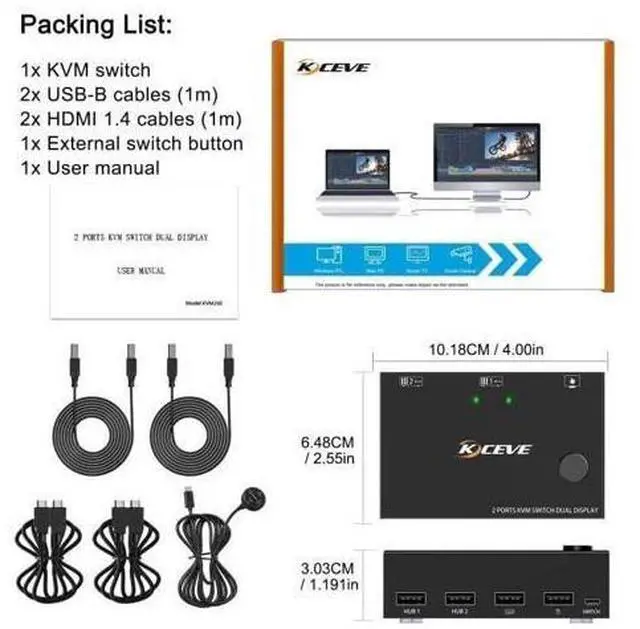
Power Packing List: 1 x KVM Switch Dual monitor 2 x USB Cable 1.5 m 1 x Wired Remote 1.5 m 1 x User M





 here!
here!