Your Browsing History
Meet Your Seller
2 Port DisplayPort KVM Switch with USB 2.0 Ports, DP 1.2 4K @60Hz Display Port KVM Switcher Box for 2 Computers Sharing 1 Monitor Keyboard Mouse Peripherals Selector Box with USB Cables
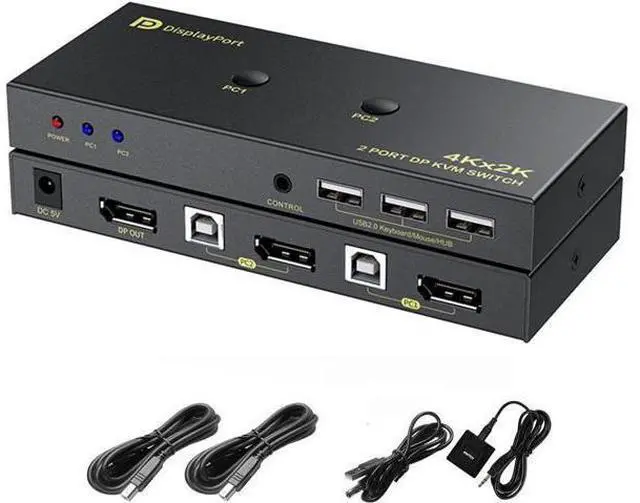
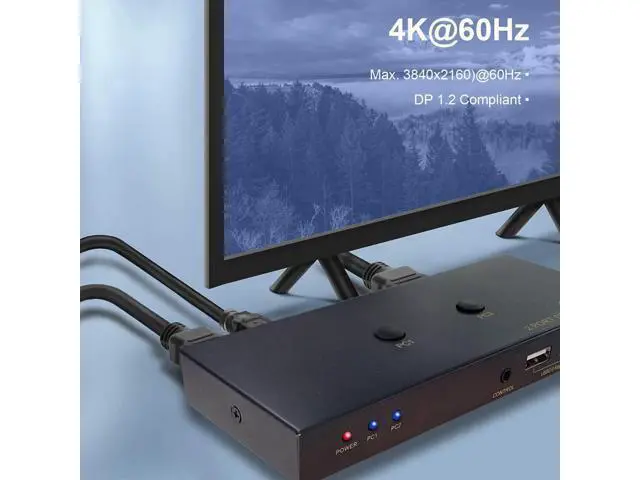
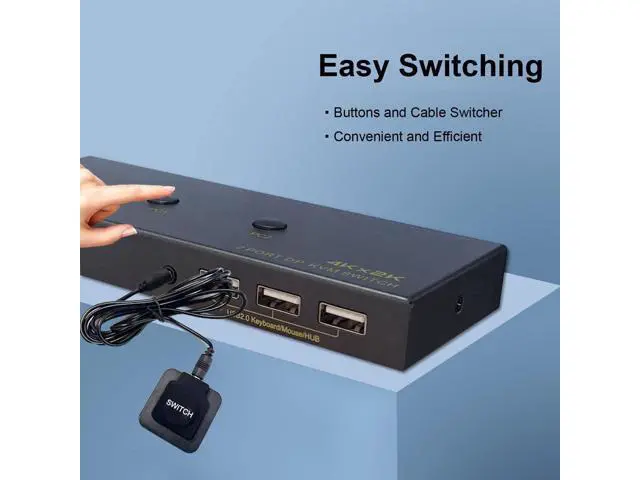
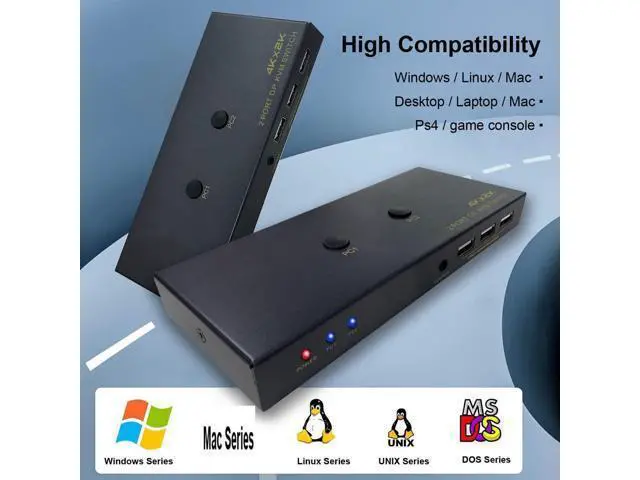
- [2 PORT DISPLAYPORT KVM SWITCH] Control 2 computers or laptops with DisplayPort output using 1 independent set of keyboard, mouse and monitor.; [KVM SWITCH DP 1.2 4K 60HZ] Support maximum 4K@60hz, 1080P@120hz, YUV 4:4:4, HDR10, (Please be aware this KVM Switch does not support 144hz).; [OPERATION SYSTEM SUPPORT] Support Windows 7/8/10, Linux and Mac system (Not recommended for computers without DP outputs).; [EASY SWITCHING METHODS] Push the button on the KVM switch or cable controller to switch between 2 computers conveniently. Hotkey is not supported.; [COMES WITH 2x USB CABLES] The package includes 1x DP KVM Switch, 2x USB Cable, 1x Power Cable, 1x Desk Control Cable.
+
+
Overview
Specs
Reviews
Any questions? Our AI mode will help you find out quickly.
Try me now
2 Port DisplayPort KVM Switch DP 1.2 2K @120/144Hz 4K @60Hz
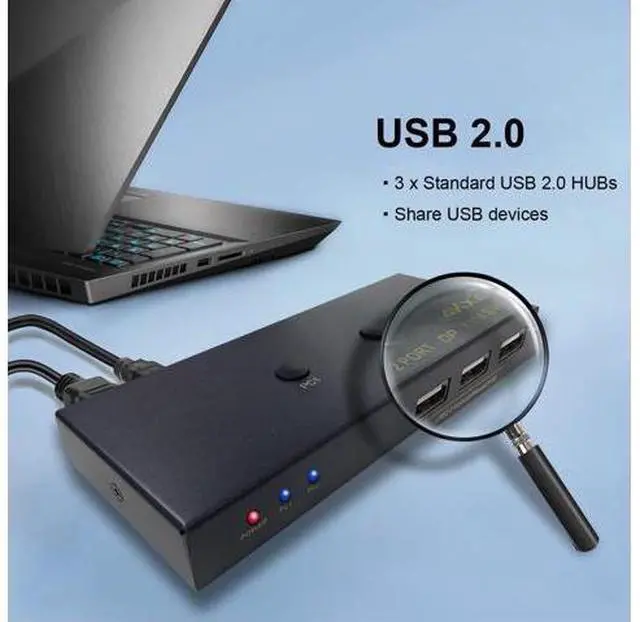
Product Features: 1. Control 2 desktop or laptops using 1 set of keyboard, mouse and monitor 2. DP 1.2 supports max. Resolution up to 2K@120/144Hz, 4K@60Hz 3. Support Windows, Linux, Mac and more 4. Convenient switching between 2 computers using button or cable selector 5. With 3 integrated USB 2.0 HUB ports for sharing USB devices How to
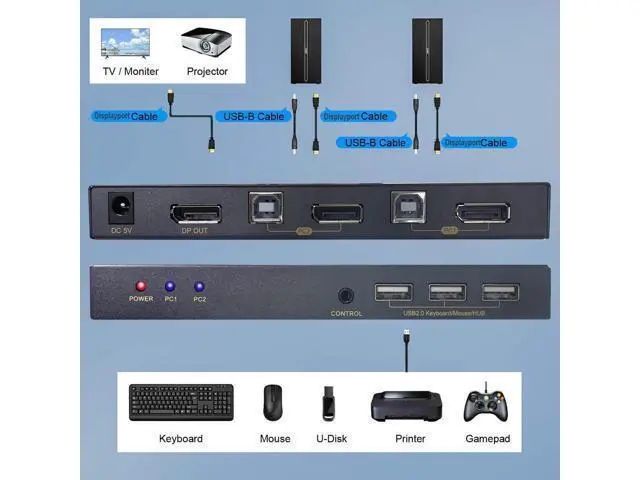
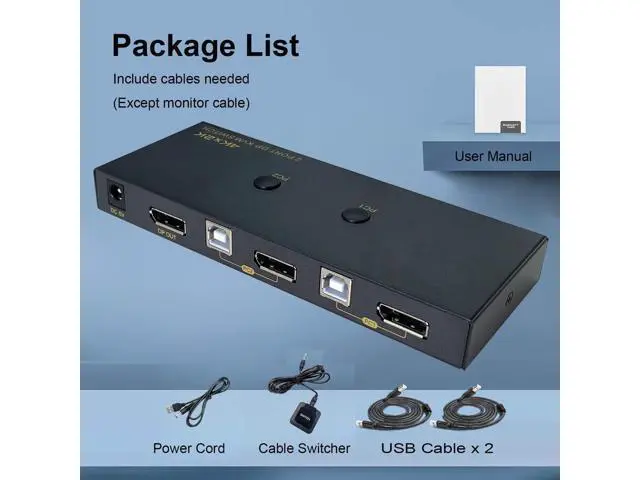
Install: 1. Power off all devices before installation 2. Connect PC 1 using the include DP cable and USB cable to PC 1 Input section 3. Connect PC 2 using the include DP cable and USB cable to PC 2 Input section 4. Plug keyboard and mouse or wireless dongle into the USB 2.0 ports on the KVM Switch 5. Plug a DP monitor to the DisplayPort Out 6. Connect the included USB power cord from a USB power source to the KVM switch 7. Plug the cable selector if needed 8. Power on all devices Whats in the
Box: 1* DP KVM Switch 2* USB 2.0 cable 1* Cable Selector 1* USB to DC 5V power cord

Product Features: 1. Control 2 desktop or laptops using 1 set of keyboard, mouse and monitor 2. DP 1.2 supports max. Resolution up to 2K@120/144Hz, 4K@60Hz 3. Support Windows, Linux, Mac and more 4. Convenient switching between 2 computers using button or cable selector 5. With 3 integrated USB 2.0 HUB ports for sharing USB devices How to
Install: 1. Power off all devices before installation 2. Connect PC 1 using the include DP cable and USB cable to PC 1 Input section 3. Connect PC 2 using the include DP cable and USB cable to PC 2 Input section 4. Plug keyboard and mouse or wireless dongle into the USB 2.0 ports on the KVM Switch 5. Plug a DP monitor to the DisplayPort Out 6. Connect the included USB power cord from a USB power source to the KVM switch 7. Plug the cable selector if needed 8. Power on all devices Whats in the
Box: 1* DP KVM Switch 2* USB 2.0 cable 1* Cable Selector 1* USB to DC 5V power cord
Warranty & Returns
Warranty, Returns, And Additional Information
Warranty
- Please contact the Seller directly for warranty information. Warranty information may also be found on the Manufacturer's website.
- CONTACT
Return Policies
- Return for refund within: 30 days
- Return for replacement within: 30 days
- This item is covered by OUTDOORMAX GEAR Return Policy
Manufacturer Contact Info
- For a directory of all our manufacturers, please click below.
- Manufacturers Directory
LOADING...