Meet Your Seller
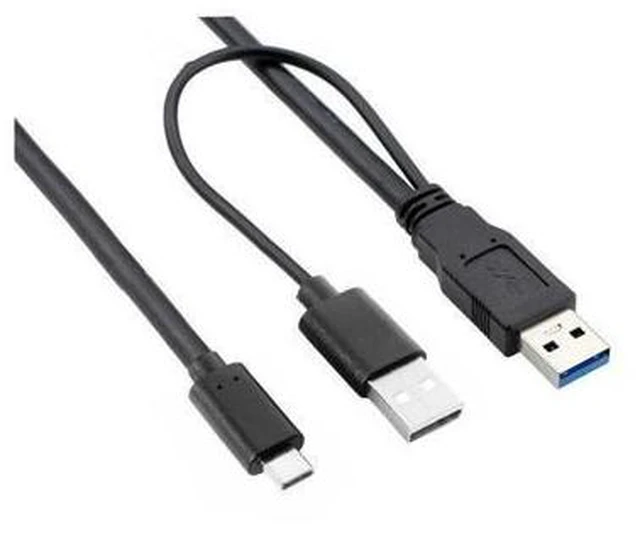
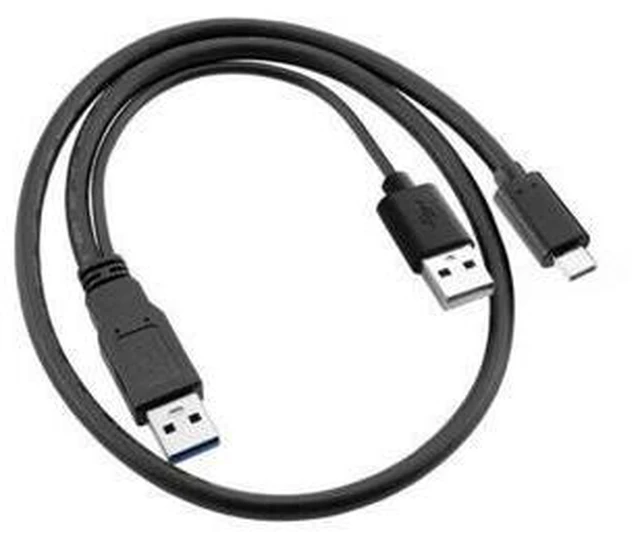
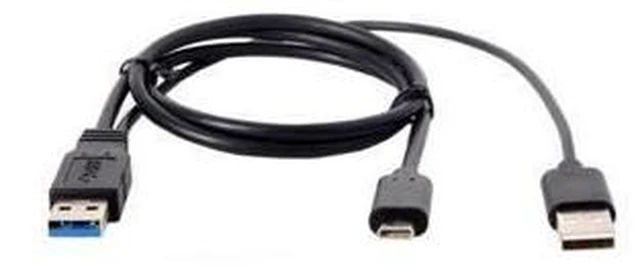
USB-C to USB 3.0 Male and USB 2.0 Male Y Cable Dual-Port Power and Data Cable Type-C USB Sync Adapter for Laptop Hard Disk and External Drive 1 USB 3.0 Data Port 60cm
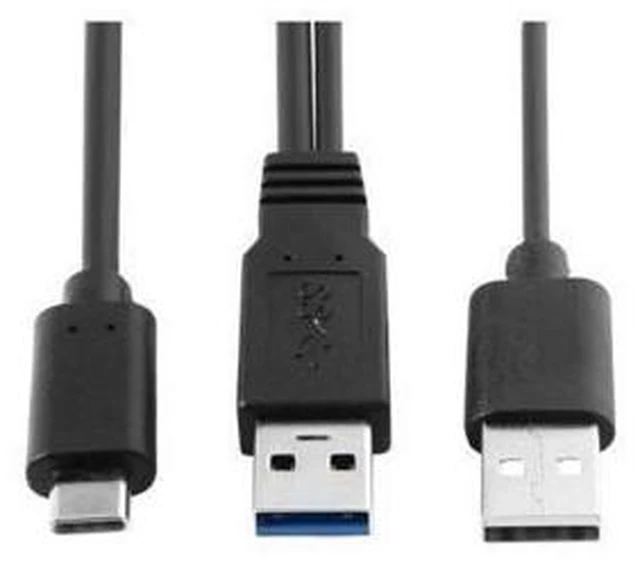
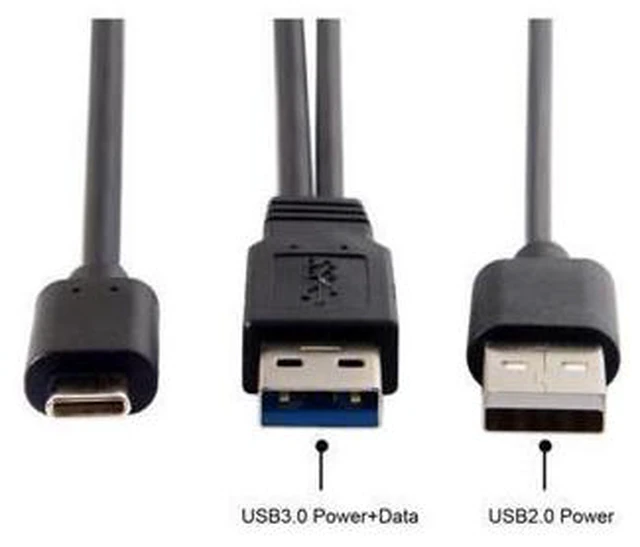
- Connects one USB-C device to two USB ports through a Y-cable design, with two USB male connectors.
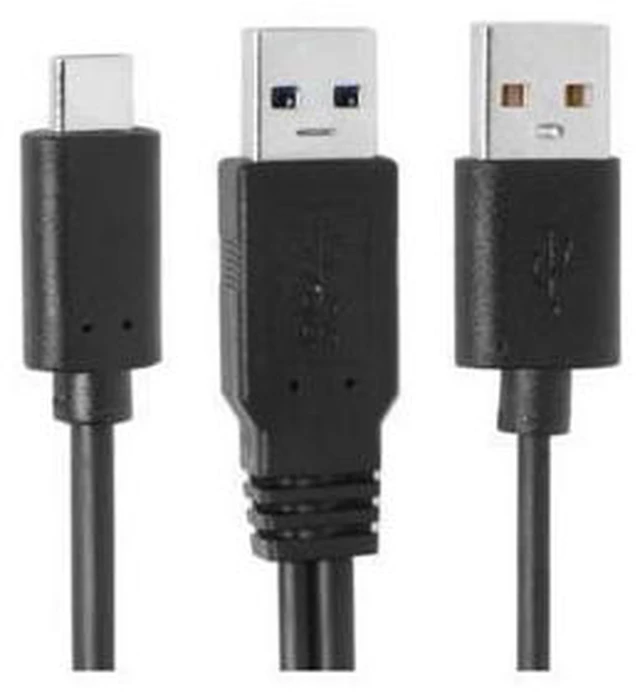
- One USB 3.0 connector provides both power and data for the connected USB-C device.
- The second USB 2.0 connector provides power only; it does not provide a data connection.
- Draws power from two USB ports to provide more power when a single USB port does not supply enough for the device.
- Measures 60cm in length for connecting a USB-C device to USB ports on a laptop or PC.
- Supports connecting external hard disks, including portable 2.5 hard drives, when a standard USB cable does not supply enough power to operate the device.
+
+
Overview
Specs
Reviews
Any questions? Ask CelesteSM will help you find out quickly.
Try me now
Product Description:
Type-C USB-C to USB 3.0 Male and USB 2.0 Dual Power Data Y Cable for connecting a USB-C device to two USB ports on a PC.
Core Selling Points:
The USB 3.0 connector supports power and data, while the USB 2.0 connector provides power only. Drawing power from two USB ports can provide additional power for a USB-C device, such as a portable 2.5 hard disk.
Technical Specifications:
Cable length: 60cm. Connectors: Type-C USB-C male, USB 3.0 male, and USB 2.0 male.
Before Purchase:
Check that your device has a Type-C USB-C connection and that two USB ports are available. The USB 2.0 connector supplies power only; data transfer is through the USB 3.0 connector.
Warranty & Returns
Warranty, Returns, And Additional Information
Warranty
- Please contact the Seller directly for warranty information. Warranty information may also be found on the Manufacturer's website.
- CONTACT
Return Policies
- Return for refund within: 30 days
- Return for replacement within: non-replaceable
- This item is covered by GeekSpace Return Policy
Manufacturer Contact Info
- For a directory of all our manufacturers, please click below.
- Manufacturers Directory
LOADING...