• $17.46
  • Free 30-day Returns
  • Ships from China.
    Price alert
    Shop it at NeweggBusiness.

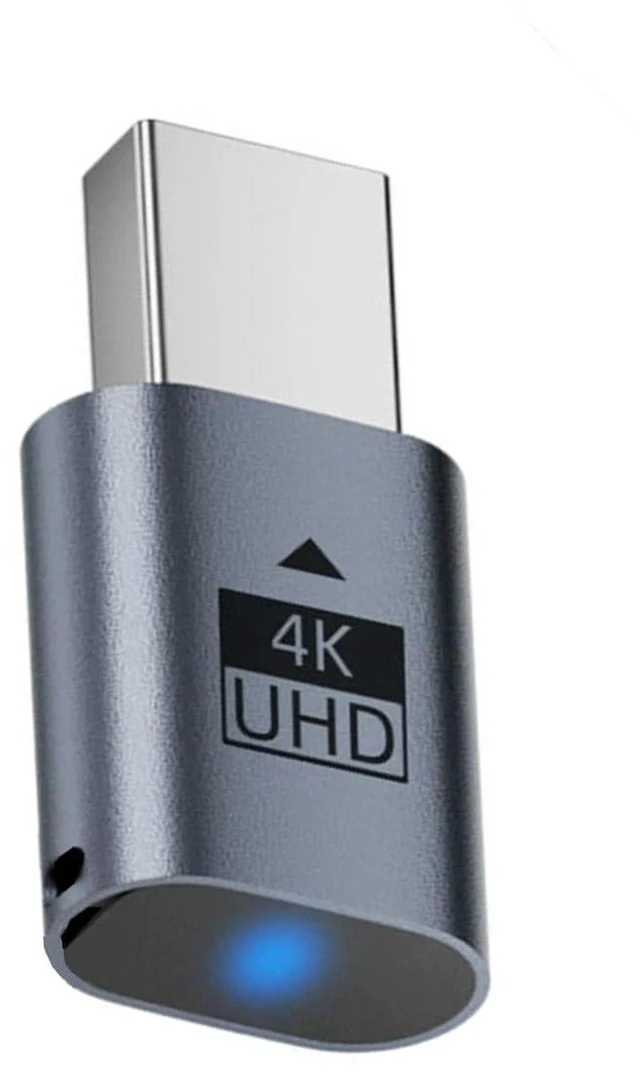
    AJMRTC Mini-DP Dummy Plug, 4K@17Hz Mini DisplayPort Virtual Display Adapter, EDID Headless Ghost Emulator with LED Indicator, Plug and Play for Remote Desktop, Laptop, Server, NAS, Mining Rig, Blue Co

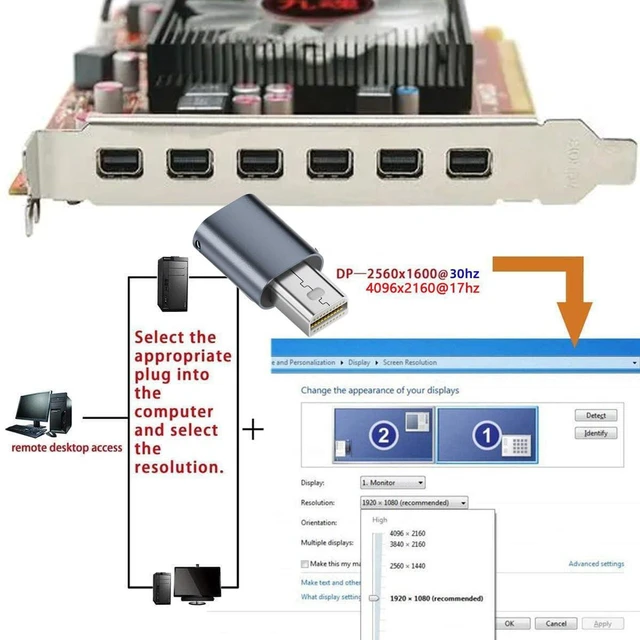
    • 1. EDID emulation simulates a virtual monitor to activate GPU output on headless systems
    • 2. Built-in LED light shows working status clearly for quick status check
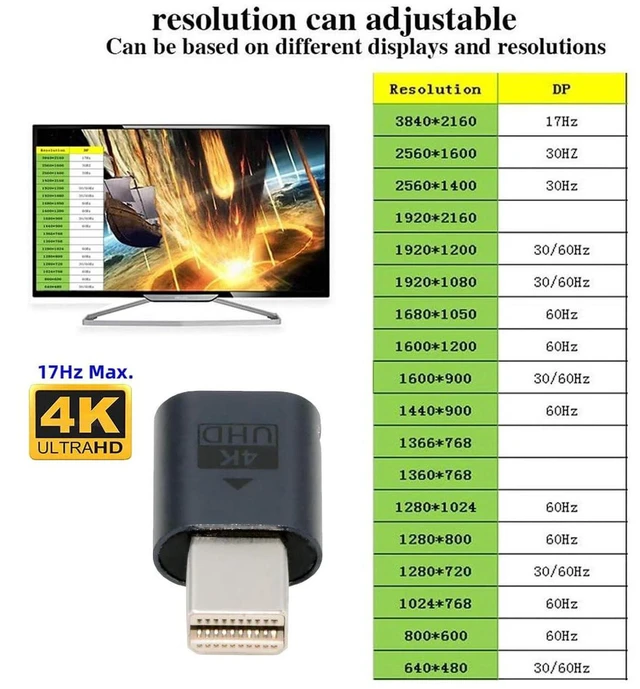
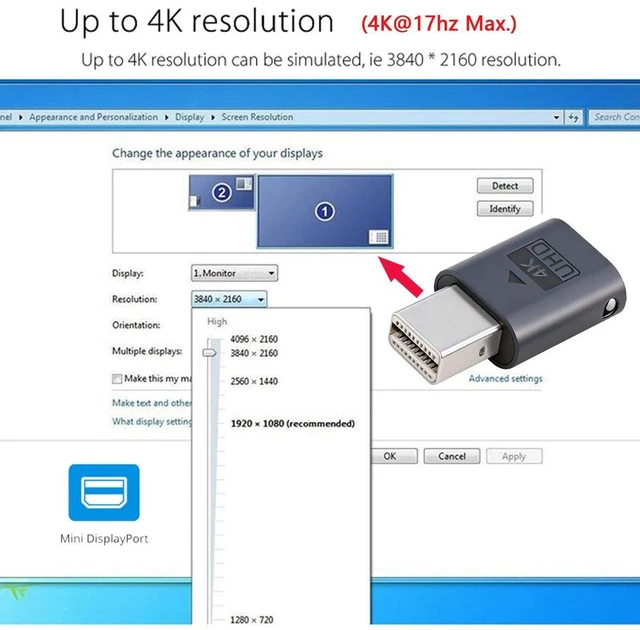
    • 3. Supports 4K@17Hz, 2K@60Hz and 1080P@60Hz flexible resolution options
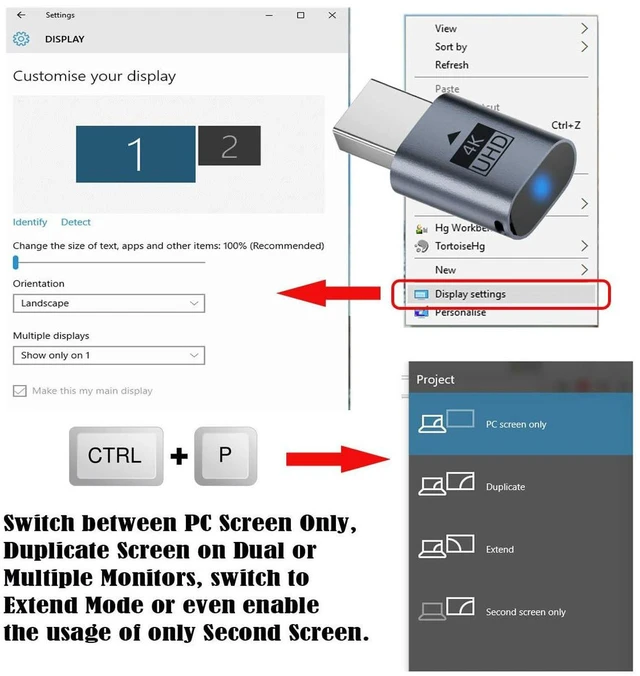
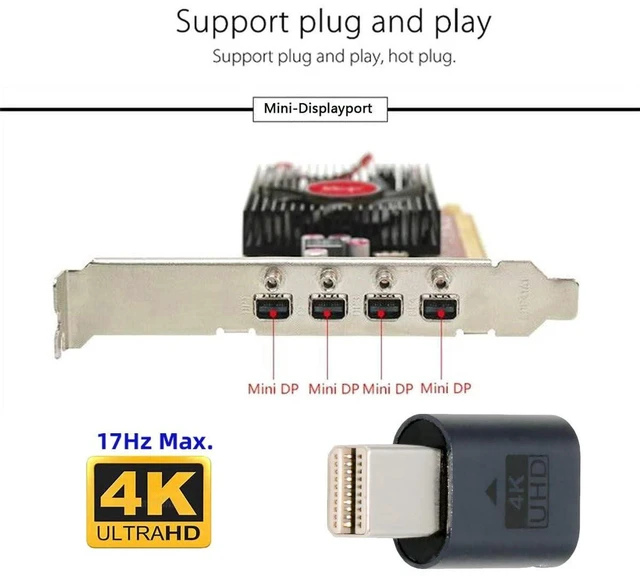
    • 4. Plug & Play design, no driver required, compatible with Windows, Linux and Mac OS
    • 5. Compact blue mini DP form factor, ideal for servers, NAS, remote access and rendering tasks
    +
    +
    Overview
    Specs
    Reviews

    Any questions? Ask CelesteSM will help you find out quickly.

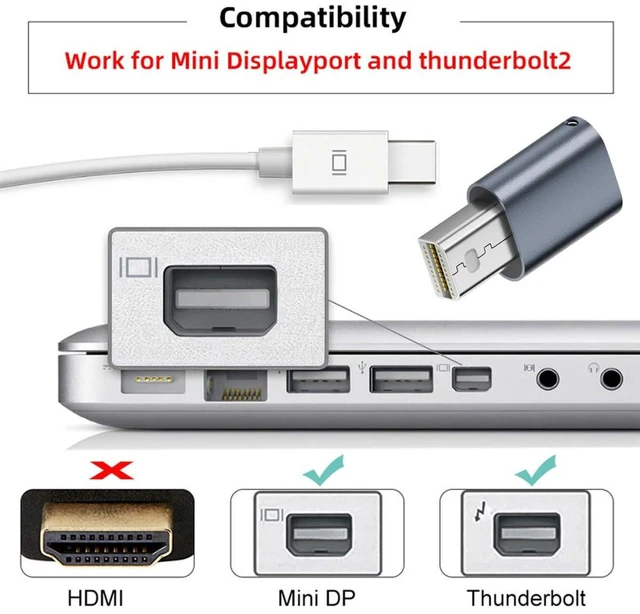
    AJMRTC Mini DisplayPort dummy plug is an EDID virtual display emulator for headless computers. It tricks graphics cards into recognizing a connected monitor so GPU acceleration stays enabled without a physical display. Equipped with a status LED light, you can easily confirm it is running normally. It supports multiple common resolutions up to 4K@17Hz. No software or driver installation needed, just plug it into the Mini DP port. Perfect for remote desktop access, home servers, NAS, mining rigs, game streaming, video rendering and virtual machine work. Works with all graphics cards and devices fitted with standard Mini DisplayPort interfaces.


    Specifications

    1. Interface: Mini DisplayPort Male
    2. Max Resolution: 4096×2160@17Hz
    3. Other Supported Modes: 2560×1600@60Hz, 1920×1080@60Hz
    4. Chip: EDID Emulator Chip
    5. Indicator: Blue LED Working Light
    6. Color: Blue
    7. System Compatibility: Windows / Linux / Mac OS
    8. Installation: Plug and Play, No Driver Needed
    9. Application: Remote Desktop, Server, NAS, Mining, Rendering, Virtual Machine


    Warranty & Returns

    Warranty, Returns, And Additional Information

    Warranty

    • Please contact the Seller directly for warranty information. Warranty information may also be found on the Manufacturer's website.
    • CONTACT

    Return Policies

    Manufacturer Contact Info

    LOADING...