• $17.99
  • Free 30-day Returns
  • Sold by Mrocioa

    Shipped by Mrocioa

    Price alert
    Shop it at NeweggBusiness.

    Meet Your Seller

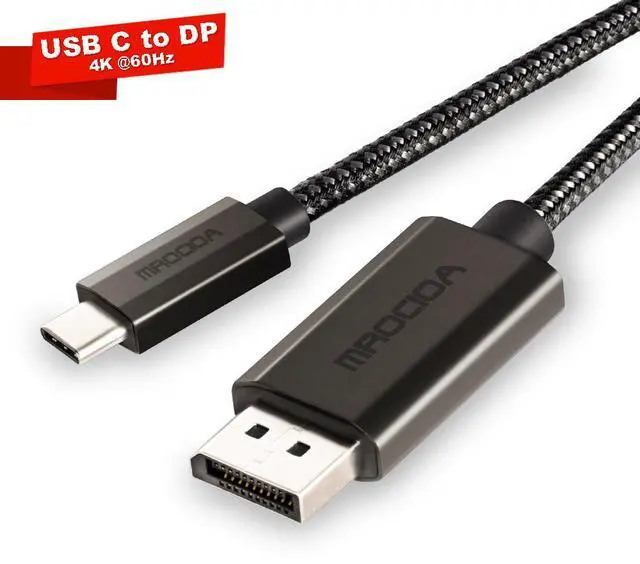
    Mrocioa USB C to DisplayPort Cable 6ft, USB C to DP Cable 4K@60Hz, Type-C to DP Adapter for Samsung galaxy Laptop, Thunderbolt 4/3 Compatible

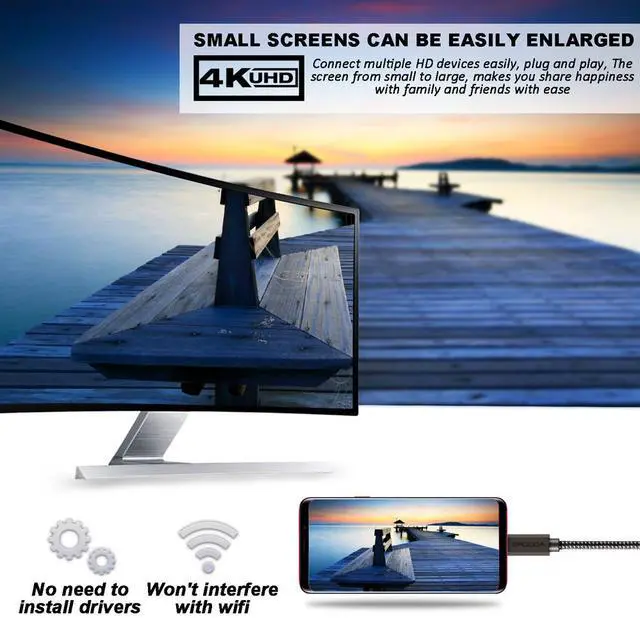
    • Plug and Play USB-C to DP (DisplayPort) cable connects your USB-C port device, such as a laptop, tablet, smartphone or gaming console, to a monitor or display with a DisplayPort input. This cable allows high quality video and audio transmission and supports resolutions up to 4K 60HZ for multiple displays. Plug and play, no drivers or software to install, quickly and efficiently expand or mirror the device's screen to a larger external display or projector.
    • UHD 4K 60HZ resolutionUSB C to DisplayPort cable can support 4K resolution at 60Hz refresh rate, backward compatible with 1080P, compatible with Thunderbolt 3/4, note that this cable is one-way transmission, only TYPE C transfer to DP port
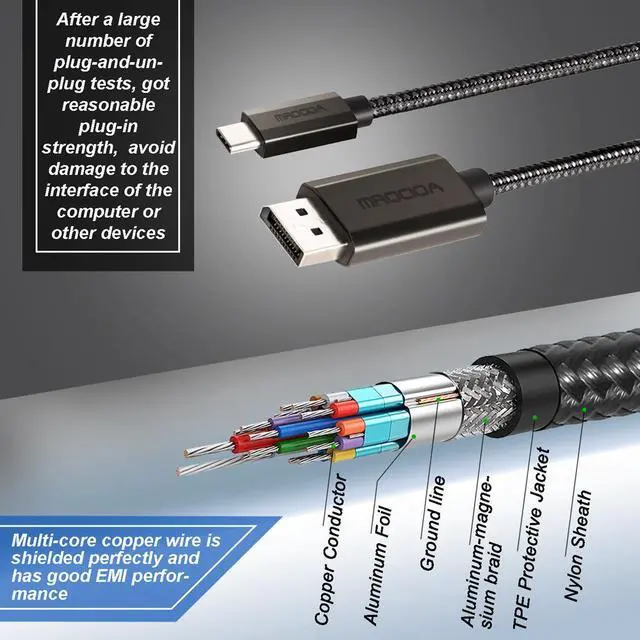
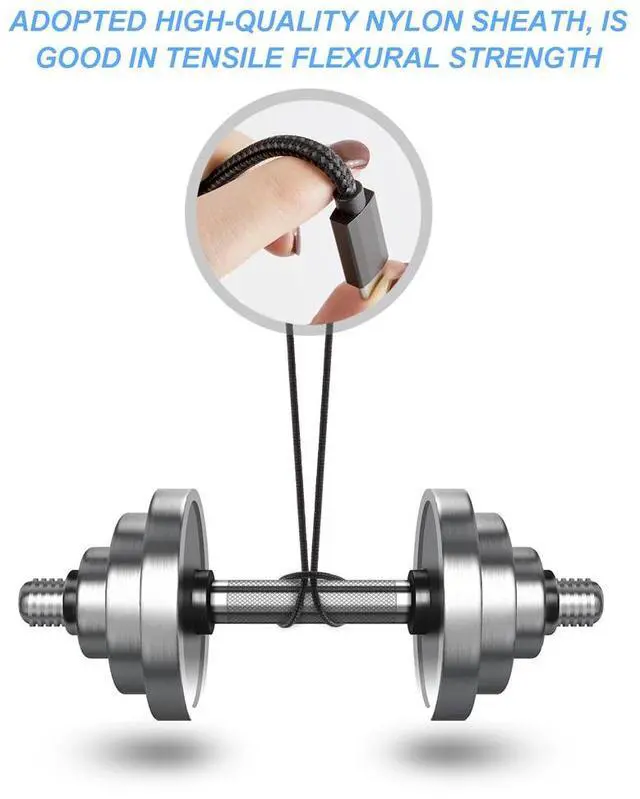
    • Friendly designNylon braided cable sheath, no worries of abrasion, heat and kink. Premium aluminum housing with better thermal insulation. Compact design fits closely with the USB C port on your device for better signal transmission protection. Perfect length for home office setup and an
    +
    +
    Overview
    Specs
    Reviews

    Any questions? Ask CelesteSM will help you find out quickly.

    The usbc to DP 1.2 Adapter supports the data rate to 18Gbps.
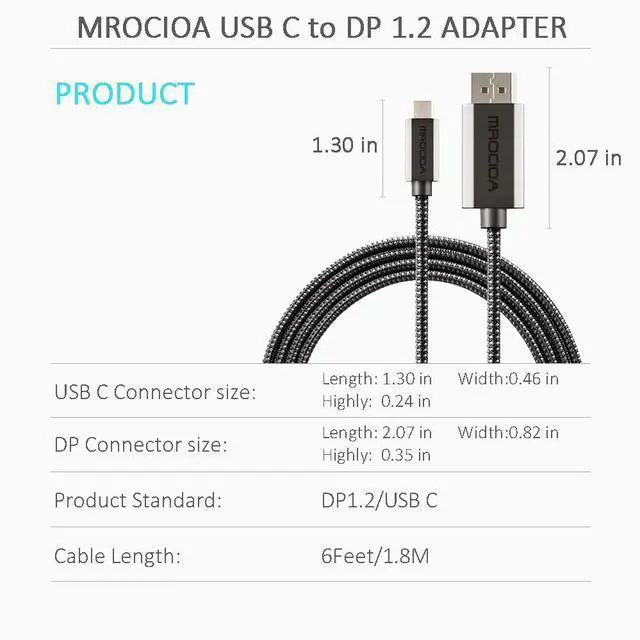
    The perfect length, 6 feet, is applicable to many applications by avoiding messy conditions.
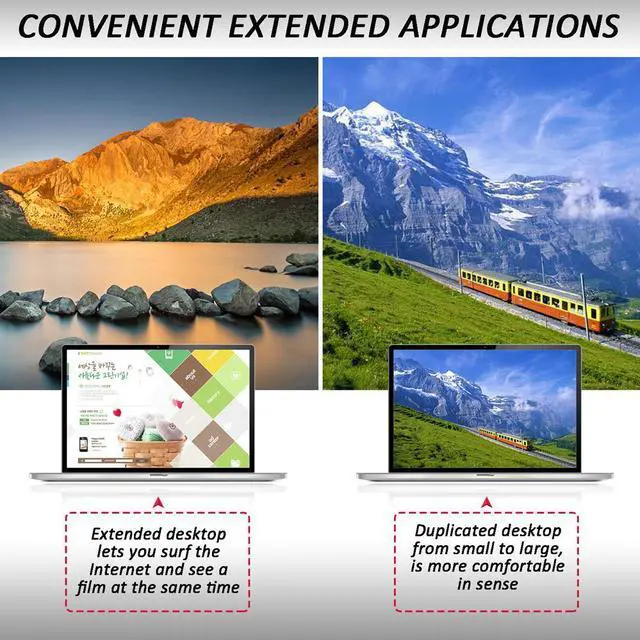
    The type c to DisplayPort cable support Multiple display modes, such as Desktop Copy and Extend, are supported to provide conveniences for your work and life.
    This usb-c to DP adapter has a ribbon that can be easily organized.
    Excellent low power hardware solution. Reduce the burden on laptop and extend the life of your computer.

    Warranty & Returns

    Warranty, Returns, And Additional Information

    Warranty

    • Please contact the Seller directly for warranty information. Warranty information may also be found on the Manufacturer's website.
    • CONTACT

    Return Policies

    • Return for refund within: 30 days
    • Return for replacement within: non-replaceable
    • This item is covered by Mrocioa Return Policy

    Manufacturer Contact Info

    LOADING...

    The Mrocioa 6-foot USB-C to DisplayPort cable connects a compatible USB-C device to a DisplayPort monitor for video and audio up to 4K at 60Hz, making it suitable for laptop users who want a plug-and-play home-office or external-display setup.

    Recommended For

    • Laptop users whose USB-C port supports DisplayPort video output and who want a direct connection to a DisplayPort monitor for a home-office or desk setup.
    • People who want to extend or mirror a compatible laptop, tablet, or phone screen to a DisplayPort display for documents, presentations, or other everyday work at up to the listing’s specified 4K at 60Hz.
    • Users who need a simple, direct video-and-audio link from a USB-C source to a DisplayPort monitor or projector, rather than a multiport dock.

    Real-World Use Scenarios

    • At a desk, someone connects a compatible laptop to a DisplayPort monitor to use a larger screen for documents, spreadsheets, or video calls; the monitor can serve as an extended or mirrored display without installing cable-specific software.
    • For a laptop setup with a 4K DisplayPort monitor, a compatible USB-C video output can send a sharp desktop image at up to 4K 60Hz, suitable for everyday work and viewing high-resolution media.
    • When a laptop has USB-C video output but the monitor has a DisplayPort input, this cable provides a direct connection for a cleaner desk setup than adding a separate video adapter; it does not charge the laptop.
    • A laptop user can connect to a compatible external gaming monitor for PC games, but this cable is rated for up to 4K at 60Hz, so it is not the right choice when the goal is higher refresh rates beyond that limit.
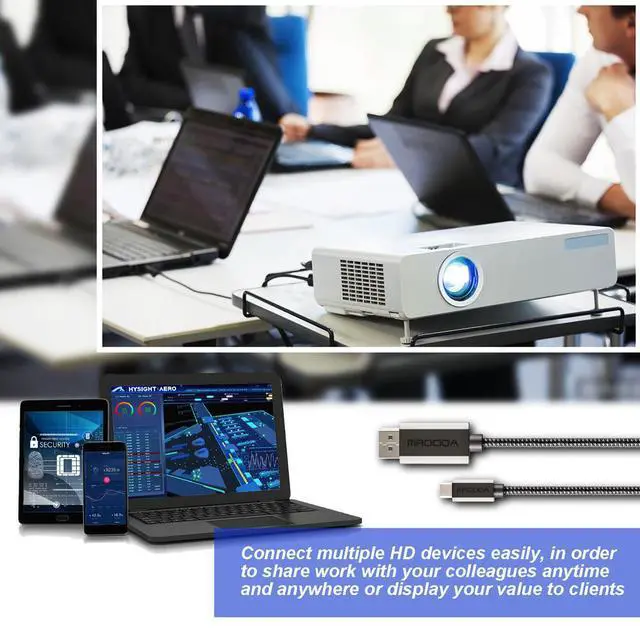
    • For a presentation or shared viewing session, a compatible laptop can send its screen to a projector or large display with a DisplayPort input; a display with only HDMI will need a different connection or adapter.

    Spec Summary

    AttributeValue
    Best ForConnecting a USB-C device to a DisplayPort display for an external-screen setup