


  • $23.98
  • Free 30-day Returns
  • Sold by StarPick Shop

    Shipped by StarPick Shop

    Price alert
    Shop it at NeweggBusiness.

    Meet Your Seller

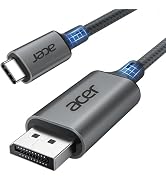
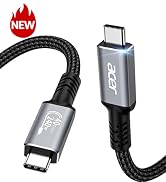
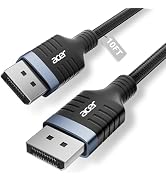
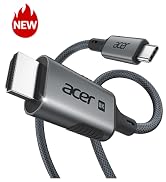
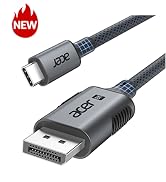
    USB C to DisplayPort Cable 6.6 FT (4K@60HZ 2K@165Hz) for Laptop | Type-C to DP Cord(Sturdy Aluminum, Plug & Play) Thunderbolt 3/4/5 Compatible with MacBook Pro/Air, iPhone 17 Pro/Max, Surface

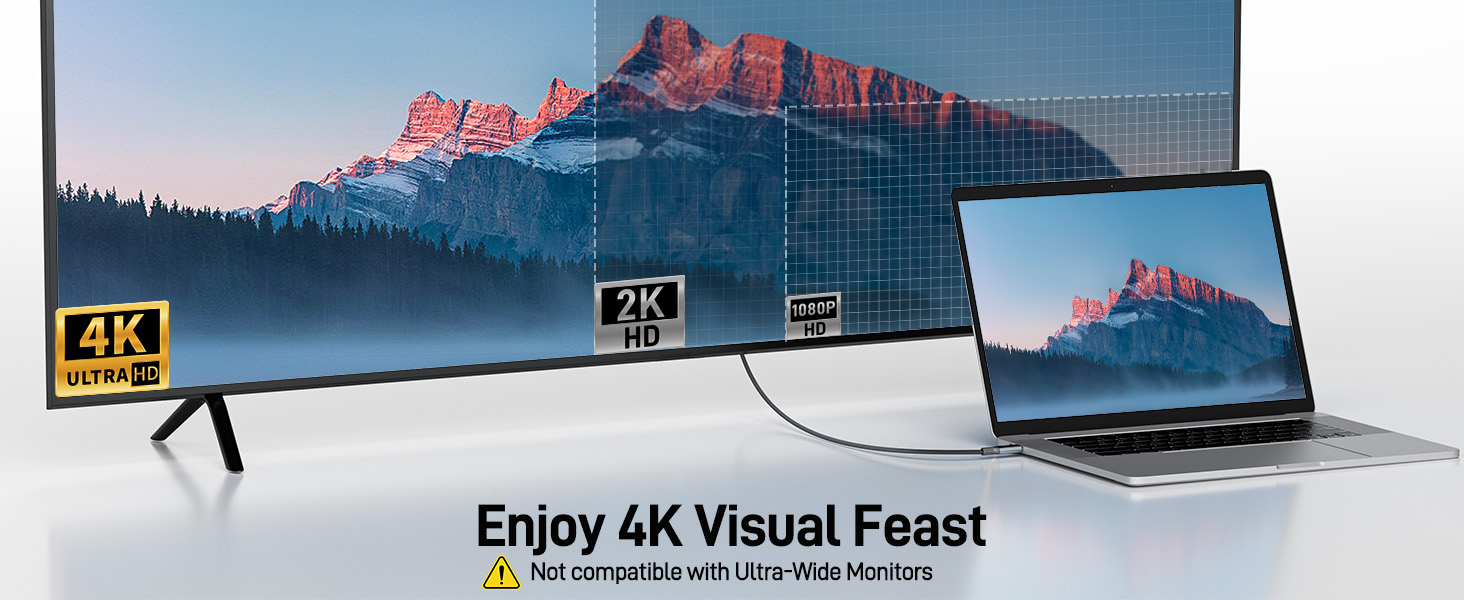
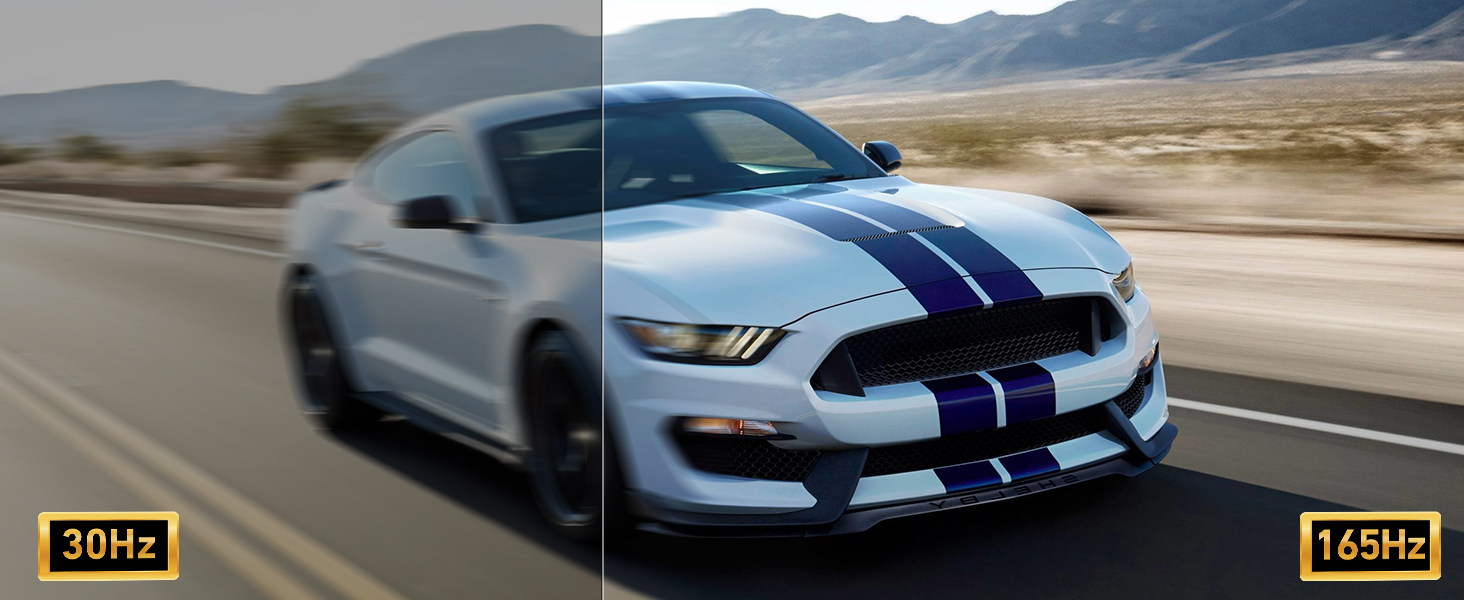
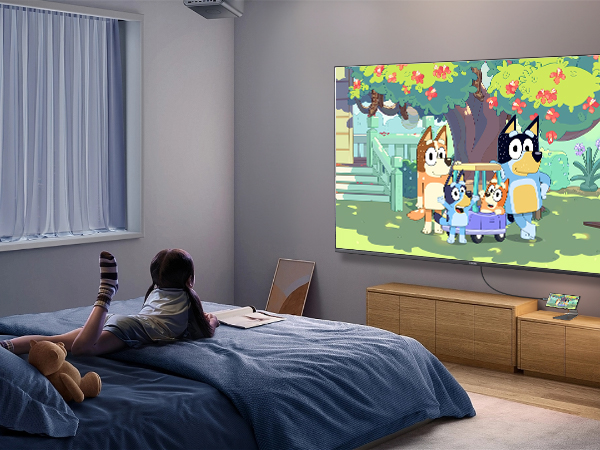
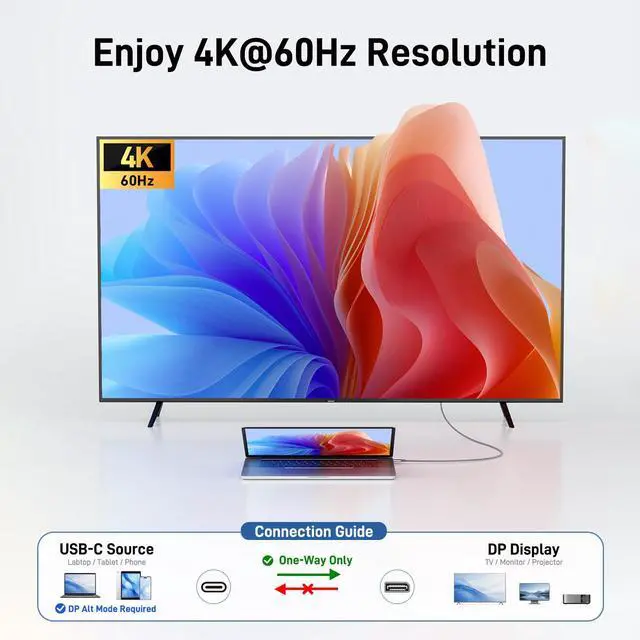
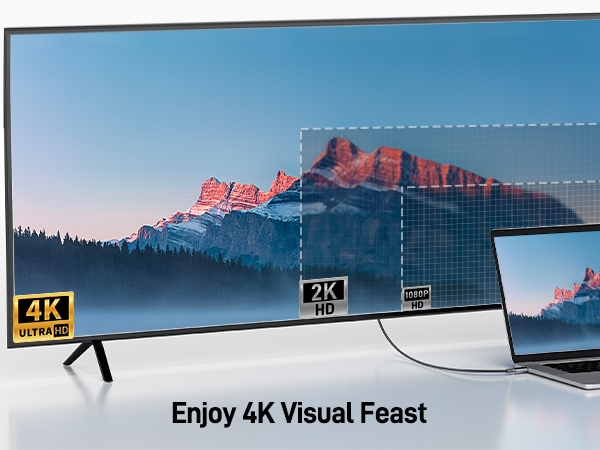
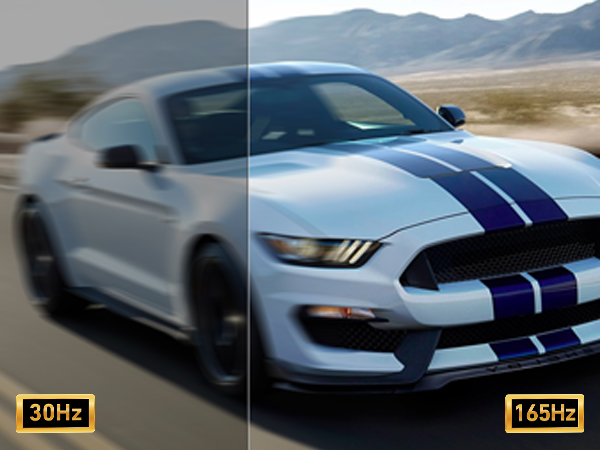
    • Enjoy Crisp 4K Resolution: This USB C to Display Port cable allows you to easily connect USB-C (Thunderbolt 3/4 compatible) laptops, tablets, Android phones, and other devices to a DP monitor or projector. It supports up to 4K@60Hz (2K@144Hz, 2K@165Hz, 2K@170Hz, 1080p, 720p) resolution, providing you with a smooth and stable visual experience. : - .
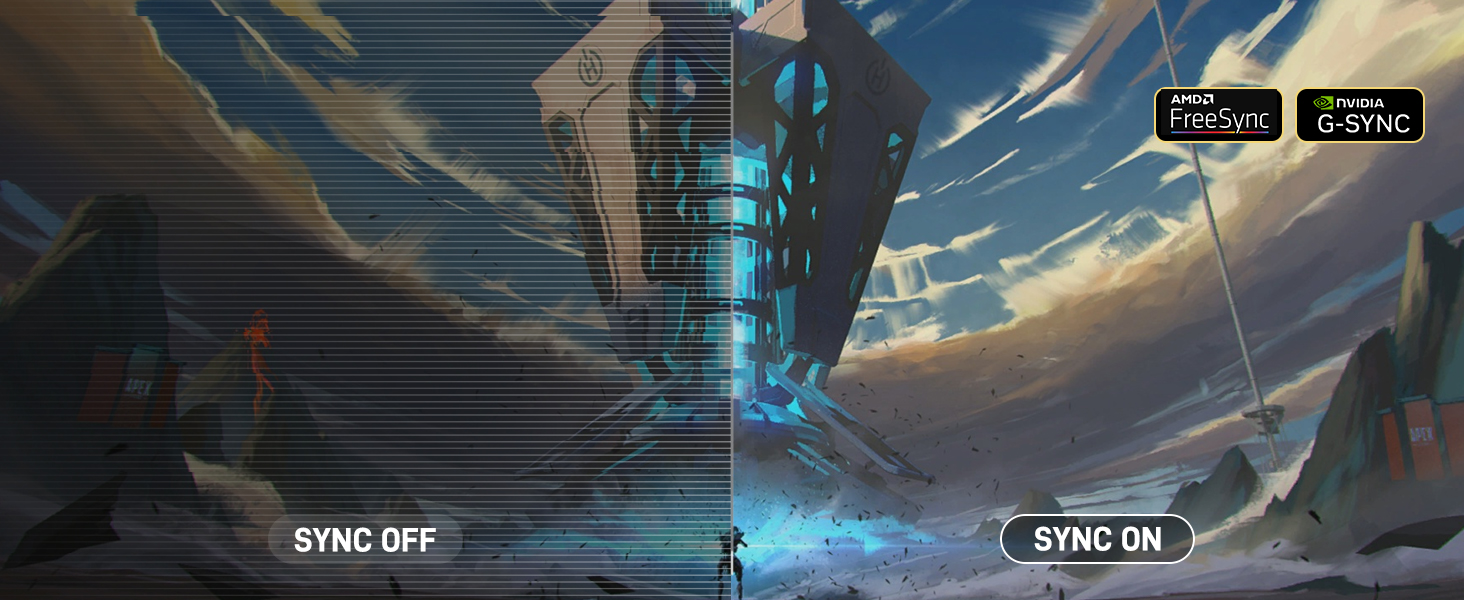
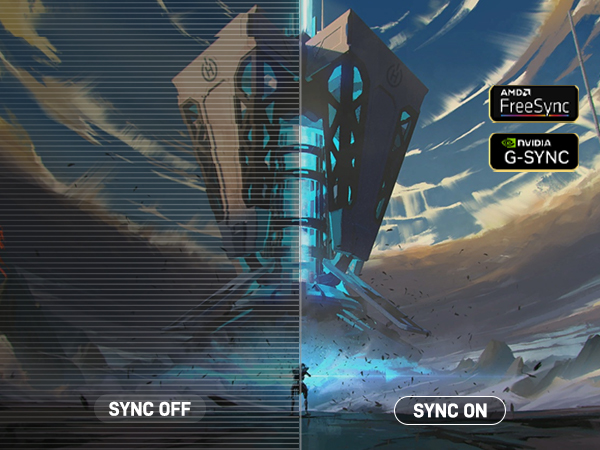
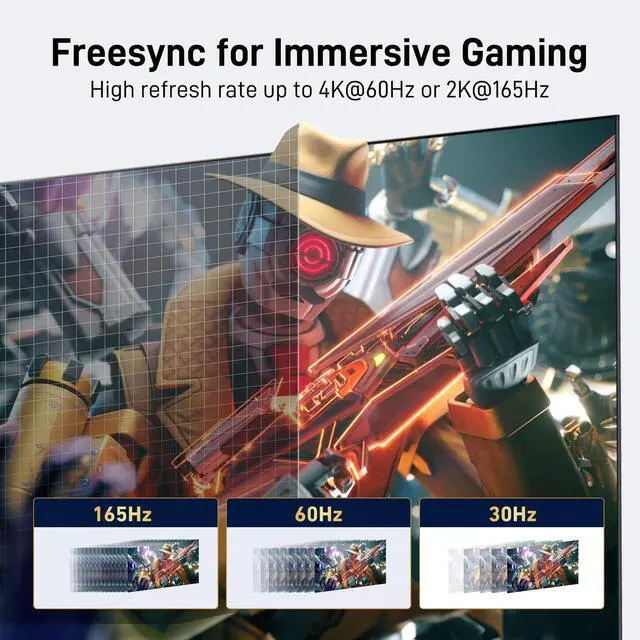
    • Stable & Lag-Free Signal: With FreeSync & G-Sync support, this USBC to Display Port cable ensures smooth, gaming and video playback. Equipped with DP 1.2, it delivers high-bandwidth data transfer of 21.6Gbps without delays. HDCP 1.3 compatibility guarantees secure content protection, and plug-and-play functionality means no software or drivers requiredjust connect and enjoy a lag-free performance.: - . .
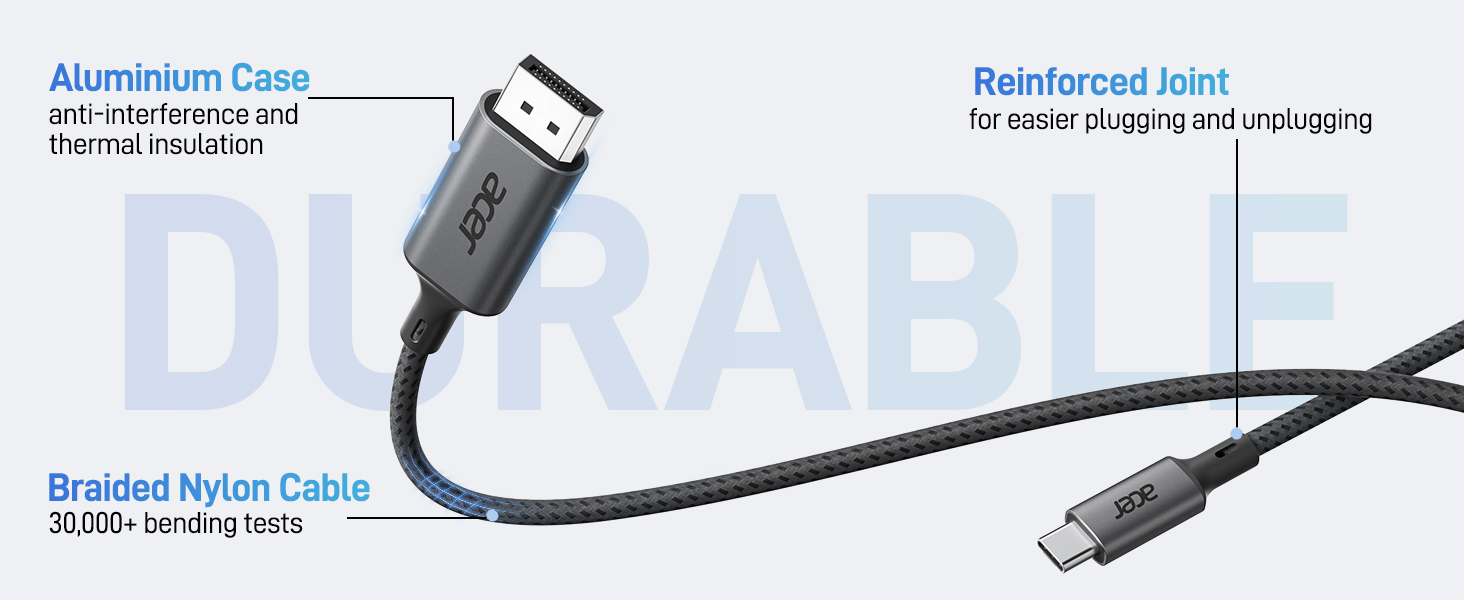
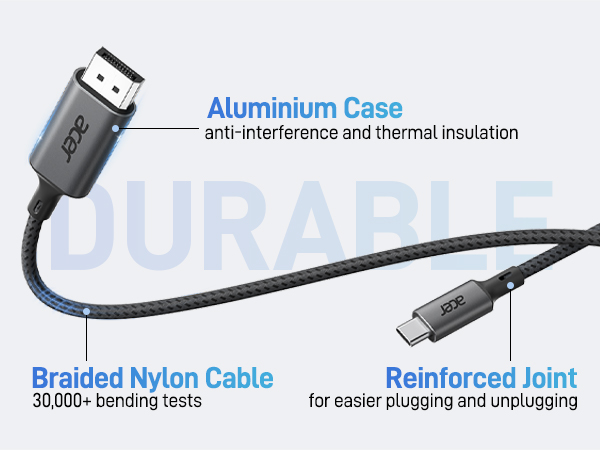
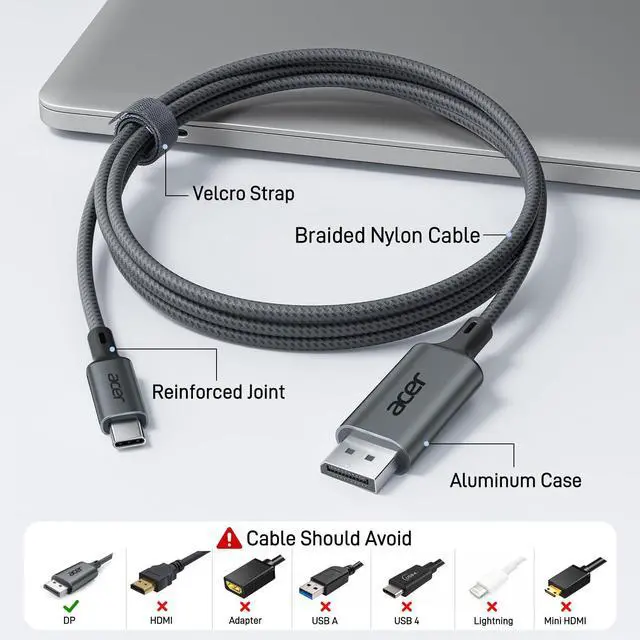
    • Superior Quality: This USB Type-C to DP cable features a durable aluminum alloy casing and a robust nylon braided body, boasting exceptional wear and damage resistance. This means you wont need to replace the cable frequently, and an additional Velcro tie is included for easy storage during travel.
    +
    +
    Overview
    Specs
    Reviews
    avatar

    Any questions? Our AI mode will help you find out quickly.

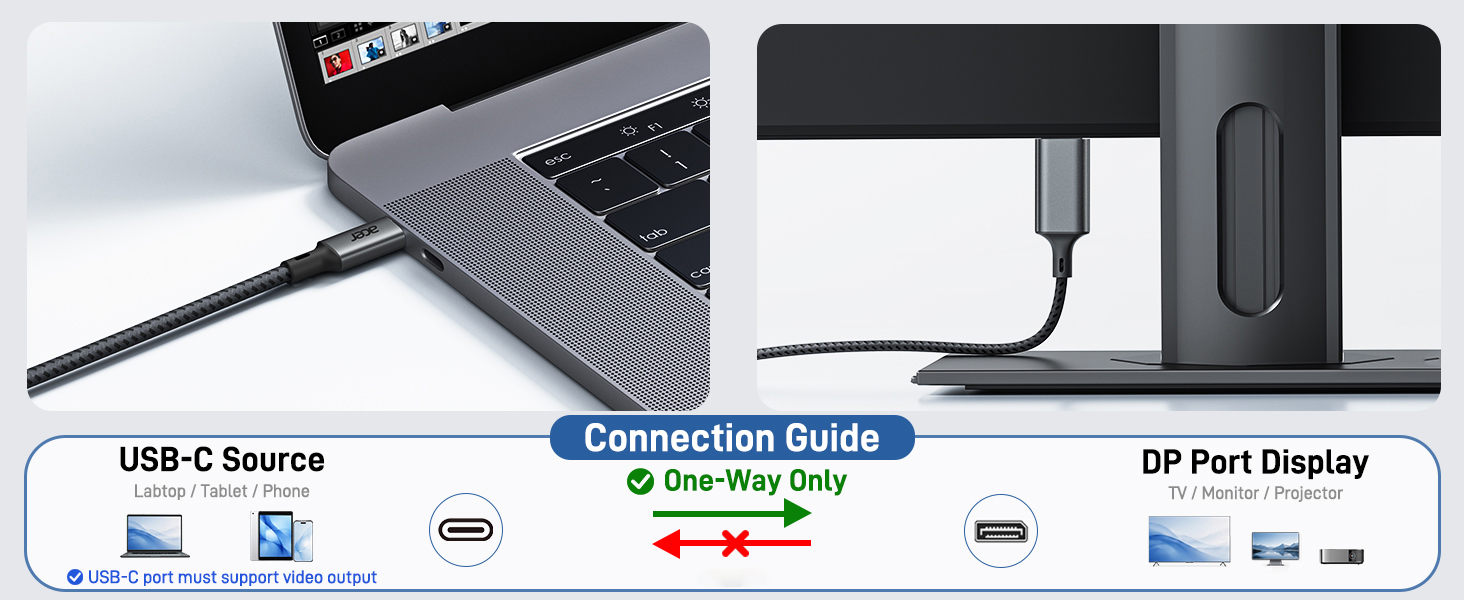
    USB C to Display Port Cable (NOT DP to USB C)
    aplus content image

    Compatibility list (partial)

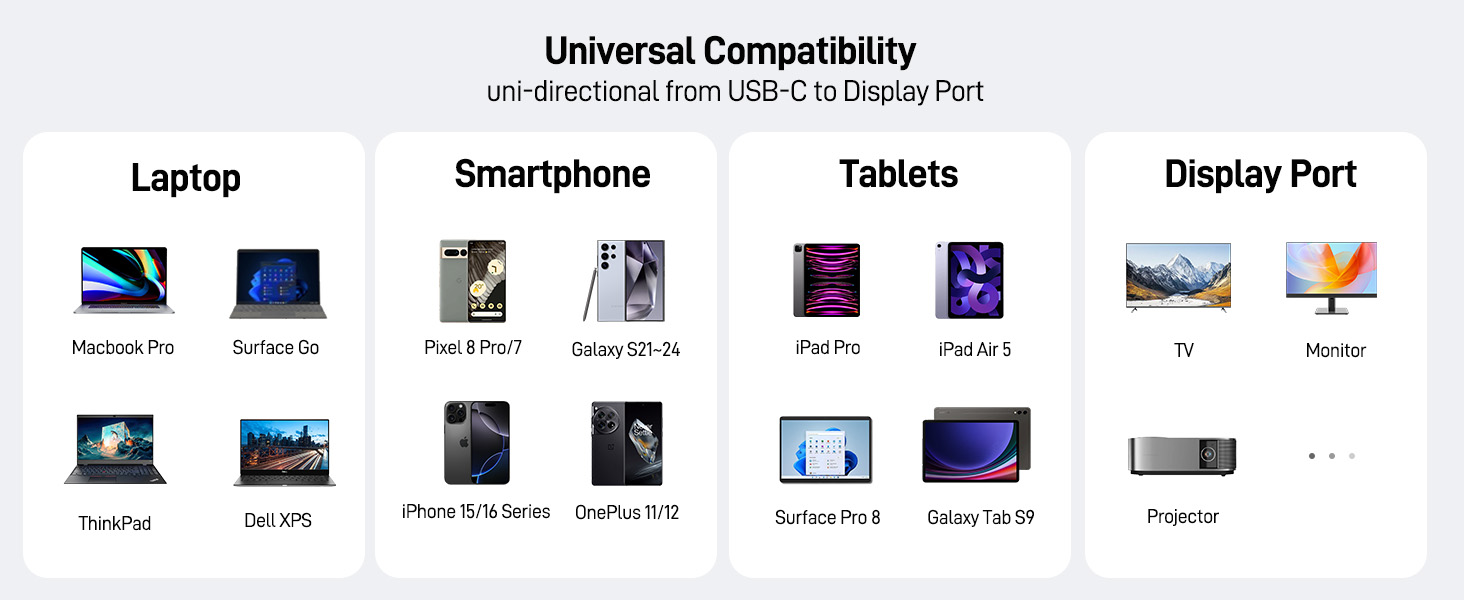
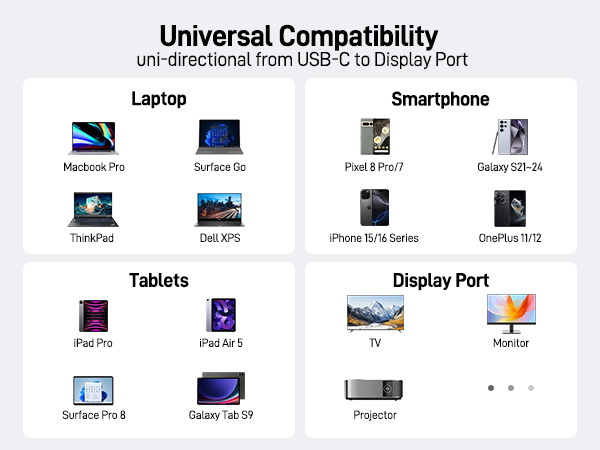
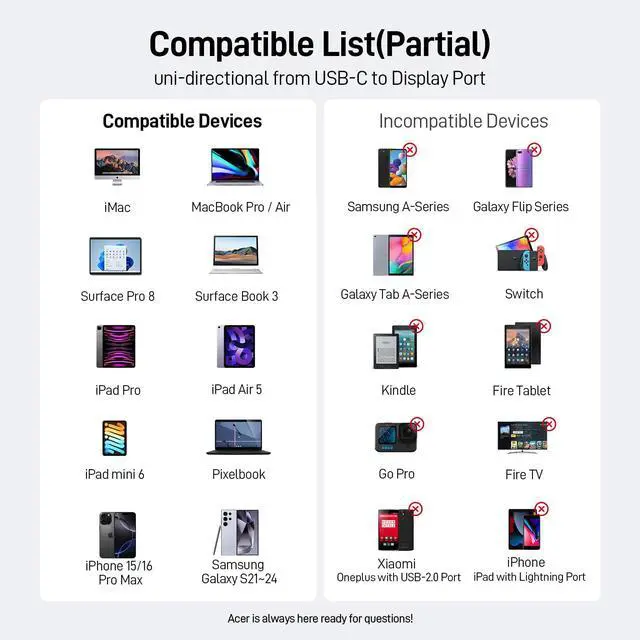
    ?? Compatible With USBC or thunderbolt 3/4 port interfaces which support "Display Port Alternate Mode".
    ??iPhone iPhone 17Pro Max/17 Pro/iPhone 16 Pro Max/16 Pro/16 Plus/iPhone 15 Pro Max/15 Pro/15 Plus
    ??MacBook MacBook Pro 2024/2023/2022/2021/2020/2019, MacBook Air 2024/2022/2021/2020/2019, iMac (mid-2017 and newer), iMac Pro,Mac Mini
    ??Galaxy Galaxy S25 Ultra/S24 Ultra/S23/S24+/S23 Ultra/S23/S23+/S22/S22+/S22 Ultra/S21/S21 Plus/S21 Ultra/Note 20/S10/S10+/S9/S9 Plus/Tab S8/Tab S6, etc.
    ??Samsung Samsung Galaxy S24/ S23 / S22 / S21 / S20 / S20+ / S20 Ultra / S10e / S10 / S10+ / Note 20 / Note 9; S8 / S8+ / S9 / S9+ etc.
    ??Dell XPS 17/15/13, Dell Latitude 7373/5570/5490/5400, Dell Precision 15 (5510, 7540), Alienware M15/M17, Inspiron 7000 series. Inspiron 7400 series. Inspiron13-7378. Inspiron 14. Inspiron13-5330, Latitude 7420. Dell G15 Gaming Laptop, etc.
    ??Lenovo Lenovo Yoga 720 900 910 920, Lenovo Yoga 5 Pro, Lenovo Miix 510, ThinkPad X1 / ThinkPad X270 / ThinkPad X280 / ThinkPad X13 gen1 / ThinkPad T14 / Thinkpad T470 / T480, Legion Y520/Y530/Y7000/Y740, Tab P11 Pro/Tab P11, etc.
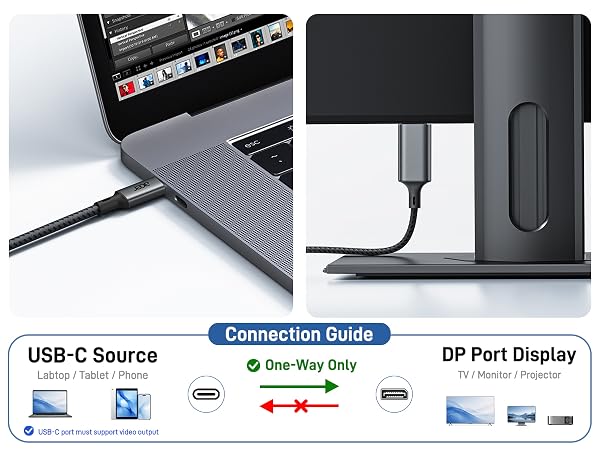
    Note Please connect USB C source to DP display directly to avoid display errors rather than via docking or hub due to hardware limitations.?????? ???????????????????? ???????? ?????? ???? ????????.
    ? Not compatible with devices that don't support the protocol of DP Alt Mode.
    ?Xiaomi Xiaomi 10T/10T pro. Redmi note10/10s/10 Pro/ Poco F4/11/11s, Realme 6/7/8. Redmi 10/Mi 9T Xiaomi 12/12 Ultra/12X/ Xiaomi Mi 11 Pro/11T/11T Pro.The devices from Xiaomi that do not support DP Alt Mode.
    ?Handy ALL OnePlus 2/3/3T/5/5T/6/6T, ALL Motos Handy; Lg Stylo, Moto G60,iPhone (lightning), Pixel 3 etc.,iPhone 4-14 (lightning port),iPhoe 15/16/16e
    ?Samsung ALL Samsung GalaxyA01/A10/A11/A12/A13/A14/a24/A32/A34/A52/A53/A54/A72/A73; Samsung S6 / S7 / J6 / J7 / M20 / M30, Samsung Galaxy Tab A / 10.1 / 10.5, Galaxy Tab S3 etc.
    ?Unsupported Device ALL Motorola series, such as Moto 6, Moto 8, etc. And iPhone16SE, iPhone 17 Air, Acer Nitro 5 seriesne AN515-52/53/54/55
    Note The cable does not have power supply, so it can not charge your device.The resolution and refresh rate supported by the adapter depend on the specifications of the USB-C host device and the connected display.
    Note ???????????? ????????: ?????? ??????-?? ???? ???? ?????????? ???????????????? ???????????????????????????? ???????????????????????? ???????? — ???????? ??????-?? ???? ????. Connect the USB-C end to a device that supports video output (Display Port Alt Mode), and the DP end to the Display Port input on your monitor. ?????????????? ???????????????????? (??.??., ???? ???? ??????-??) ???? ?????? ?????????????????? ?????? ???????? ?????? ????????????????.
    Note Not compatible with Ultra-Wide Monitors.

    USB C to Display Port Cable (NOT DP to USB C)
    aplus content image

    Compatibility list (partial)

    ?? Compatible With USBC or thunderbolt 3/4 port interfaces which support "Display Port Alternate Mode".
    ??iPhone iPhone 17Pro Max/17 Pro/iPhone 16 Pro Max/16 Pro/16 Plus/iPhone 15 Pro Max/15 Pro/15 Plus
    ??MacBook MacBook Pro 2024/2023/2022/2021/2020/2019, MacBook Air 2024/2022/2021/2020/2019, iMac (mid-2017 and newer), iMac Pro,Mac Mini
    ??Galaxy Galaxy S25 Ultra/S24 Ultra/S23/S24+/S23 Ultra/S23/S23+/S22/S22+/S22 Ultra/S21/S21 Plus/S21 Ultra/Note 20/S10/S10+/S9/S9 Plus/Tab S8/Tab S6, etc.
    ??Samsung Samsung Galaxy S24/ S23 / S22 / S21 / S20 / S20+ / S20 Ultra / S10e / S10 / S10+ / Note 20 / Note 9; S8 / S8+ / S9 / S9+ etc.
    ??Dell XPS 17/15/13, Dell Latitude 7373/5570/5490/5400, Dell Precision 15 (5510, 7540), Alienware M15/M17, Inspiron 7000 series. Inspiron 7400 series. Inspiron13-7378. Inspiron 14. Inspiron13-5330, Latitude 7420. Dell G15 Gaming Laptop, etc.
    ??Lenovo Lenovo Yoga 720 900 910 920, Lenovo Yoga 5 Pro, Lenovo Miix 510, ThinkPad X1 / ThinkPad X270 / ThinkPad X280 / ThinkPad X13 gen1 / ThinkPad T14 / Thinkpad T470 / T480, Legion Y520/Y530/Y7000/Y740, Tab P11 Pro/Tab P11, etc.
    Note Please connect USB C source to DP display directly to avoid display errors rather than via docking or hub due to hardware limitations.?????? ???????????????????? ???????? ?????? ???? ????????.
    ? Not compatible with devices that don't support the protocol of DP Alt Mode.
    ?Xiaomi Xiaomi 10T/10T pro. Redmi note10/10s/10 Pro/ Poco F4/11/11s, Realme 6/7/8. Redmi 10/Mi 9T Xiaomi 12/12 Ultra/12X/ Xiaomi Mi 11 Pro/11T/11T Pro.The devices from Xiaomi that do not support DP Alt Mode.
    ?Handy ALL OnePlus 2/3/3T/5/5T/6/6T, ALL Motos Handy; Lg Stylo, Moto G60,iPhone (lightning), Pixel 3 etc.,iPhone 4-14 (lightning port),iPhoe 15/16/16e
    ?Samsung ALL Samsung GalaxyA01/A10/A11/A12/A13/A14/a24/A32/A34/A52/A53/A54/A72/A73; Samsung S6 / S7 / J6 / J7 / M20 / M30, Samsung Galaxy Tab A / 10.1 / 10.5, Galaxy Tab S3 etc.
    ?Unsupported Device ALL Motorola series, such as Moto 6, Moto 8, etc. And iPhone16SE, iPhone 17 Air, Acer Nitro 5 seriesne AN515-52/53/54/55
    Note The cable does not have power supply, so it can not charge your device.The resolution and refresh rate supported by the adapter depend on the specifications of the USB-C host device and the connected display.
    Note ???????????? ????????: ?????? ??????-?? ???? ???? ?????????? ???????????????? ???????????????????????????? ???????????????????????? ???????? — ???????? ??????-?? ???? ????. Connect the USB-C end to a device that supports video output (Display Port Alt Mode), and the DP end to the Display Port input on your monitor. ?????????????? ???????????????????? (??.??., ???? ???? ??????-??) ???? ?????? ?????????????????? ?????? ???????? ?????? ????????????????.
    Note Not compatible with Ultra-Wide Monitors.

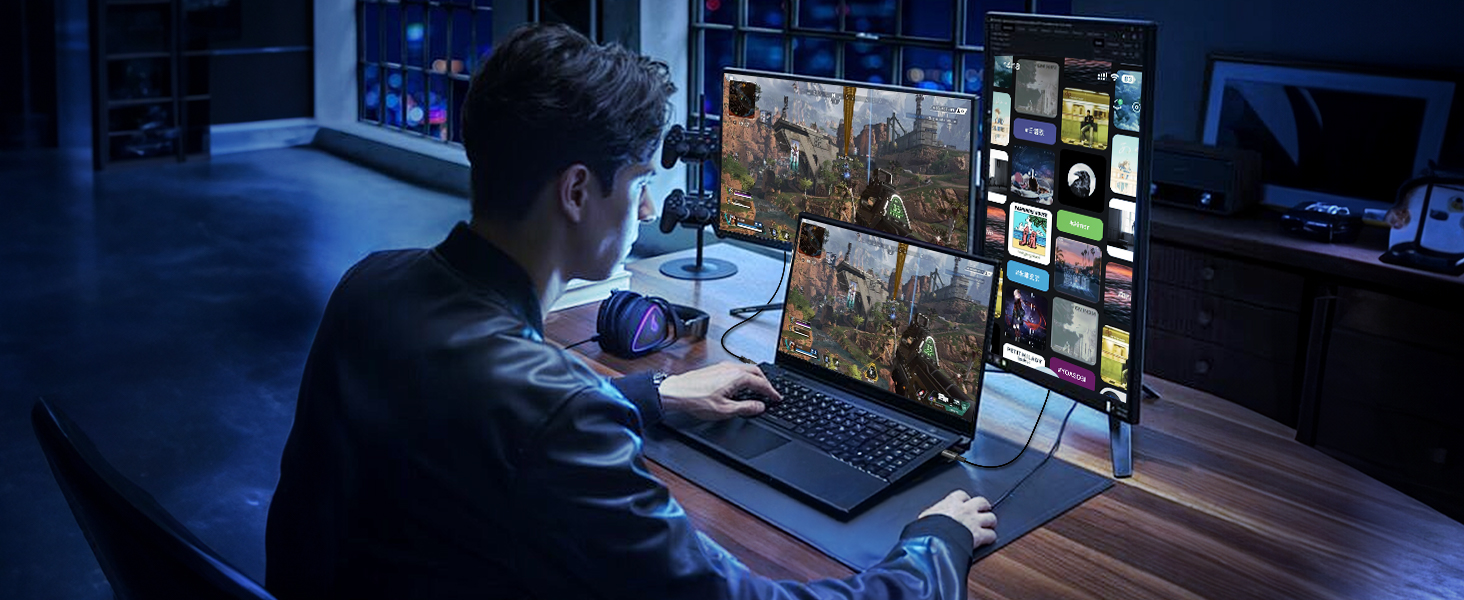
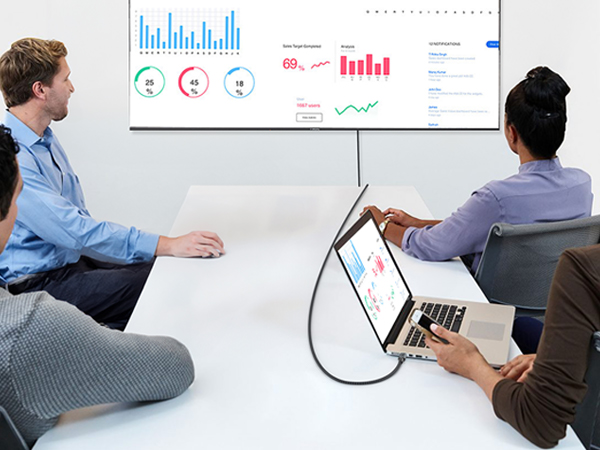
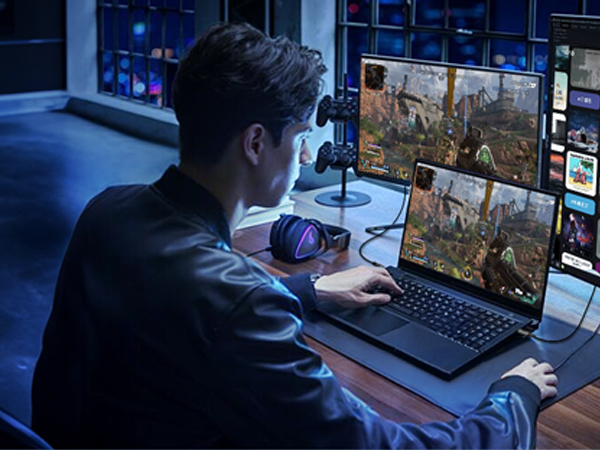
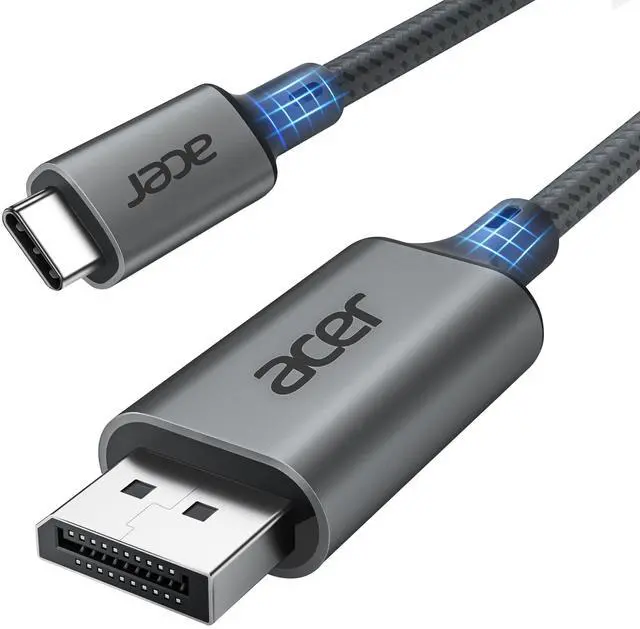
    acer USB C to Display Port Cable greatly enhances your home office and gaming experience to enjoy immersive effects. Connect your USB-C (Thunderbolt 3/4 compatible) laptop computer/tablet/Android phone to a Display Port port monitor/projector at resolutions up to 4K@60Hz (2K@144Hz, 2K@165Hz, 2K@170Hz backwards) with no additional drivers, just plug and play.


    Product information

    Brand Acer
    Connector Type Input:usb Type C(male), Output:display Port (Male), Only Support Usb-c to Dp
    Cable Type (One Way) Only USB Type-C Source to DP1.2 Port Display
    Compatible Devices IPhone 17 Pro Max/17 Pro/Air/17/16 Pro Max/16 Pro/16 Plus/15 Pro Max/15 Pro/15 Plus, Mac Mini M4/M4 Pro, MacBook Pro M4/M4 Pro/M4 Max, MacBook Air 2024, Galaxy S26/S25/S24/23 Ultra, iPad Pro 2024, iPad Air 2024, XPS 17/15/13, Dell, HP Chromebook x360, Surface Book 3/2, Samsung Tablet S9, Note 20, LG V40, Odyssey G8 G9, Nvidia RTX 3090 graphics cards, HDTV
    Special Feature Data Transfer, High Speed, Aluminum Braided, Uni-Directional 4K@60Hz Cable
    Other Special Features of the Product Data Transfer, High Speed, Aluminum Braided, Uni-Directional 4K@60Hz Cable
    Compatible Phone Models iPhone 16 Pro Max, iPhone 16 Pro, iPhone 16 Plus, iPhone 15 Pro Max, iPhone 15 Pro, iPhone 15 Plus
    Connector Gender Male-to-Male
    Data Transfer Rate 21600 megabits_per_second
    Number of Pins 24
    Frequency 60 hertz
    Recommended Uses For Product Connecting USB-C devices to Display Port displays/projectors
    Indoor Outdoor Usage Indoor
    Brand Name Acer
    Model OCB246
    Item Length 6.6 feet
    Manufacturer acer
    UPC 195133269612
    Included Components USB C to Display Port Cable
    Part Number OCB246
    Unit Count 6.6 Feet
    Number of Items 1

    Additional Features

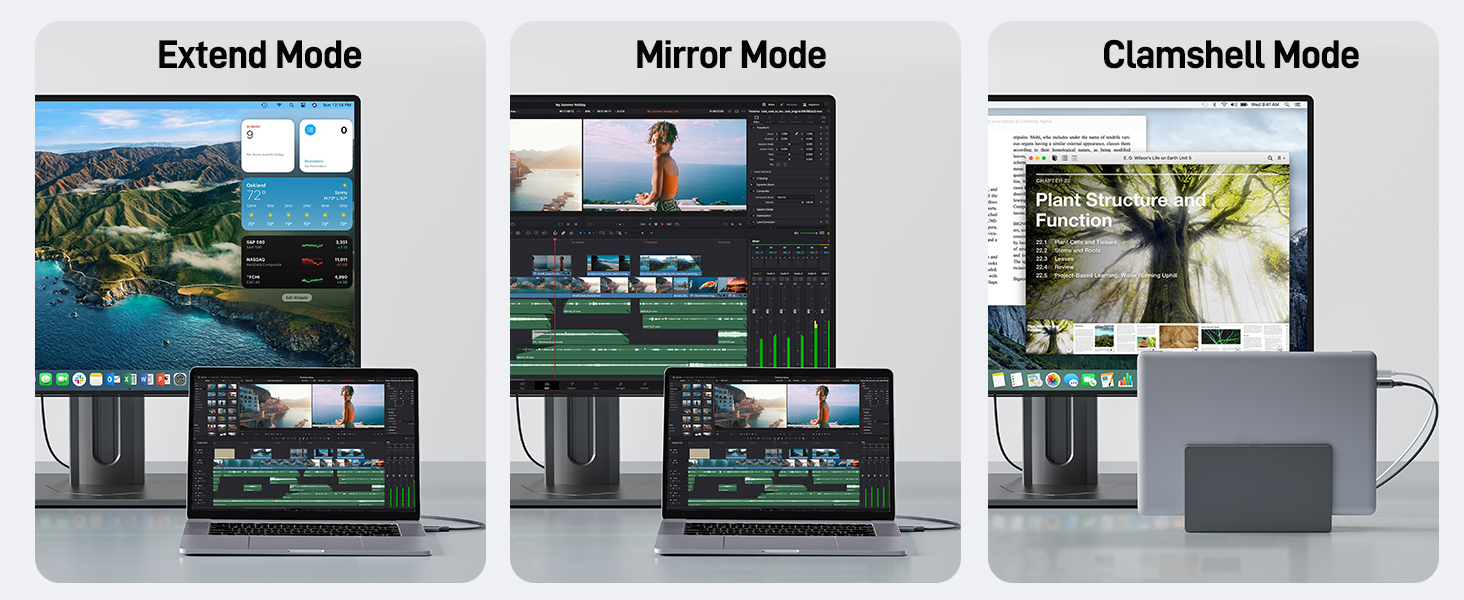
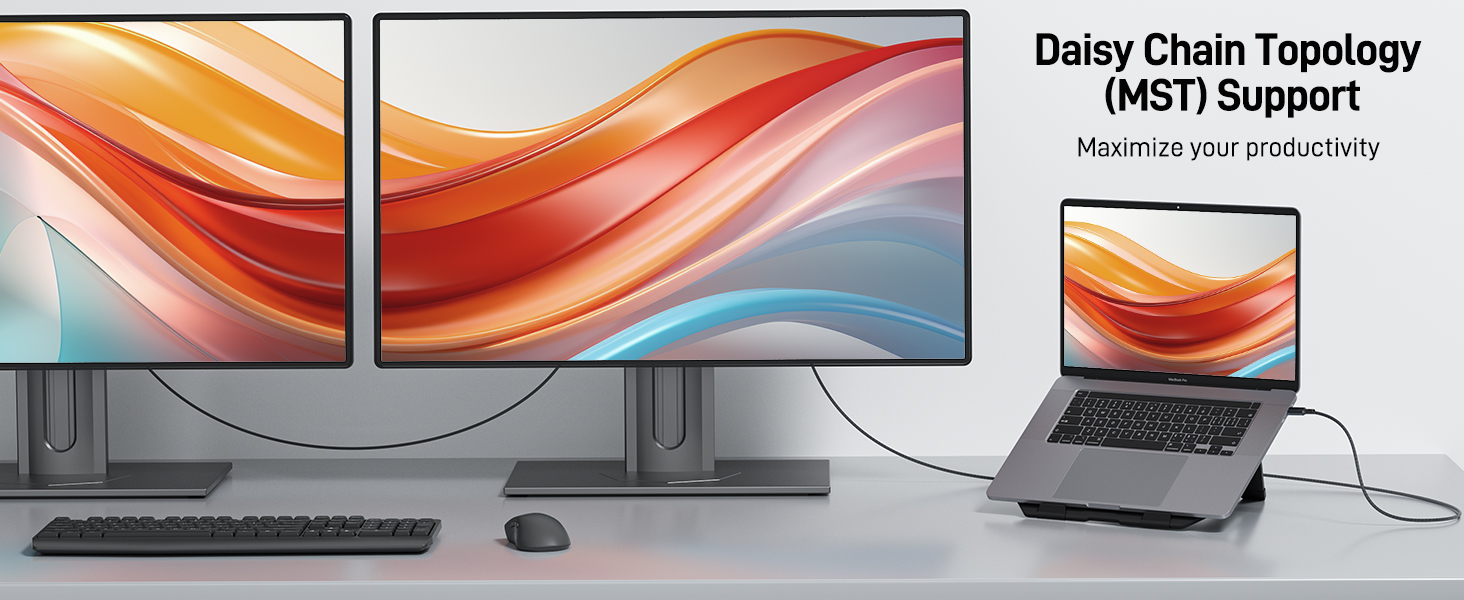
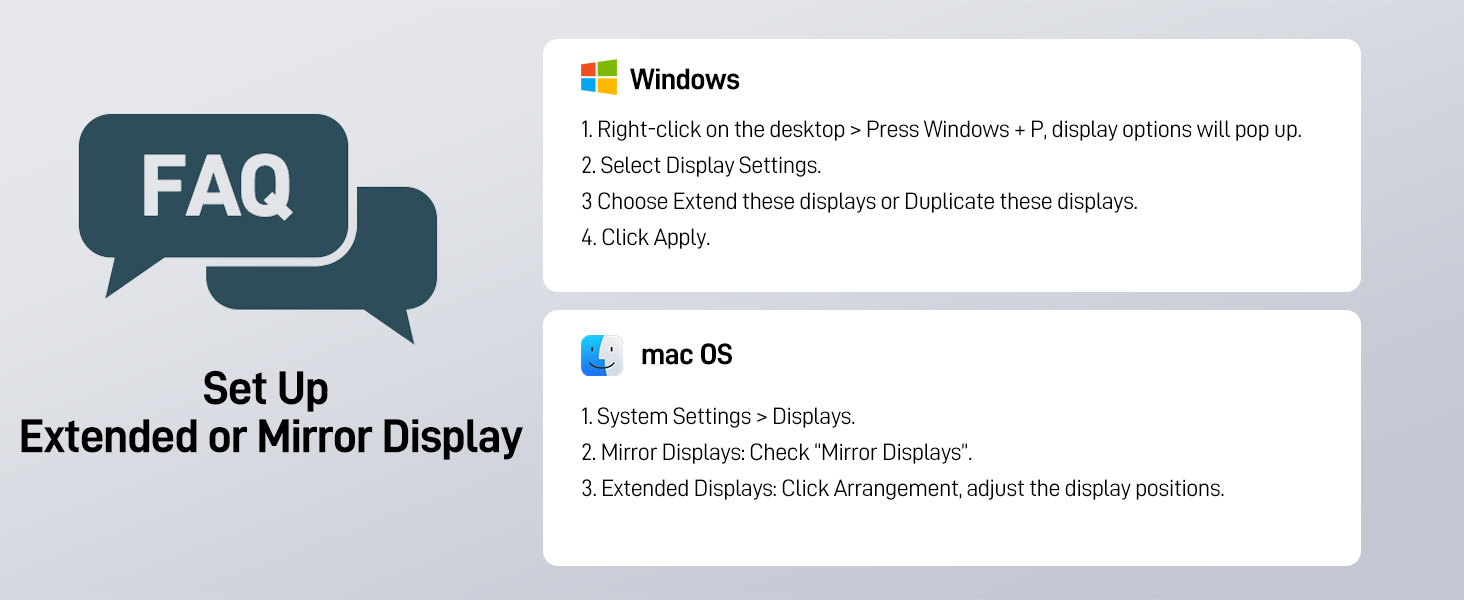
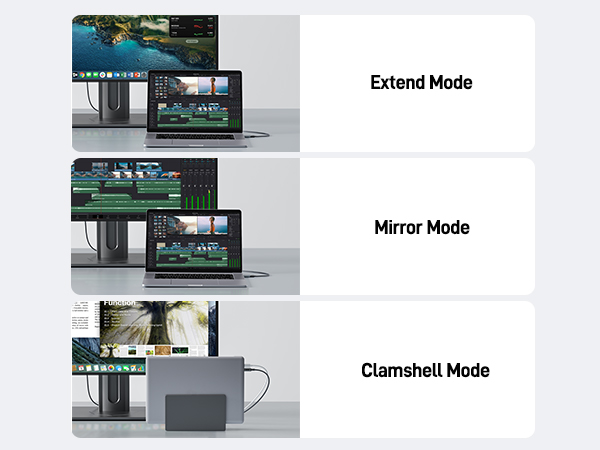
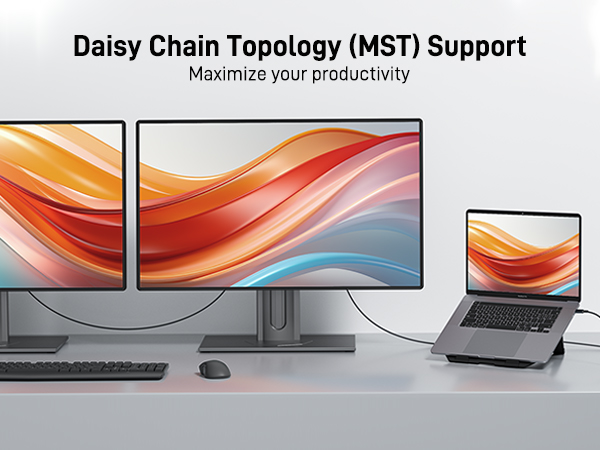
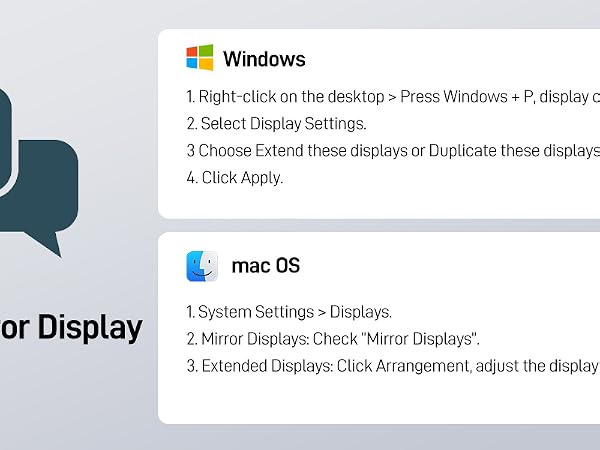
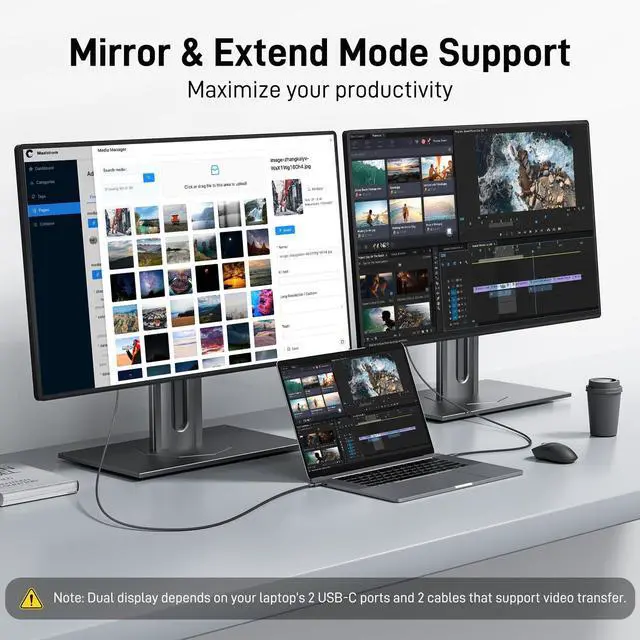
    • Multi-Screen Display: The USBC to DP cable lets you enjoy Mirror Mode and Extend Mode, whether you're duplicating your screen to another display or expanding your desktop space, while also offering Clamshell Mode for MacBook Pro/MacBook users. It is also compatible with Windows MST Mode for multi-screen setups on Windows PCs. The final resolution and refresh rate are determined by the specifications of the USB-C device and the attached display. : , .
    • Wide Compatibility: This Thunderbolt 4 to Display Port cable is designed to meet the demands of high-end devices, supporting USB-C ports (DP Alt Mode) and Thunderbolt 3/4/5 interfaces. It is compatible with top-tier devices like iPhone 16/15 Pro Max, Galaxy S24 Ultra, MacBook Pro/Air 2024, iPad Pro/Air 2024, Surface Book, and more. It seamlessly connects to DP monitors, Nvidia RTX 3090/AMD Radeon RX 6900 graphics cards, Odyssey G8/G9 displays, HDTVs, and more.

    Warranty & Returns

    Warranty, Returns, And Additional Information

    Warranty

    • Please contact the Seller directly for warranty information. Warranty information may also be found on the Manufacturer's website.
    • CONTACT

    Return Policies

    Manufacturer Contact Info

    LOADING...