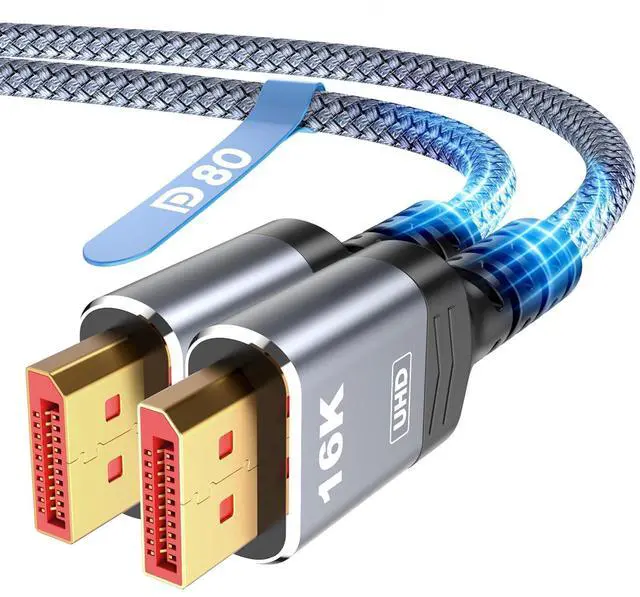
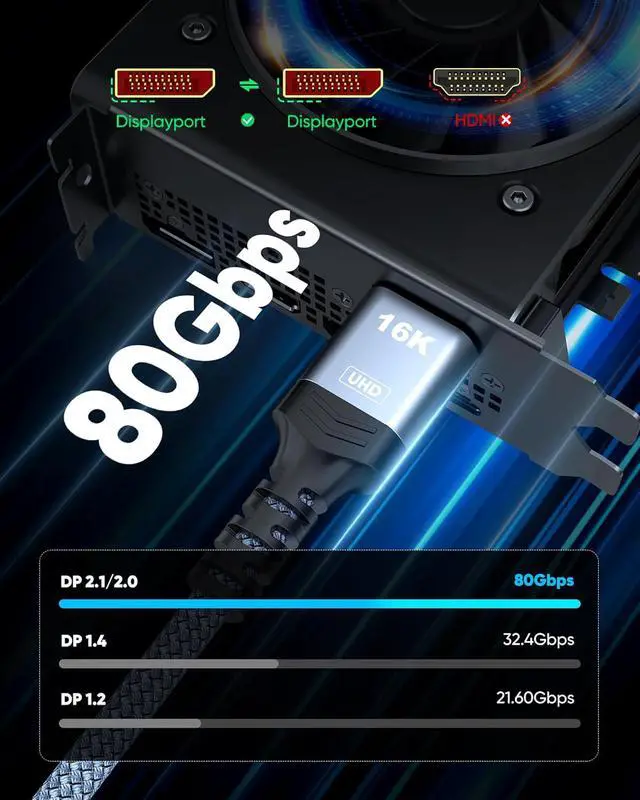
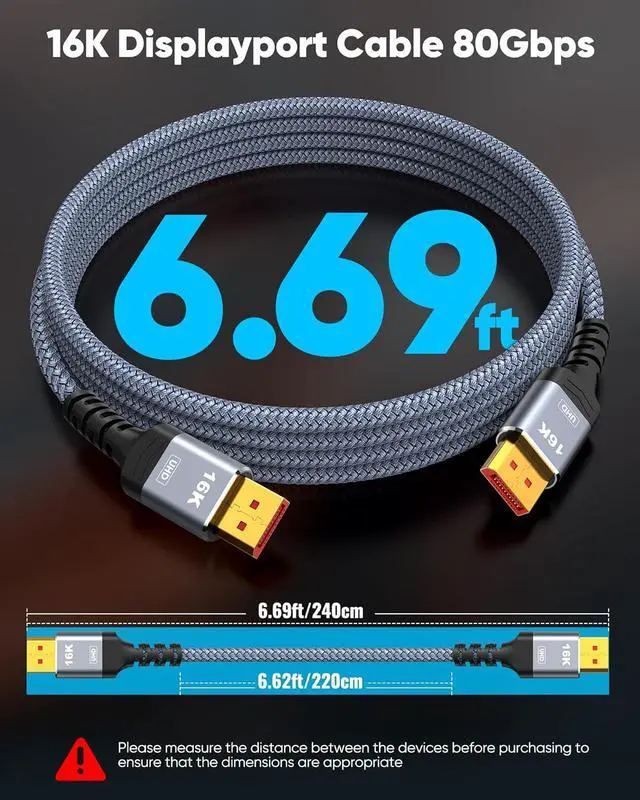
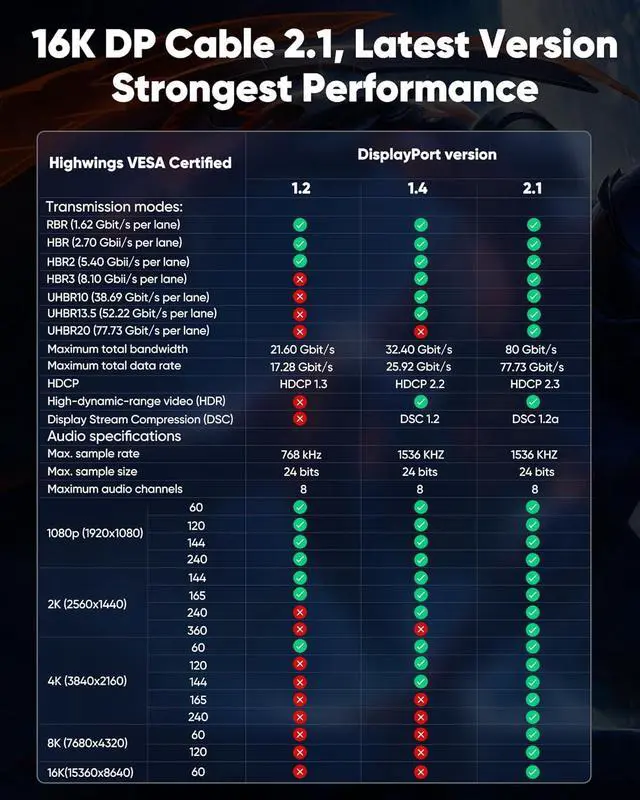
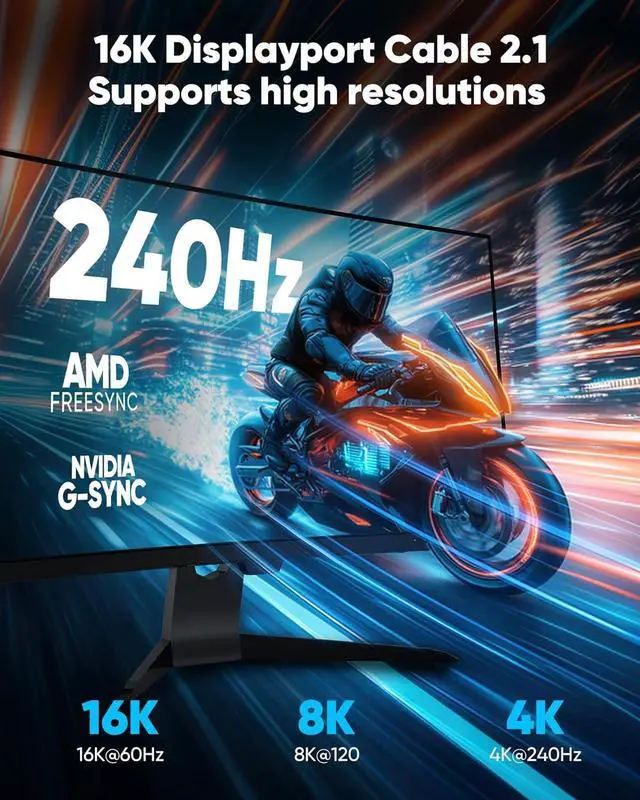
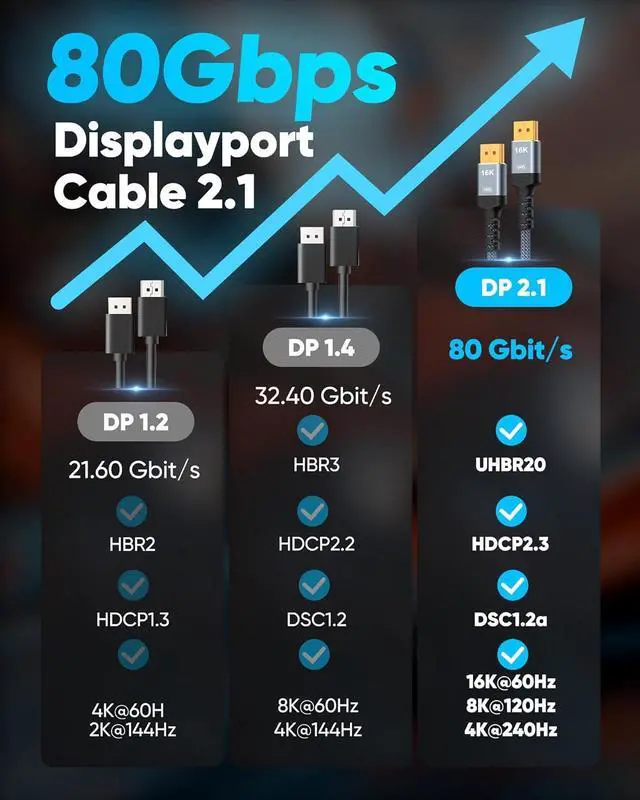
Unmatched Resolution & Bandwidth: 16K displayport cable experience the cutting edge with support for stunning 16K@60Hz (DSC) 10K@60Hz 8K@120Hz 4K@240Hz/165Hz/144Hz and 2K@240Hz/165Hz/120Hz. Delivers ultra-high bandwidth (80Gbps) for pristine image quality and lossless multi-channel audio outputRobust
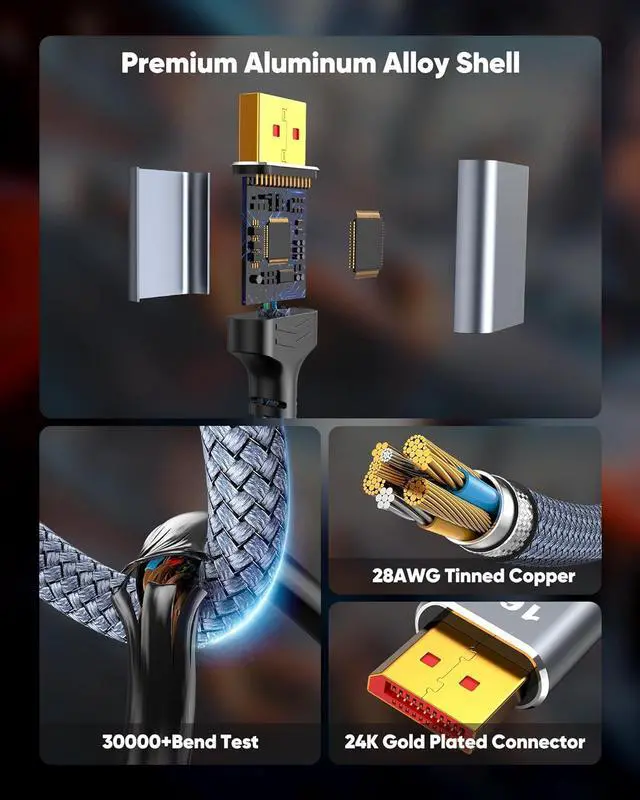
Anti-Interference & Durable Design: Engineered for reliability with 28AWG tinned copper conductors and triple-layer shielding for maximum EMI resistance and stable signal transmission. Features a secure slip-resistant grip design for effortless plugging and unplugging. Double nylon braiding and 24K gold-plated connectors ensure longevity and prevent artifacts or A/V sync issuesUltimate
Gaming Performance: This DP to DP cable elevates your gameplay with Dynamic HDR for incredible contrast and detail in dark scenes. High-fidelity 32-bit audio captures critical in-game sounds like footsteps. Supports FreeSync G-Sync and Adaptive-Sync for tear-free visuals and MTS for seamless multi-monitor setups. Your definitive cable for immersive AAA and FPS titlesExtensive
Wide Compatibility: The display port cable connects DP-enabled desktops/laptops directly to monitors. Perfect for gaming multimedia and professional applications. Works flawlessly with popular monitors and top graphics cards (RTX 4090/4080/4070 series RX 7900 XTX RTX 3090 etc. ). Supports DP DP++ DisplayPort++ FreeSync G-Sync and
Adaptive-SyncLifetime Support & Hassle-Free Guarantee: We stand behind our product with lifetime customer support and a satisfaction guarantee. Our products are guaranteed for one year. If there are any problems within one year we offer free returns or replacement. Whether you need setup advice or troubleshooting our team responds within 13 hours. Plus bidirectional support means flawless signal transmission in any setupyour perfect home theater starts here!
NOTE: When the displayport cable does not work please check whether the display input source is switched to DP (NOT HDMI) and whether the device resolution/refresh rate reaches 16K. Some devices require manual adjustment. At the same time please check if your DP interface is plugged in tightly. If it is loose you can try to stabilize the DP with a fixed clip. Thank you for your trust.