




SOULION SUPPORT
? 24-Hour Support
? Hassle-free Replace/Return
? Support Extended Term of Service

Just play, Have fun!
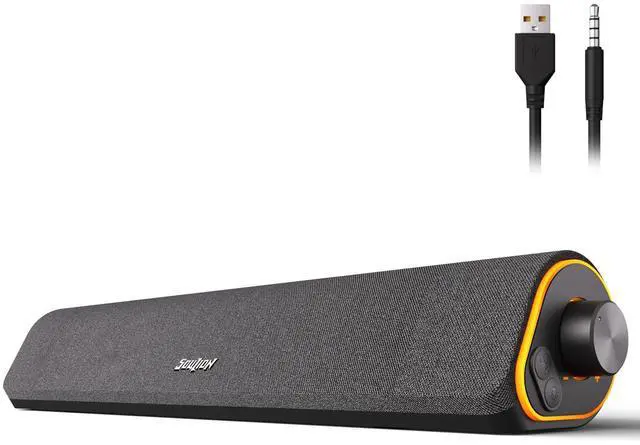
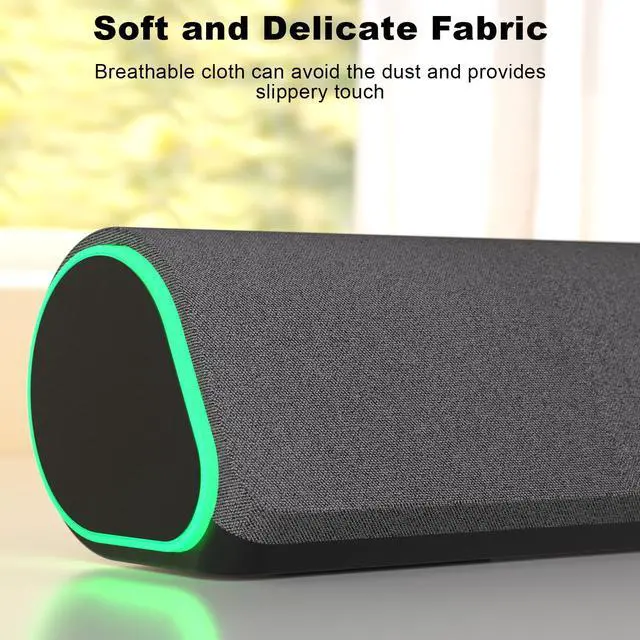
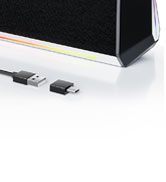
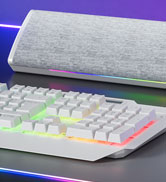
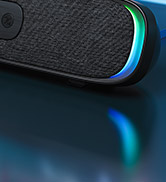
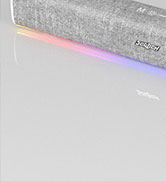
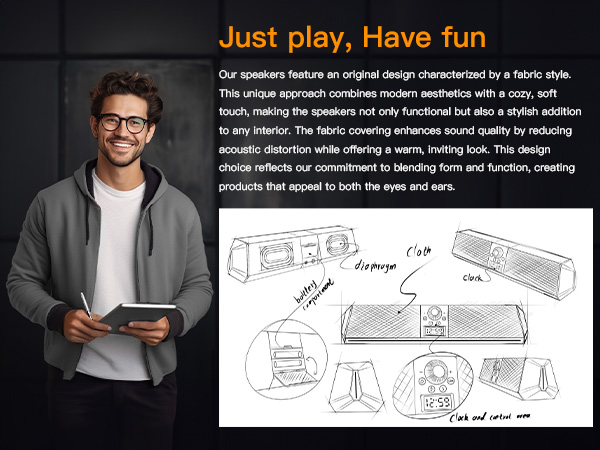
Fabric, as one of the prominent features of SOULION speakers, endows the product with a warm and comfortable touch. SOULION not only satisfies users' pursuit of audio quality, but also integrates fabric with LED lighting elements. Whether placed in an office or at home, SOULION speakers can become a beautiful scenery, adding a unique color to users' lives.
R80 USB Bluetooth Speaker


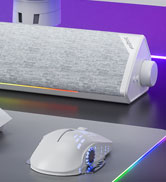
R60 USB Computer Speakers
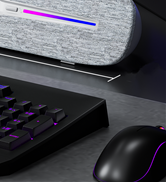
R90 Computer Speakers
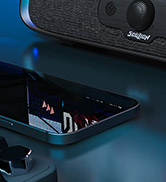
R200 Compact Computer Speaker
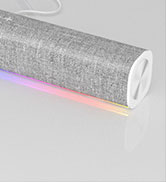
R100 Computer Speakers


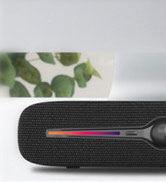
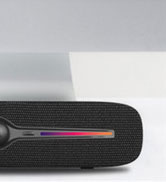
R90 PC Speakers
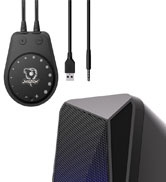
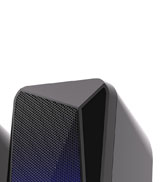
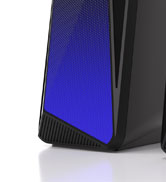
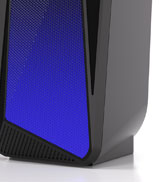
C30 2.0 Desktop Speakers
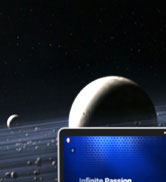
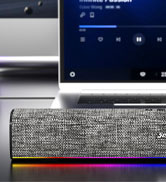
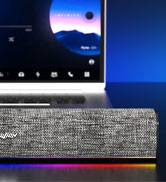
R100 Computer Speakers

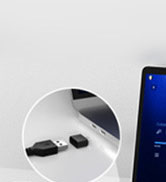
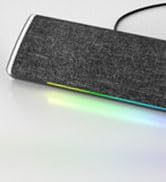
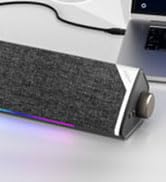
R60 USB Computer Speakers
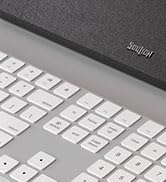
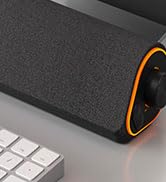
R50 Bluetooth Computer Speaker

Seller Support
contact seller support for product issue!
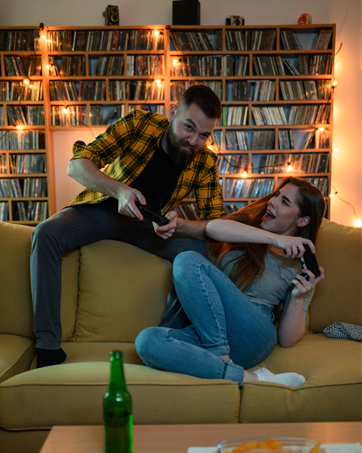
What we wish
We wish bring a exciting game atmosphere.

What we wish
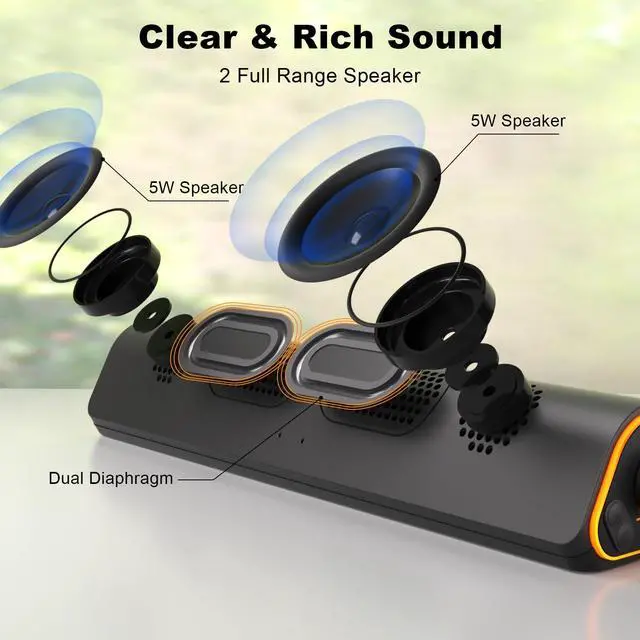
We wish bring a mesmerizing sound.

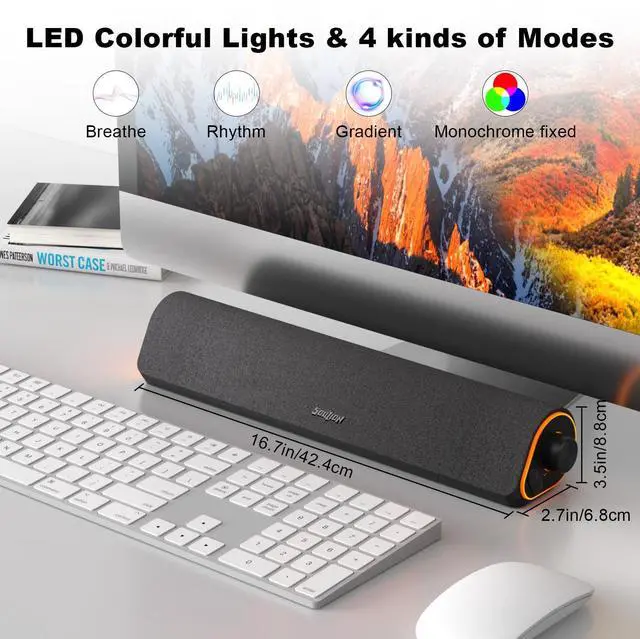
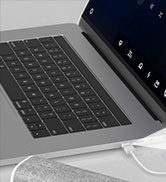
4 LED Ligthing Modes - Plug and Play
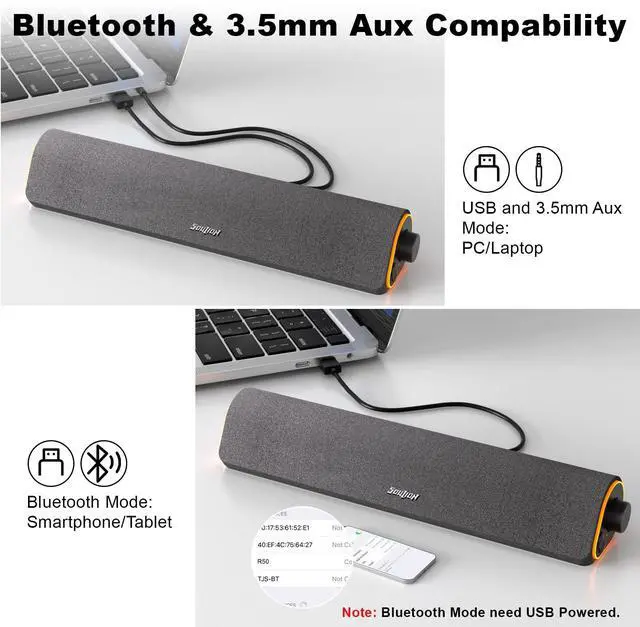
2 Connection Methods

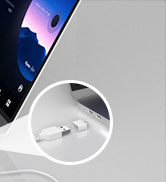
USB Powered and 3.5mm Aux Mode - Plug & Play
1.Plug into the USB port for power and press the "M" key to select “Aux Mode”;
2.Plug 3.5mm jack for sound. Press the "M" key to select "Aux Mode".
Tips: For desktop computers, insert 3.5mm jack into the back end of the host to reduce the current sound.

Bluetooth Mode - Plug & Pair
1. Plug in the USB port and press the "M" key to select “Bluetooth Mode”;
2. Search "R50" on your smartphone/tablet and connect.
Tips: The Bluetooth connection must be within a certain range (10 meters / 33 feet) to remain stable.


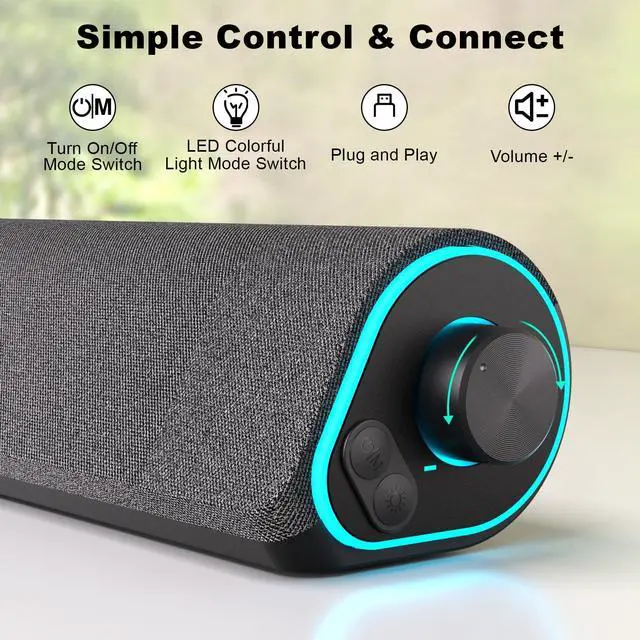
Mode Selection
- Power On/Off
- USB Powered and 3.5mm Aux Mode
- USB Powered and Bluetooth Mode

Light - Switch/Mode Selection
- Light On/Off
- 4 LED Lighting Modes: Breathing, Gradient, Rhythm, Monochrome fixed
- Press and Hold for 3 Seconds to Clear Bluetooth Memory

Rotate the Knob
- Turn Clockwise - Volume +
- Turn Counterclockwise - Volume -

Unique Design
- Comfort Material
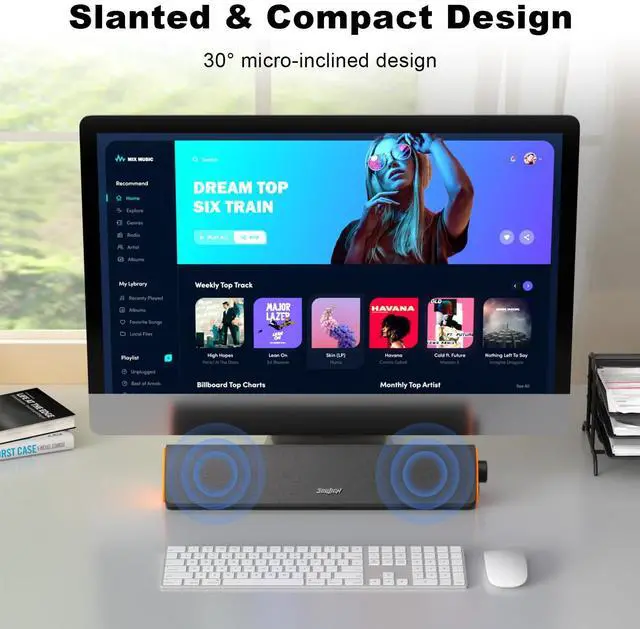
- 30° Tilt Design
- Compact Size for PC/Desktop


SOULION COMPUTER SPEAKER - Just Play, Have Fun!
 R80 Computer Speakers |  R200 Computer Speakers |  C30 2.0 PC Speakers | 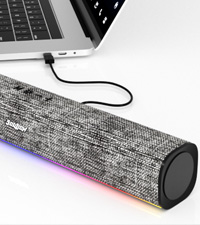 R100 PC Speaker |  R60 PC Speaker |  R30 Plus PC Speaker |  R30 PC Speaker | |
|---|---|---|---|---|---|---|---|
Customer Reviews | — | — | — | — | — | — | — |
Price | — | — | — | — | — | — | — |
Bluetooth Mode(USB Powered) | ? | ? | ? | ? | ? | ? | ? |
Memory Function | ? | ? | ? | ? | ? | ? | ? |
Voice Prompt | ? | ? | ? | ? | ? | ? | ? |
Wired Mode | 2-in-1 USB Cable | 2-in-1 USB Cable | USB & Aux Cable | 2-in-1 USB Cable | 2-in-1 USB Cable | 2-in-1 USB Cable | USB & Aux Cable |
Lighting Effects | Optional LED Effects | Optional LED Effects | Optional LED Effects | Optional LED Effects | Optional LED Effects | Optional LED Effects | Auto Conversion |
Color | Black | Black | Black | Grey | Black | White/Grey | White/Grey |

4 LED Ligthing Modes - Plug and Play
How to turn on/off?
Note:
The USB port powers on automatically when it is energized.
How to select Aux mode?
Tips:
- Be sure do not plug with two devices as the audio output on computer at the same time.
- Be sure choose "R50" as audio output on your device.
- Be sure computer & R50 speaker both volume up and try to be MAX.
- Try to plug the 3.5mm & USB jack at the back of computer host port.
How to select Bluetooth mode?
Tips:
- Be sure choose "R50" as audio output on your device.
- Be sure computer & R50 speaker both volume up and try to be MAX.
- Try to plug the 3.5mm & USB jack at the back of computer host port.
- Try to change Bluetooth mode and check work or not.
How to turn on/off lights/switch light modes?
Notes:
- Mode swtich(Breath/Gradient/Rhythm/Monochrome Fixed)
- Press and hold for 3 seconds to clear Bluetooth memory
How to turn the volume up/down?
2 Connection Methods
USB Powered and 3.5mm Aux Mode - Plug & Play
1.Plug into the USB port for power and press the "M" key to select “Aux Mode”;
2.Plug 3.5mm jack for sound. Press the "M" key to select "Aux Mode".
Tips: For desktop computers, insert 3.5mm jack into the back end of the host to reduce the current sound.
Bluetooth Mode - Plug & Pair
1. Plug in the USB port and press the "M" key to select “Bluetooth Mode”;
2. Search "R50" on your smartphone/tablet and connect.
Tips: The Bluetooth connection must be within a certain range (10 meters / 33 feet) to remain stable.


Mode Selection
- Power On/Off
- USB Powered and 3.5mm Aux Mode
- USB Powered and Bluetooth Mode
Light - Switch/Mode Selection
- Light On/Off
- 4 LED Lighting Modes: Breathing, Gradient, Rhythm, Monochrome fixed
- Press and Hold for 3 Seconds to Clear Bluetooth Memory
Rotate the Knob
- Turn Clockwise - Volume +
- Turn Counterclockwise - Volume -
Unique Design
- Comfort Material
- 30° Tilt Design
- Compact Size for PC/Desktop


SOULION COMPUTER SPEAKER - Just Play, Have Fun!
R80 Computer Speakers | R200 Computer Speakers | C30 2.0 PC Speakers | R100 PC Speaker | R60 PC Speaker | R30 Plus PC Speaker | R30 PC Speaker |
|---|---|---|---|---|---|---|
| Customer Reviews | ||||||
| — | — | — | — | — | — | — |
| Price | ||||||
| — | — | — | — | — | — | — |
| Bluetooth Mode(USB Powered) | ||||||
| ? | ? | ? | ? | ? | ? | ? |
| Memory Function | ||||||
| ? | ? | ? | ? | ? | ? | ? |
| Voice Prompt | ||||||
| ? | ? | ? | ? | ? | ? | ? |
| Wired Mode | ||||||
| 2-in-1 USB Cable | 2-in-1 USB Cable | USB & Aux Cable | 2-in-1 USB Cable | 2-in-1 USB Cable | 2-in-1 USB Cable | USB & Aux Cable |
| Lighting Effects | ||||||
| Optional LED Effects | Optional LED Effects | Optional LED Effects | Optional LED Effects | Optional LED Effects | Optional LED Effects | Auto Conversion |
| Color | ||||||
| Black | Black | Black | Grey | Black | White/Grey | White/Grey |
SOULION SUPPORT
? 24-Hour Support
? Hassle-free Replace/Return
? Support Extended Term of Service
Just play, Have fun!
Fabric, as one of the prominent features of SOULION speakers, endows the product with a warm and comfortable touch. SOULION not only satisfies users' pursuit of audio quality, but also integrates fabric with LED lighting elements. Whether placed in an office or at home, SOULION speakers can become a beautiful scenery, adding a unique color to users' lives.
R80 USB Bluetooth Speaker
R60 USB Computer Speakers
R90 Computer Speakers
R200 Compact Computer Speaker
R100 Computer Speakers
R90 PC Speakers
C30 2.0 Desktop Speakers
R100 Computer Speakers
R60 USB Computer Speakers
R50 Bluetooth Computer Speaker
Seller Support
contact seller support for product issue!
What we wish
We wish bring a exciting game atmosphere.
What we wish
We wish bring a mesmerizing sound.