





Small Size ,Loud Sound
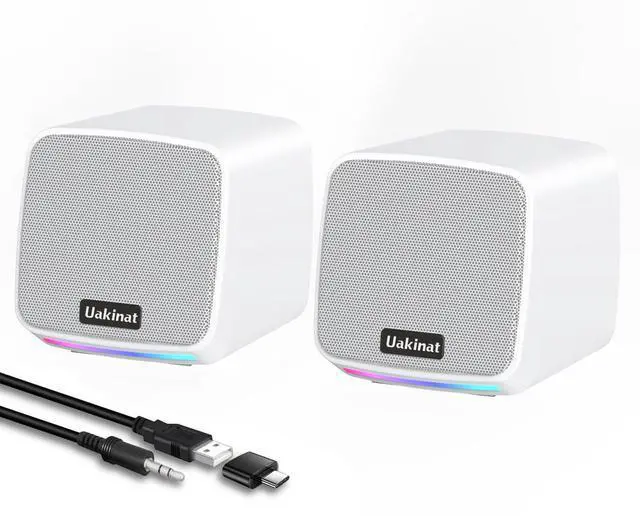
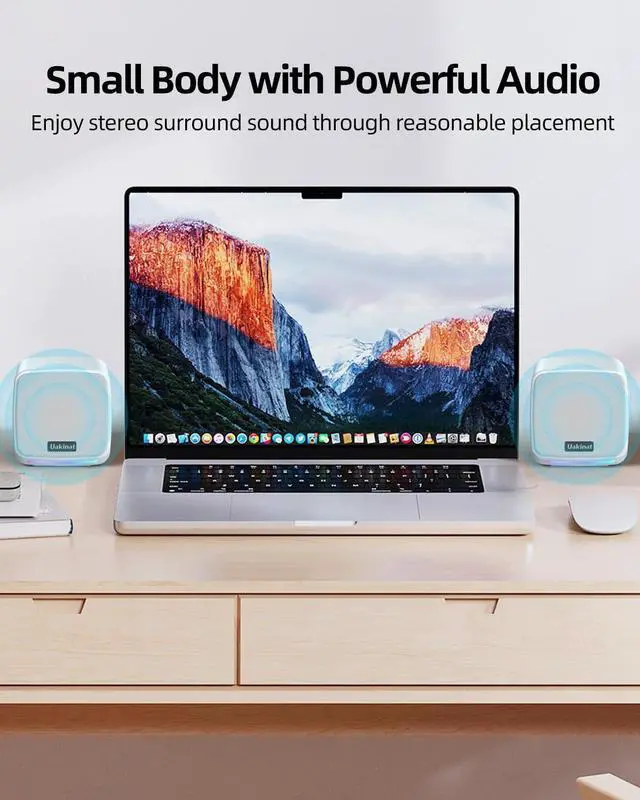
3W*2 large dual drive unit, up to 6W output, perfect for listening to music, playing games, and watching videos.

Easy to Use
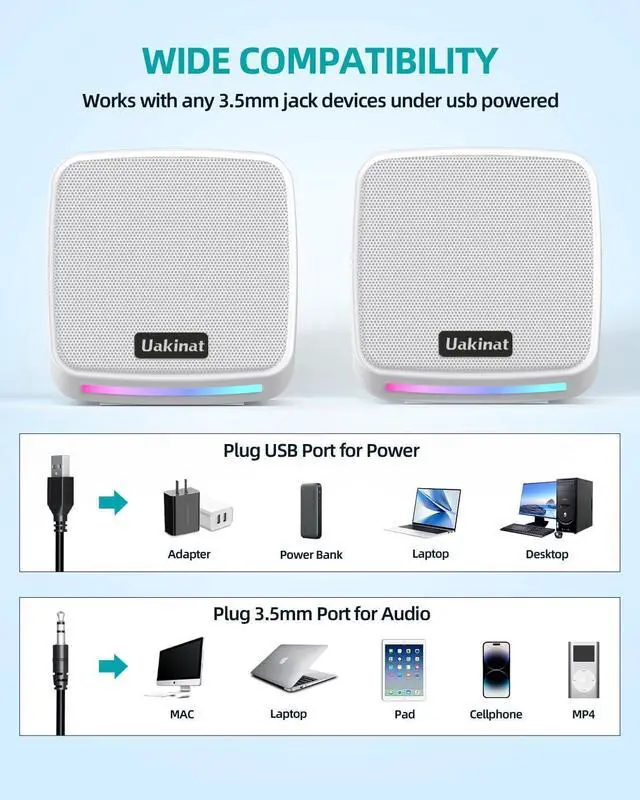
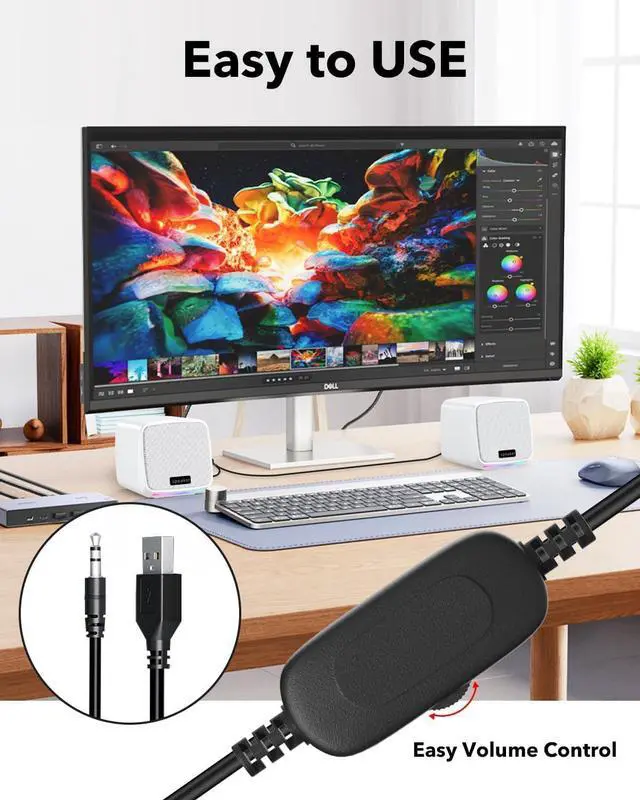
These Computer speakers make for an easy setup. Connect the USB plug to the port on your computer and the 3.5mm AUX to the headphone jack and turn up the volume! No installation required, hook it up and start.

Plug and Play
Note:Plug and Play, Very Easy to Use. Take Windows computer for example: Plug it into computer USB port — click the “Speaker” icon in the taskbar — select “USB Speaker” as your computer playback device. Then, the USB speaker is ready to work for you.

In-Line Volume
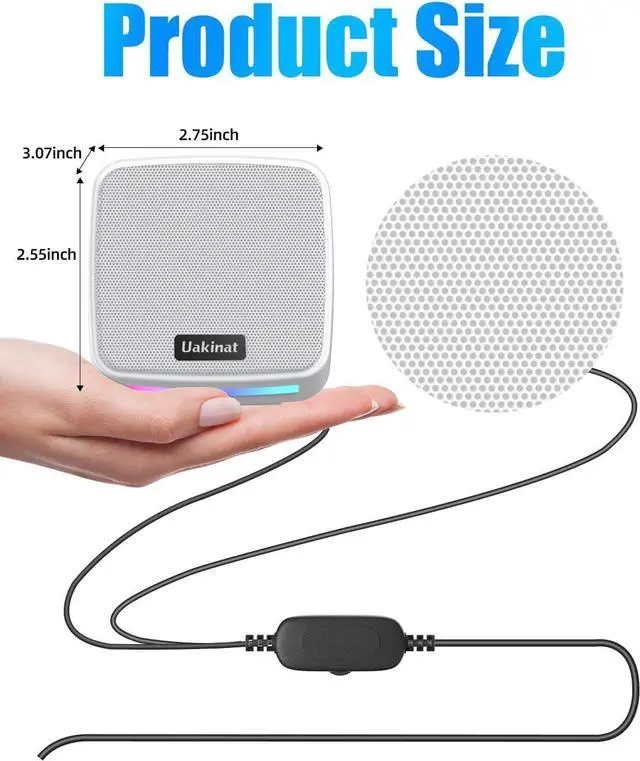
Need to adjust the audio levels on a quick notice? Don’t worry, the easily accessible in-line volume scroll wheel lets you turn the sound up or down on whatever you’re playing or listening to.

Features Techniques:
Rated power: 2 x 3w
Channel: 2.0
Frequency response: 100Hz-20KHz
Connector: 3.5mm jack(audio),USB(power)
Power supply: DC 5V/1A
Cable length: 47.24inch
Size:2.75 x 3.07 x 2.55inch
Feature:
- Simple setup -plug and play
- In-line volume control
- Fashion RGB LED lights
- Compact in size and powerful in sound
Small Size ,Loud Sound
3W*2 large dual drive unit, up to 6W output, perfect for listening to music, playing games, and watching videos.
Easy to Use
These Computer speakers make for an easy setup. Connect the USB plug to the port on your computer and the 3.5mm AUX to the headphone jack and turn up the volume! No installation required, hook it up and start.
Plug and Play
Note:Plug and Play, Very Easy to Use. Take Windows computer for example: Plug it into computer USB port — click the “Speaker” icon in the taskbar — select “USB Speaker” as your computer playback device. Then, the USB speaker is ready to work for you.
In-Line Volume
Need to adjust the audio levels on a quick notice? Don’t worry, the easily accessible in-line volume scroll wheel lets you turn the sound up or down on whatever you’re playing or listening to.
Features Techniques:
Rated power: 2 x 3w
Channel: 2.0
Frequency response: 100Hz-20KHz
Connector: 3.5mm jack(audio),USB(power)
Power supply: DC 5V/1A
Cable length: 47.24inch
Size:2.75 x 3.07 x 2.55inch
Feature:
- Simple setup -plug and play
- In-line volume control
- Fashion RGB LED lights
- Compact in size and powerful in sound