

Your Browsing History

Meet Your Seller


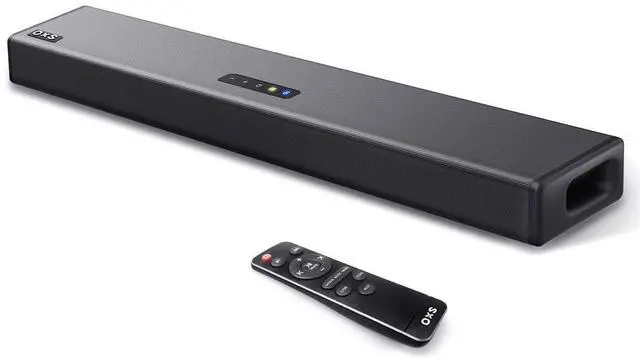


S3 Sound Bars for TV, Home Theater Audio with Dynamic Bass, 3D Surround Sound System TV Sound Bar, TV Speakers, Bluetooth 5.0/Aux/Optical/Coaxial, 80-Watt, 3Eqs, Wall Mountable, Black
Limited time offer, ends 08/24 By Jeronrtion
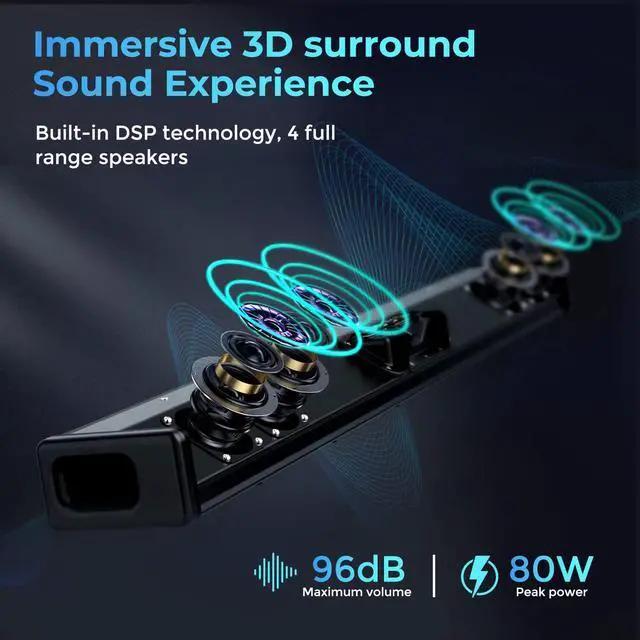
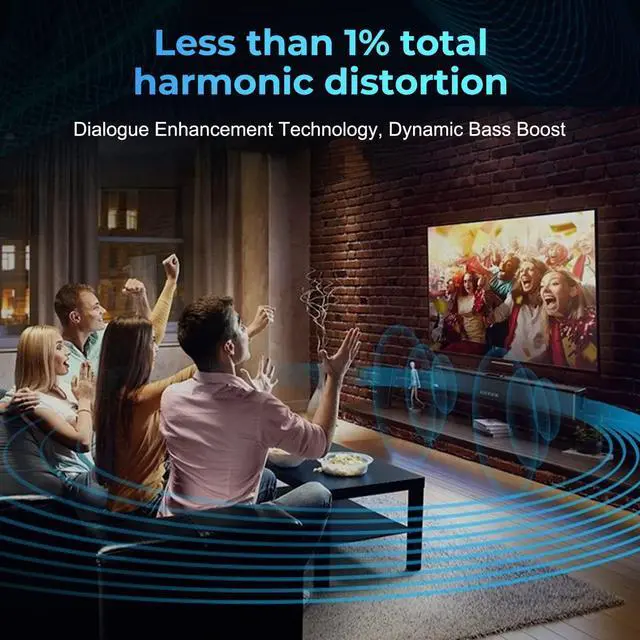
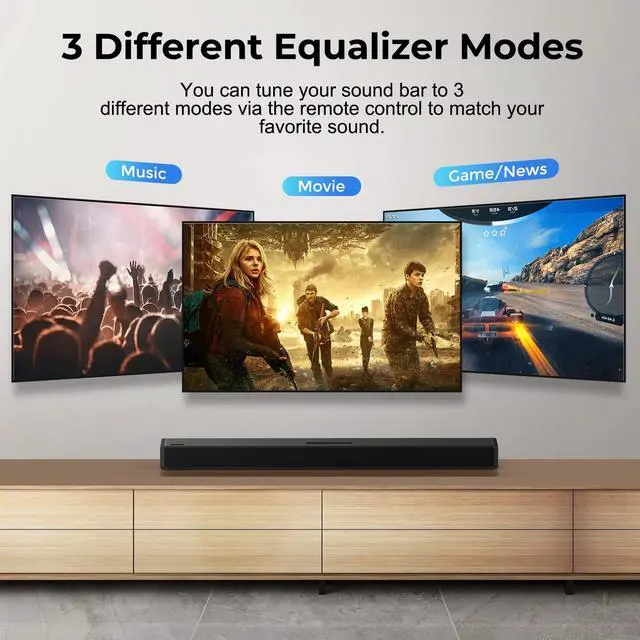
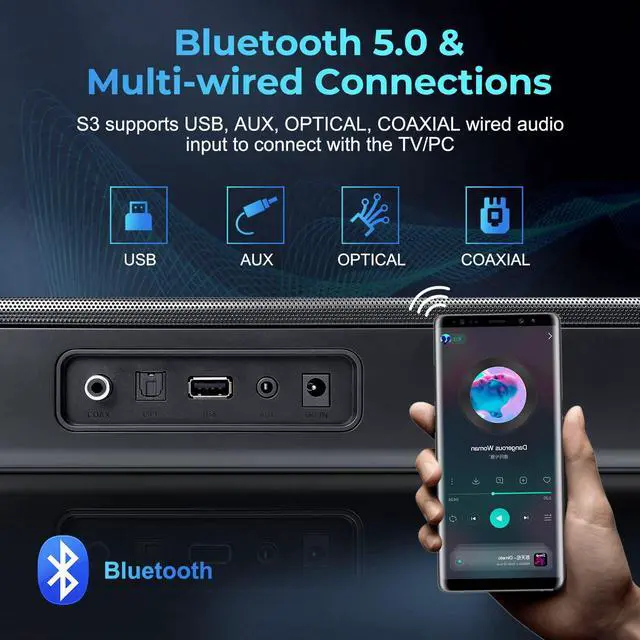
- Enhanced Dialogue Technology: The S3 soundbar for TV incorporates dialogue enhancement technology to make details prominent. With less than 1% total harmonic distortion, it offers superior sound reproduction compared to many products on the market, enabling you to hear every music note and catch all dialogue. It is an excellent solution for high-performance audio needs, allowing you to enjoy a cinematic experience at home. Cinematic 3D Surround Sound: Built-in DSP technology delivers audio with vibrant highs and deep lows, making the sound more precise and vocals clearer. The surround sound system can transform an ordinary TV into a 3D surround sound experience. The S3 home audio soundbar is equipped with four full-range speakers. Dynamic bass is achieved through a special port tube reflection for an impressive cinematic experience, making every movie memorable. 3 Sound Modes via Remote Control: The S3 home audio speakers enhance TV sound with multiple preset EQ settings for high-quality music and intense gaming experiences. You can adjust the soundbar to 3 different equalizer modes (Movie mode, Music mode, News mode/Game mode) via button or remote for optimal audio performance. Bluetooth 5.0 & Multi-wired Connections: Featuring wireless Bluetooth 5.0 transmission, you can conveniently connect the S3 home theater audio to devices such as computers, laptops, cellphones, and tablets, providing lossless audio transmission and 360-degree sound. It also supports COAXIAL, AUX, and
+
+
Overview
Specs
Reviews

Any questions? Our AI mode will help you find out quickly.
Try me now
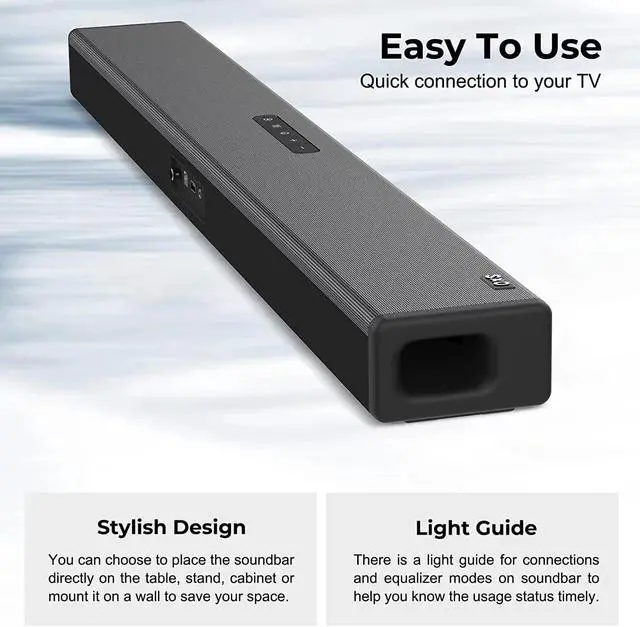
Enhanced Dialogue Technology: The S3 soundbar for TV incorporates dialogue enhancement technology to make details prominent. With less than 1% total harmonic distortion, it offers superior sound reproduction compared to many products on the market, enabling you to hear every music note and catch all dialogue. It is an excellent solution for high-performance audio needs, allowing you to enjoy a cinematic experience at home. Cinematic 3D Surround Sound: Built-in DSP technology delivers audio with vibrant highs and deep lows, making the sound more precise and vocals clearer. The surround sound system can transform an ordinary TV into a 3D surround sound experience. The S3 home audio soundbar is equipped with four full-range speakers. Dynamic bass is achieved through a special port tube reflection for an impressive cinematic experience, making every movie memorable. 3 Sound Modes via Remote Control: The S3 home audio speakers enhance TV sound with multiple preset EQ settings for high-quality music and intense gaming experiences. You can adjust the soundbar to 3 different equalizer modes (Movie mode, Music mode, News mode/Game mode) via button or remote for optimal audio performance. Bluetooth 5.0 & Multi-wired Connections: Featuring wireless Bluetooth 5.0 transmission, you can conveniently connect the S3 home theater audio to devices such as computers, laptops, cellphones, and tablets, providing lossless audio transmission and 360-degree sound. It also supports COAXIAL, AUX, and OPTICAL wired audio input to connect with TV or PC. It can play audio from USB flash drives. Easy To Use & Stylish Design: The S3 Soundbar for TV supports multiple wireless and wired connections for simple setup. A light guide on the soundbar shows connection and equalizer mode status. With its sleek design, you can place it on a table, stand, cabinet, or mount it on a wall to conserve space, complementing your home decor and preferences. Note: For optical/coaxial connection, set the audio output to PCM (Setup Steps: Menu Sound Settings Expert/Additional Settings Digital Output Audio Format PCM)
Warranty & Returns
Warranty, Returns, And Additional Information
Warranty
- Please contact the Seller directly for warranty information. Warranty information may also be found on the Manufacturer's website.
- CONTACT
Return Policies
- Return for refund within: 30 days
- Return for replacement within: 30 days
- This item is covered by Jeronrtion Return Policy
Manufacturer Contact Info
- For a directory of all our manufacturers, please click below.
- Manufacturers Directory
LOADING...