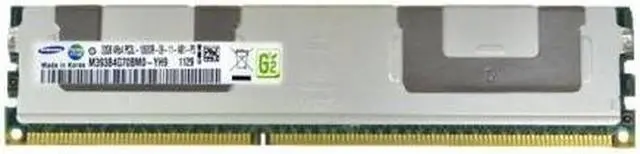
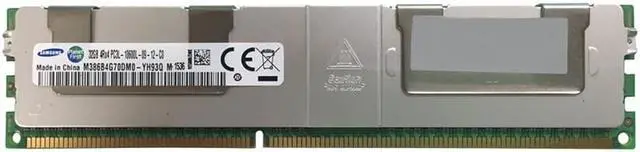
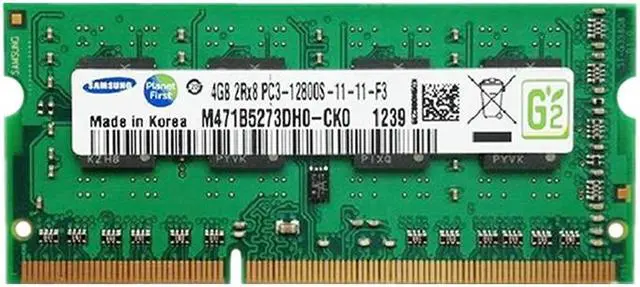
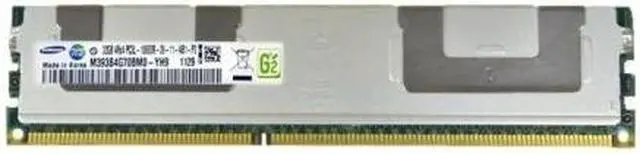
The Samsung M386B4G70DM0-YH9 is a server memory module for IT teams and server owners seeking this exact part for a compatible system.
Recommended For
- Operators upgrading a legacy server that explicitly supports 32GB DDR3-1333 ECC LRDIMMs and this module’s 4Rx4 configuration, who want to increase memory without replacing the platform.
- Homelab or small-server operators running virtualization or several self-hosted services on a compatible DDR3 LRDIMM platform, when adding memory capacity matters more than moving to a newer server generation.
- Maintenance teams keeping an older server in service who need a matching replacement DIMM and can verify the system’s memory support and population rules before installation.
Real-World Use Scenarios
- On a compatible legacy DDR3 server that is running several virtual machines, adding this 32GB module can provide more room for guest workloads and reduce memory pressure that would otherwise lead to swapping.
- For a memory-hungry database or application server, installing the module can increase the memory available for data and caching, helping avoid memory-related slowdowns when the existing system is short on RAM.
- When expanding a compatible older server used for a home lab, adding 32GB can leave more memory for running multiple services or test environments at once; the server must specifically support LRDIMMs.
- As a replacement for a failed module in an older server, this can restore memory capacity when the server accepts this exact DDR3L LRDIMM type; check the system’s memory list and module population rules before installing it.
- For a server hosting several file, web, or internal business services, adding compatible memory can let more services run together without competing as quickly for RAM; it does not by itself increase storage capacity or network speed.
Spec Summary
| Attribute | Value |
|---|
| Best For | Server memory installations |
|---|




 here!