

Out of stock
This item is currently out of stock and it may or may not be restocked.
Ships from China.
Most customers receive within 7-17 days.
Shop it at NeweggBusiness.

Meet Your Seller

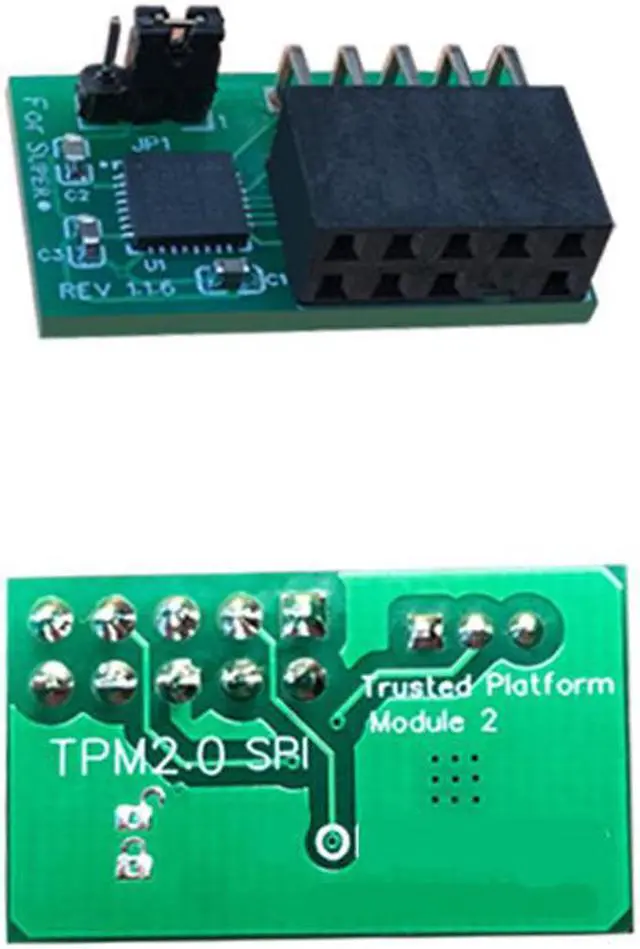
For SuperMicro AOM-TPM-9670V 10Pin SPI TPM 2.0 Module Trusted Platform

  • Description:
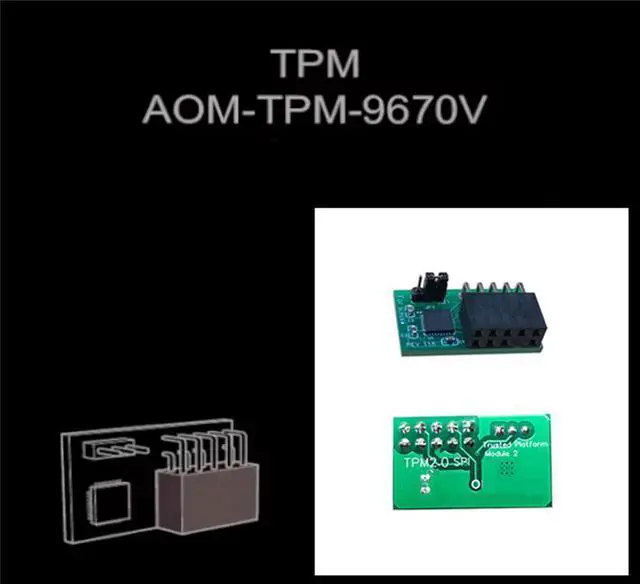
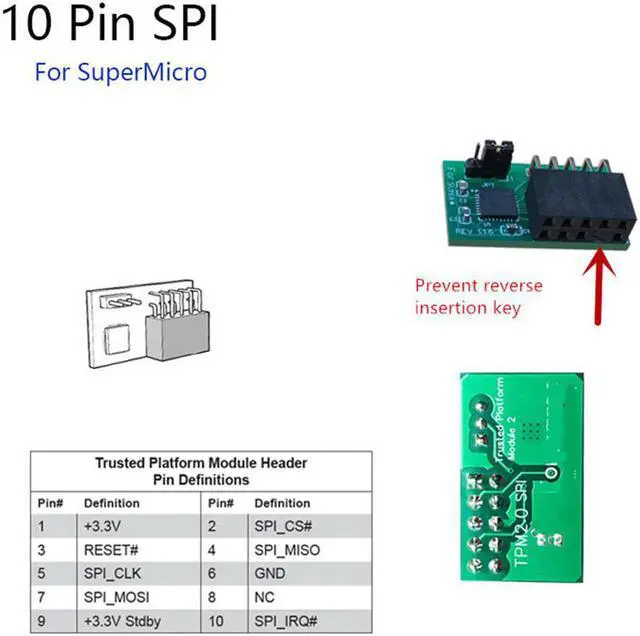
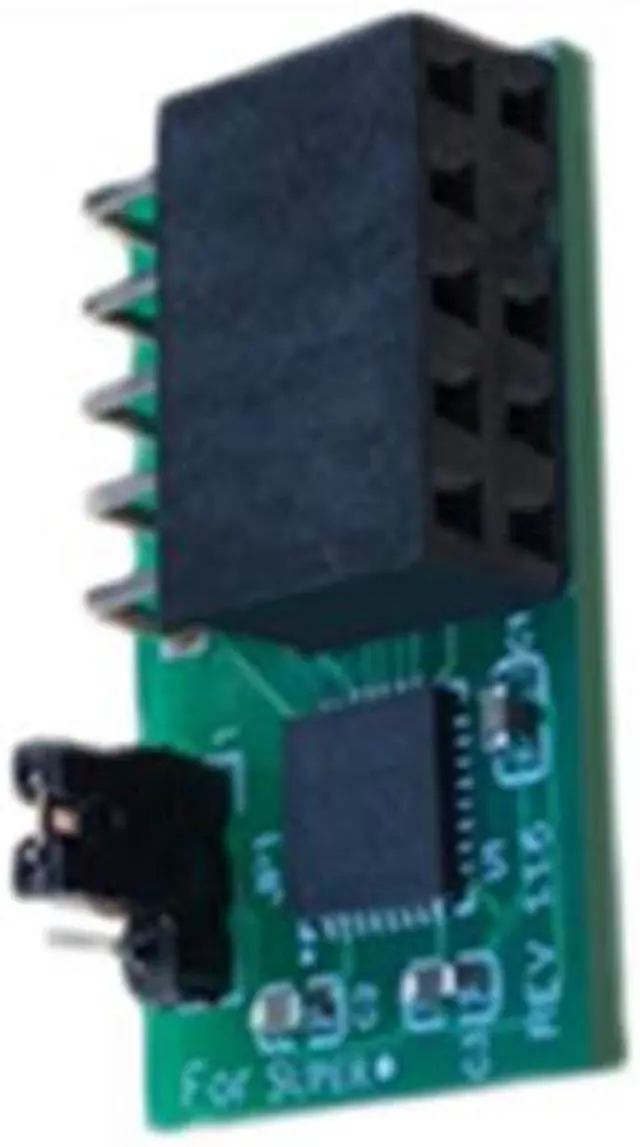
  • This is a TPM 2.0 module for SuperMicro AOM-TPM-9670V
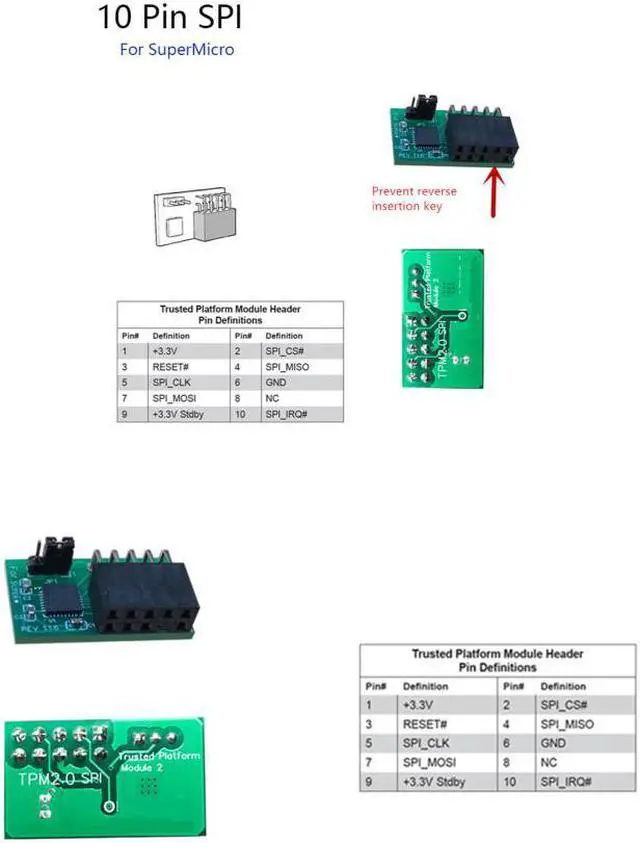
  • Key: prevent reverse insertion
  • Please cut off the power to install the module, check the gap and then insert it. Some motherboard interfaces will not be used for a long time. If there is oxidation and rust, please polish it first.
  • Find the corresponding location of the TPM plug.
  • Package included: 1 x TPM 2.0 Module
Overview
Specs
Reviews (1)
avatar

Any questions? Our AI beta will help you find out quickly.

image for this item
  • Or more detailed:
     
  • 1. Please check the motherboard instructions before shooting. Confirm your motherboard support TPM2.0 technology. You can go to the main board official website.
     
  • 2. Some motherboards need to plug in the TPM module or update to the latest BIOS to open the TPM option.
     
  • 3. Please cancel the other security technology of your computer before installation.
     
  • 4. Before inserting into the module, then shut down and power out, find the position of the pin to write the TPM under the foot.
image for this item

Description:
This is a TPM 2.0 module  for SuperMicro AOM-TPM-9670V
Key: prevent reverse insertion
Please cut off the power to install the module, check the gap and then insert it. Some motherboard interfaces will not be used for a long time. If there is oxidation and rust, please polish it first.
Find the corresponding location of the TPM plug.
Package included: 1 x TPM 2.0 Module 
 

image for this item

Note:
Please check the motherboard manual to confirm that your motherboard supports TPM2.0 technology
Some motherboards need to plug in the TPM module or update to the latest BIOS to enable the TPM option.
Please cancel other security technologies of the computer before installation. 

Note: Please check the motherboard manual to confirm that your motherboard supports TPM 2.0 technology Some motherboards need to plug in the TPM module or update to the latest BIOS to enable the TPM option. Please cancel other security technologies of the computer before installation.

Warranty & Returns

Warranty, Returns, And Additional Information

Warranty

  • Please contact the Seller directly for warranty information. Warranty information may also be found on the Manufacturer's website.
  • CONTACT

Return Policies

Manufacturer Contact Info

LOADING...