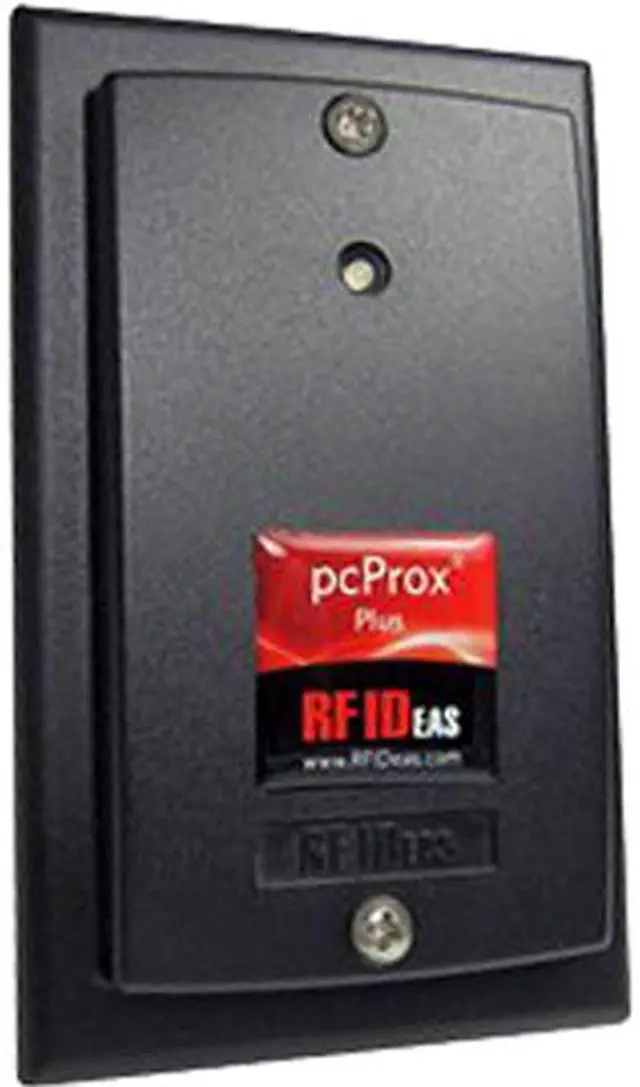
The Xerox Common Access Card Reader and SIPRNET Reader Enablement Kit is an accessory for compatible Xerox AltaLink and WorkCentre printers, suited to organizations equipping supported printer fleets with these reader capabilities.
Recommended For
- DoD or federal office teams that need staff to use CAC cards to authenticate at a compatible shared Xerox printer before accessing device functions such as scanning or copying.
- Government-site IT administrators equipping compatible Xerox MFPs for card-based, device-level access controls as part of a managed authentication setup.
- Authorized organizations with a supported Xerox model and an established SIPRNet smart-card workflow that need the corresponding reader and feature enablement.
- Organizations standardizing card-based access across Xerox printers in the models listed for this kit, provided their administrator verifies the exact device and software requirements.
Real-World Use Scenarios
- In a government or military office, an employee taps or inserts a CAC/PIV card and enters a PIN to sign in at a configured Xerox printer; access to the device is tied to their individual credentials rather than a shared panel login.
- At a shared office printer, staff can submit jobs to a held or Secure Print queue and authenticate at the device to release them; this helps keep pages from sitting unattended in the output tray when those print features are configured.
- When scanning documents to email from a configured multifunction printer, a signed-in employee can use their authenticated identity and associated email settings; this can reduce the need to enter sender details manually.
- In an organization that uses SIPRNet credentials, an authorized user can authenticate at a compatible, properly configured Xerox device with a supported SIPRNet token; the kit enables the reader and feature, but does not by itself establish a secure network or authorize access.
- In a busy shared-device area, a user can end their session by removing the smart card; if they forget, a configured inactivity timer can end the session after a set period, reducing the chance that the next person encounters an open session.
Spec Summary
| Attribute | Value |
|---|
| Best For | Common Access Card reader and SIPRNET reader enablement |
|---|
| Brand | Xerox Corporation |
|---|





 here!
here!