

Your Browsing History
- Free 30-day Returns
$77.99


Meet Your Seller


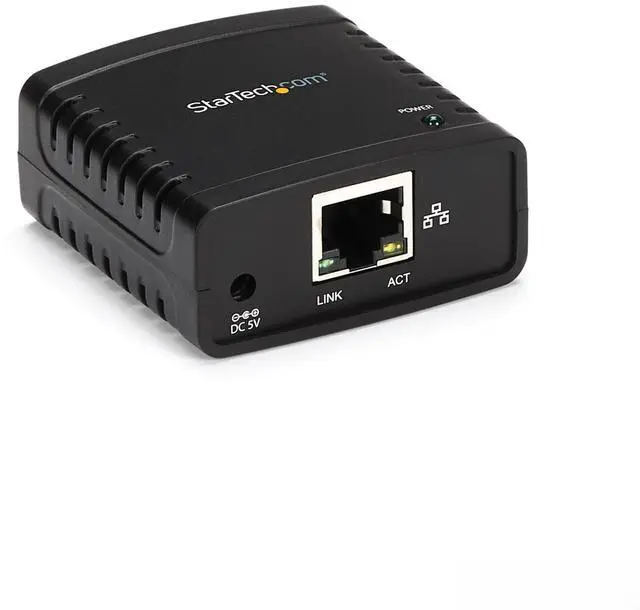


1-Port USB 2.0 Network Print Server, 10/100 Mbps Auto-sensing, Wired Ethernet LAN USB Printer Server Adapter, TAA Compliant
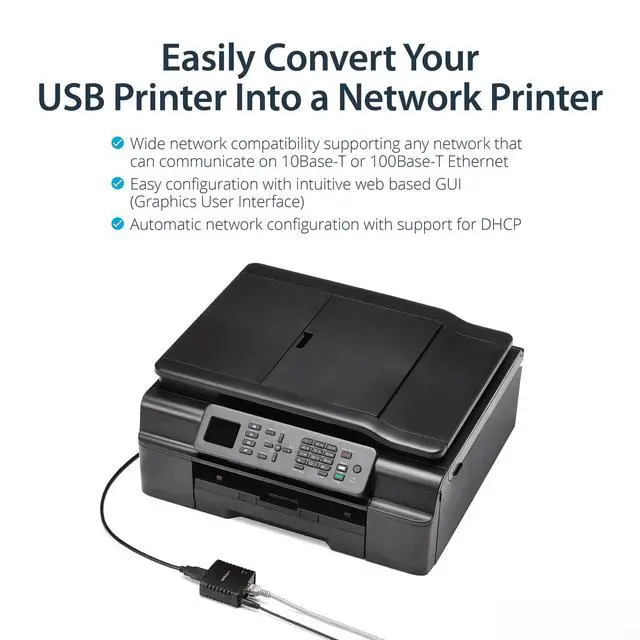
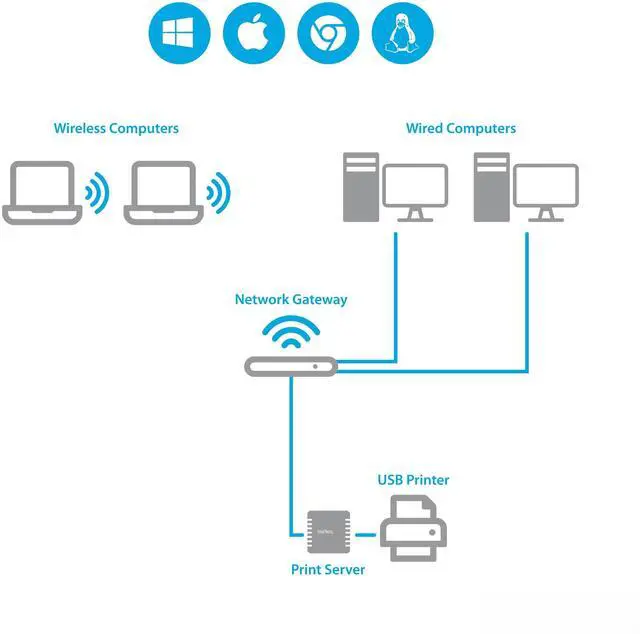
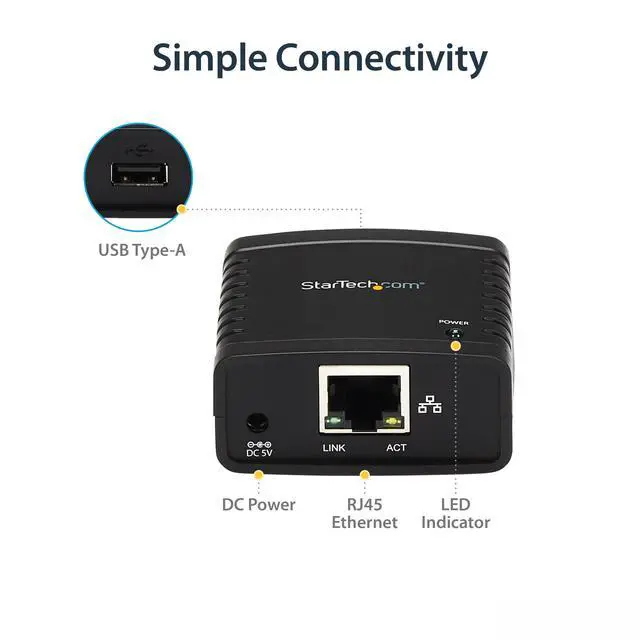
- SHARE ONE USB PRINTER ON WIRED LAN Connect a single USB 2.0 printer to your Ethernet network via RJ45 to enable reliable network printing from multiple PCs; supports 10Base-T/100Base-TX auto-sensing for stable office connectivity.
- WEB-BASED CONFIGURATION (NOT PLUG-AND-PLAY) Set up through the built-in web interface using DHCP or static IP; uses LPR queue LP1 for printing. Designed for users comfortable with basic network settings and printer setup.
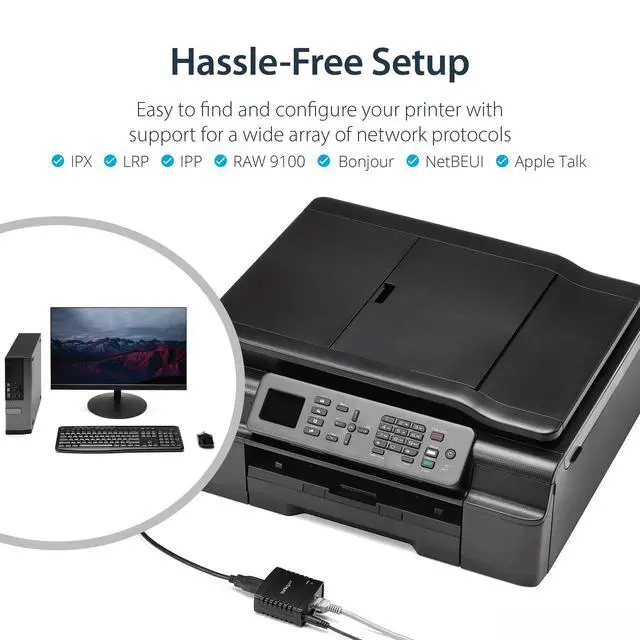
- BROAD OS & PROTOCOL SUPPORT Works with Windows and macOS using standard printer drivers; supports LPR network printing and Bonjour Print Services to help devices discover the shared printer on the LAN.
- COMPATIBILITY NOTES TO AVOID SURPRISES Intended for most standard USB 2.0 printers. Not compatible with USB hubs, many multi-function printers requiring proprietary drivers, or devices needing full bi-directional USB communication.
- FLEXIBLE PRINTER PLACEMENT + INCLUDED ACCESSORIES Place the printer anywhere near your router/switch (must be connected to your networking device with the included RJ45 cable). Compact housing approx. 2.1 x 2.1 x 0.9 in; includes universal power adapter and quick start guide.
+
+
Overview
Specs
Reviews

Any questions? Our AI mode will help you find out quickly.
Try me now
Share a USB Printer on Your Wired Ethernet Network
This 1-port USB 2.0 to Ethernet network print server lets you share a single USB printer across a wired LAN without dedicating a computer as a print host.
Key Benefits
- Share one USB 2.0 printer with multiple users on the same Ethernet network
- Reliable wired LAN connection with 10/100 Mbps auto-sensing (10Base-T / 100Base-TX)
- Print protocols supported: LPR network printing (queue name: LP1) and Bonjour Print Services
- Web-based setup & management via browser (DHCP or static IP)
- TAA compliant for procurement requirements
Compatibility & Setup Notes
This device is not plug-and-play. Initial configuration is performed through its web interface and requires basic networking knowledge (IP addressing, router/switch connectivity, and printer setup). It is designed to work with many standard USB printers that use common drivers. It is not compatible with USB hubs, and may not work with multi-function printers that require proprietary utilities or printers requiring full bi-directional communication.
Whats in the Box
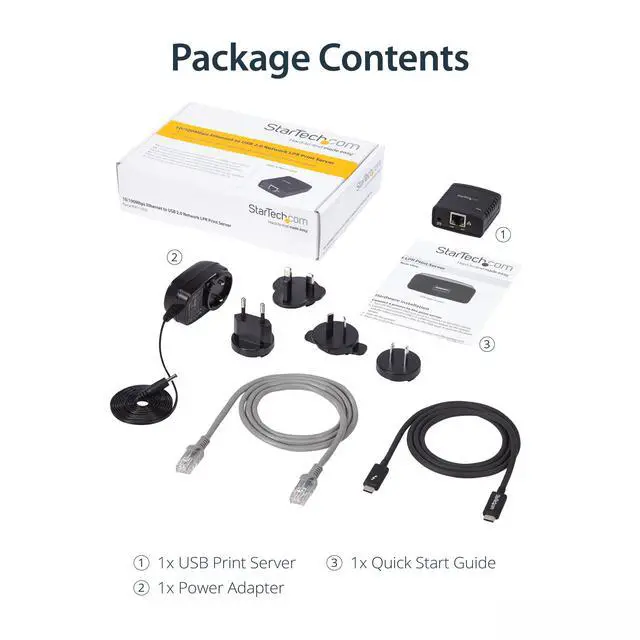
- 1-Port USB 2.0 Network Print Server
- RJ45 Ethernet cable
- Universal power adapter (NA/UK/EU/AU)
- Quick Start Guide
FAQs
- Q: Does this let multiple computers print to one USB printer over Ethernet?
- A: Yes. It connects a single USB 2.0 printer to a wired RJ45 LAN so any networked computer can send print jobs.
- Q: Is it plug-and-play?
- A: No. Setup is done through a web interface and typically involves DHCP or a static IP plus LPR printing (queue LP1).
- Q: Will it work with Windows and macOS?
- A: Yes. It supports Windows and macOS using standard printer drivers, and it also supports Bonjour Print Services.
- Q: Can I connect it through a USB hub?
- A: No. USB hubs are not supported.
- Q: What network speed does it support?
- A: It supports 10/100 Mbps Ethernet with auto-sensing (10Base-T / 100Base-TX).
Warranty & Returns
Warranty, Returns, And Additional Information
Warranty
- Please contact the Seller directly for warranty information. Warranty information may also be found on the Manufacturer's website.
- CONTACT
Return Policies
- Return for refund within: 30 days
- Return for replacement within: non-replaceable
- This item is covered by grow_up Return Policy
Manufacturer Contact Info
- For a directory of all our manufacturers, please click below.
- Manufacturers Directory
LOADING...