





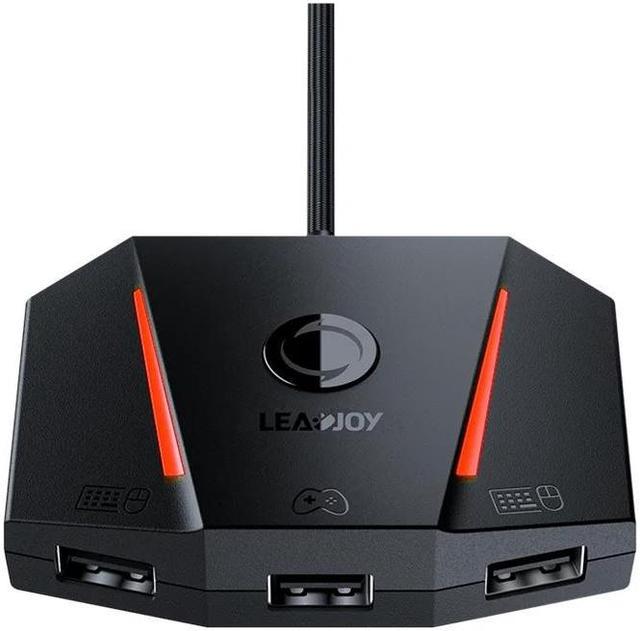
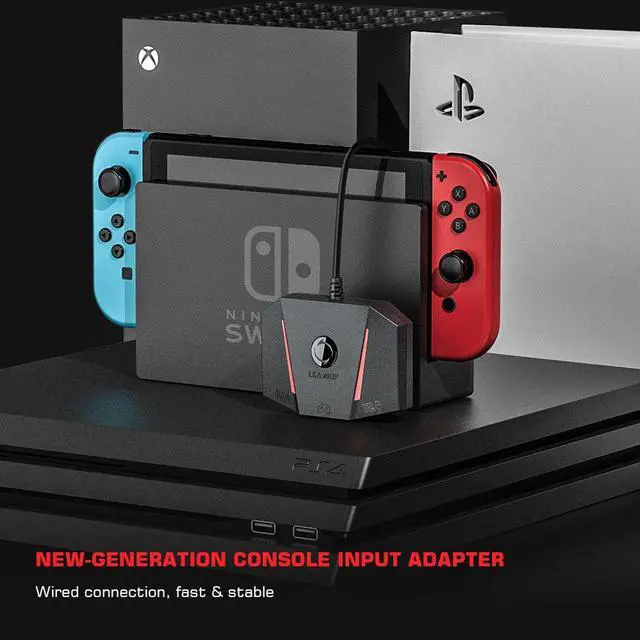
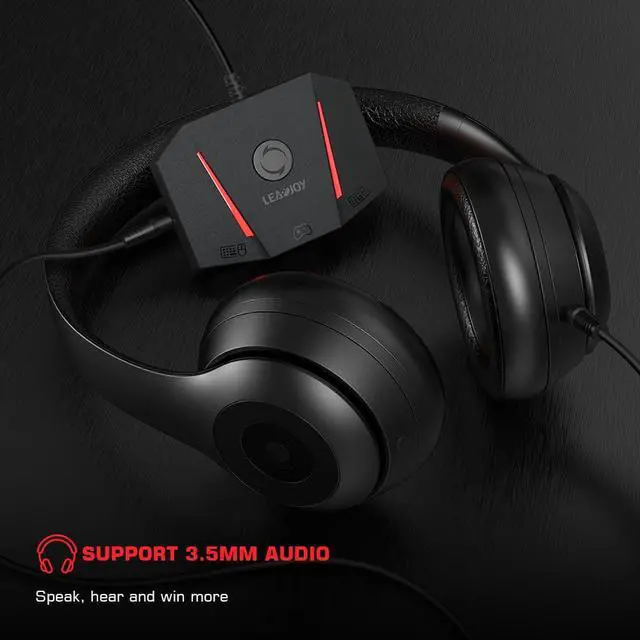
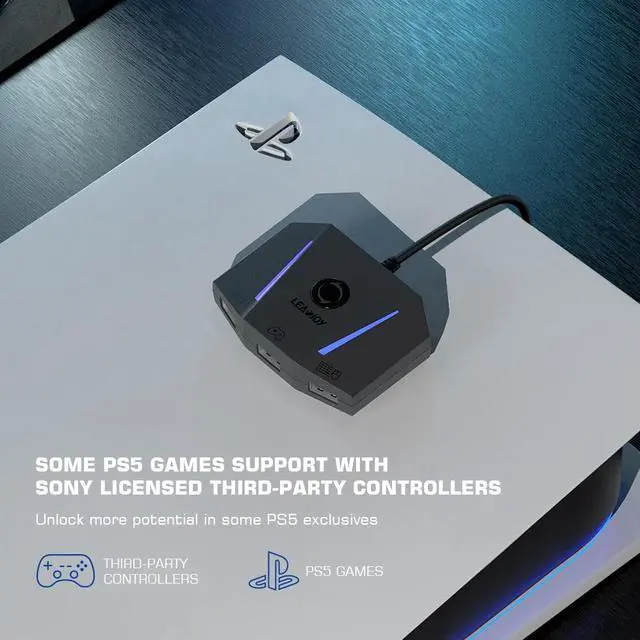
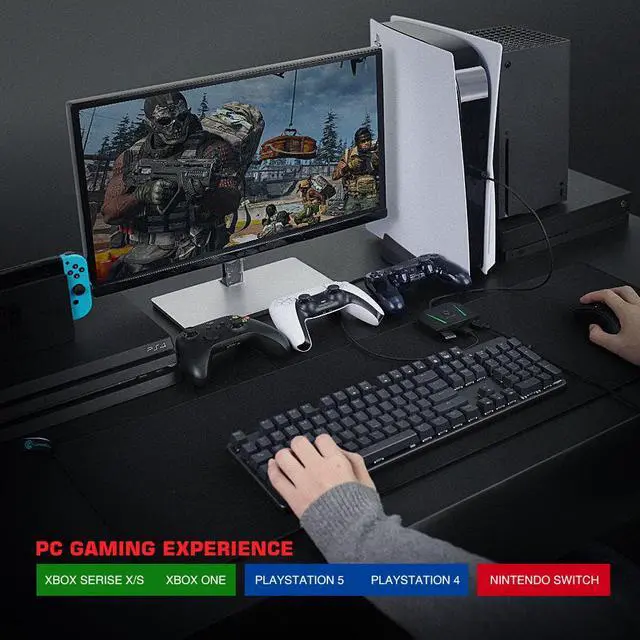


To meet the needs of the game players, we added the 3.5mm audio in the second version of LeadJoy VX2 AimBox. In the meantime makes up for the incompatibility of PS5 games in the first version of VX AimBox. Now you can use headphones to hear sounds, but also communicate with your teammates, perfect cooperation to get more victories. And you can also enjoy more PS5 games through the PS5 console.

LeadJoy VX2 Aimbox is compatible with PS5 games, which is not available in the first generation. Gamers guide PS5 consoles to play PS5 games through officially authorized third-party controllers, (The original PS5 controller does not support guidance, and some new games also don't support guidance. Like Rainbow Six).

Gamers can interact with teammates through the built-in 3.5mm headphone jack, and feel the stereo effect of the game through headphones

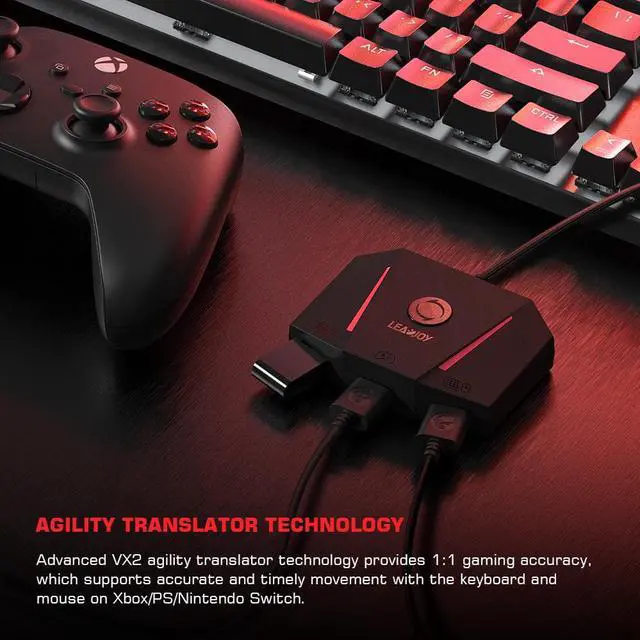
Use agility translation technology, ensures 1:1 game accuracy, precise aim in shooting games, and quickly drag and rotate with the mouse to give the enemy a fatal blow

You can easily customize keymaps and mouse sensitivity for any game through the GameSir APP when playing the video game. It's simple, flexible, and fast.

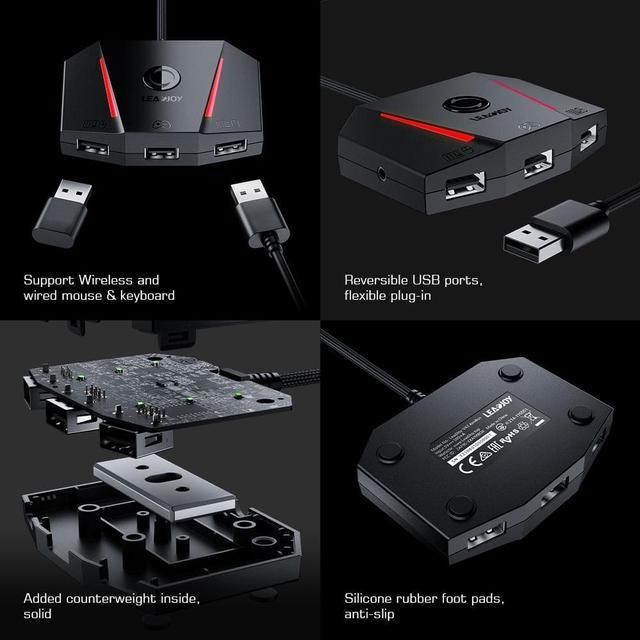
Equipped with a counterweight inside and silicone rubber foot pads, it is not easy to slide and keeps stable. VX2 AimBox can be fixed on the table even in fierce battles, allowing you to devote yourself to the game and enjoy the happiness of the game.

VX2 AimBox supports both wireless and wired mouse and keyboard. Players according to their preferences to choose wireless or wired. Note: Mice and keyboards that require a driver to be installed before they can be used are NOT SUPPORTED.

The LeadJoy VX2 AimBox is equipped with a set of innovative features, including three Reversible USB 2.0 ports. It will help you to plug your USB mouse and keyboard in any direction, no need to recognize the upside and downside.

1. Go to PlayStation 4 "Accessories>Controllers>Communication Method>Use USB cable"
2. Connect the official PlayStation 4 game controller to the controller connection interface
3. Connect the keyboard/mouse to the keyboard/mouse interface
4. Connect the VX2 AimBox to the USB port of PlayStation4/ PlayStation 5 through the USB plug.

1. Go to switch "System Settings> controller and sensors> Pro controller wired connection", and adjust it to the "on" state
2. Connect the keyboard/mouse to the keyboard/mouse interface
3. Connect VX2 AimBox to the USB interface of the Nintendo Switch dock through a USB plug.

1. Connect the official Xbox gamepad to the controller connection interface
2. Connect the keyboard/mouse to the keyboard/mouse interface
3. Connect the VX2 AimBox to the USB port of the Xbox Series through the USB plug.


- Brand: LEADJOY
- Model: VX2 AimBox
- Connection: Wired (for Keyboard / Mouse / Controller / Console) / Bluetooth 5.0 (for Vlead APP)
- Working Platforms: Xbox Series X / Xbox Series S / Xbox One / Xbox One S / Xbox One X / PlayStation 4 (PS4) /PlayStation 5 (PS5)/ PlayStation 4 Slim (PS4 Slim) / PlayStation 4 Pro (PS4 Pro) / Nintendo Switch
- 3.5mm Audio Port: Yes (not supported on PS5)
- Connectivity: 3* USB 2.0 Ports
Package Size: 12.9*12.3*2.9cm / 5.08*4.84*1.14in
Gross Weight: 186g / 0.41lb