- Free 30-day Returns
Meet Your Seller
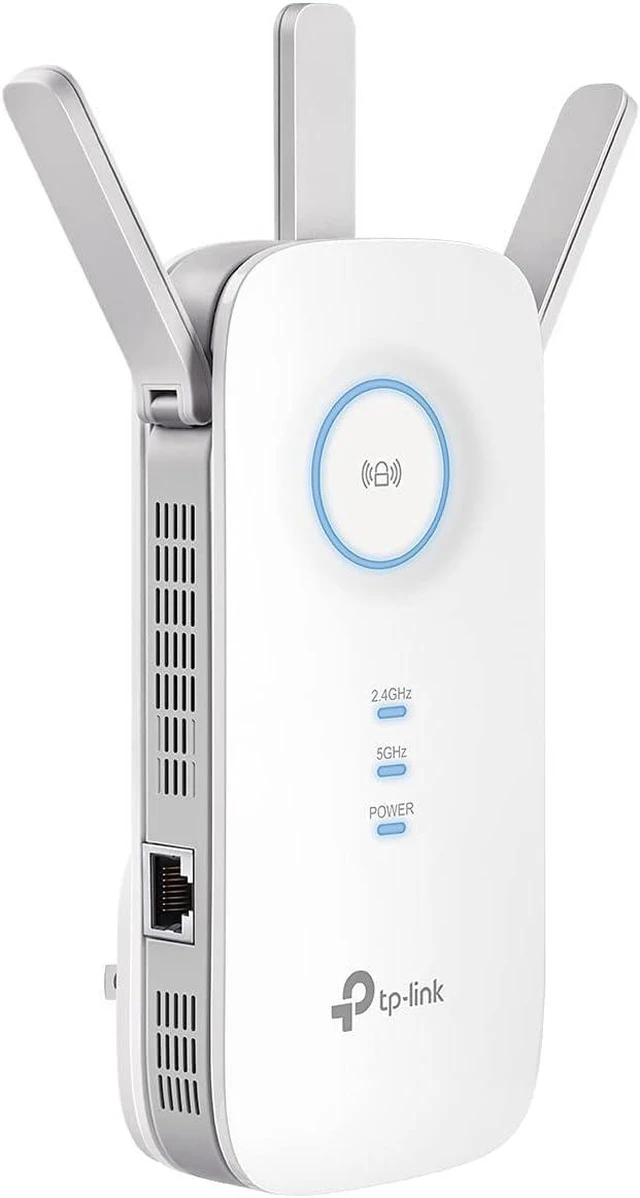
TP-Link AC1900 WiFi Range Extender RE550 | Dual-Band Wireless Repeater, Amplifier w/ Gigabit Ethernet Port | Up to 2200 Sq. Ft., 32 Devices | Internet Signal Booster | APP Setup | EasyMesh
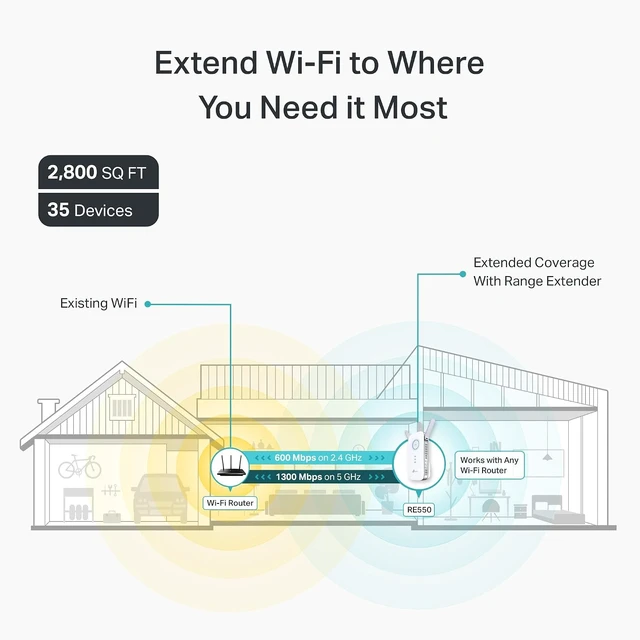
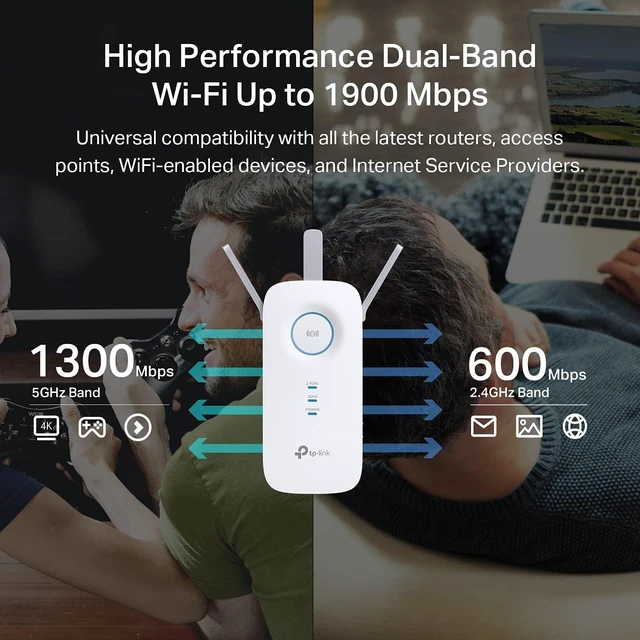
- - . - Extend your home network with speeds of up to 1300 Mbps (5 GHz) and up to 600 Mbps (2.4 GHz).
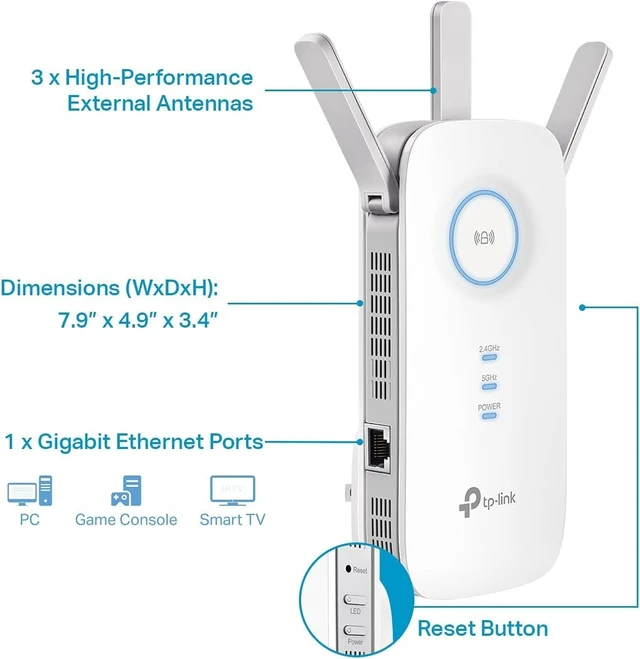
- . - Three adjustable external antennas provide optimal Wi-Fi coverage and reliable connections and eliminating dead zones for up to 32 devices.
- - - Easily expand your network for seamless, whole-home mesh connectivity by connecting the RE550 to any EasyMesh-compatible router. Not compatible with mesh WiFi systems like Deco.*
- - Please note that all Wireless Extenders are designed to improve WiFi coverage and not increase speeds. Actual speeds will be 50% or less from current speeds. However, improving signal reliability can boost overall performance
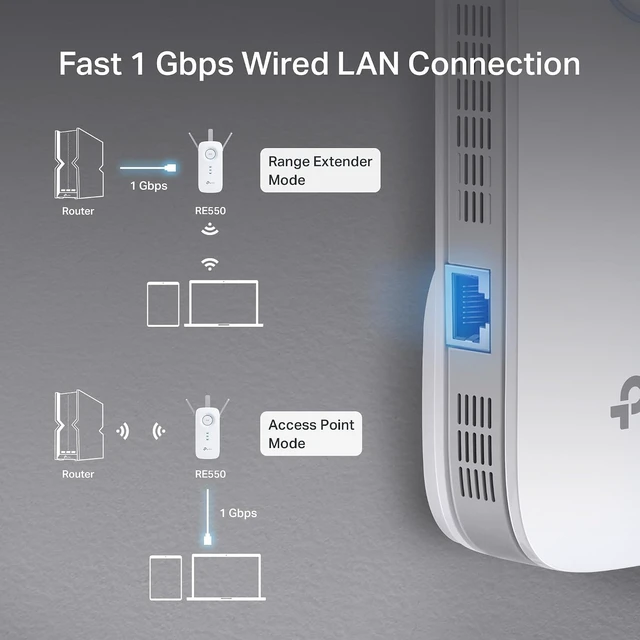
- - Experience wired speed and reliability anywhere in your home by connecting your favorite device to the gigabit ethernet port.
- - Seamlessly move throughout your home with automatic connections to the strongest signal, ensuring uninterrupted coverage and optimal performance.
- () - Easily turn any wired connection into a powerful Wi-Fi hotspot using the Gigabit ethernet port and AP mode.
Any questions? Ask CelesteSM will help you find out quickly.


Supporting the 802.11ac Wi-Fi standard, 3x faster than standard 802.11n speeds, the RE550 delivers up to 1900Mbps of fast speeds for bandwidth-intensive tasks like 4K streaming, online gaming, video calls and more.¹

The RE550 is more than a wireless range externder. With a built-in Access Point mode for plug in an Ethernet cable into the Ethernet port to easily turn any wired connection into a high-speed 3x3 MIMO dual-band Wi-Fi signal.
Setup Made Easy
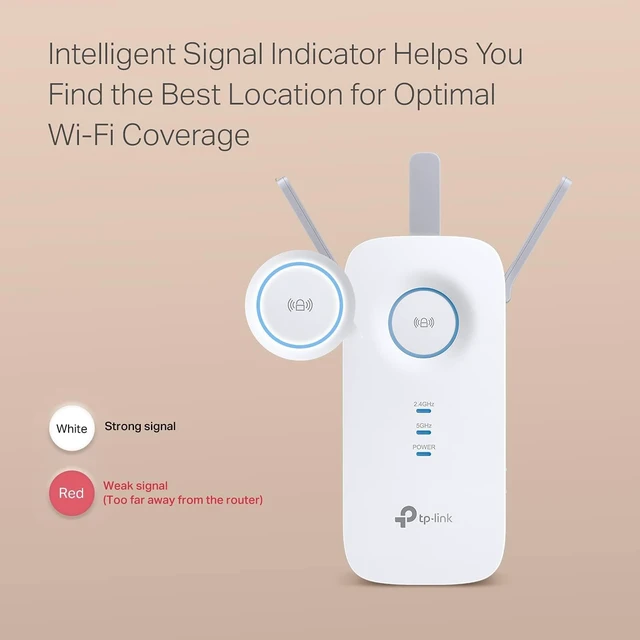
The intelligent signal indicator helps you easily find the best place to position your RE550 for optimal signal strength from your existing router to boost WiFi coverage.

Set up and manage your Wi-Fi network through the TP-Link Tether app from your Android or iOS mobile device. Maintain full control of your network even when you're away from the house. Keep your WiFi performing at its best by keeping the firmware updated via the App.
Warranty & Returns
Warranty, Returns, And Additional Information
Warranty
- Please contact the Seller directly for warranty information. Warranty information may also be found on the Manufacturer's website.
- Read full details
- CONTACT
Return Policies
- Return for refund within: 30 days
- Return for replacement within: 30 days
- This item is covered by DAOWO Tech Return Policy
Manufacturer Contact Info
- For a directory of all our manufacturers, please click below.
- Manufacturers Directory