
Your Browsing History




Any questions? Our AI beta will help you find out quickly.
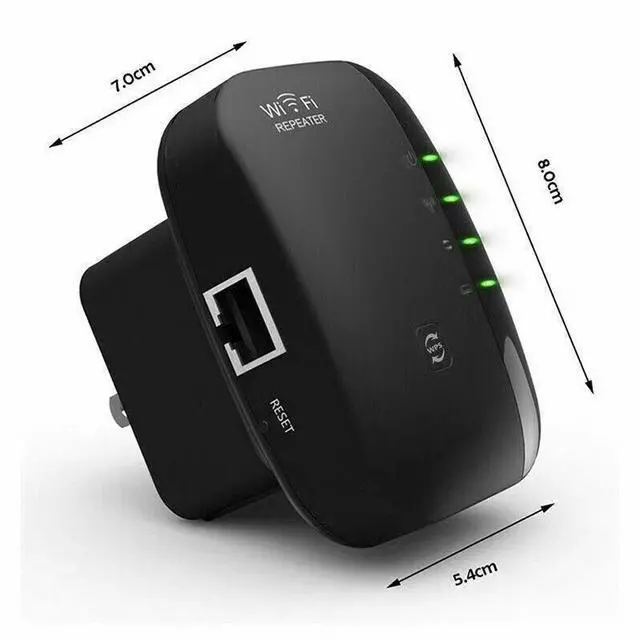
NEW WiFi Range Extender Internet Booster Network Router Wireless Signal Repeater Color Black
How to Set Up:
1. Plug the repeater into the socket
2. Connect your computer to the wifi named "wifi repeater" on your phone/computer WiFi list
3. Open your browser and enter the IP address " 192point168point11point1 " "192.168.11.1" on the URL bar
4. Type in the username and passwords both "admin" to log into the next webpage.
5. Choose and click "Repeater" under the wizard.
6. Select your existing WiFi(which you want to extend) and click "Apply" to continue.
7. Change(or not) the Repeater SSID (default is WiFi Repeater); Type in your home wifi passwords.-- Please note the passwords here must be SAME as your home wifi passwords.
8. Wait for its configuration. If finish please reconnect the new WiFi to get access to the internet.