




 here!
here!
I’m your shopping assistant for PC builds, upgrades, and everything tech.
Got questions? Ask away!
Start a conversation
here!
I’m your shopping assistant for PC builds, upgrades, and everything tech.
Got questions? Ask away!
Start a conversation



Any questions? Ask CelesteSM will help you find out quickly.
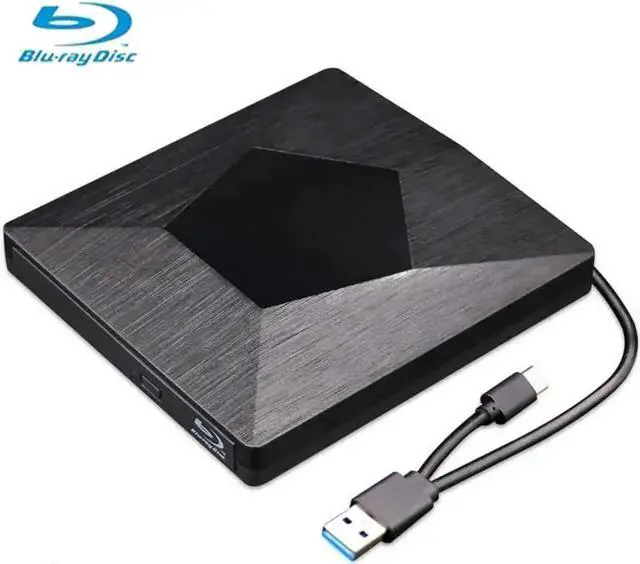
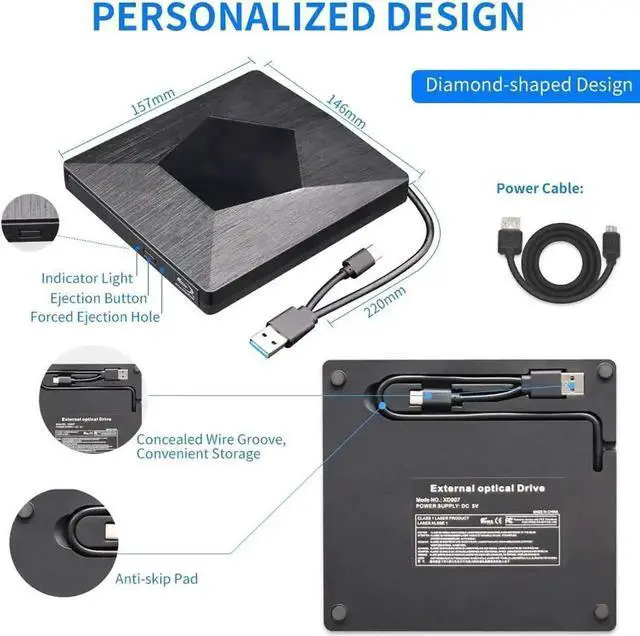
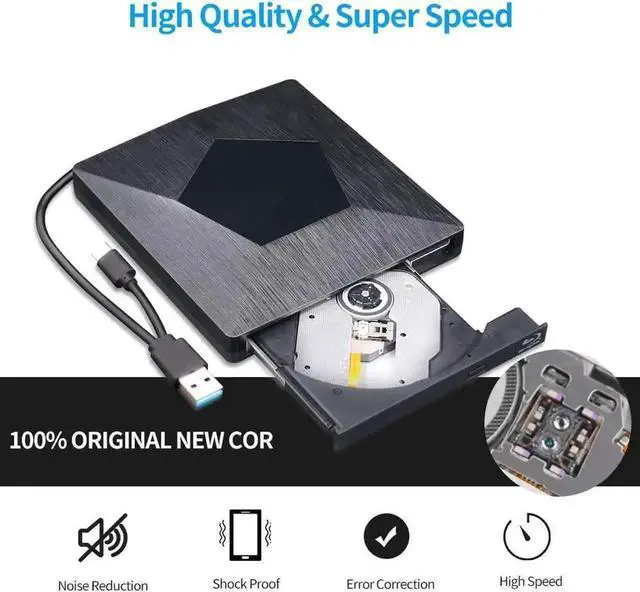
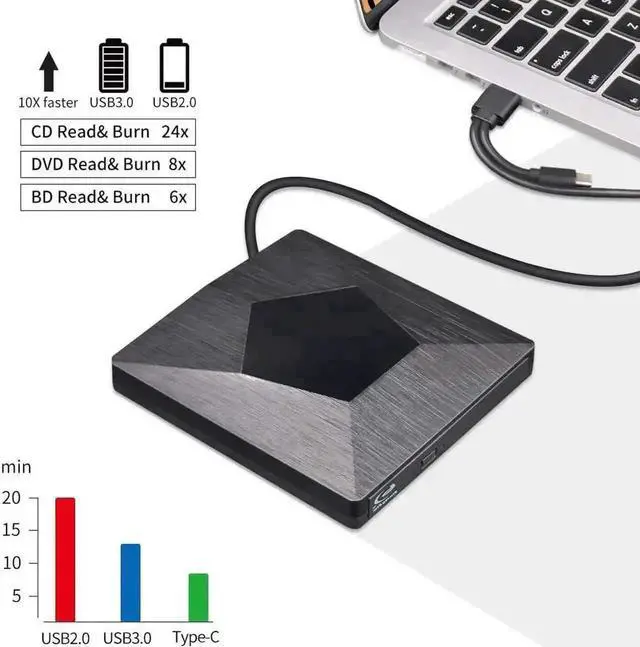
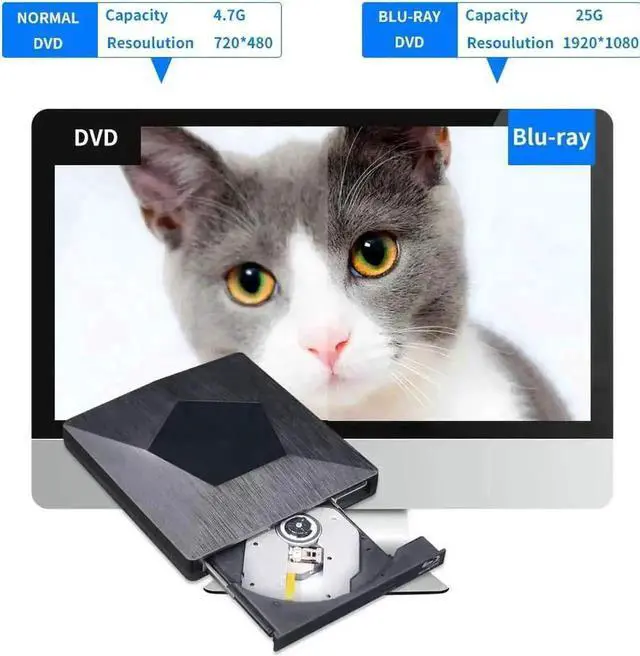
This portable ultra-slim external 3D Blu-ray optical drive features USB 3.0 and Type-C dual interfaces for fast and smooth data transfer, backward compatible with USB 2.0/1.1. It is capable of reading and burning Blu-ray discs, DVDs and CDs, and supports immersive 3D Blu-ray movie playback to deliver high-definition visual experience.
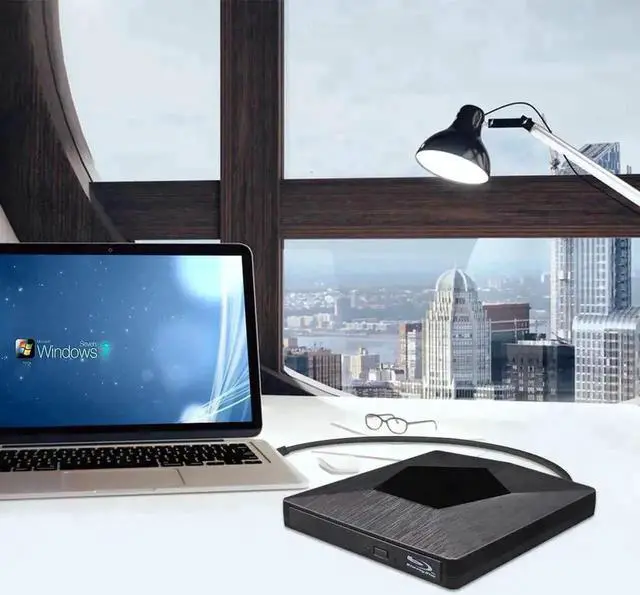
It fully supports BD-ROM, BD-R, BD-RE, DVD±R, DVD±RW, CD-R, CD-RW disc formats, ideal for watching high-definition films, installing large software, backing up mass data and burning personal discs. The compact black slim shell saves desktop space and can be easily stored in laptop bags for business trips and daily use.
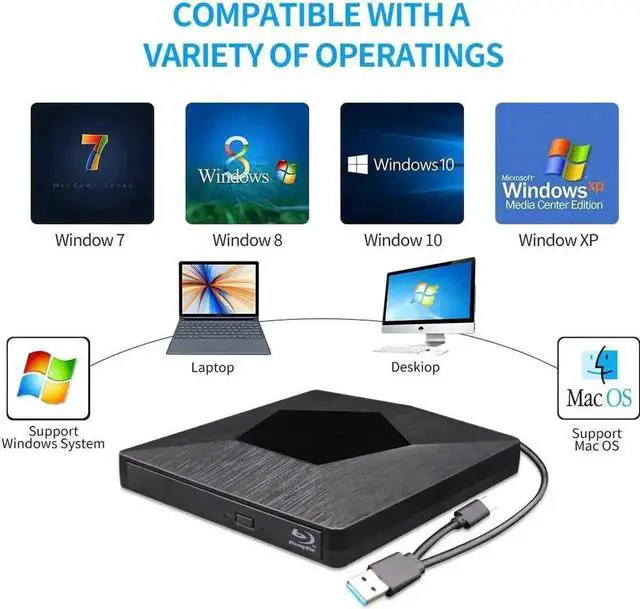
No complicated driver installation needed, just plug it into your device to operate instantly. This Blu-ray burner works perfectly on Mac OS and Windows XP, Windows 7, Windows 8, Windows 10 systems, fitting all mainstream laptops and desktop PCs. Built-in shockproof and noise reduction internal structure ensures quiet and stable disc running, a high-performance optical peripheral for computers without built-in Blu-ray drives.


