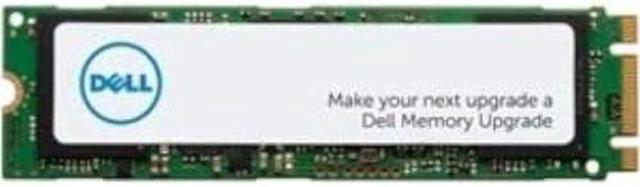
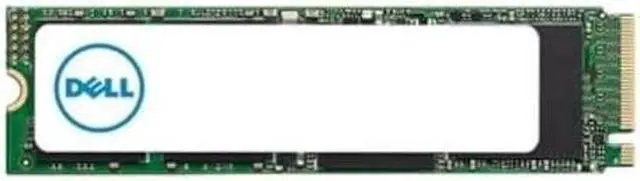
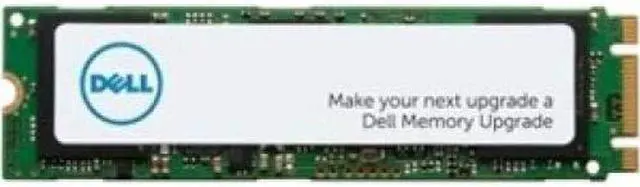
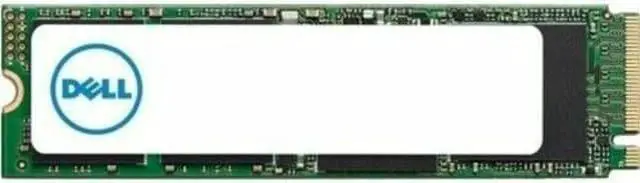
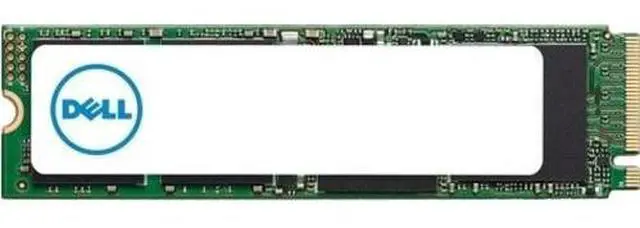
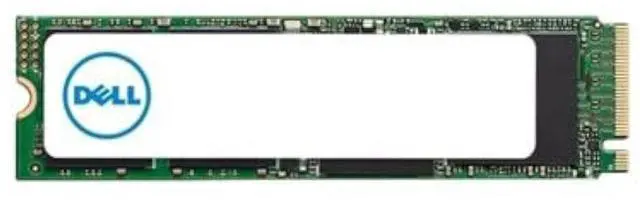
Welcome to the world of enhanced storage solutions with the 1TB SSD M.2 PCIe NVMe Class 40 2280 by Dell. Elevate your data management capabilities with this cutting-edge solid-state drive!
- Boost your storage capacity with a whopping 1TB allowing you to store vast amounts of data efficiently.
- Experience lightning-fast data transfer rates thanks to the NVMe interface ensuring swift access to your files.
- Enjoy the ruggedness and durability of the solid-state design providing shock resistance for added peace of mind.
- Switch to SSD and witness the benefits over traditional drives durability speed silence lightweight build cool operation and energy efficiency.
- Upgrade seamlessly with Dell's M.2 PCIe NVMe Class 40 2280 Solid State Drive - 1TB a reliable and high-performance storage solution.
Technical Details: How to Install: Installing your 1TB SSD M.2 PCIe NVMe Class 40 2280 by Dell is simple. Just follow these steps:
- Ensure your system is powered off and disconnected from any power source.
- Locate the M.2 slot on your motherboard.
- Gently insert the SSD into the slot at a 30-degree angle.
- Secure the SSD in place with the screw provided.
- Power on your system and initialize the drive in your operating system.
Frequently Asked Questions: - Is the 1TB SSD compatible with my Dell system?
Yes the SSD is compatible with a wide range of Dell systems including Precision Workstations OptiPlex series Latitude series Inspiron series and more. Please refer to the compatibility list provided for specific models. - What are the benefits of upgrading to an SSD?
Upgrading to an SSD offers enhanced durability faster performance quieter operation lighter build cooler temperatures and improved energy efficiency compared to traditional hard drives. - Does the 1TB SSD come with a warranty?
Yes Dell provides a warranty for their solid-state drives ensuring quality and reliability for your storage solution. - Can I use the 1TB SSD for gaming?
Absolutely! The high-speed data transfer rate and large storage capacity make the SSD ideal for gaming providing quick load times and smooth gameplay. - Is the installation process complicated?
No installing the 1TB SSD is straightforward and user-friendly making it accessible for both beginners and tech enthusiasts.





 here!
here!