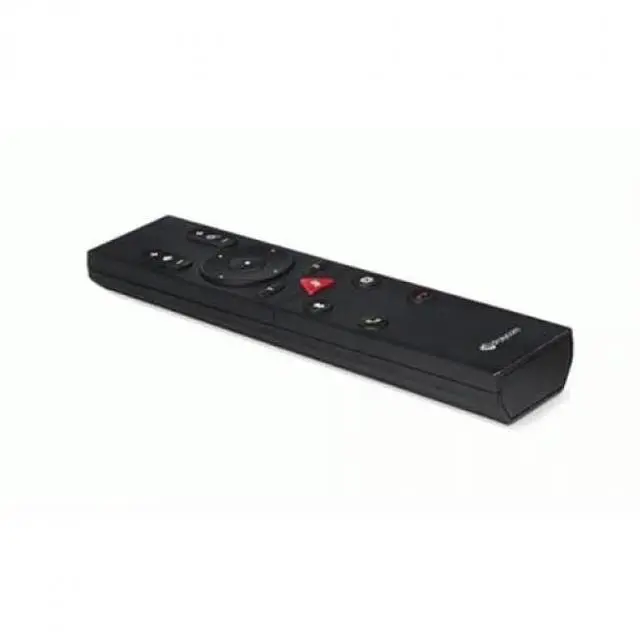
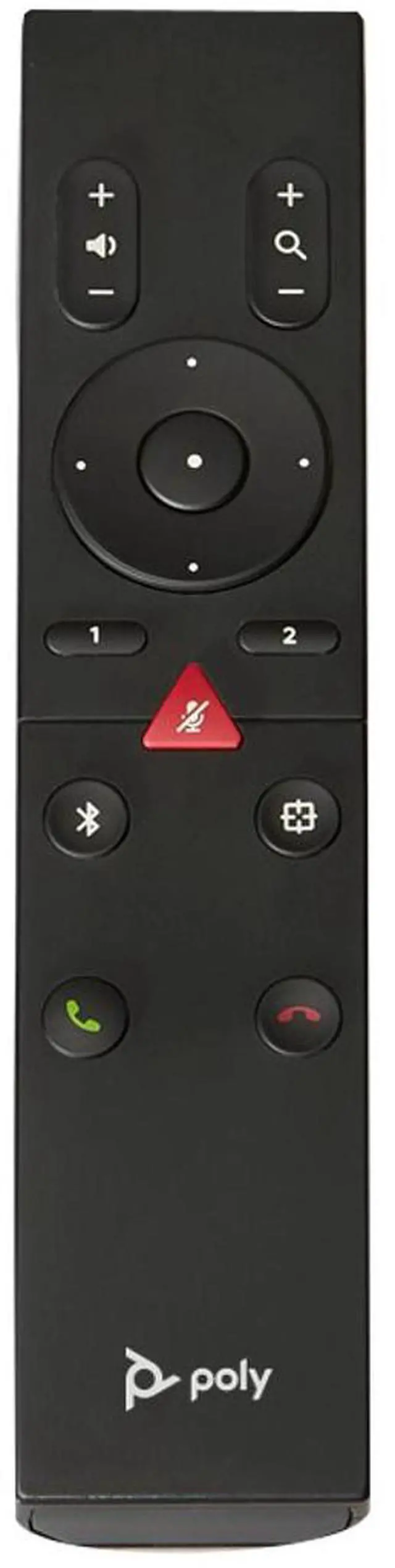
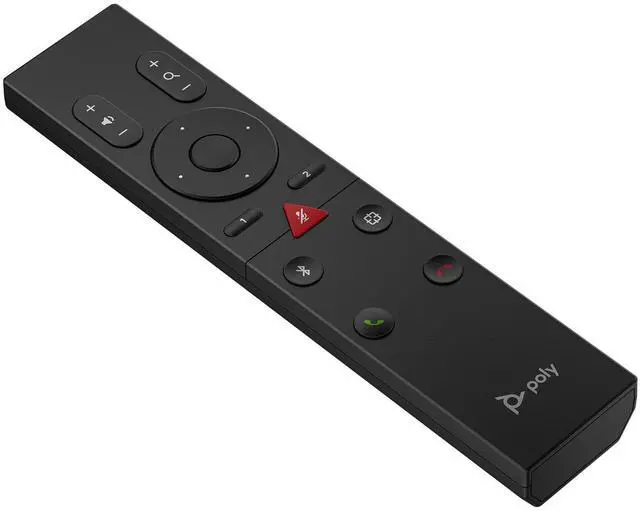
The HP Poly Studio R30/USB Bluetooth Remote Control (875L4AA) is an accessory for compatible Poly video-conferencing equipment, suited to meeting-room users who want to control camera framing, volume, mute, and calls from across the room.
Recommended For
- People using a compatible Poly Studio R30 who want to adjust volume, mute the microphone, or answer and end calls without reaching for the connected computer.
- Meeting-room users with a compatible Poly video bar who need to adjust the camera remotely; the remote’s direction, zoom, and preset controls work when tracking mode is off.
- Teams setting up a compatible Poly Studio R30, USB, V12, V52, or V72 and wanting a dedicated Bluetooth remote for video-bar controls.
- Room administrators who can use Poly Lens Desktop or Poly Studio Desktop to enable and pair the remote with a compatible video bar.
Real-World Use Scenarios
- During a meeting, a participant seated away from the laptop can mute or unmute the R30’s microphone with the remote, without interrupting the discussion to reach the computer.
- When a caller joins or the meeting ends, a user can use the remote’s answer and hang-up buttons to manage the call on a supported setup.
- If voices are too quiet or the R30 speaker is too loud for the room, a participant can adjust the speaker volume from their seat.
- When automatic tracking is off, a presenter can use the remote to pan, tilt, or zoom the camera toward a speaker or whiteboard, then return it to its home position.
- For a recurring meeting with fixed camera angles, a user can save and recall up to two camera positions with the preset buttons; presets work when tracking mode is off.
- When participants move around a small meeting room, a user can toggle the R30’s tracking mode from the remote to switch between tracking and a manually controlled camera view.




 here!

 Top Rated
 Hot Seller