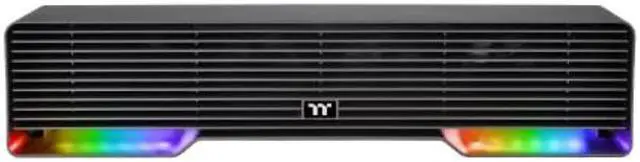
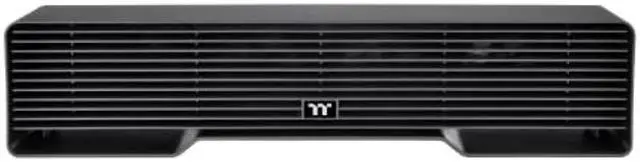
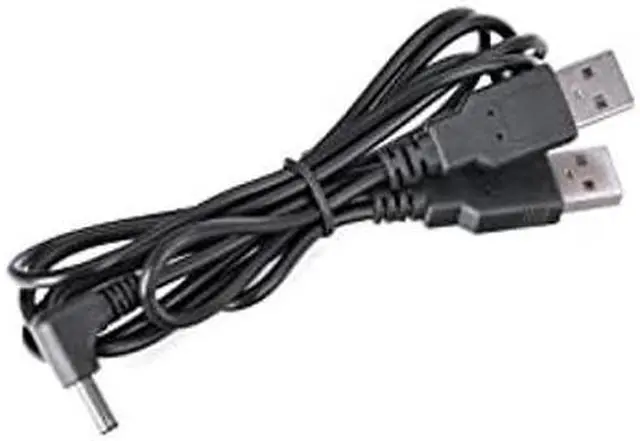
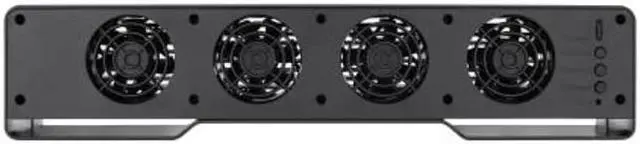
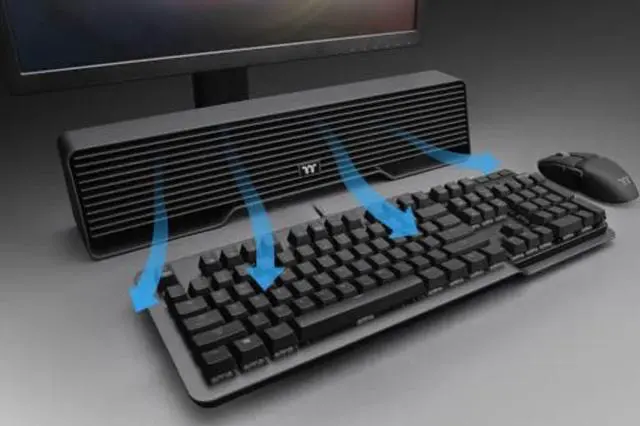
The Thermaltake Argent DS 100 is a USB-connected desk cooler with four 70mm fans reaching up to 2,500 RPM, suited to gamers who want adjustable airflow at their desk.
Recommended For
- Gamers whose hands get sweaty during long desk sessions and who want adjustable airflow directed across the playing area.
- Players who want a desk-mounted fan they can tune during use with a physical speed knob, rather than rely on software controls.
- PC setup builders who want an illuminated accessory that matches an RGB gaming desk and can switch among lighting effects.
- Desk users who want a USB-powered fan for personal airflow around their hands and upper body while seated.
Real-World Use Scenarios
- During long or intense gaming sessions, place the cooler between the keyboard and monitor to direct airflow toward your hands; it is intended to help reduce hand perspiration and the sticky feeling that can make mouse and keyboard use uncomfortable.
- When your hands feel too warm at the desk, adjust the rear control knob to change the airflow while you play or work; this lets you tailor the breeze rather than relying on a fixed fan setting.
- In a warm room during everyday computer use, position the unit near your keyboard and mouse for a localized breeze on your hands; it provides personal airflow rather than cooling the whole room.
- For a gaming desk setup where lighting matters, use the cooler’s selectable ARGB effects to coordinate its look with other illuminated peripherals; the lighting adds atmosphere but does not change the cooling experience.




 here!