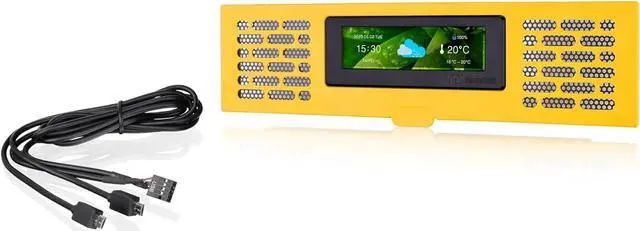
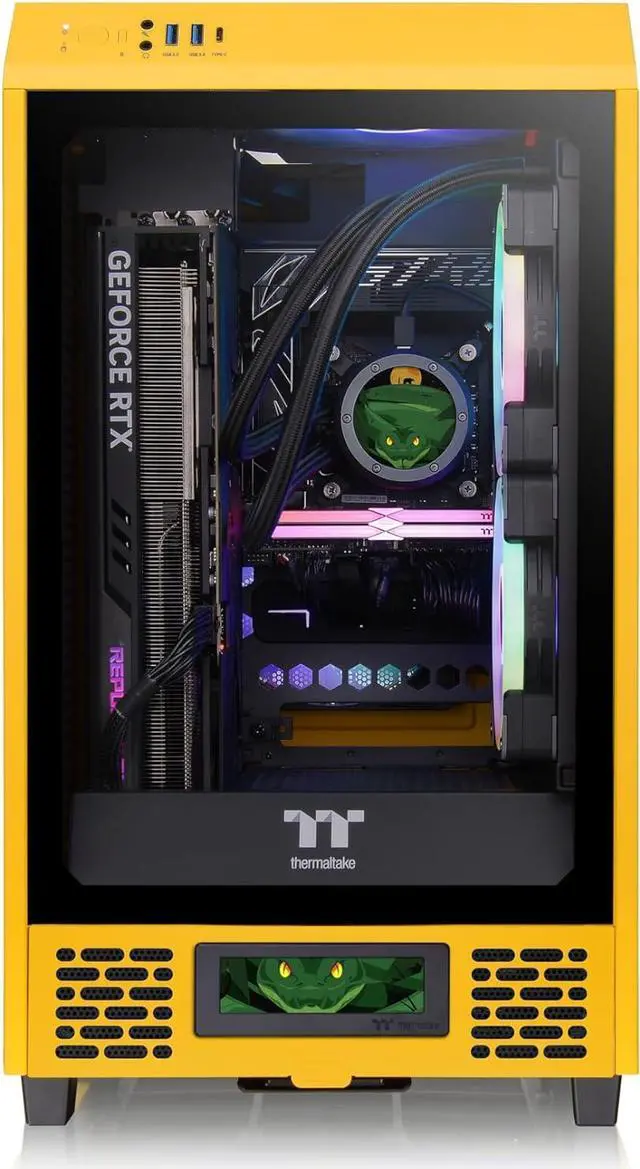
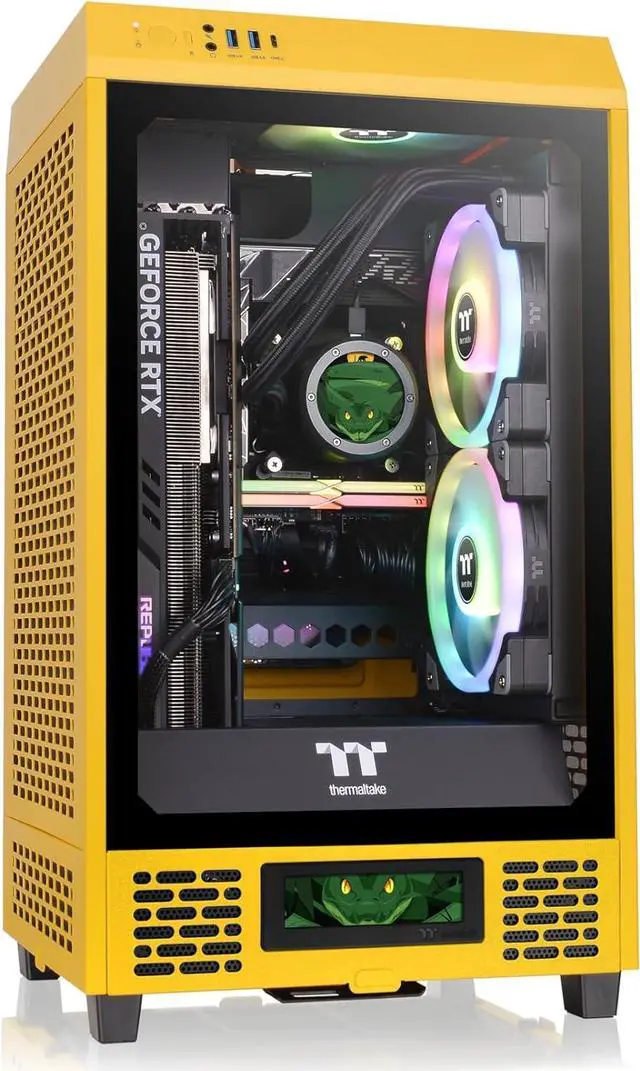
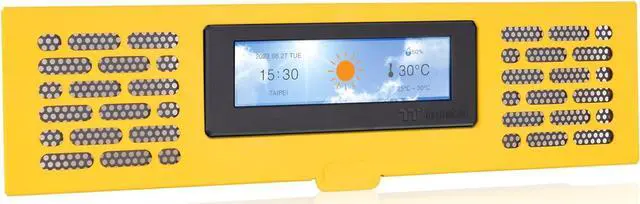
The Thermaltake Tower 200 Series Bumblebee LCD Panel Kit is a 3.9-inch TFT-LCD accessory for Tower 200 Mini chassis owners who want to monitor performance and personalize their case display using TT RGB Plus 2.0.
Recommended For
- Thermaltake Tower 200 Bumblebee owners building a color-coordinated showcase PC who want the matching front-panel screen to display custom images or GIFs.
- Desktop PC builders who want glanceable temperatures, system information, time, or weather on the case instead of relying only on an on-screen overlay.
- Thermaltake Ultra LCD component owners who want to coordinate multiple displays in a Tower 200 build through TT RGB Plus 2.0.
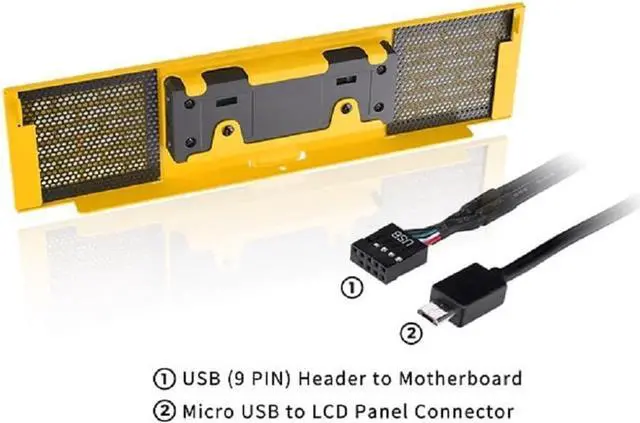
- PC builders comfortable installing a panel and connecting it to a motherboard USB header who are willing to configure the display in Thermaltake’s software.
Real-World Use Scenarios
- While gaming or using demanding apps, display CPU or GPU temperatures and load on the case so you can check basic system status without opening an on-screen overlay.
- For a Bumblebee-themed Tower 200 build, upload a matching image or GIF to make the front panel part of the visible setup; the result is a personalized display rather than an extra performance feature.
- When checking cooling changes or running a benchmark, show supported real-time readings such as temperatures or frequency on the case; this provides a quick visual reference, while detailed testing still belongs in monitoring software.
- When the PC is on display between work or gaming sessions, set the screen to show the time or weather instead of hardware readings, giving the case a simple everyday display.




 here!