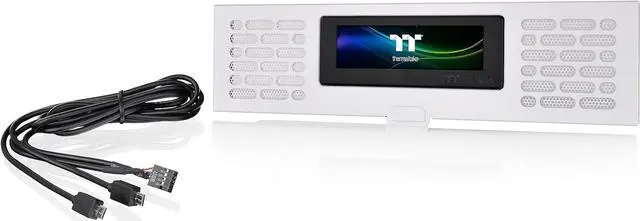
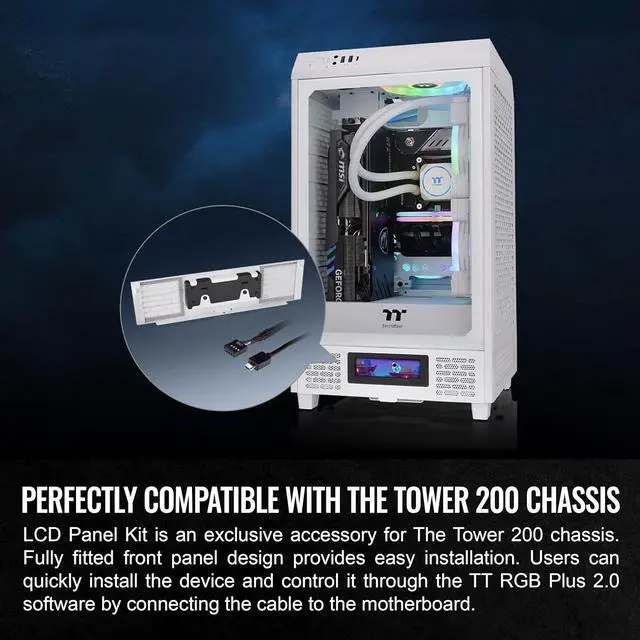
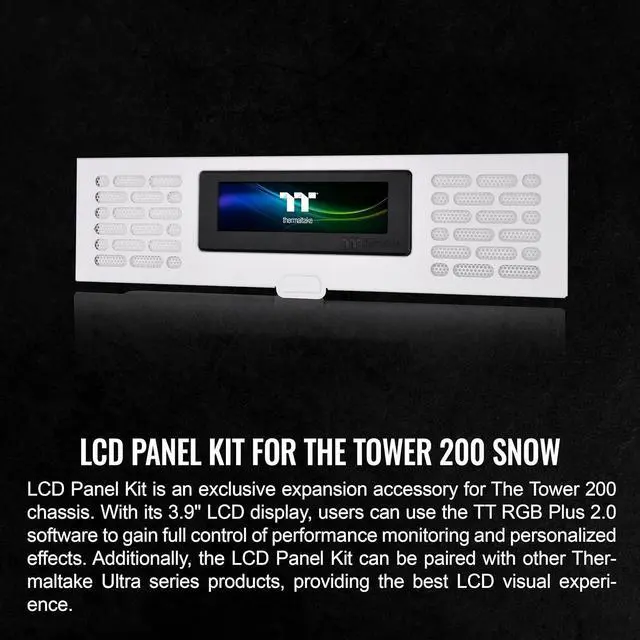
The Thermaltake Tower 200 Series Snow LCD Panel Kit is a 3.9-inch LCD accessory designed for the Tower 200 Mini chassis, with customization through TT RGB Plus 2.0. It suits Tower 200 owners who want to personalize their build or display system information and images.
Recommended For
- Tower 200 owners finishing a showcase build who want to replace the lower front panel with a customizable display for images, GIFs, or system information.
- PC builders who want a quick visual check of temperatures, load, or other system information on the case rather than opening a monitoring app.
- Modders who enjoy tailoring a PC’s appearance and are comfortable setting display content, brightness, and colors through Thermaltake’s software.
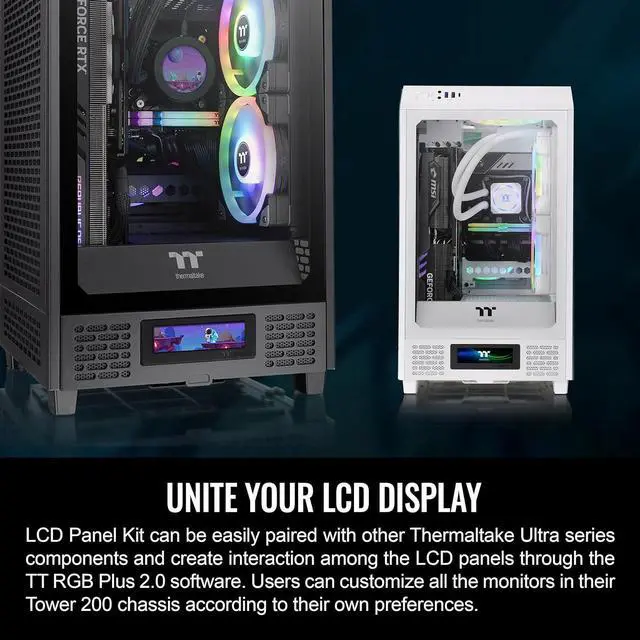
- Thermaltake Ultra-series owners who want to coordinate this case display with other compatible Thermaltake LCD devices.
Real-World Use Scenarios
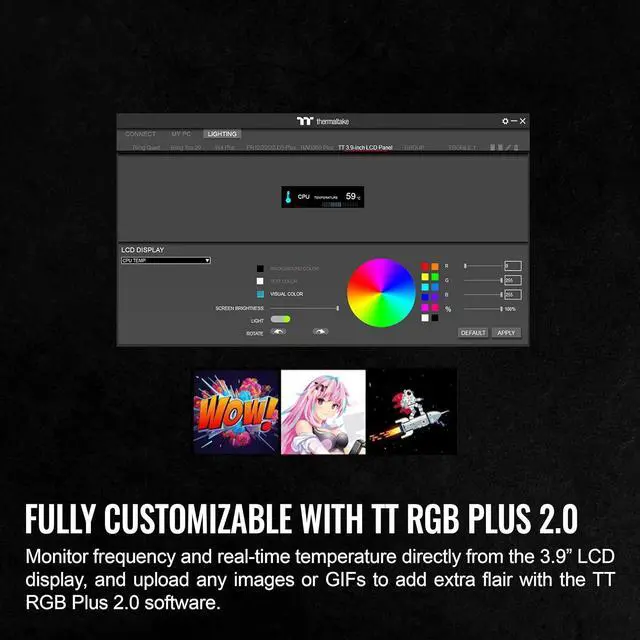
- While gaming or running a demanding app, display CPU or GPU temperatures and load on the case so you can check system activity without opening a monitoring app on your main screen.
- When showing off a Tower 200 build, upload a logo, image, or animated GIF to make the front panel reflect a personal theme; TT RGB Plus software is used to configure the display.
- During a build test or tuning session, keep selected hardware readings visible on the case; the reviewer found the display useful for viewing temperatures or load without relying on an on-screen display.
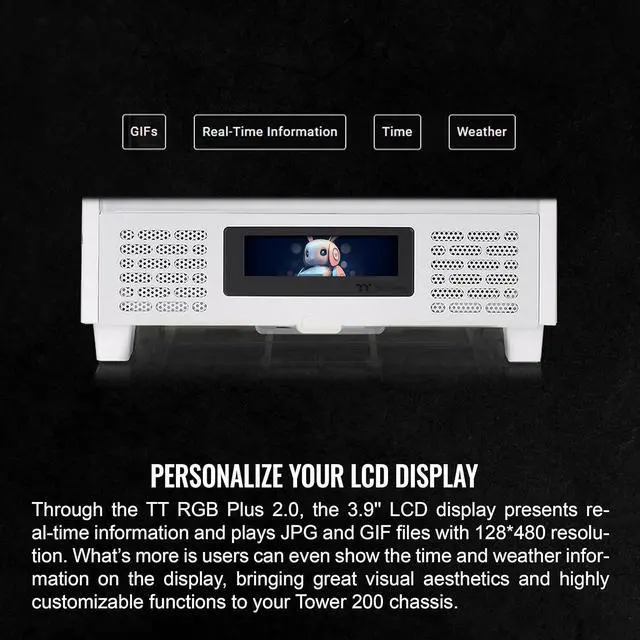
- For a desk-side PC that is visible throughout the day, set the panel to show the time or weather instead of hardware readings for a simple glanceable display.
- When demonstrating a particular app or system readout, use the software’s window-streaming option to show a selected active window on the case display; the narrow screen is better suited to a compact view than a full desktop.




 here!