• $79.99
  • Free 30-day Returns
  • Price alert
    Shop it at NeweggBusiness.

    Meet Your Seller

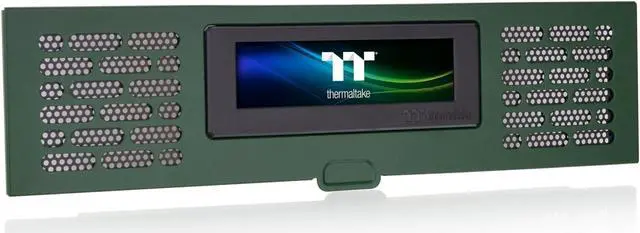
    Thermaltake Tower 200 Series Racing Green LCD Panel Kit, 3.9" LCD Display, Supported by Tt RGB Plus 2.0 Software, AC-067-OODNAN-A1, 3 Year Warranty

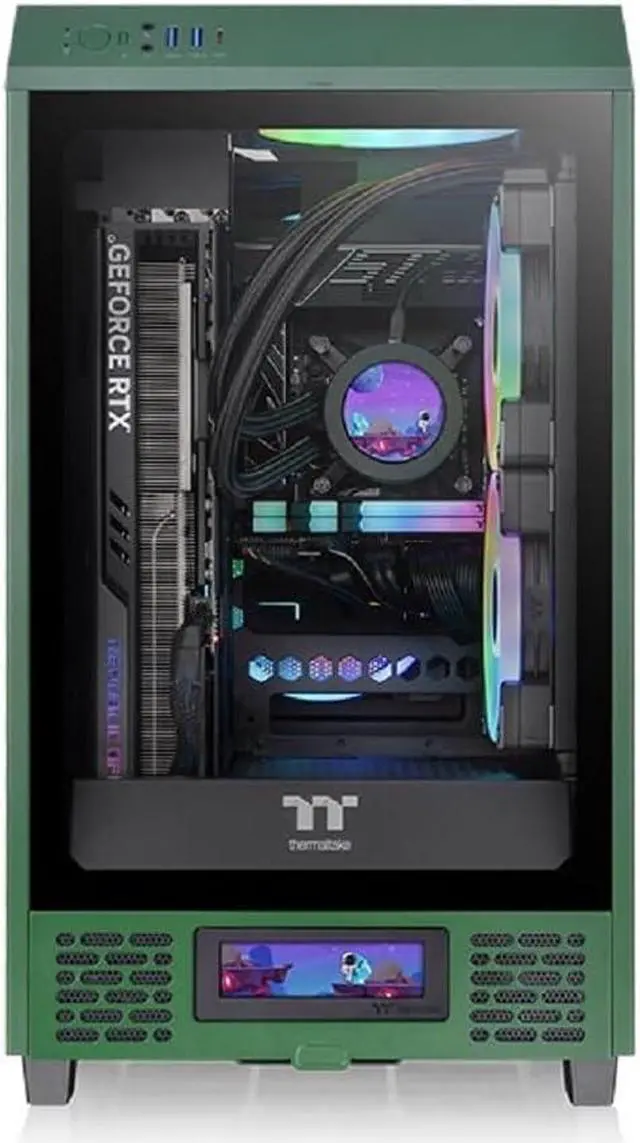
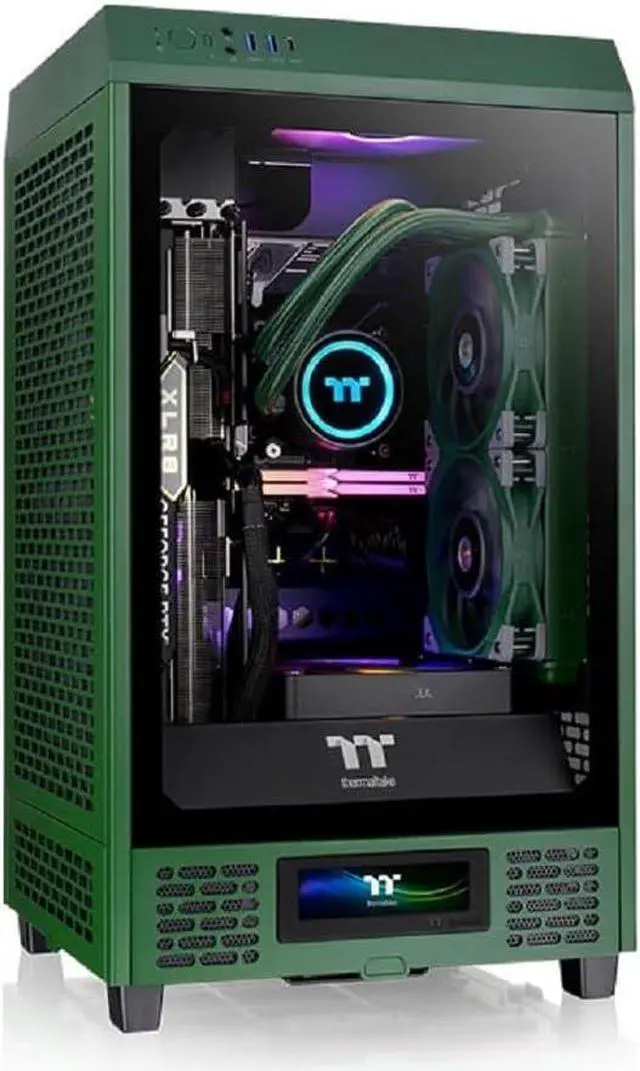
    • Perfectly Compatible with The Tower 200 Mini Chassis
    • Personalize Your LCD Display
    • Fully Customizable with TT RGB Plus 2.0
    +
    +
    Overview
    Specs
    Reviews

    Any questions? Ask CelesteSM will help you find out quickly.

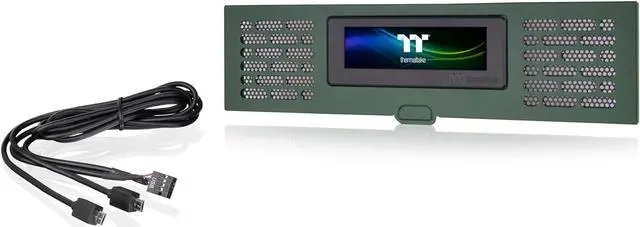
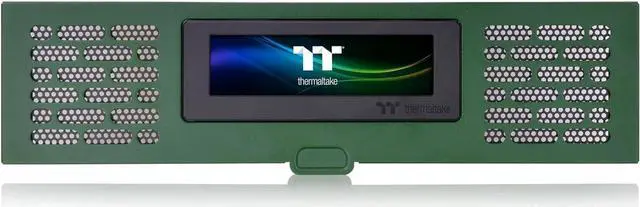
    LCD Panel Kit is an exclusive expansion accessory for The Tower 200 chassis. With its 3.9 '' LCD display, users can use the TT RGB Plus 2.0 software to gain full control of performance monitoring and personalized effects. Additionally, the LCD Panel Kit can be paired with other Thermaltake Ultra series products, providing the best LCD visual experience.
    P/N: AC-067-OODNAN-A1
    MODEL: LCD Panel Kit;
    Racing Green DIMENSIONS: 18.3 x 76 x 277.5 mm ( 0.72 x 2.99 x 10.93 inch)
    NET WEIGHT: 0.202 kg / 0.45 lbs.
    COLOR: Racing
    Green DISPLAY: Rated
    Voltage: 5V;
    Power Input: 14W;
    Display Type: 3.9 TFT-LCD;
    Display Resolution: 128 x 480 (RGB) px
    DISPLAY SUPPORT:
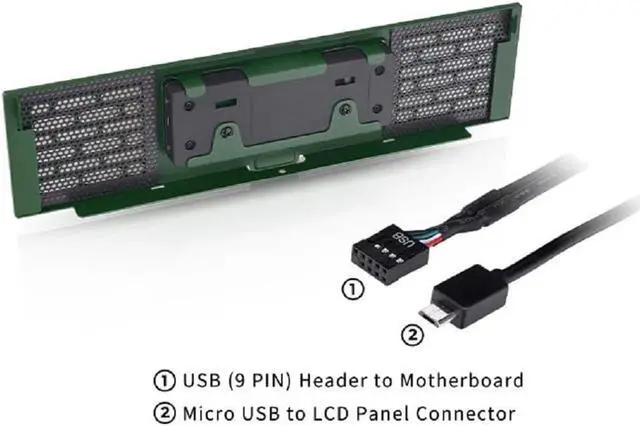
    Interface: Micro USB to USB (9 PIN);
    System Compatibility: Windows 10/11

    Warranty & Returns

    Warranty, Returns, And Additional Information

    Warranty

    • Please contact the Seller directly for warranty information. Warranty information may also be found on the Manufacturer's website.
    • CONTACT

    Return Policies

    • Return for refund within: 30 days
    • Return for replacement within: non-replaceable
    • This item is covered by Thermaltake Return Policy

    Manufacturer Contact Info

    LOADING...

    The Thermaltake Tower 200 Series Racing Green LCD Panel Kit is a 3.9-inch LCD accessory for the Tower 200 Mini chassis, suited to owners who want to personalize their build’s display using TT RGB Plus 2.0 software.

    Recommended For

    • Tower 200 owners building a desk-side showcase PC who want to replace the lower front panel with a display that matches the case.
    • PC builders who want glanceable CPU/GPU temperatures or load on the case, rather than relying only on an in-game or desktop monitoring overlay.
    • Owners who want to personalize a Tower 200 build with uploaded images or animated GIFs, and are comfortable configuring the display through TT RGB Plus 2.0.
    • Builders already using Thermaltake display-equipped components who want a matching visual element for a coordinated PC setup.

    Real-World Use Scenarios

    • While gaming or running demanding apps, use the Tower 200’s front display to glance at system temperatures and hardware load without opening a separate monitoring window.
    • When personalizing a Tower 200 build for a desk or showcase, upload a JPG or GIF to make the case display match the build’s theme.
    • For an always-visible glance at basic information, set the display to show the time or local weather instead of system stats.
    • If you want a compact dashboard for troubleshooting or demonstrations, show an active software window on the panel; a reviewer tested this with CPU-Z.
    • When assembling or upgrading a Tower 200, install the LCD panel as a front-panel replacement to add the display without changing the case.