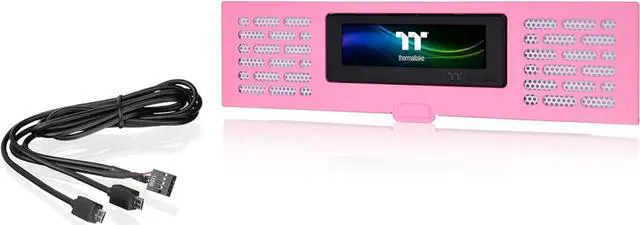
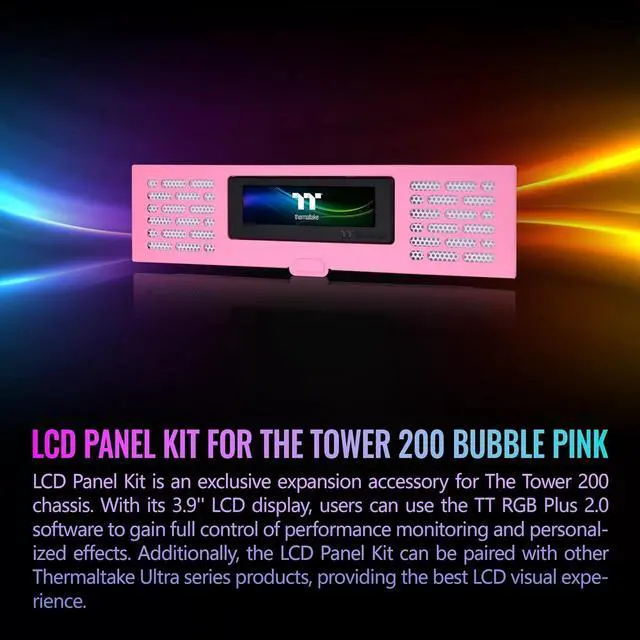
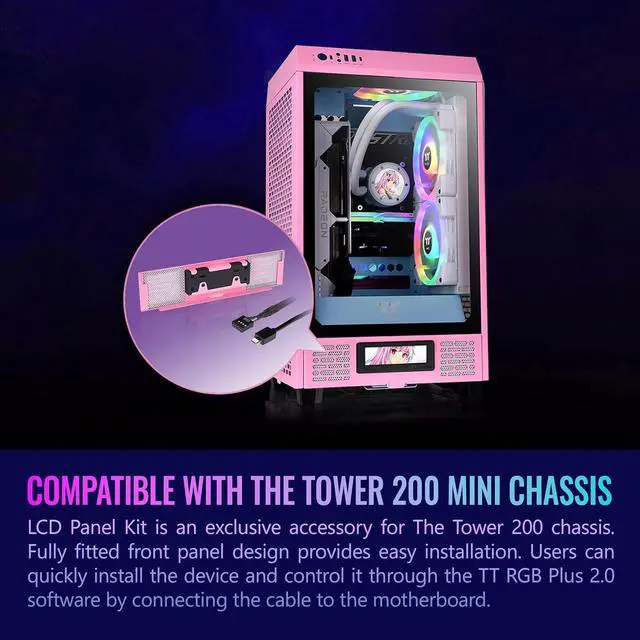
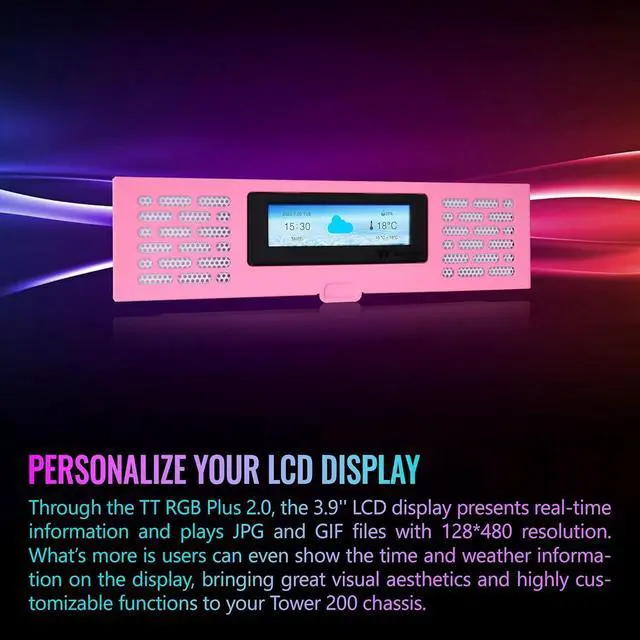
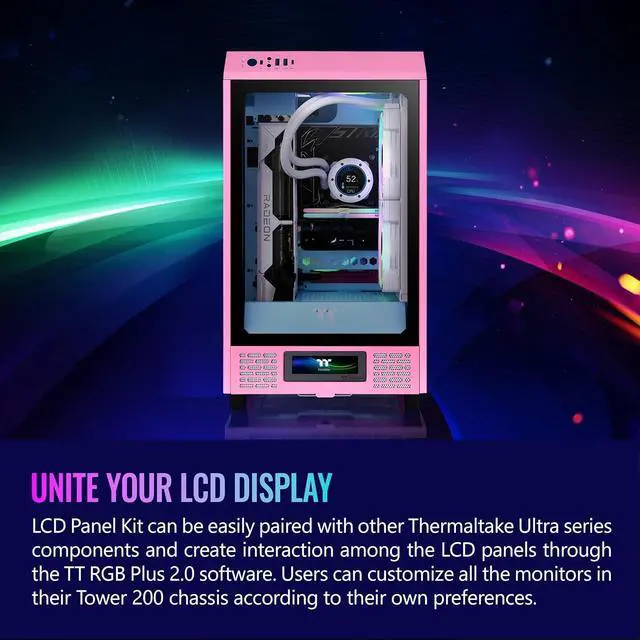
The Thermaltake Tower 200 Series Bubble Pink LCD Panel Kit is a 3.9-inch customizable display accessory for Tower 200 Mini Chassis owners who want to monitor system information and personalize their PC’s appearance using TT RGB Plus 2.0.
Recommended For
- Tower 200 Bubble Pink owners finishing a coordinated showcase build who want the replacement front panel to match the case and add a customizable visual feature.
- Desk-side PC builders who want to glance at selected temperatures, loads, or frequencies on the case instead of relying only on an on-screen overlay.
- PC showcase enthusiasts who want to display a custom image or GIF on the Tower 200 and are comfortable setting it up through Thermaltake’s TT RGB Plus 2.0 software.
- Builders already using compatible Thermaltake LCD components who want to coordinate or link display effects through TT RGB Plus 2.0.
Real-World Use Scenarios
- While gaming or running a demanding task, display system temperatures or load on the case so you can check key hardware status without opening a monitoring app or adding an on-screen overlay.
- When tuning a PC or checking how it behaves under load, show live temperatures or utilization on the case for a quick visual check; use a dedicated monitoring tool for more detailed diagnosis.
- For a themed or color-coordinated PC build, display a custom image or animated GIF on the front panel so the case appearance can match the user’s setup or personal style.
- When the PC is displayed on a desk or in a streaming setup, use the panel for a looping animation or other custom visual; it adds a personalized display without using a separate monitor.
- When building or refreshing a compatible Tower 200, replace the lower front panel with the LCD kit and connect it to the motherboard; the result is a built-in screen for system information or custom visuals.




 here!