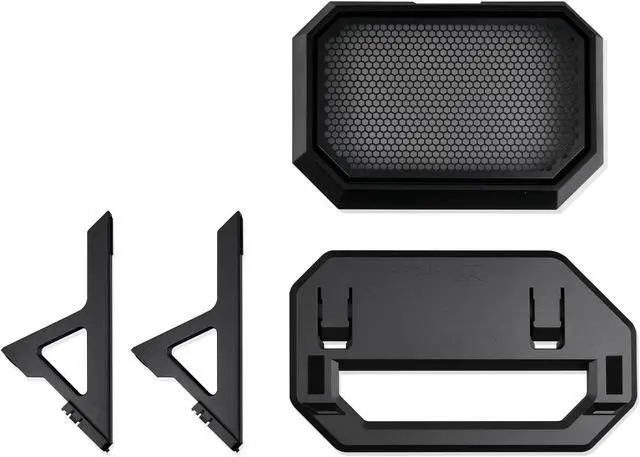
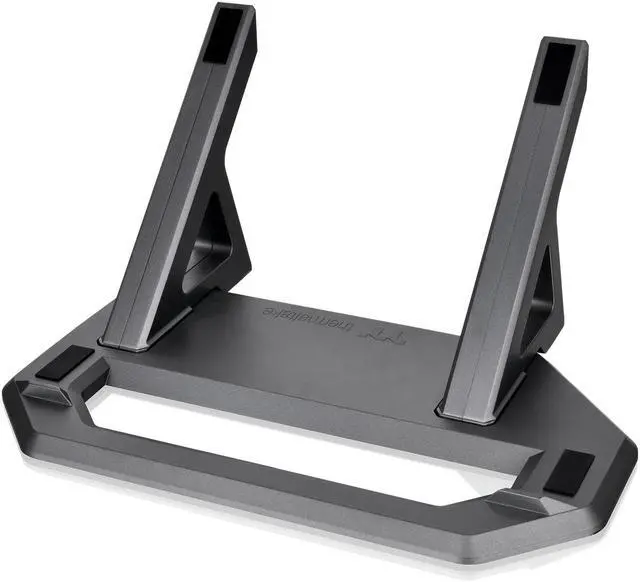
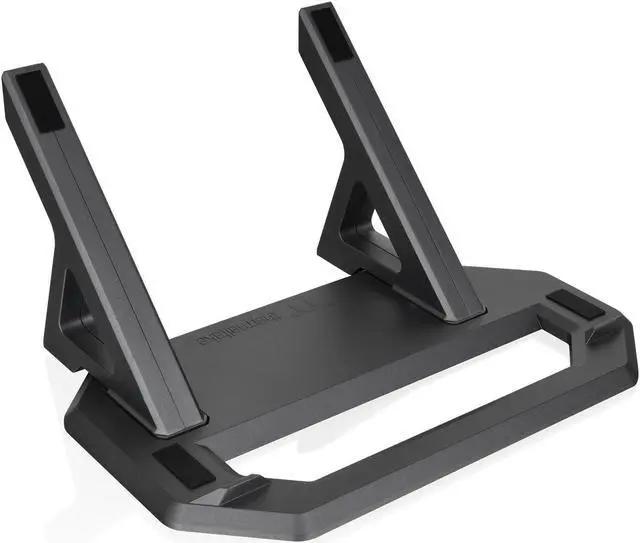
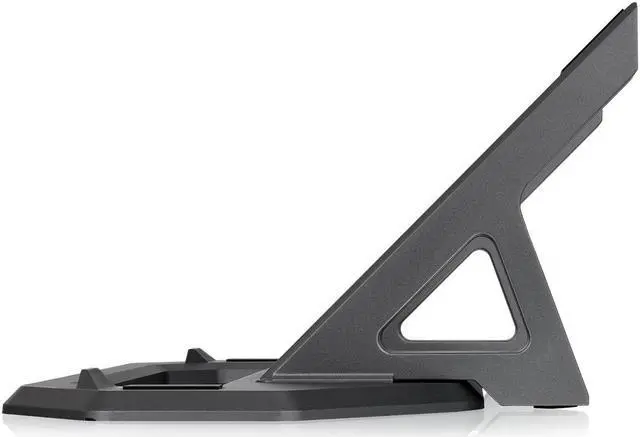
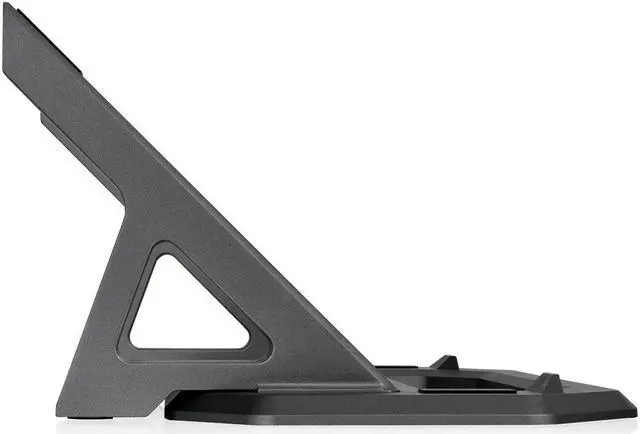
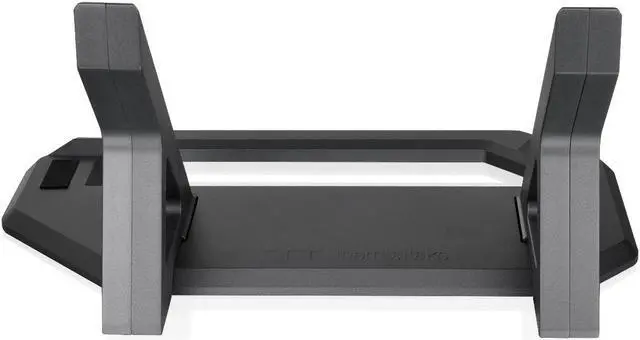
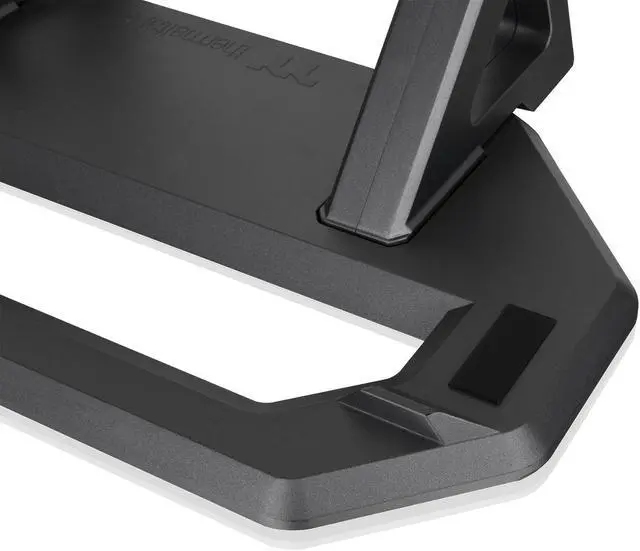
The Thermaltake Tower 600 Series Horizontal Display Chassis Support Stand is a stand kit for Tower 600 owners who want to display their case horizontally; it includes a bottom cover panel and an anti-slip, anti-scratch rubber pad.
Recommended For
- Tower 600 owners who want to display the case horizontally on a desk or in a showcase; the kit provides the stand and a replacement bottom cover for this placement.
- Tower 600 builders whose graphics-card cooler works better with the case horizontal; a professional review found the tested GPU ran much hotter upright and performed better laid down.
- PC builders who want the Tower 600’s components to be more visible in a horizontal showcase layout; the stand changes the case’s display orientation.
- Tower 600 owners who want a dedicated horizontal stand with a replacement bottom cover and dust filter rather than positioning the case without its intended stand kit.
Real-World Use Scenarios
- When a Tower 600 owner wants a horizontal display instead of the case’s default upright look, this kit provides the stand and replacement bottom panel needed to position the chassis on its side.
- When showcasing a Tower 600 build, users can lay the case horizontally to create a different view of the system; the stand’s rubber pads help protect the chassis finish during installation, and its anti-slip design helps keep the case in place.
- If a graphics card runs hotter in the Tower 600’s upright orientation, switching the case to horizontal may help with some GPU and cooler combinations; community reports describe temperature improvements, but results vary by card and build.
- When changing a Tower 600 with an AIO cooler to horizontal placement, users can check the radiator and pump positions as part of the setup; Thermaltake recommends keeping the radiator higher than the AIO pump.




 here!