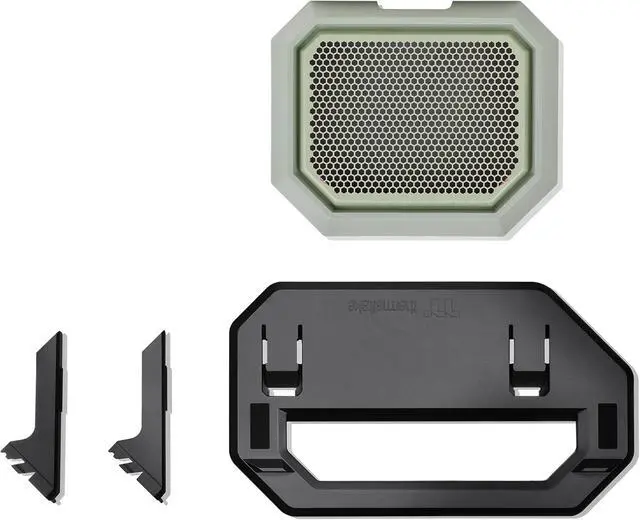
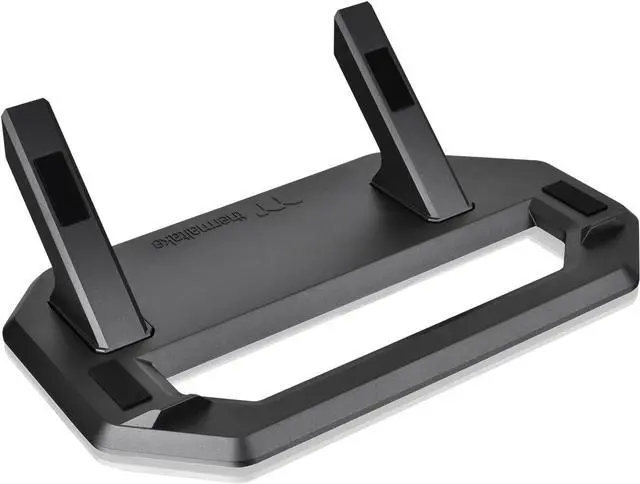
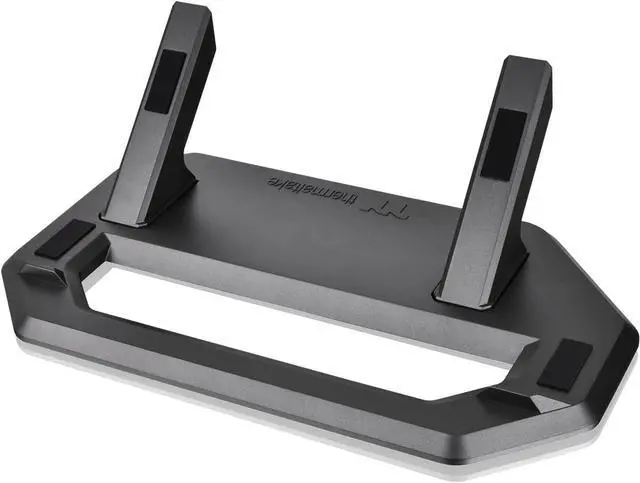
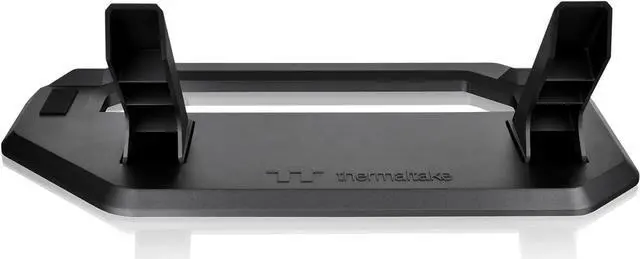
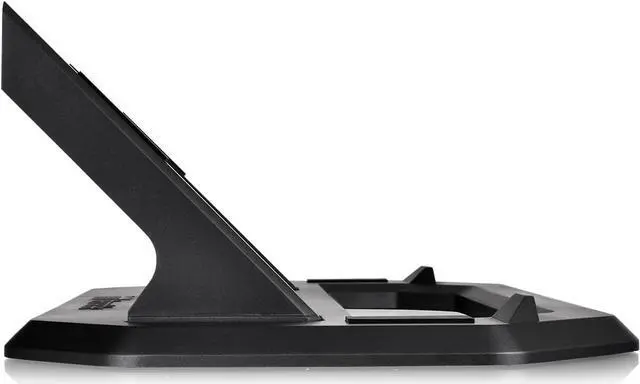
The Thermaltake Tower 300 Summer Edition Chassis Stand is an accessory for Tower 300 owners who want to place their case horizontally for a different viewing angle, with a display stand and bottom cover panel with dust filter included.
Recommended For
- Thermaltake Tower 300 owners who want to display the case horizontally; the stand provides an alternative orientation and includes a matching bottom cover panel with a dust filter.
- Showcase-focused builders who want a different view of their Tower 300’s components and are willing to trade some desk space for a horizontal display layout.
- Tower 300 owners whose graphics card has orientation-related temperature concerns and who want to test horizontal placement as a possible workaround; results depend on the specific GPU and setup.
Real-World Use Scenarios
- When you want the Tower 300’s internals to be viewed from a different angle on a desk or display surface, the stand lets you place the case horizontally and gives the build a distinct showcase look.
- If a graphics card runs unusually hot in a particular Tower 300 vertical setup, you can try the horizontal orientation as a troubleshooting option; some owners report improvement, but results depend on the specific GPU and build.
- When converting a Tower 300 from upright to horizontal display, the included bottom cover and dust filter provide a finished base for the new orientation and help keep dust from entering through that panel.
- For a color-coordinated PC display, you can pair the Matcha Plum stand with a compatible Tower 300 build; the horizontal setup changes how the case presents without changing its role as a PC chassis.
- When placing the case on a smooth desk or shelf, the stand’s non-slip pads help keep it from shifting during ordinary use, while the protective pads help avoid scuffing the case during installation.




 here!