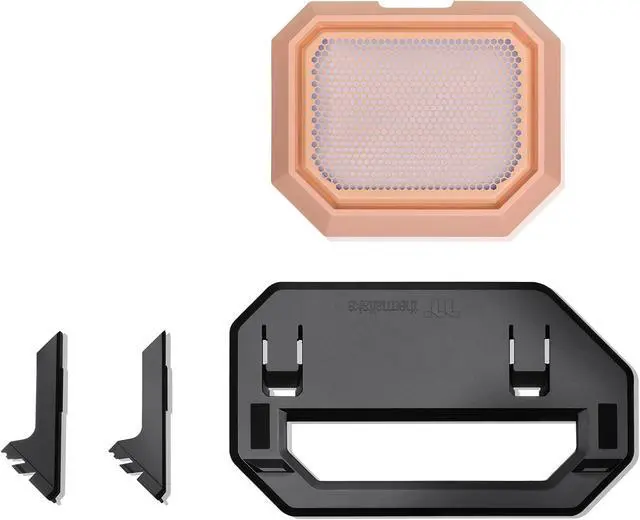
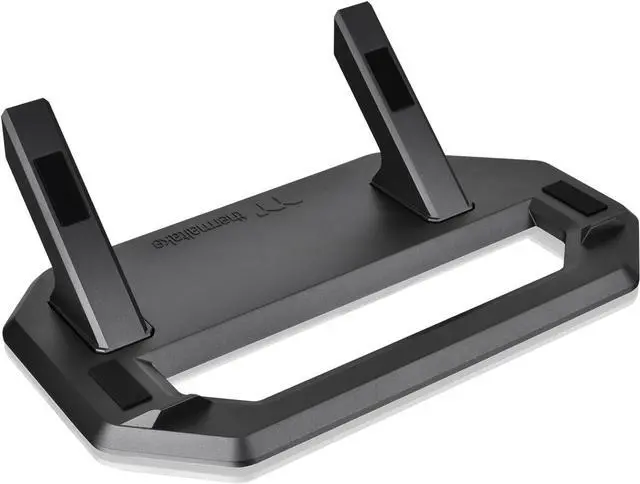
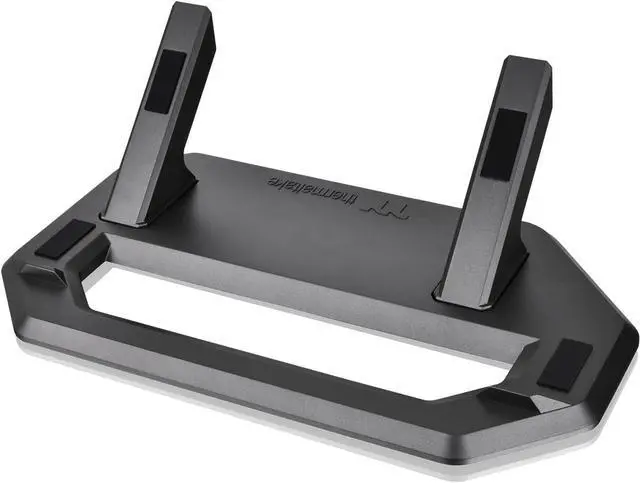
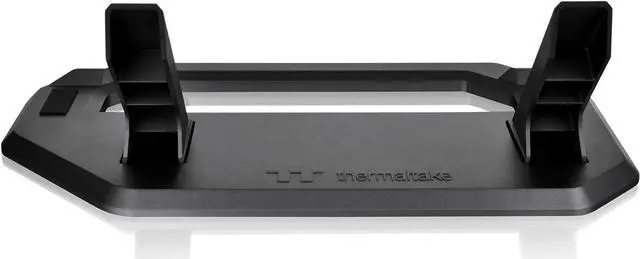
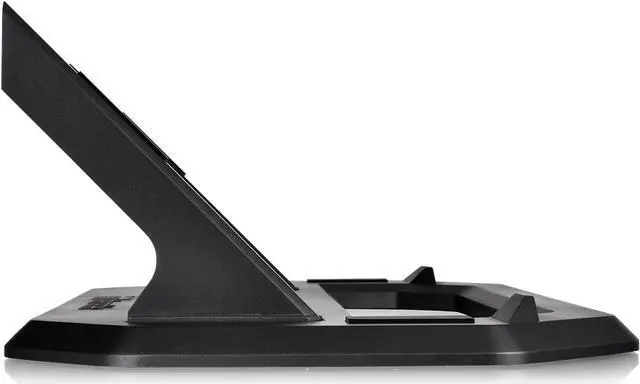
The Thermaltake Tower 300 Summer Edition chassis stand lets Tower 300 owners position their case horizontally for a different display angle, with a bottom cover panel and dust filter included.
Recommended For
- Tower 300 owners who want to display the case horizontally; the kit provides the stand and matching bottom cover panel for that orientation.
- Tower 300 owners whose graphics card runs unusually hot in the case’s vertical orientation and who want to try horizontal placement; community reports describe temperature improvements for some builds, but results vary by GPU and setup.
- PC builders with enough desk or display-shelf space who prefer the Tower 300’s horizontal presentation; a review notes that this orientation takes up more space than vertical placement.
- Tower 300 owners who want the case supported on anti-scratch, non-slip pads and a bottom cover panel with a dust filter when displaying it horizontally.
Real-World Use Scenarios
- When a Tower 300 owner wants the PC’s glass-panel build displayed in a different orientation, the stand lets them place the case horizontally for a distinct showcase look; allow for the larger desk footprint noted by a reviewer.
- If a particular graphics card runs unusually hot in the Tower 300’s upright position, an owner can try horizontal placement as a troubleshooting step; some community members report lower temperatures, but results vary by GPU and are not guaranteed.
- For a Peach Fuzz Tower 300 build, a matching-color stand kit supports a coordinated horizontal setup, while the included replacement bottom cover gives the case a finished appearance in that orientation.
- When placing the Tower 300 horizontally, the included bottom cover’s dust filter helps protect the case, and the stand’s pads help protect the chassis finish and keep it from slipping during use.




 here!