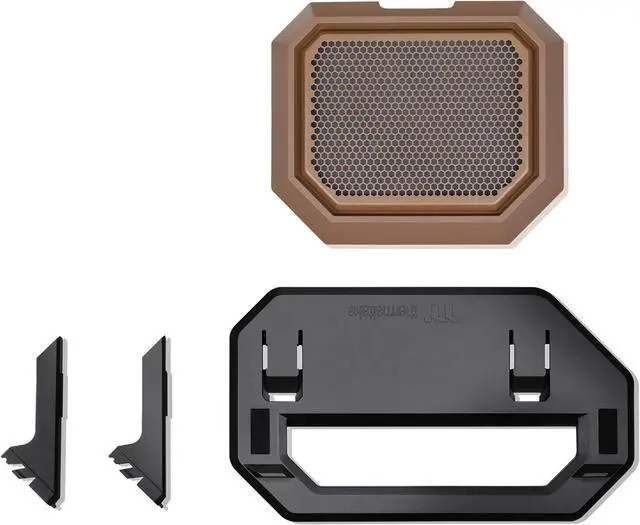
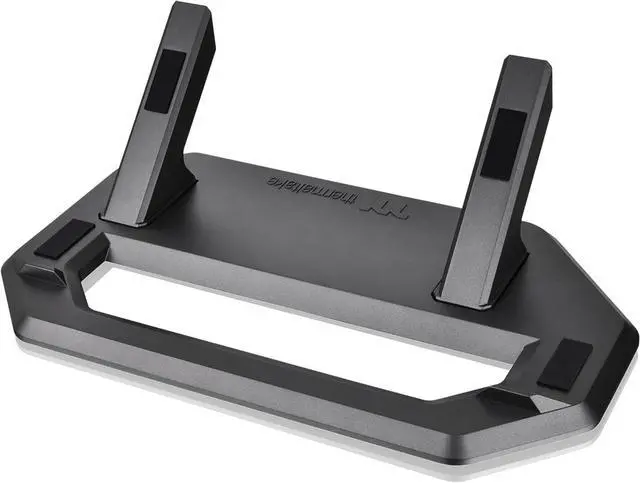
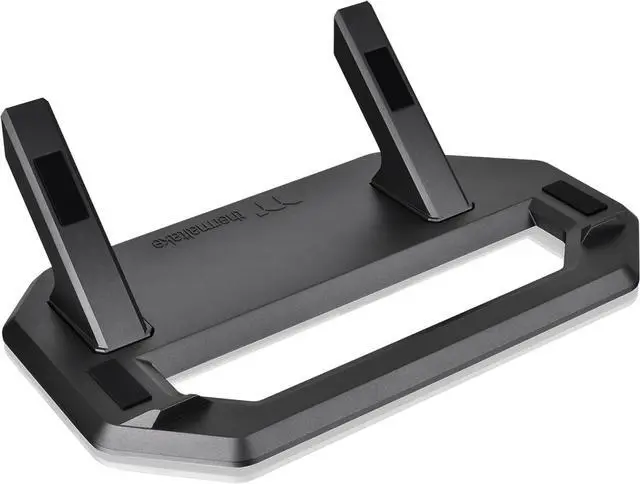
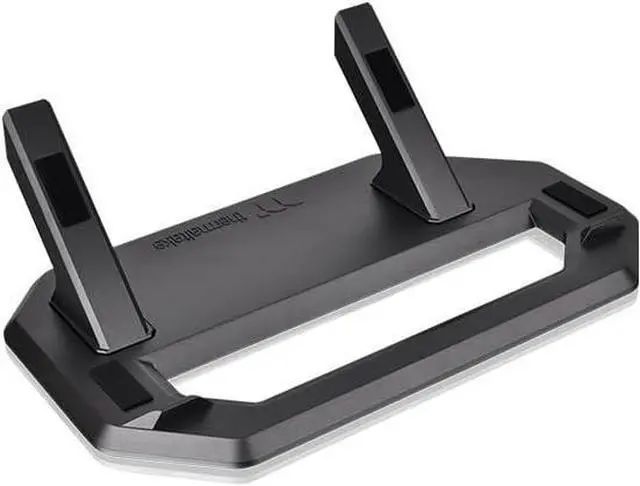
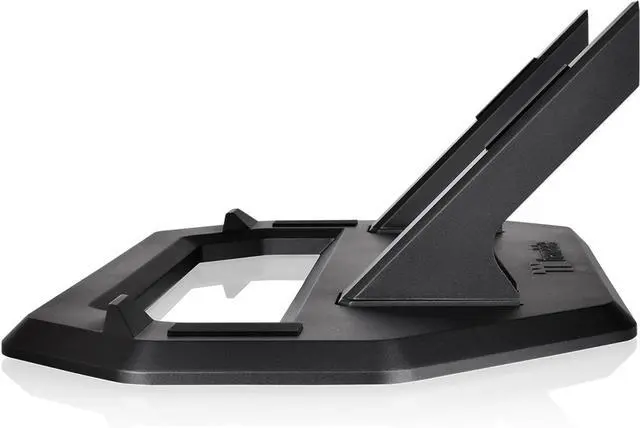
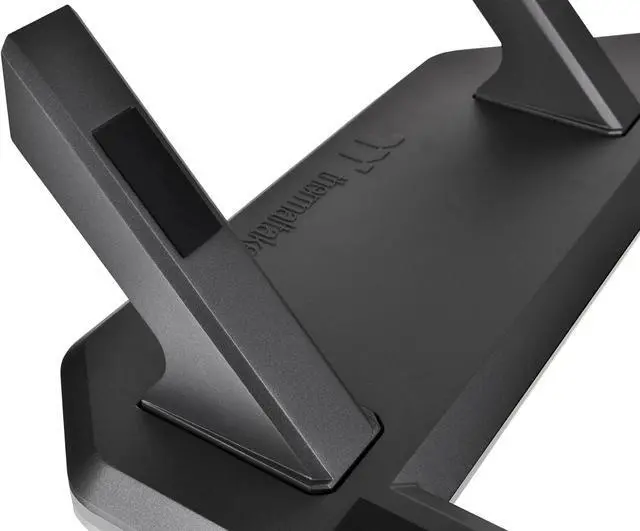
The Thermaltake Tower 300 Series Horizontal Display Chassis Support Stand in Gravel Sand lets Tower 300 owners position their case horizontally for a different display setup, with a stand and bottom cover panel with dust filter.
Recommended For
- Thermaltake Tower 300 owners who want to display the case horizontally; the kit provides the stand and replacement bottom panel for that orientation.
- PC builders creating a showcase-style desk setup who prefer the Tower 300’s horizontal look; reviewers describe the case as a component-display chassis and confirm the stand enables this orientation.
- Tower 300 owners whose graphics card has orientation-related temperature concerns and want to test a horizontal setup; some owners report improvement, but results vary by build and GPU.
- Tower 300 owners who want to change the case’s presentation without replacing the chassis; Thermaltake describes the stand as an optional horizontal-placement accessory.
Real-World Use Scenarios
- When a Tower 300 owner wants the PC’s glass panels and components to be viewed from a different angle, the stand enables a horizontal display; reviewers note that this gives the case a noticeably different look.
- For a desk or shelf layout that favors a low, wide presentation, the stand lets the Tower 300 sit horizontally; plan for it to use more surface area than it does upright.
- When an owner wants to change the orientation of an existing Tower 300 build, the kit provides the stand and replacement bottom cover needed for horizontal placement, rather than requiring a different case.
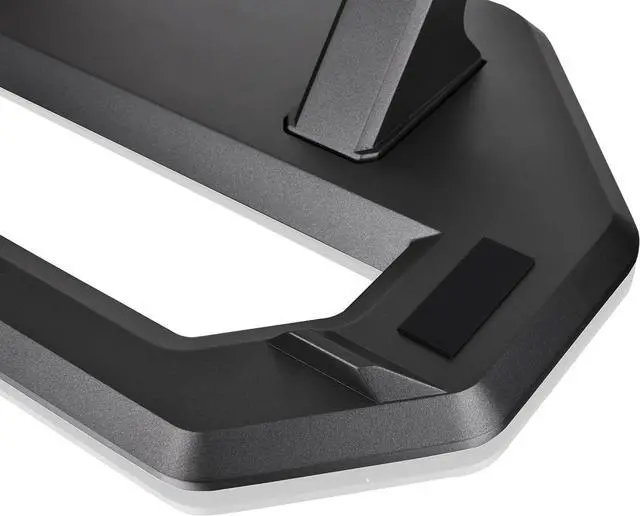
- When placing the horizontally oriented case on a hard desk or shelf, the stand’s rubber pads are intended to help protect the finish from scratches and reduce slipping during use.
- For a horizontal build with an AIO cooler, check radiator placement before settling the case into position: Thermaltake recommends placing the radiator higher than the pump.




 here!