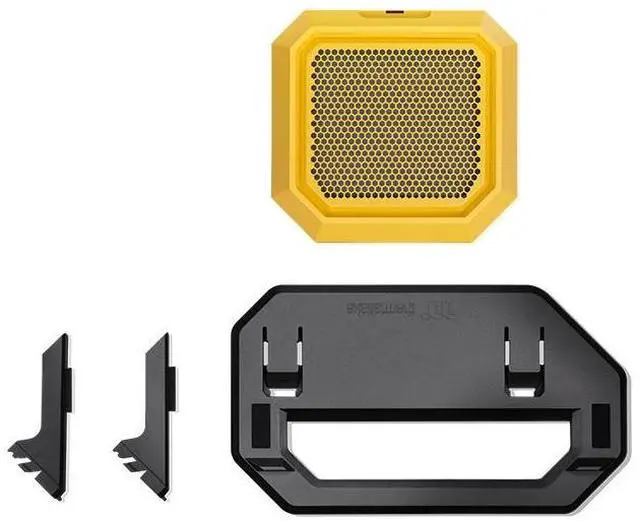
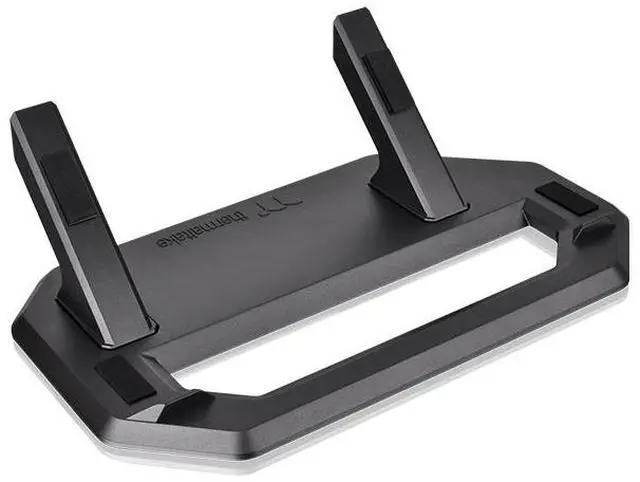
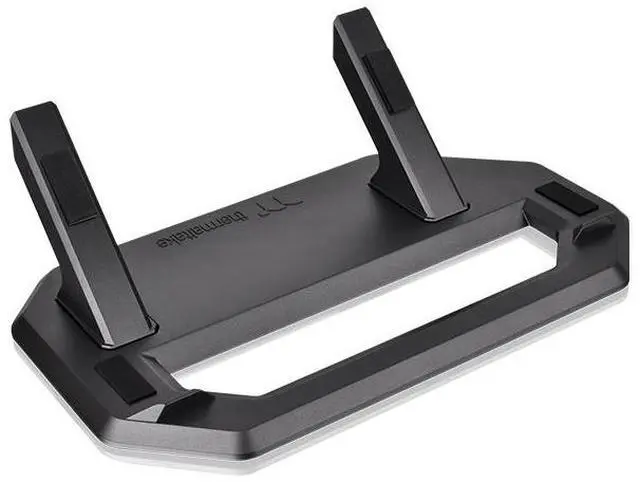
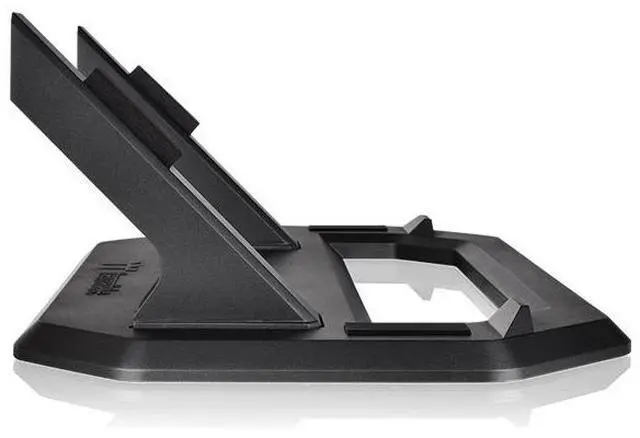
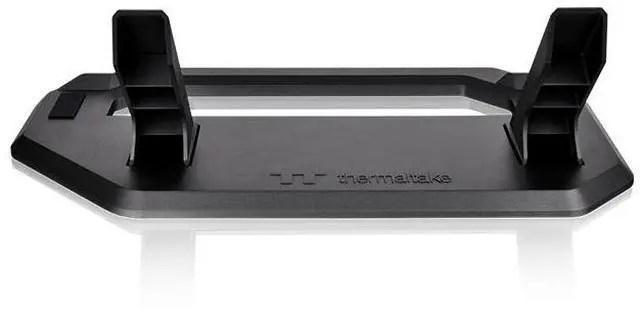
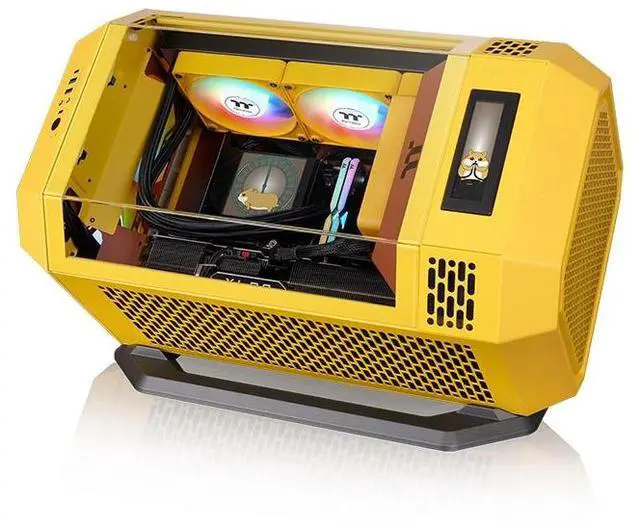
The Thermaltake Tower 250 Chassis Stand in Butter Caramel is a display accessory for Tower 250 owners who want to position their chassis horizontally; it includes a replacement bottom cover panel with a removable dust filter.
Recommended For
- Tower 250 owners who want to display the case horizontally as a visible part of a desk or showcase build; the stand is designed for that orientation.
- Tower 250 builders experimenting with horizontal GPU orientation, including users whose graphics card runs hotter upright; community reports suggest results can vary by build.
- Tower 250 owners who want a replacement bottom cover with a dust filter when switching from the case’s original feet to the horizontal stand.
- Showcase-focused builders who want the horizontal setup held in place and the case finish protected by the stand’s anti-slip and rubber-pad design.
Real-World Use Scenarios
- When a Tower 250 owner wants the build to stand out on a desk or display shelf, the kit lets them present the case horizontally for a different view of its glass panels and components.
- When changing a desk setup or room layout, a user can switch the Tower 250 from its usual vertical position to horizontal; they should check that the surface has enough room for the stand and case.
- During routine dust maintenance, the user can remove and clean the filter attached to the replacement bottom cover, helping keep dust from accumulating at that intake area.
- When placing the case on a desk or other finished surface, the stand’s rubber pads help protect the chassis from scratches, while its raised features help limit unwanted slipping.
- When setting up a liquid-cooled Tower 250 horizontally, the user should check radiator and pump placement before powering on; Thermaltake recommends positioning the radiator higher than the AIO pump.




 here!