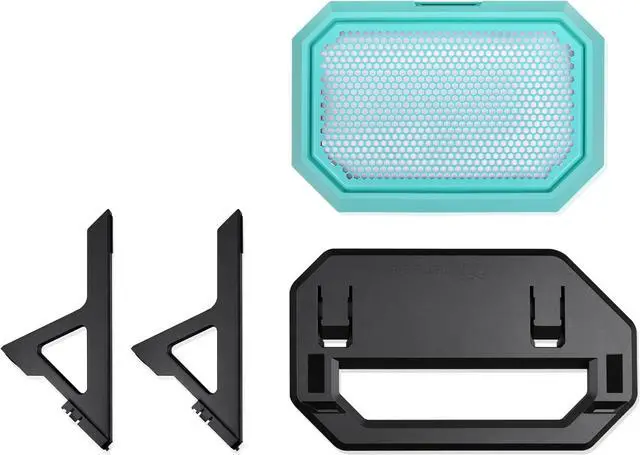
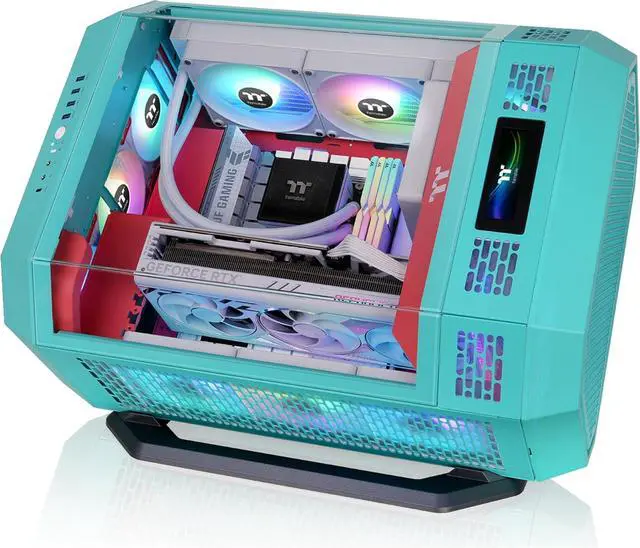
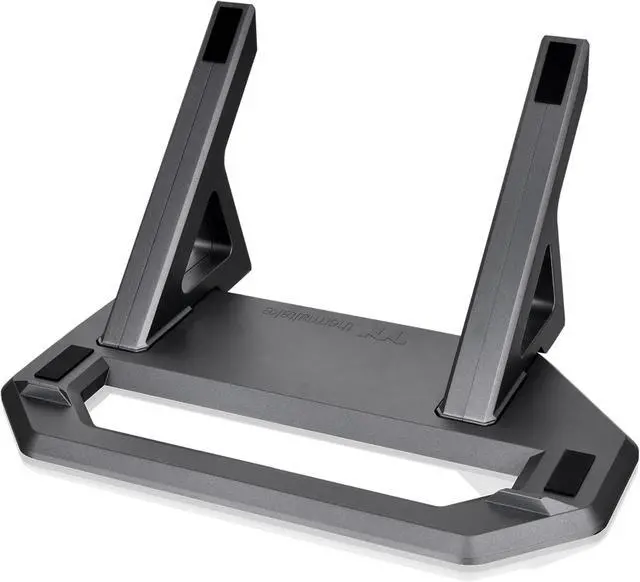
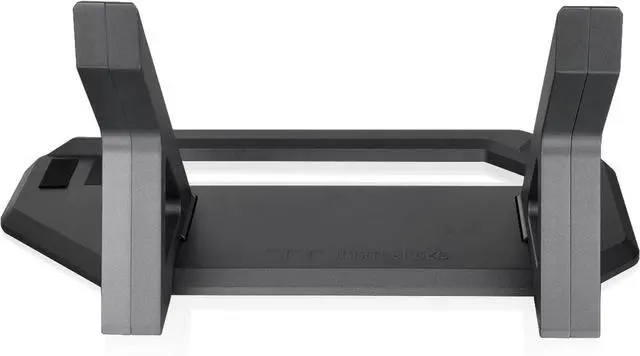
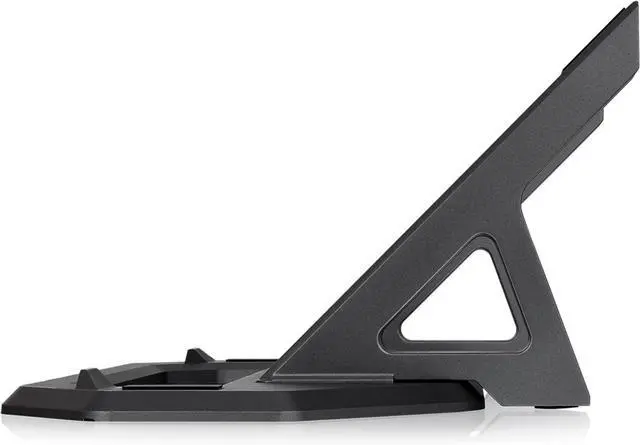
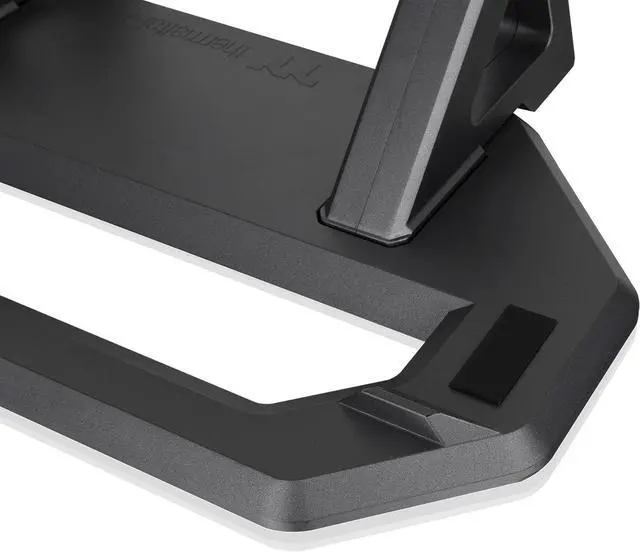
The Thermaltake Tower 600 Chassis Stand Kit in Mint Strawberry is a display accessory for Tower 600 owners who want to show their case horizontally, with a stand and replacement bottom cover designed for a secure fit.
Recommended For
- Tower 600 owners who want to display the case horizontally on a desk or shelf; the kit provides a display stand and a replacement bottom cover for that orientation.
- PC builders who want the Tower 600’s horizontal position to be a deliberate part of their build’s visual display, rather than keeping the case upright.
- Tower 600 owners whose setup or graphics-card cooling needs make horizontal placement worth considering; community discussions describe using the stand to change the case orientation, though results can depend on the specific GPU and build.
- Tower 600 owners who want a removable dust filter as part of the horizontal setup to make routine cleaning more convenient.
Real-World Use Scenarios
- When showcasing a Tower 600 build on a desk or in a gaming room, users can lay the case horizontally for a different view of the glass panels and components; the stand provides a dedicated display position.
- When a room or desk setup works better with the case laid on its side, owners can switch from the Tower 600’s upright arrangement to horizontal placement; check the available width and depth, since the horizontal layout changes how much desk or shelf space the case occupies.
- If a graphics card’s cooling behavior is affected by the Tower 600’s upright orientation, users may try the stand’s horizontal layout as an alternative; results depend on the specific GPU and cooler, so it is not a guaranteed temperature fix.
- When placing the case horizontally on a desk or shelf, the stand’s raised stops help keep it from shifting, while its rubber pads help protect the chassis finish where it contacts the stand.
- For routine dust upkeep in the horizontal setup, users can remove and clean the filter attached to the replacement bottom cover, then reinstall it.




 here!