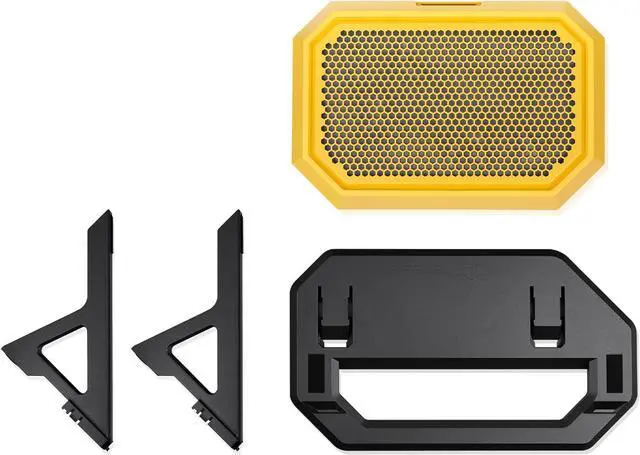
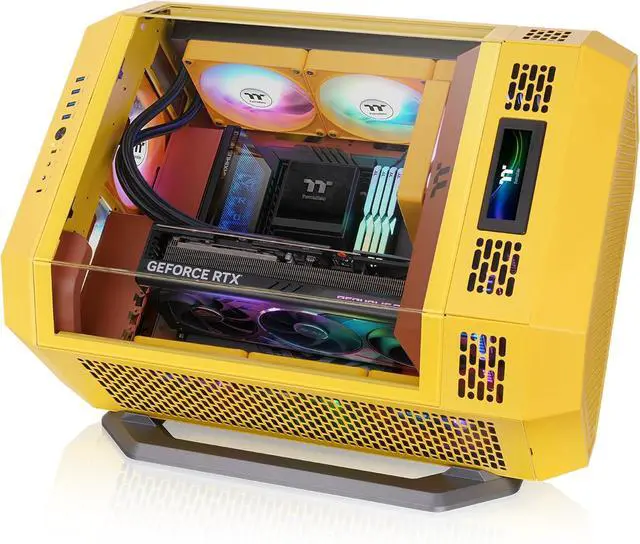
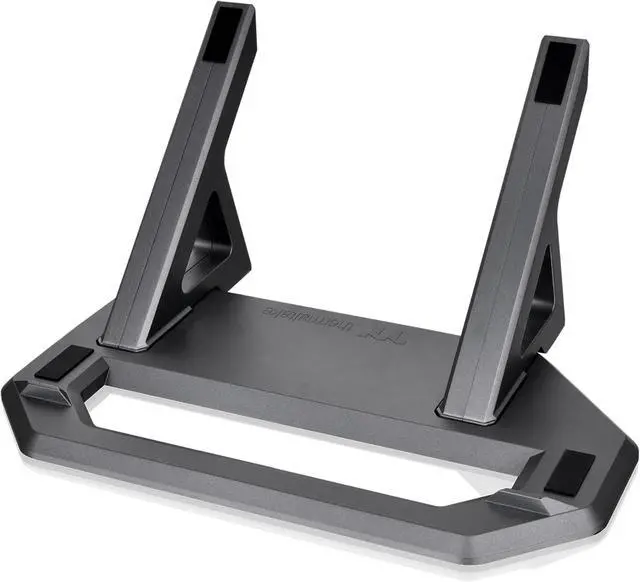
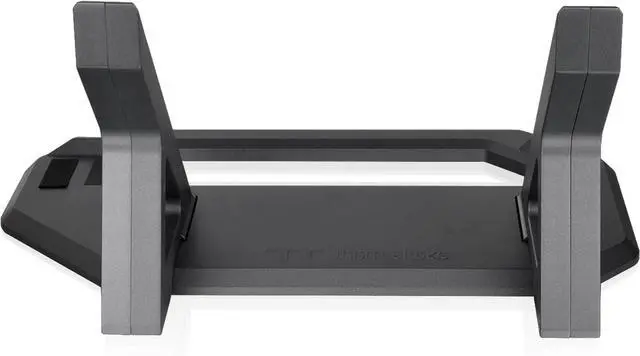
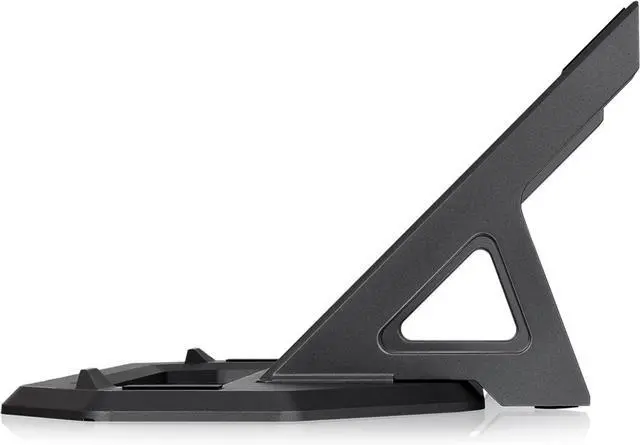
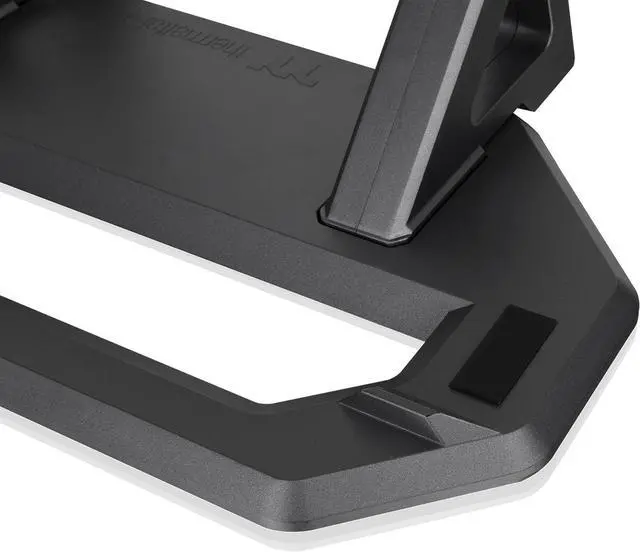
The Thermaltake Tower 600 Chassis Stand Kit in Butter Caramel lets Tower 600 owners display their case horizontally, with a matching stand and replacement bottom cover for a coordinated setup.
Recommended For
- Tower 600 owners who want to display the case horizontally; the kit provides the stand and replacement bottom cover for that layout.
- Tower 600 builders creating a showcase setup who prefer the case’s horizontal presentation over its standard vertical look.
- Tower 600 owners considering horizontal placement after their specific graphics card runs hot in the case’s vertical layout; community reports suggest results vary by GPU, so check the exact card rather than treating the stand as a guaranteed cooling fix.
Real-World Use Scenarios
- When a Tower 600 owner wants the build to stand out on a desk or in a display area, the kit lets them lay the case horizontally and show it from a different angle; the replacement bottom cover gives the case a finished look in this orientation.
- If a graphics card has orientation-sensitive cooling or runs unusually hot in the Tower 600’s upright layout, a user can try the horizontal setup; reported results vary by card, so the stand should not be treated as a guaranteed temperature fix.
- For a setup with limited vertical clearance but enough room on a wider surface, placing the Tower 600 horizontally may make it easier to fit; check the available footprint, since the case still needs substantial desk space.
- When dust builds up beneath the horizontally displayed case, the owner can remove and clean the bottom panel’s dust filter as part of routine maintenance.
- When installing the stand or adjusting the case’s position, the rubber contact pads and stand’s anti-slip features help protect the chassis finish and reduce unwanted movement while it rests on the stand.




 here!